What’s new
- Previously missing marine species are now covered by search (e.g. sea snakes, nudibranchs and comb jellies)
- Pins on the sightings map are now properly grouped by species
- Fixed the sightings map flashing repeatedly when opened
Updated Sep 22, 2026
Identify marine species on the spot and keep a personal sightings life list
F-Droid repository metadata
Marlin: Marine Species ID & Life List
Ever spotted a fish, ray, or jellyfish while diving or snorkeling and wondered what it was? Marlin helps you identify marine life on the spot, learn more about it, and build your own personal life list of every species you encounter.
Spot it, look it up, and add it to your life list — built for everything that lives in the ocean.
WHAT YOU CAN DO
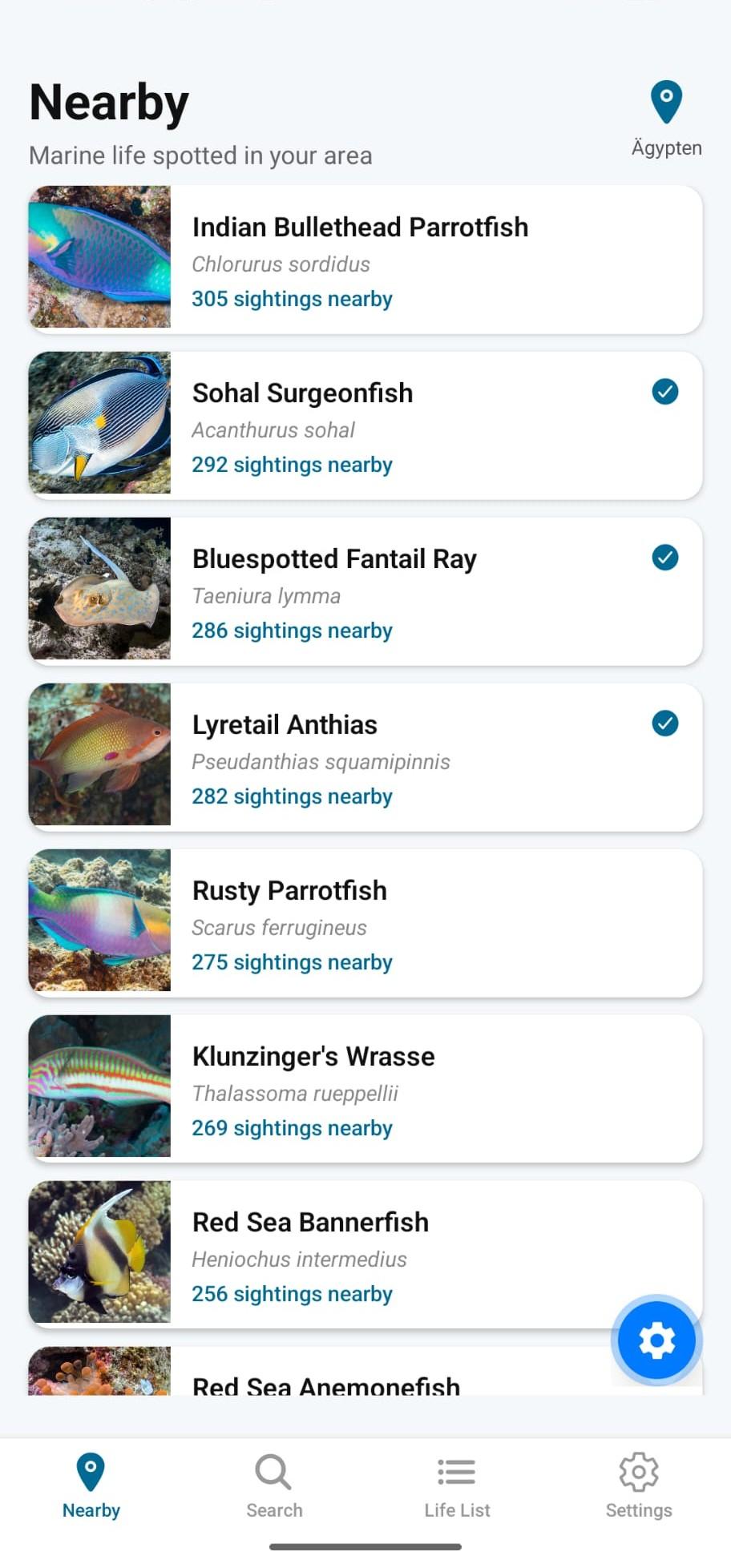
Identify species near you See which marine species are commonly recorded near your current location, or anywhere you choose, powered by real observation data from the iNaturalist community.
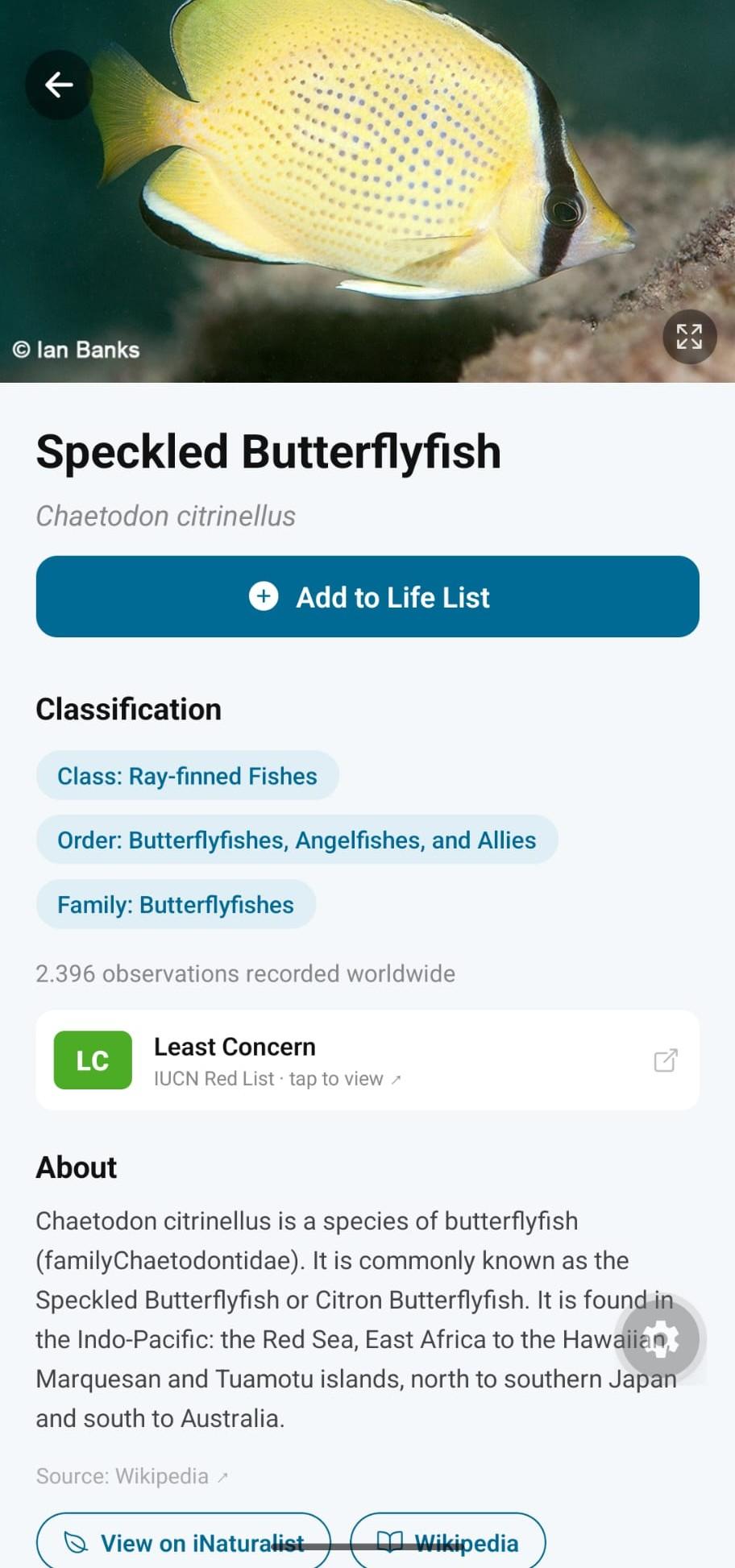
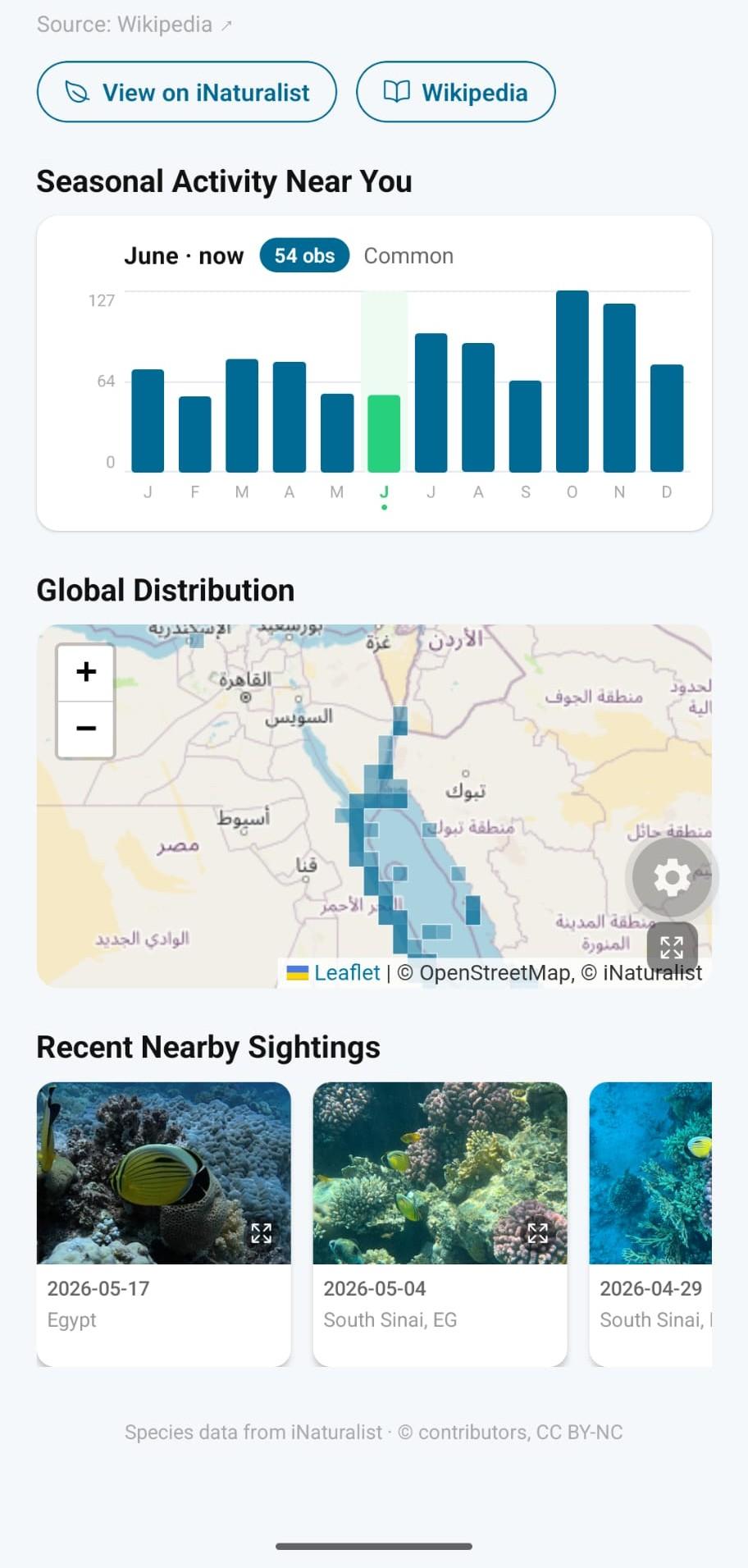
Search and learn Look up any marine species by name, or explore by classification, tapping through families and groups to discover related species. Each species page brings together photos, a range map, a seasonality chart, a Wikipedia summary, and IUCN Red List conservation status.
Build your life list Log every sighting with notes, photos, and a precise location. Your life list keeps a running record of every species you've encountered, ready to revisit any time.
See your sightings on a map "My Map" plots every sighting you've logged, color-coded by group (fish, sharks and rays, mollusks, jellyfish, marine mammals, and more), so you can see where and what you've found at a glance.
Make it yours Choose a light, dark, or system theme, and set a manual location for logging sightings from a past trip.
PRIVACY BY DESIGN
Marlin doesn't ask you to create an account. There is no tracking, no analytics, and no advertising. Your life list, photos, and notes stay on your device, under your control, with manual export/import whenever you want it.
Whether you're a diver, snorkeler, beachcomber, or simply curious about what's living in the water near you, Marlin turns every encounter into something you can identify, learn from, and remember.
- Previously missing marine species are now covered by search (e.g. sea snakes, nudibranchs and comb jellies)
- Pins on the sightings map are now properly grouped by species
- Fixed the sightings map flashing repeatedly when opened
Recent approved comments · sorted by newest
View all comments