
Quick answer
Unofficial client for Sapienza University's InfoStud
F-Droid repository metadata
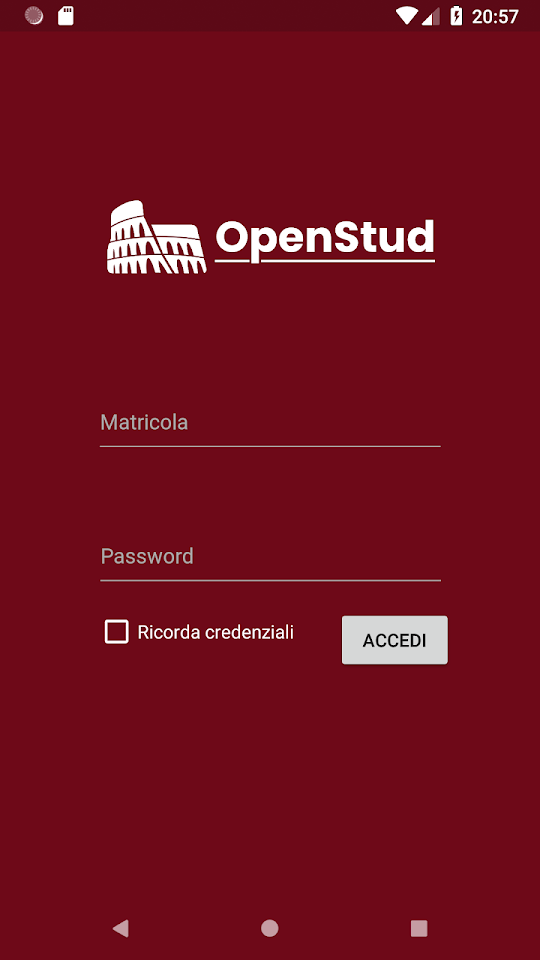
OpenStud is a native, opensource and unofficial client for Sapienza University's InfoStud. The app implements all the features for managing your student account while at the same time providing an appealing UI.
In particular, it allows to:
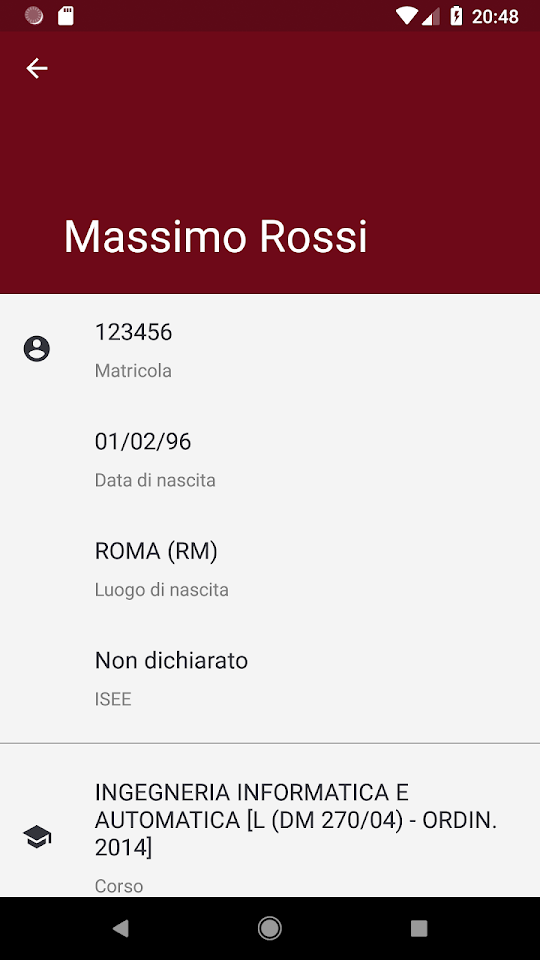
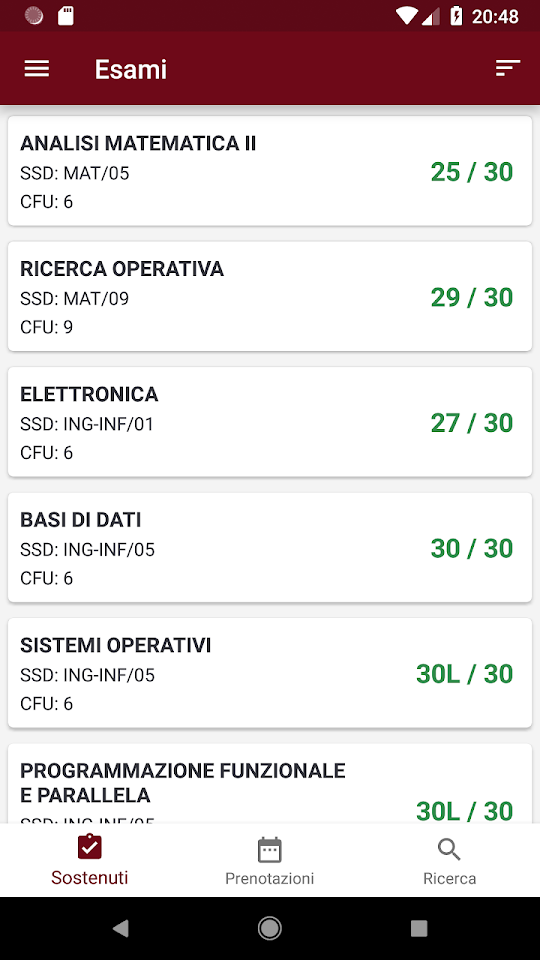
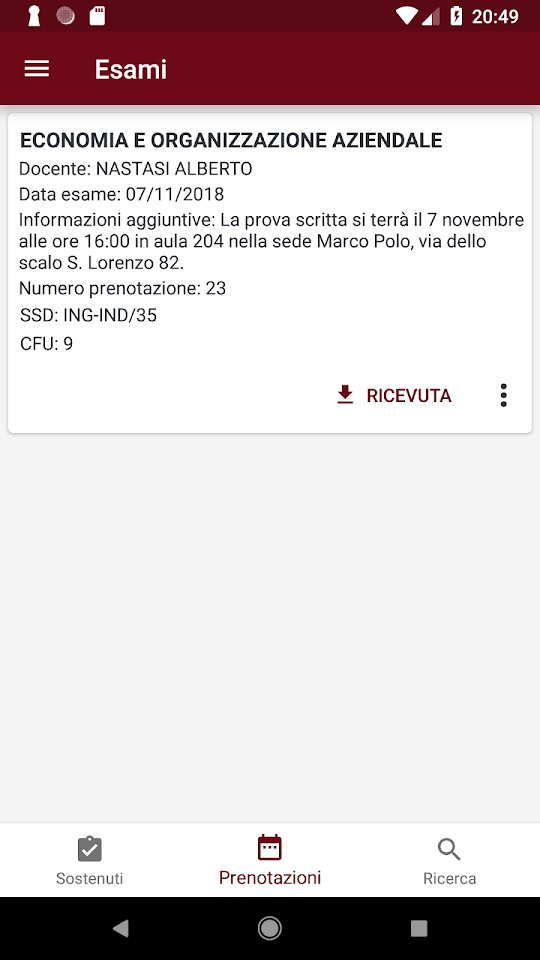
* Manage your profile. * Manage exam reservations. * See the results of the exams passed. * Download and view the reservation receipts. * View statistics (GPA, ECTS and much more) and "forecast" the trend by entering the future results of your exams manually. * See the taxes generated but still unpaid and those paid. * Find a classroom and provide some info like the lesson that is taking place in it, the position or the timetable. * See a calendar with date of exams and lessons all in one place. * See the most recent news from the university and the events that will take place. * Read your webmail * Access your student card * Compile OPIS survey to express the student's opinion on the courses. * Add widgets to your device's homescreen with to easily check your statistics or upcoming exams.
Screenshots
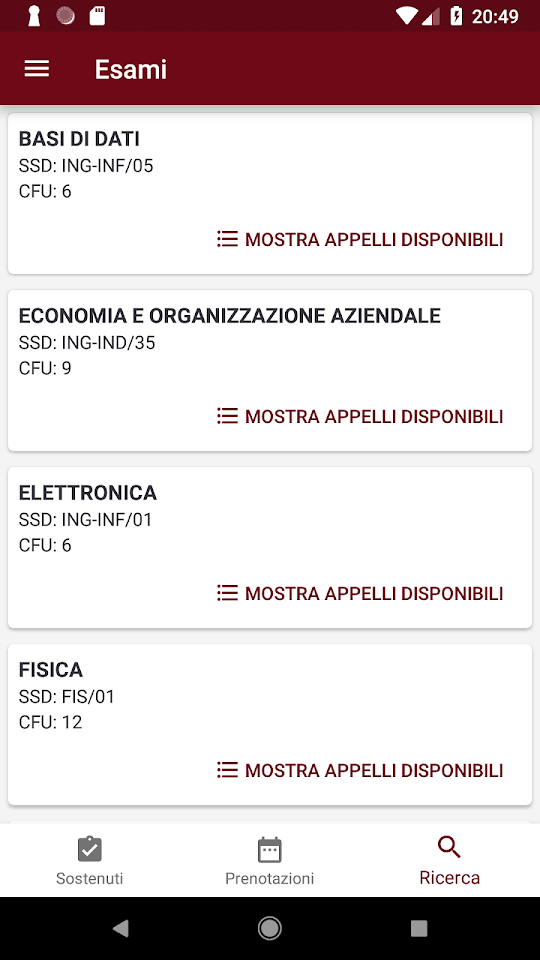

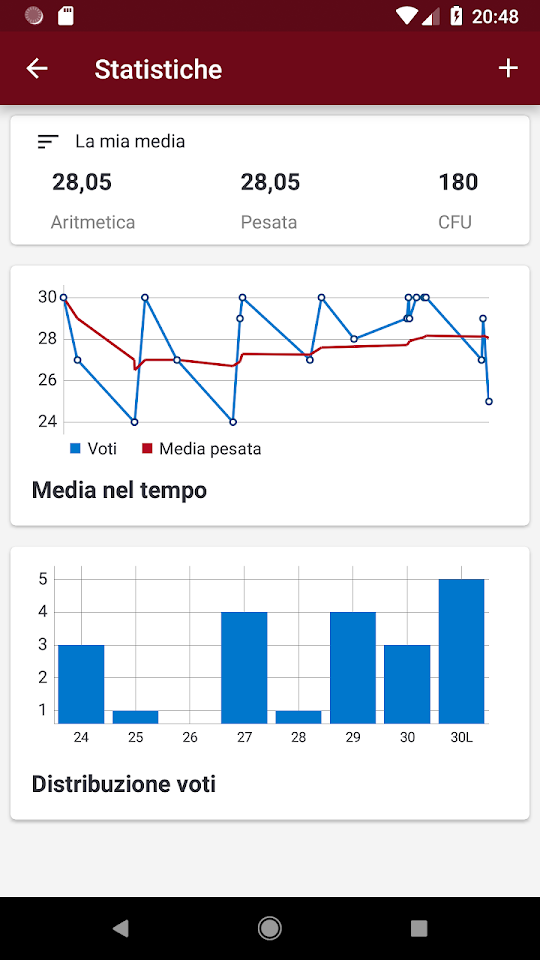
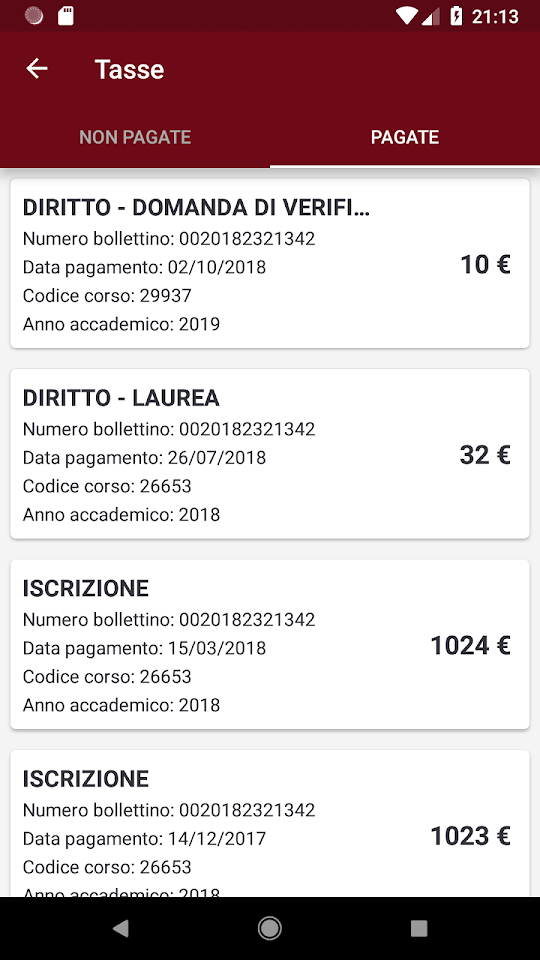
How to install
- Download the APK from the button at the top of this page.
- Allow “Install unknown apps” for your browser or file manager only, not for every app.
- Open the downloaded file and confirm the installation.
- If installation fails with “App not installed,” remove an earlier build of the same app first. A signature conflict is the usual cause.
Data safety
- Every file is checked against its published SHA-256 before it is listed.
- Files are scanned for malware on every update.
- The permissions each app requests are listed on its own page.
- Read the full safety policy for how we test, flag, and delist files.
Comments
Recent approved comments · sorted by newest
View all comments