What’s new
- Fixed author metadata
- Added version sync tool
- Save watering presets
- Fixed language selector bugs

Updated Sep 22, 2026
Track indoor gardens, plant schedules, and hardware entirely offline.
F-Droid repository metadata
Calyx tracks indoor garden environments, plant schedules, and hardware. Commercial alternatives lock features behind cloud subscriptions and isolate data from local smart devices. Calyx stores its 30,000-strain database entirely offline and integrates directly with Home Assistant to control grow room sockets without a monthly fee.
Environment and hardware control
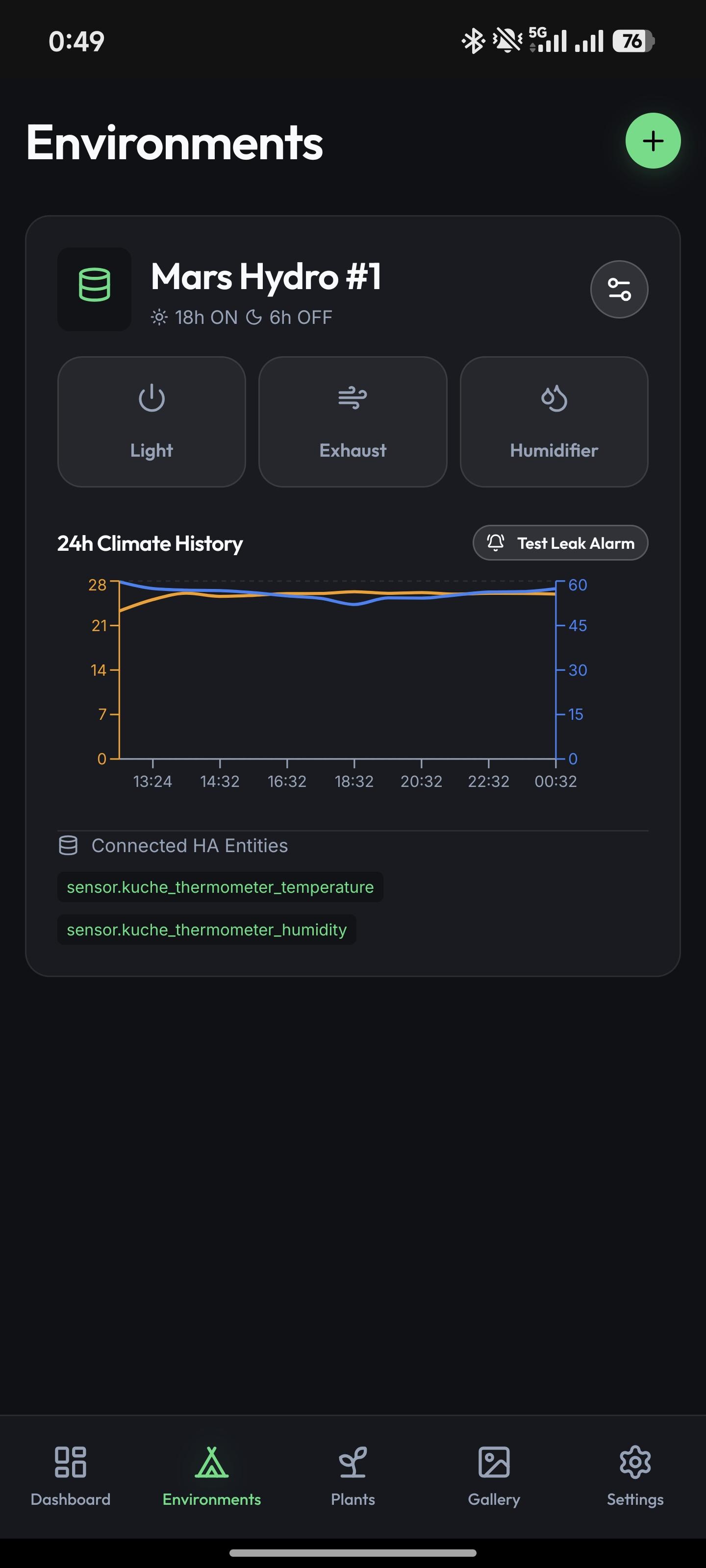
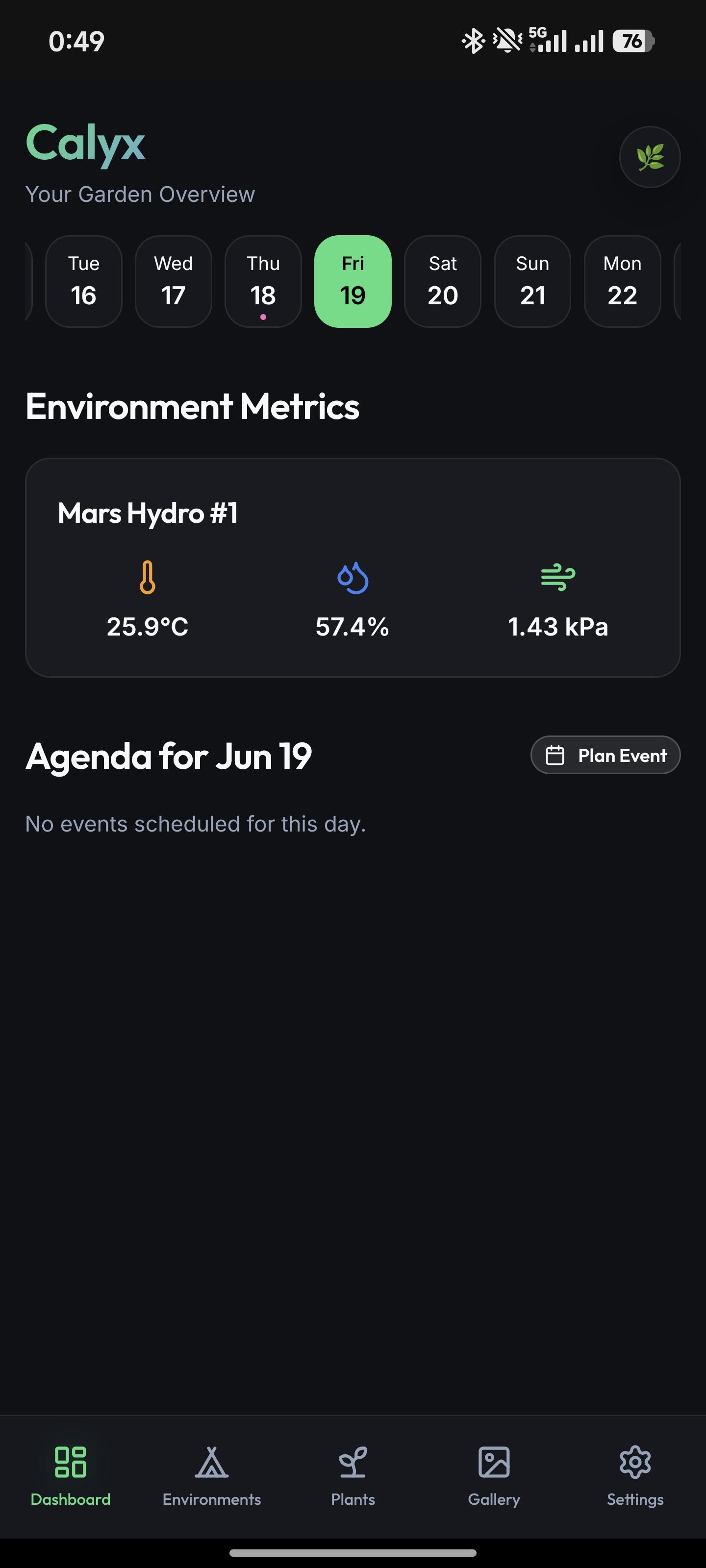
The application queries the Home Assistant REST API to display temperature, relative humidity, and Vapor Pressure Deficit (VPD). Users toggle smart sockets directly from the application interface. Calyx also monitors for light bleed during scheduled dark periods and pushes an alert if it detects illumination.
Plant and tent management
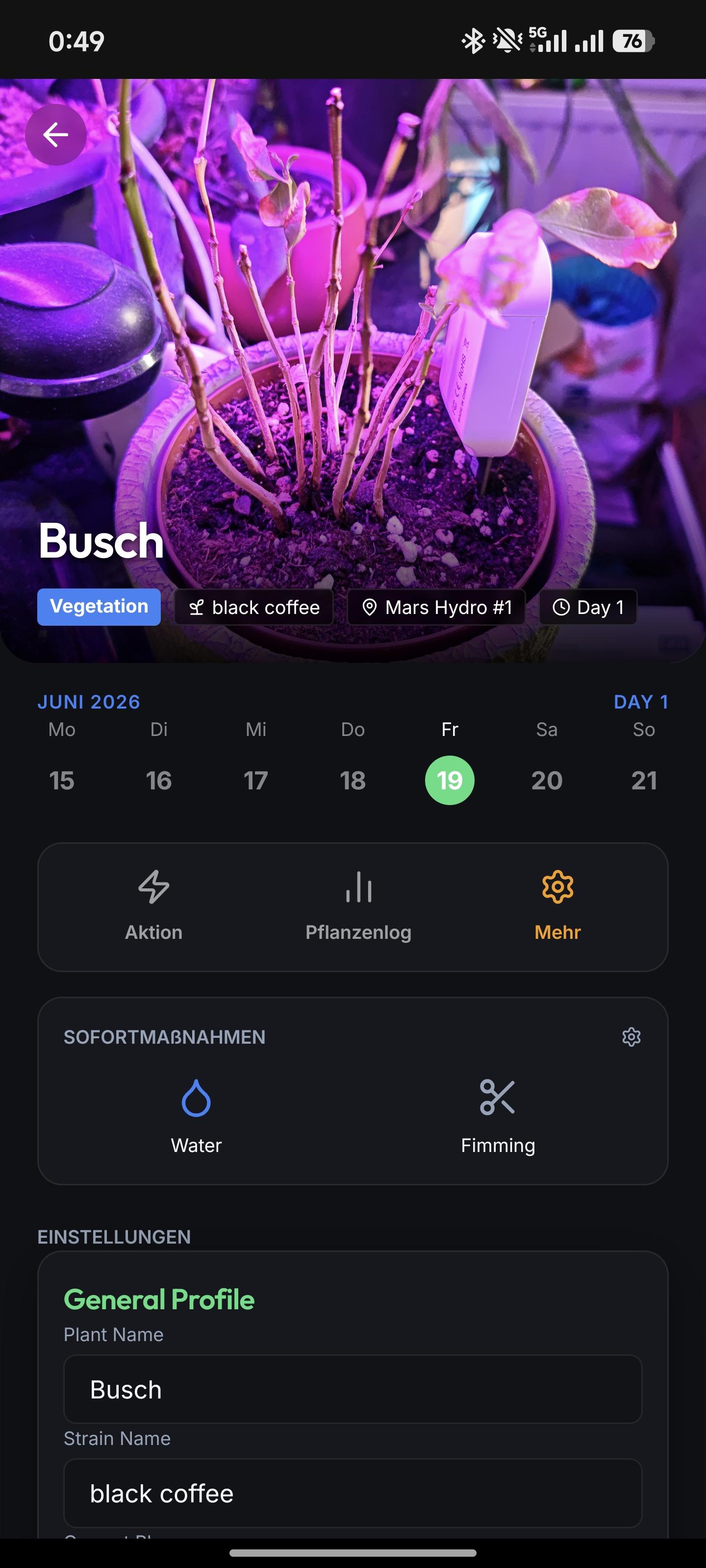
Users define physical grow tents and assign plants to them. The application references an offline database of 30,000 strains. When a user logs a plant, an automatic calculator uses the strain genetics to determine the optimal harvest window. Growers capture and view chronological photos in a full-screen gallery overlay, which renders the days since germination and current growth phase on the image.
Feeding and scheduling
The application provides a nutrient solution recipe database to store feeding mixtures. Users assign custom quick actions, such as pruning or nutrient application, to individual plants. Tapping a nutrient action automatically attaches a specific recipe and liquid volume to the plant's history. A soil moisture reading below 30% places a watering indicator on the calendar.
Standalone and self-hosted options
The application runs as a standalone tool, writing records to a local SQLite database. Growers who require multi-device synchronization can deploy the provided Docker container to connect the application to a self-hosted backend.
- Fixed author metadata
- Added version sync tool
- Save watering presets
- Fixed language selector bugs
Recent approved comments · sorted by newest
View all comments