
Quick answer
Management and tracking of ant colonies with NFC and QR.
F-Droid repository metadata
Please note: This app is currently only available in Spanish. Colony Control Android application for managing and monitoring ant colonies, using technologies such as NFC and QR codes for identification, feeding/care reminders, and environmental data recording.
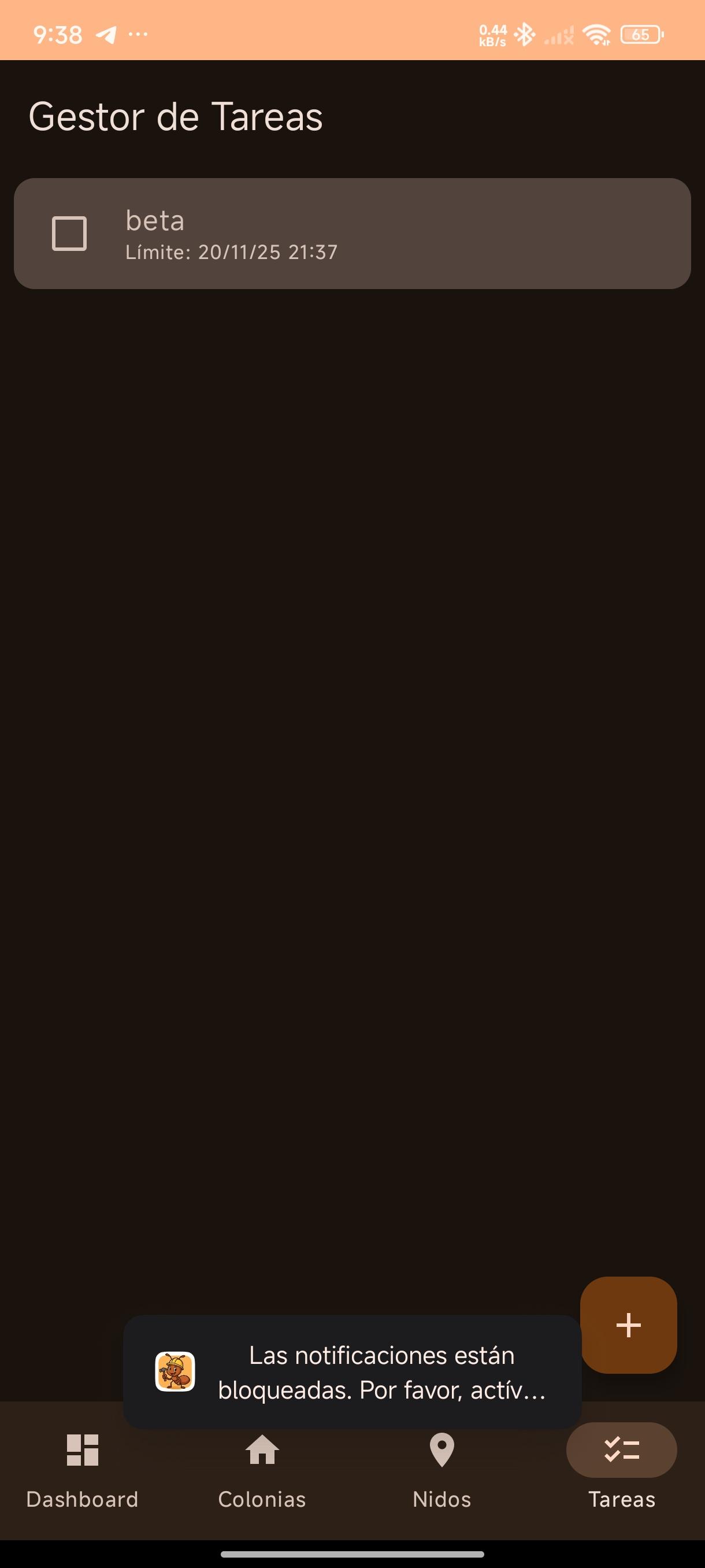
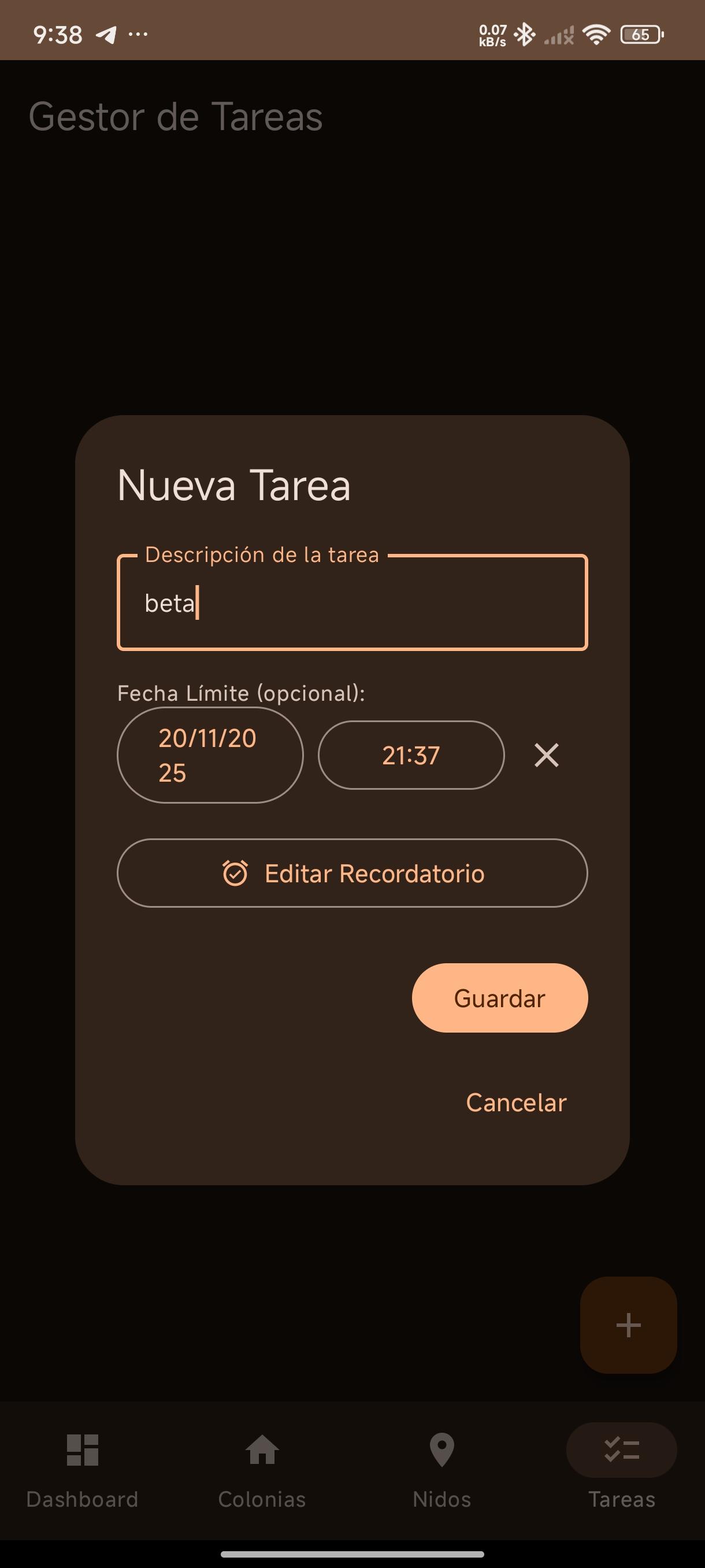
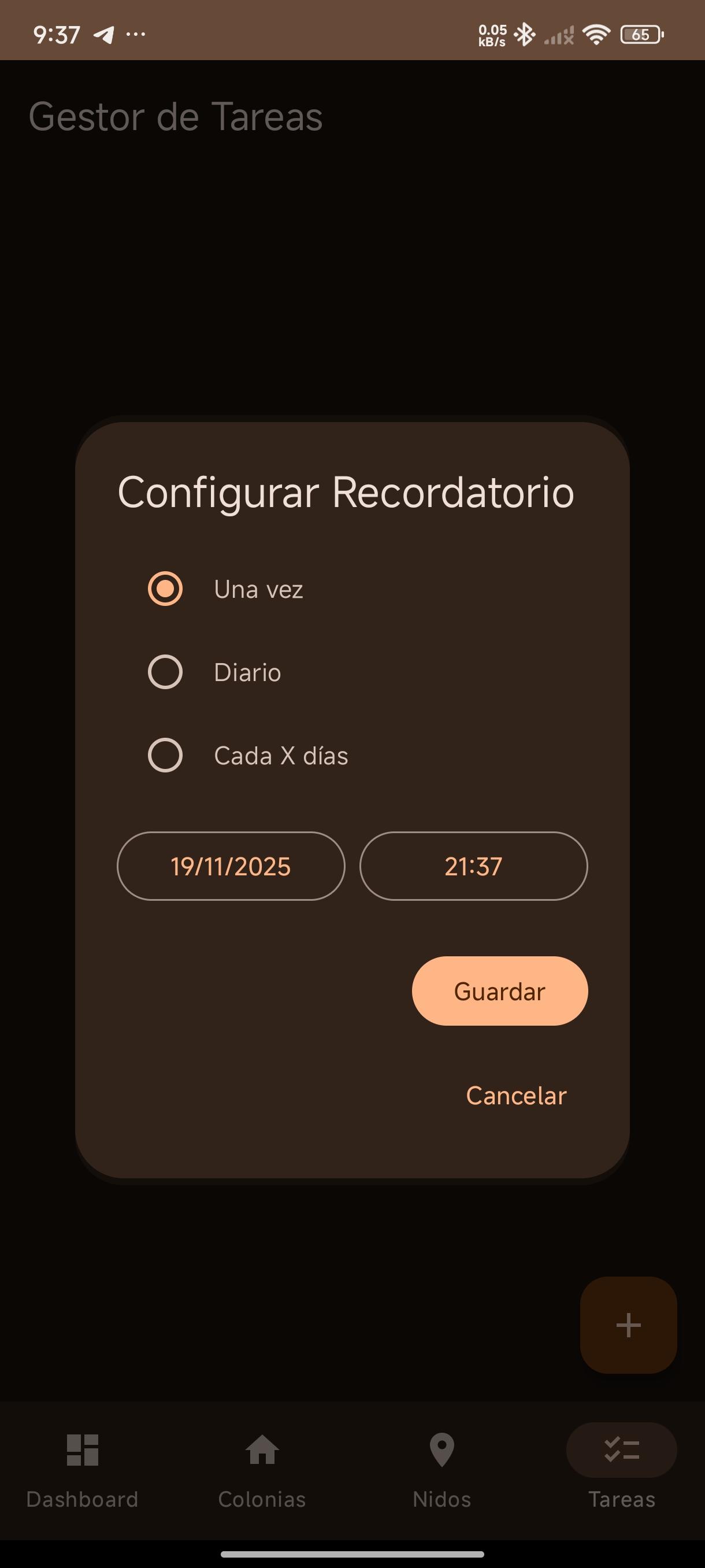
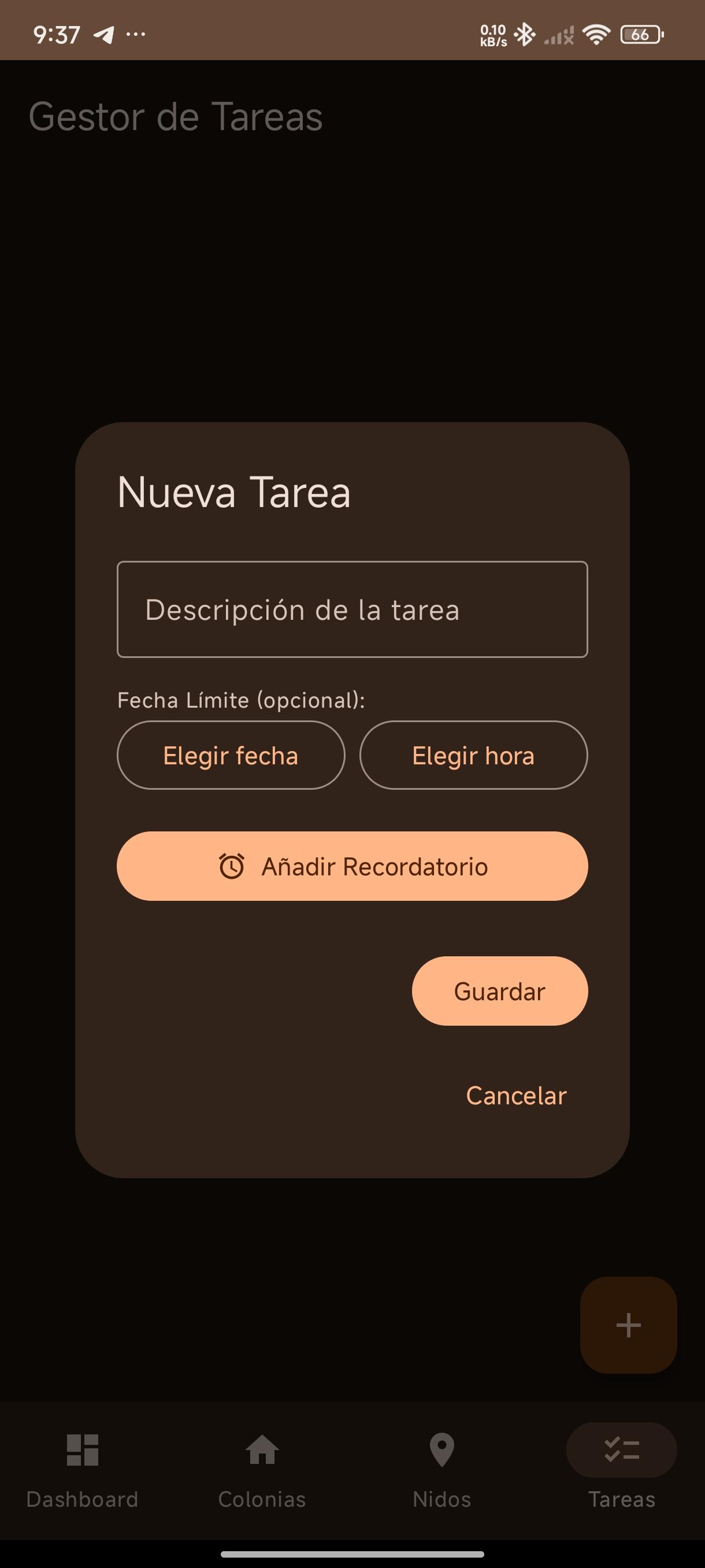
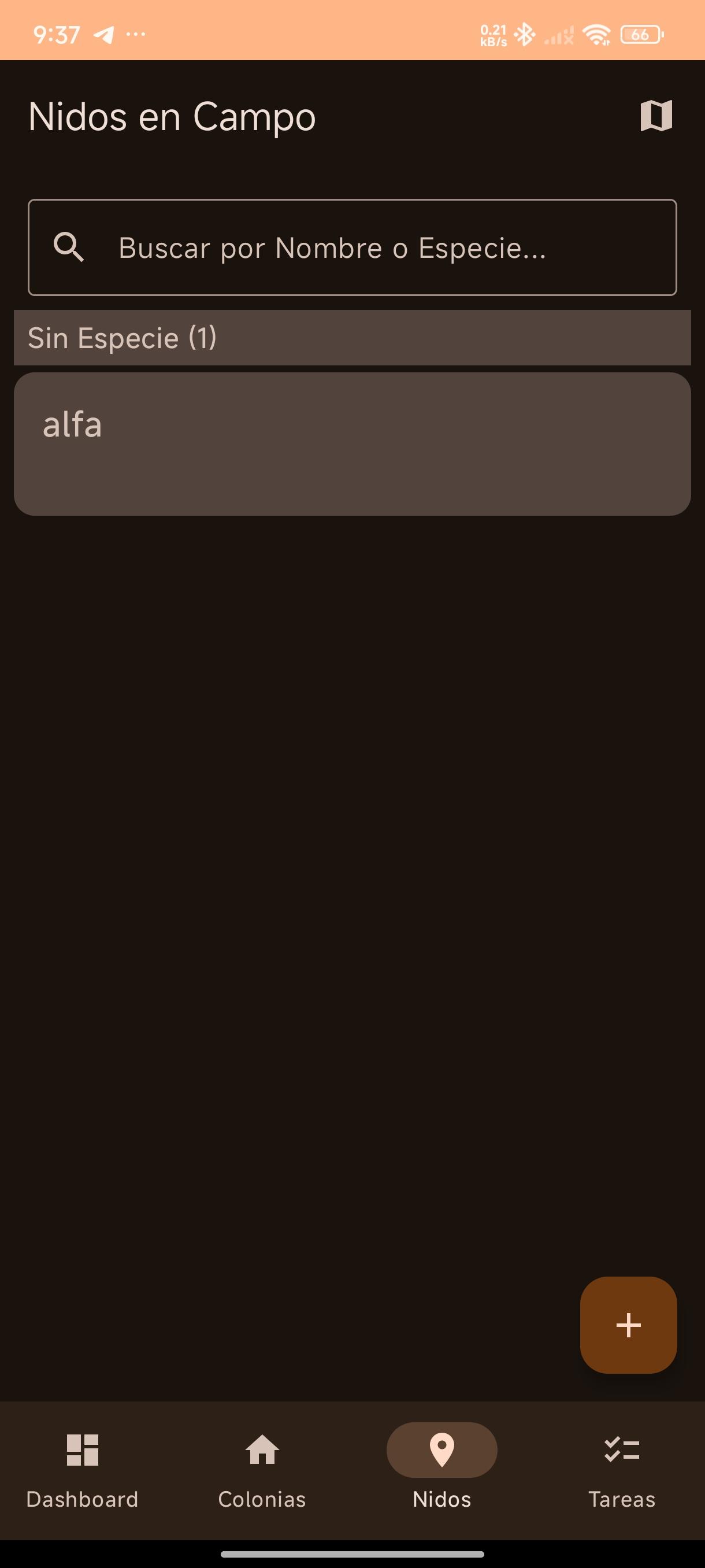
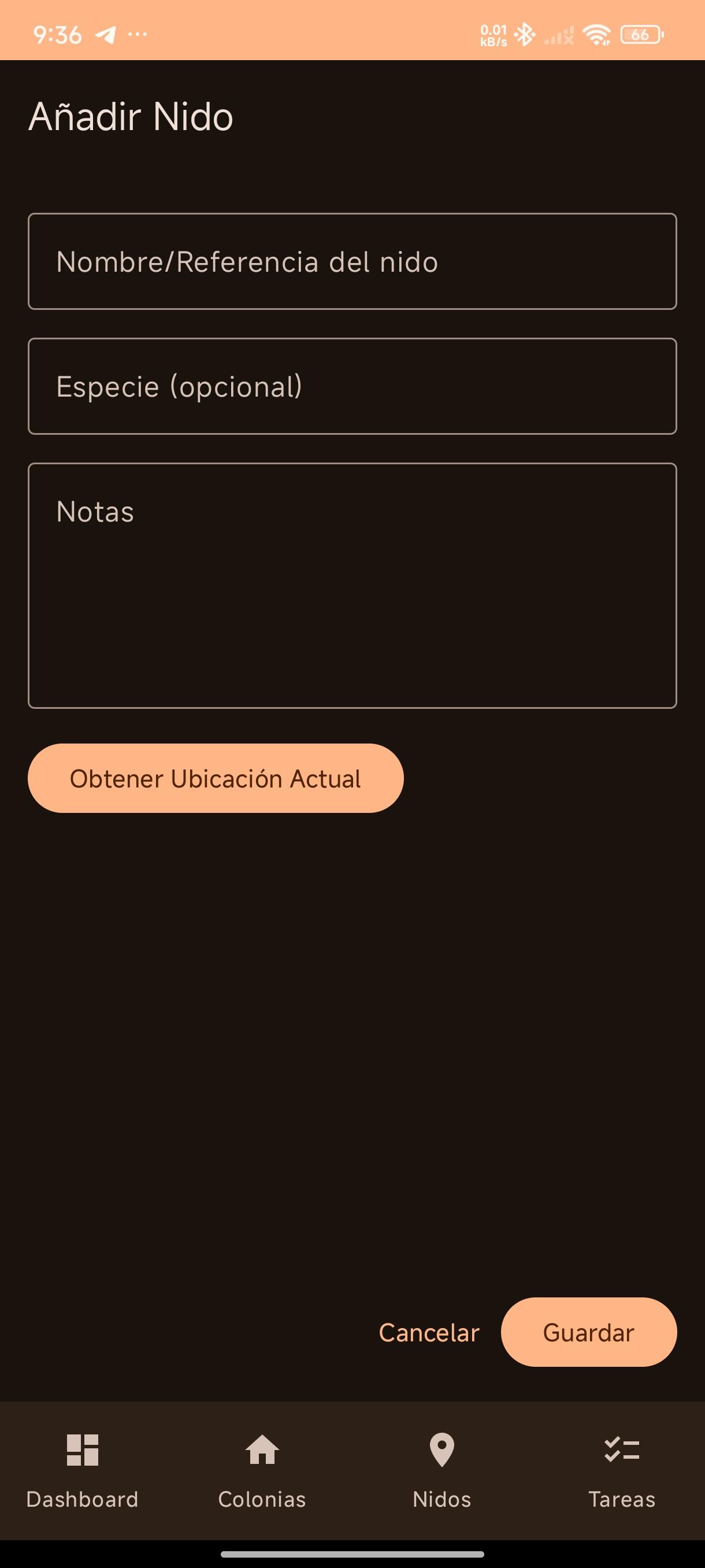
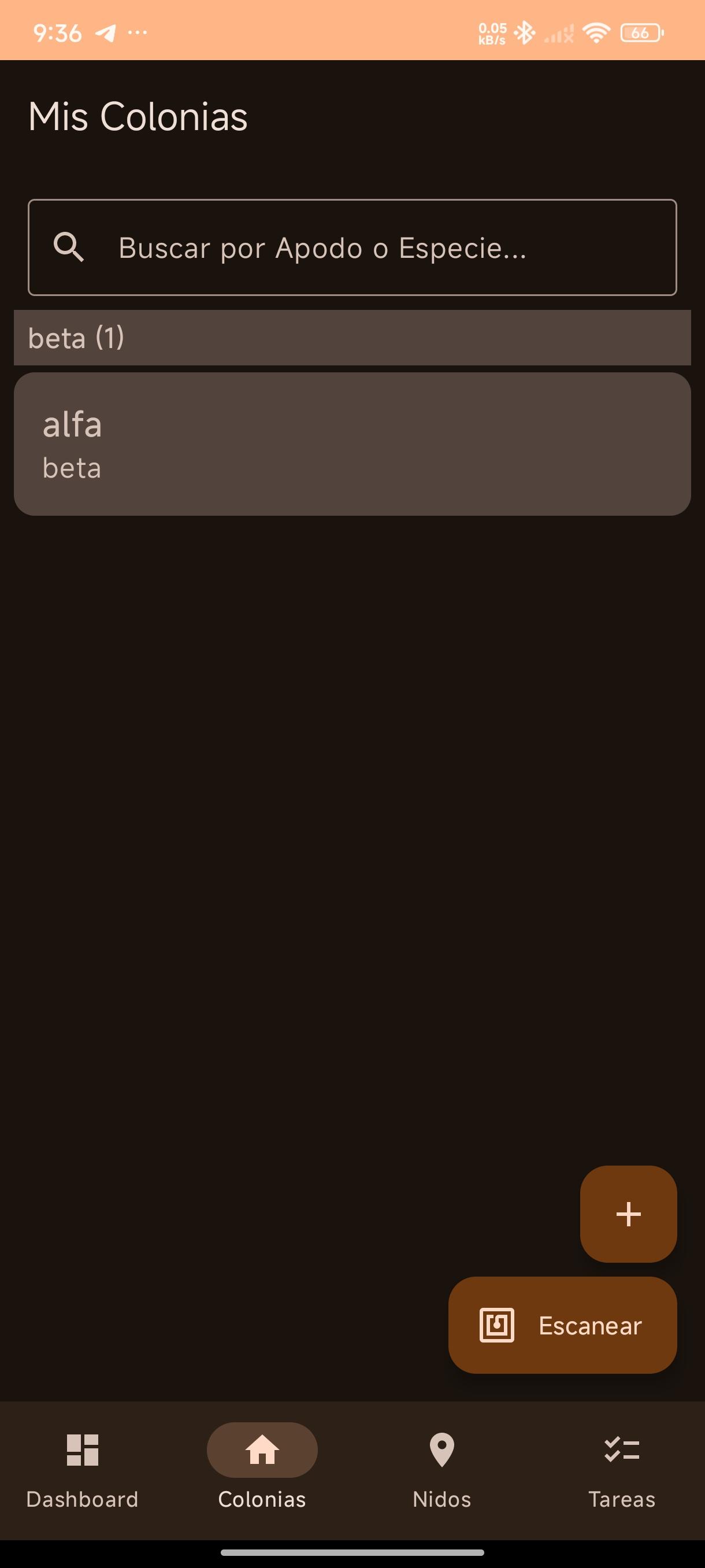
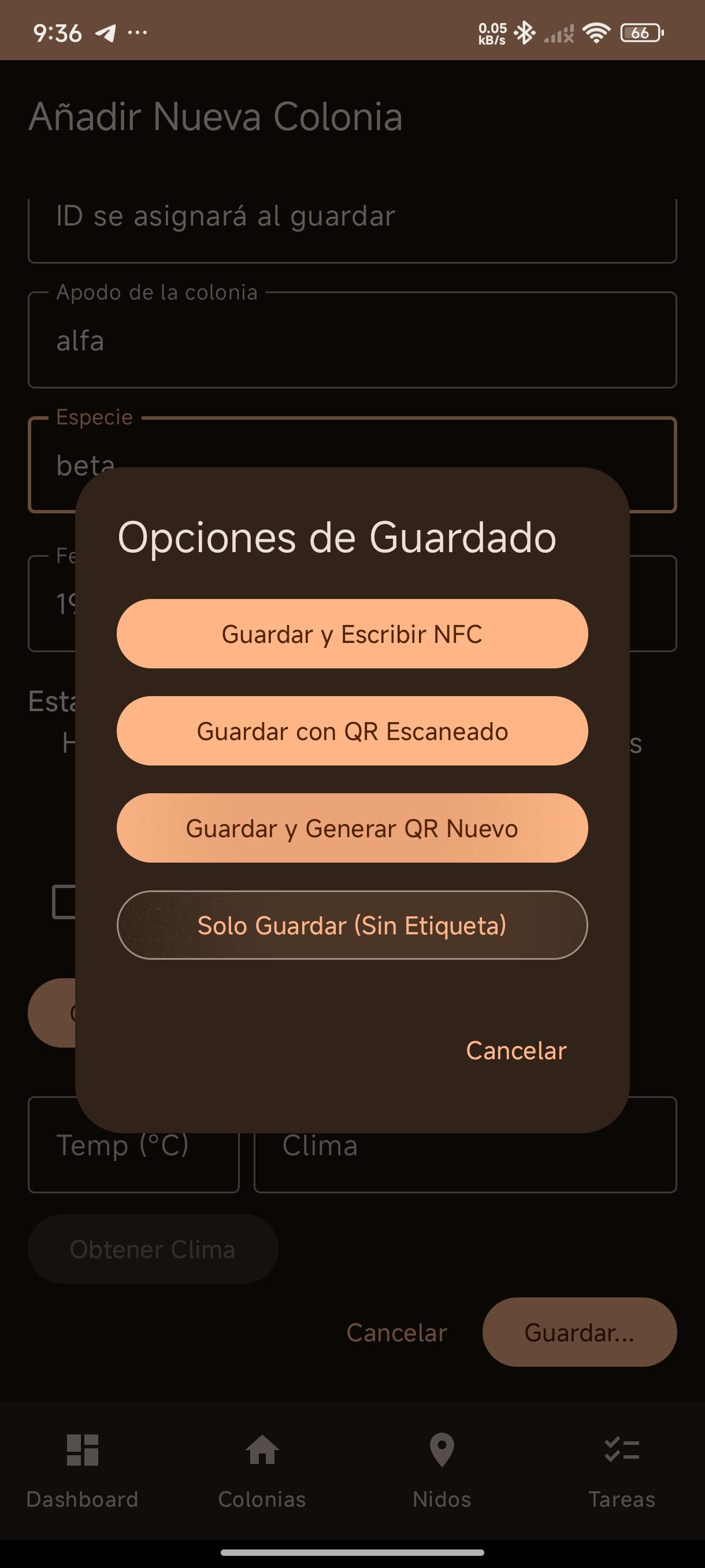
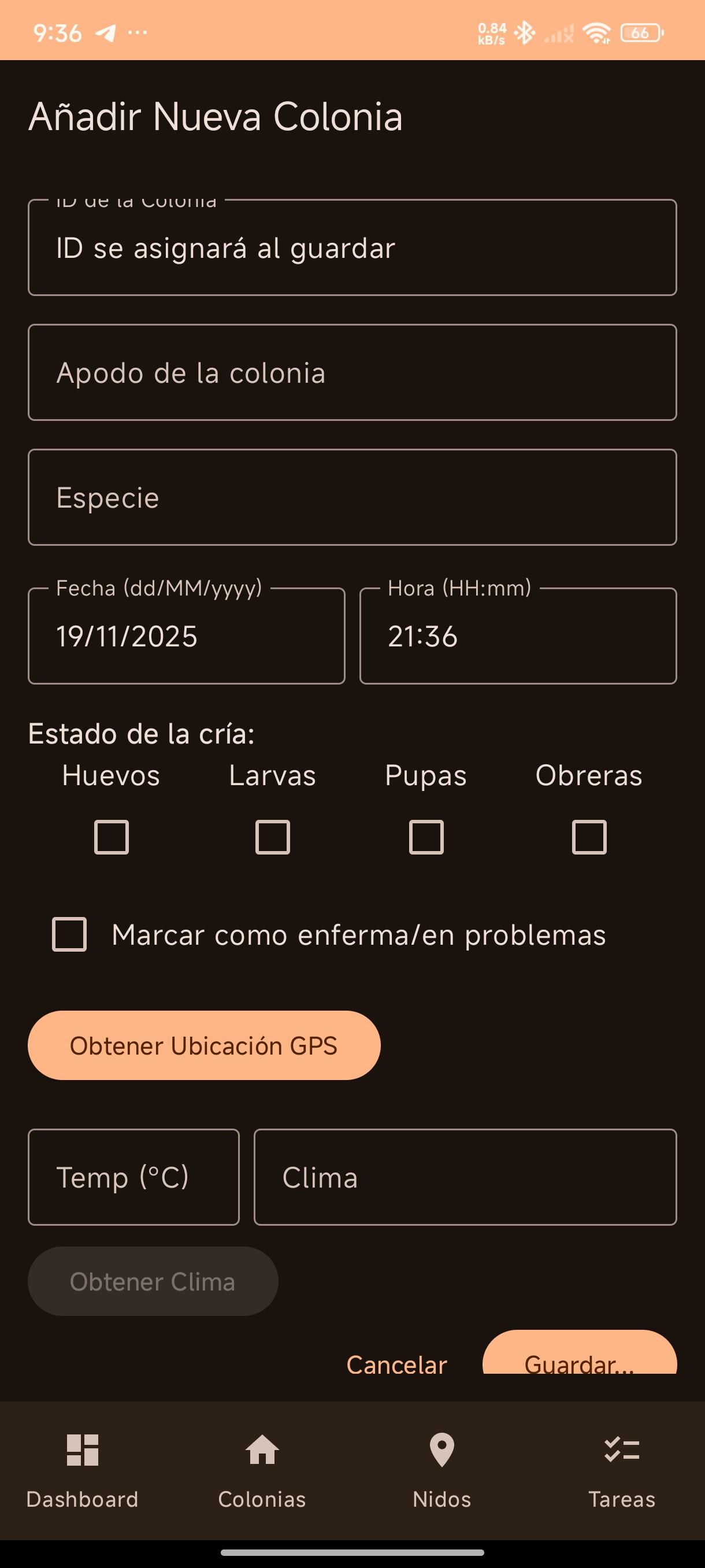
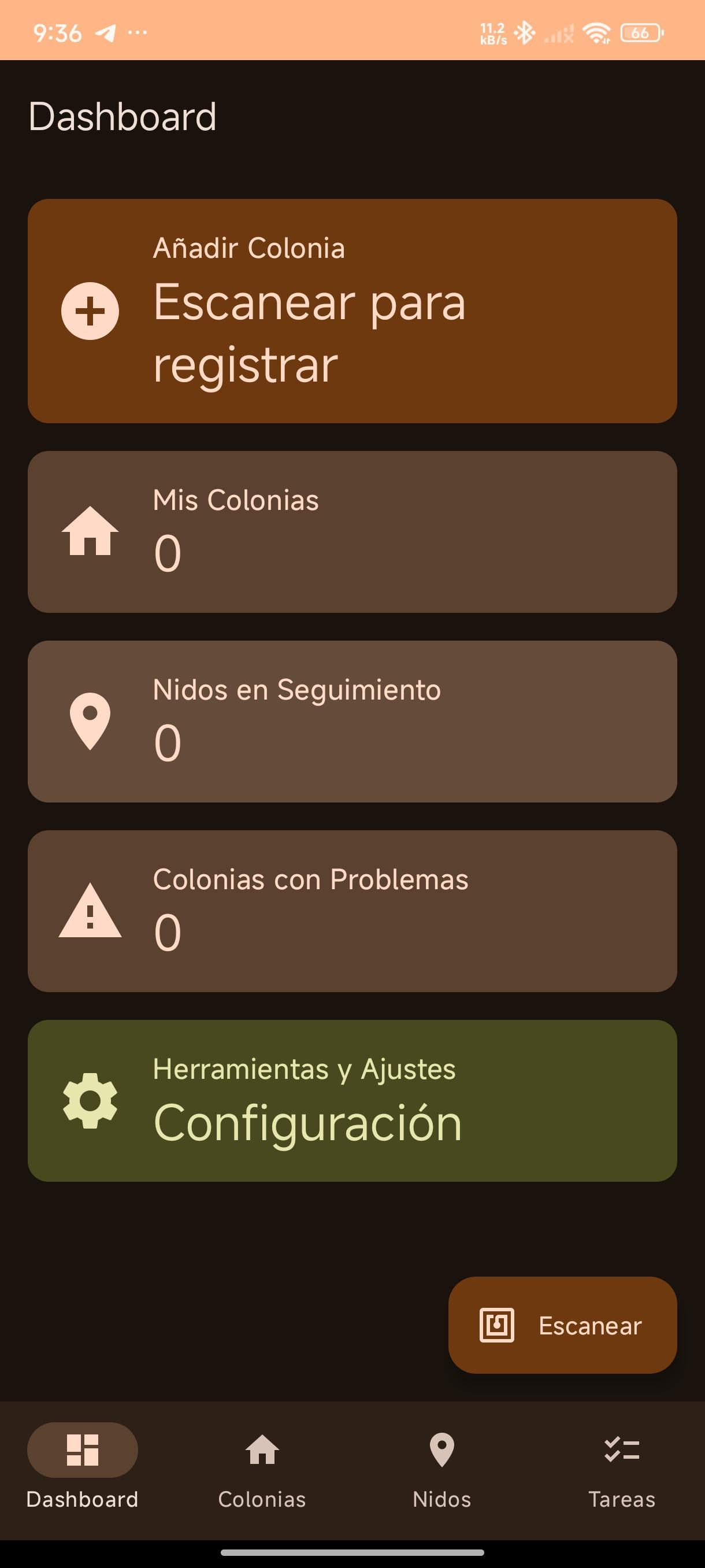
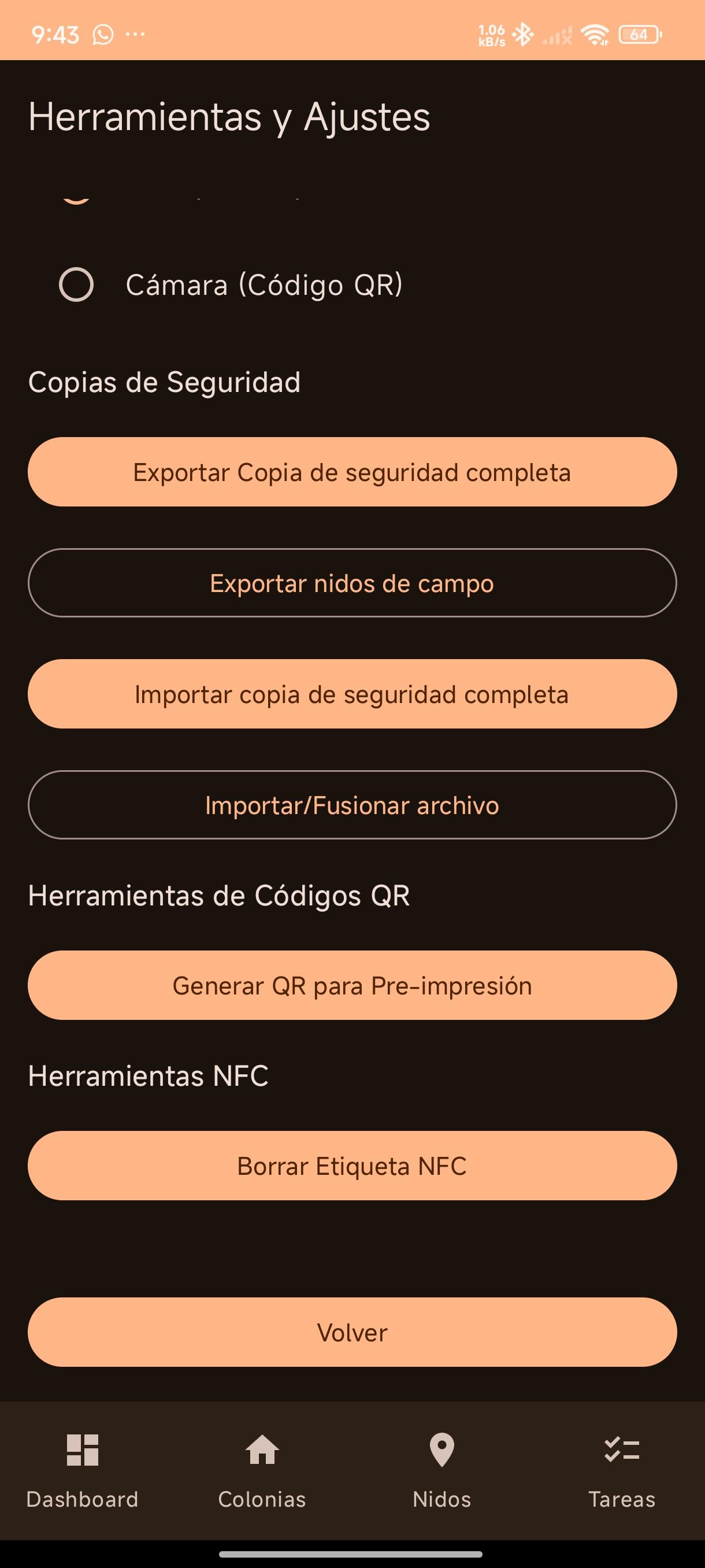
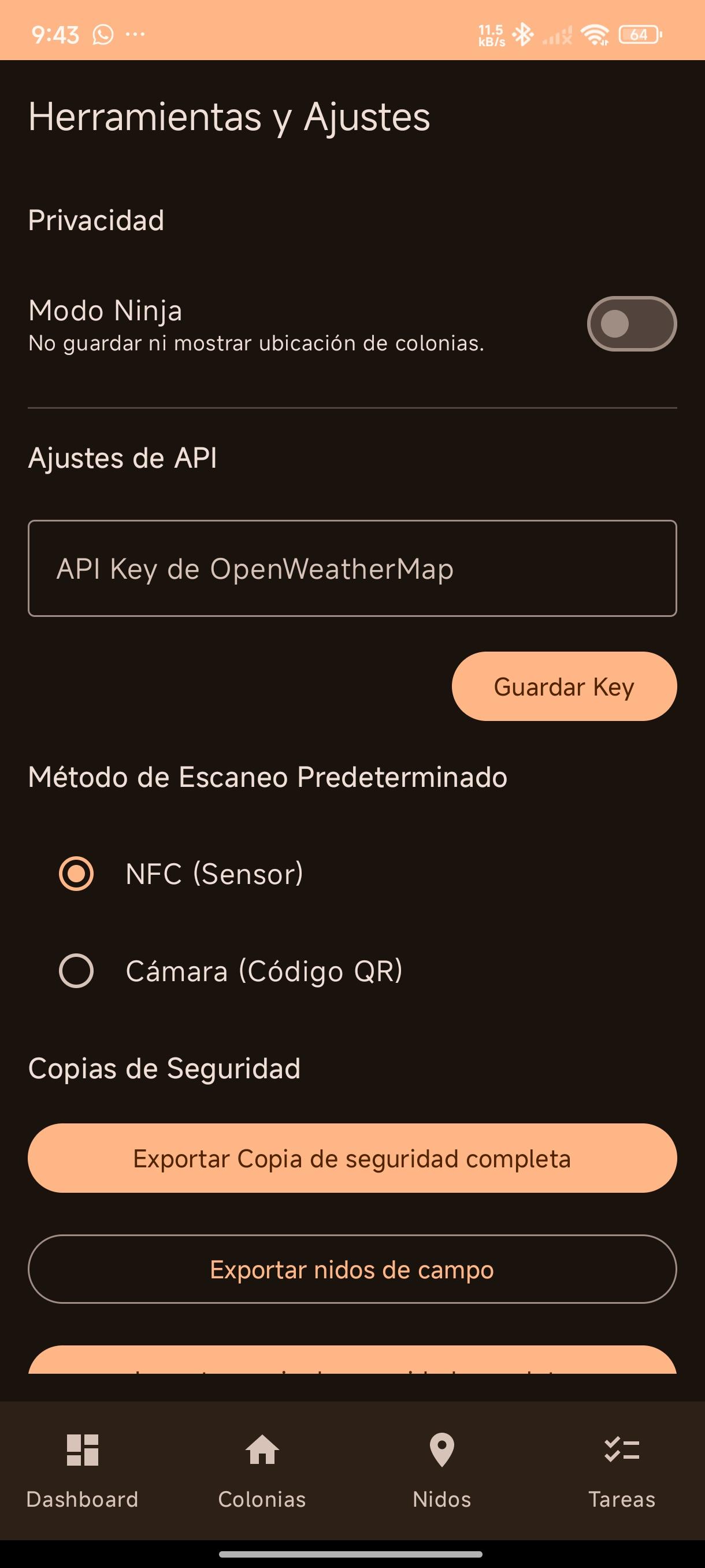
Description This application is designed to help ant enthusiasts and caretakers keep detailed records of their colonies. It allows you to: • Register colonies with information such as species, date, brood stage (eggs, larvae, pupae, workers), and whether they are diseased. • Associate unique identifiers with each colony using NFC tags or QR codes. • Scan NFC tags or QR codes to quickly access colony information. • Record feeding events and add observation notes. • Add photos to each colony's gallery. • Schedule reminders (one-time, daily, or every X days) to check on or feed the colonies. • Record nests found in the field, including their GPS location (optionally disabled with "Ninja Mode"). • Obtain weather data (temperature, description) using the OpenWeatherMap API based on location (if enabled). • Manage a to-do list. • Export and import data backups.
Screenshots
How to install
- Download the APK from the button at the top of this page.
- Allow “Install unknown apps” for your browser or file manager only, not for every app.
- Open the downloaded file and confirm the installation.
- If installation fails with “App not installed,” remove an earlier build of the same app first. A signature conflict is the usual cause.
Data safety
- Every file is checked against its published SHA-256 before it is listed.
- Files are scanned for malware on every update.
- The permissions each app requests are listed on its own page.
- Read the full safety policy for how we test, flag, and delist files.
Comments
Recent approved comments · sorted by newest
View all comments