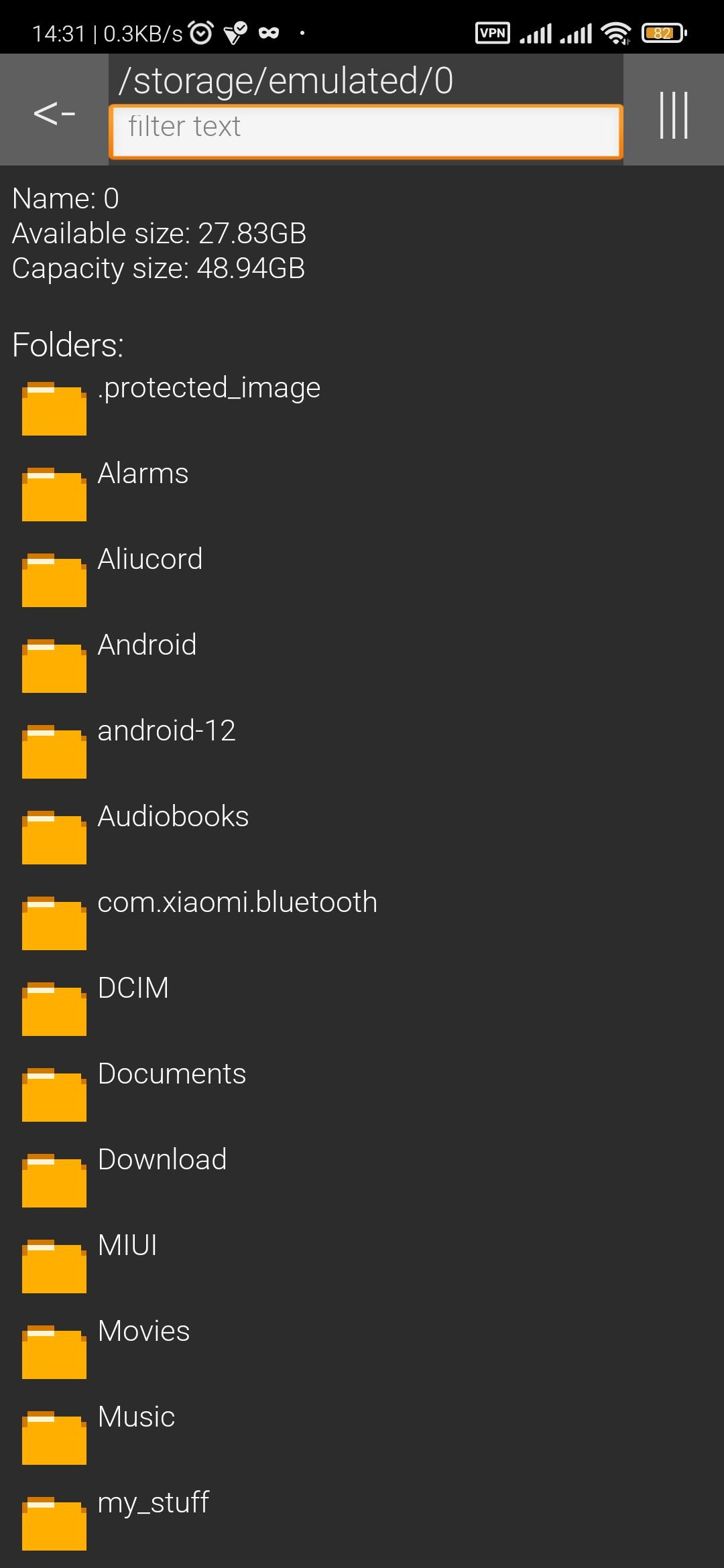
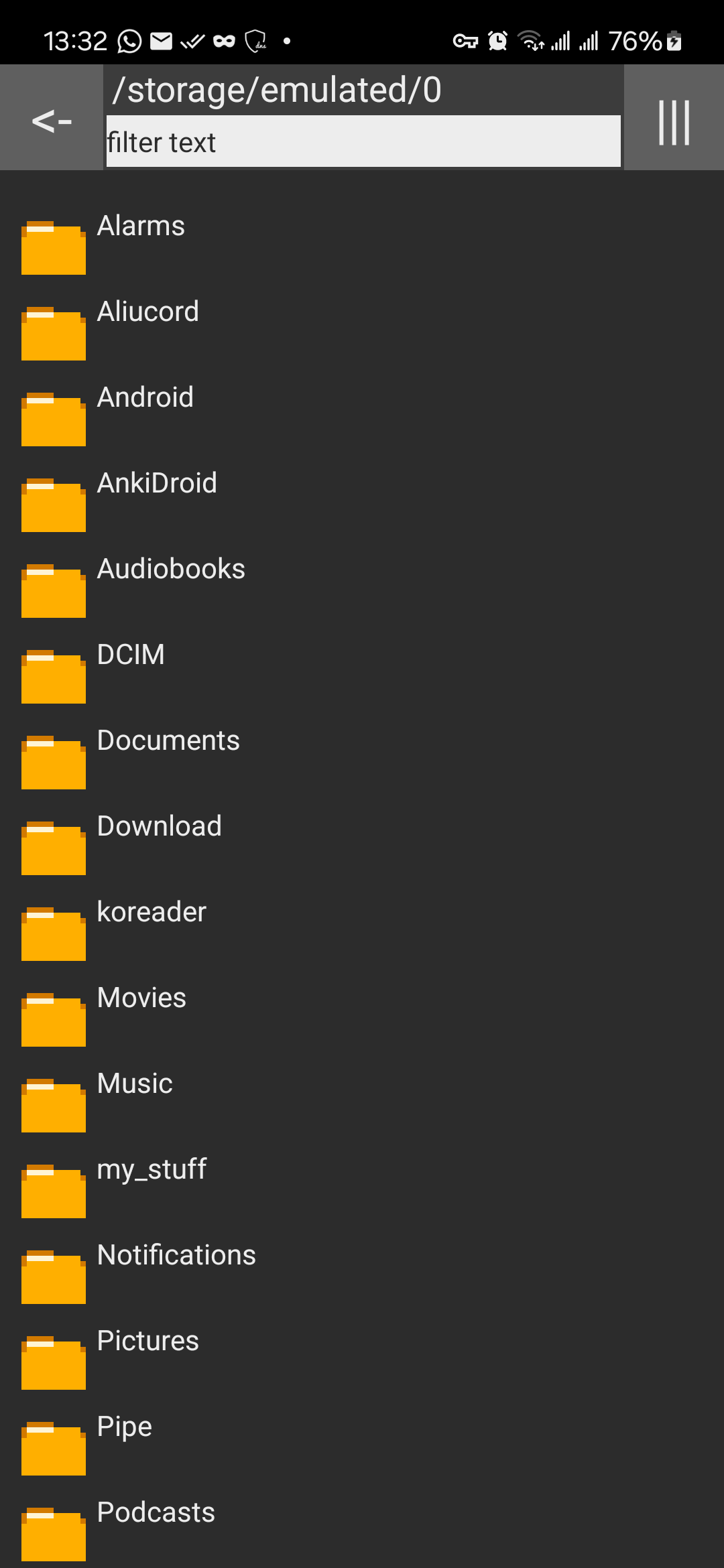
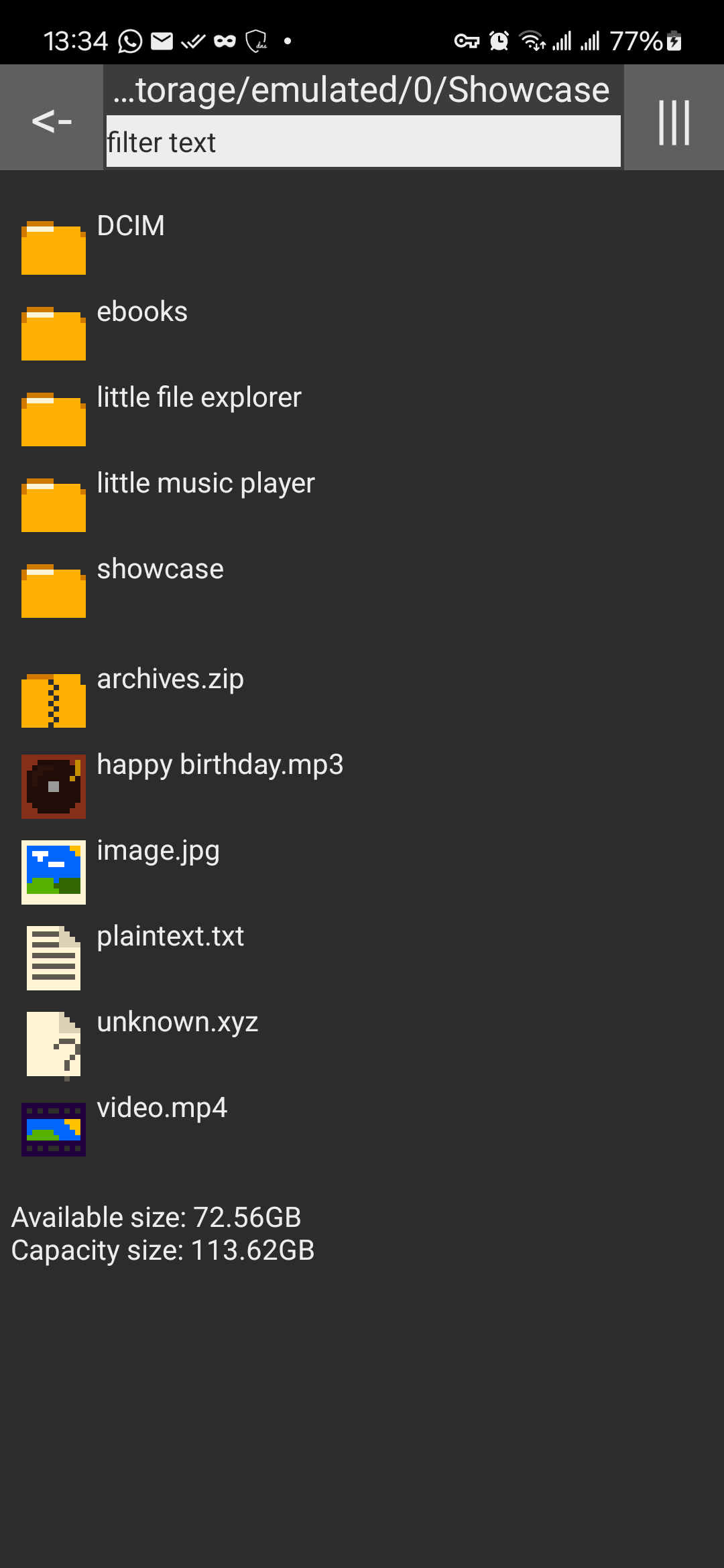
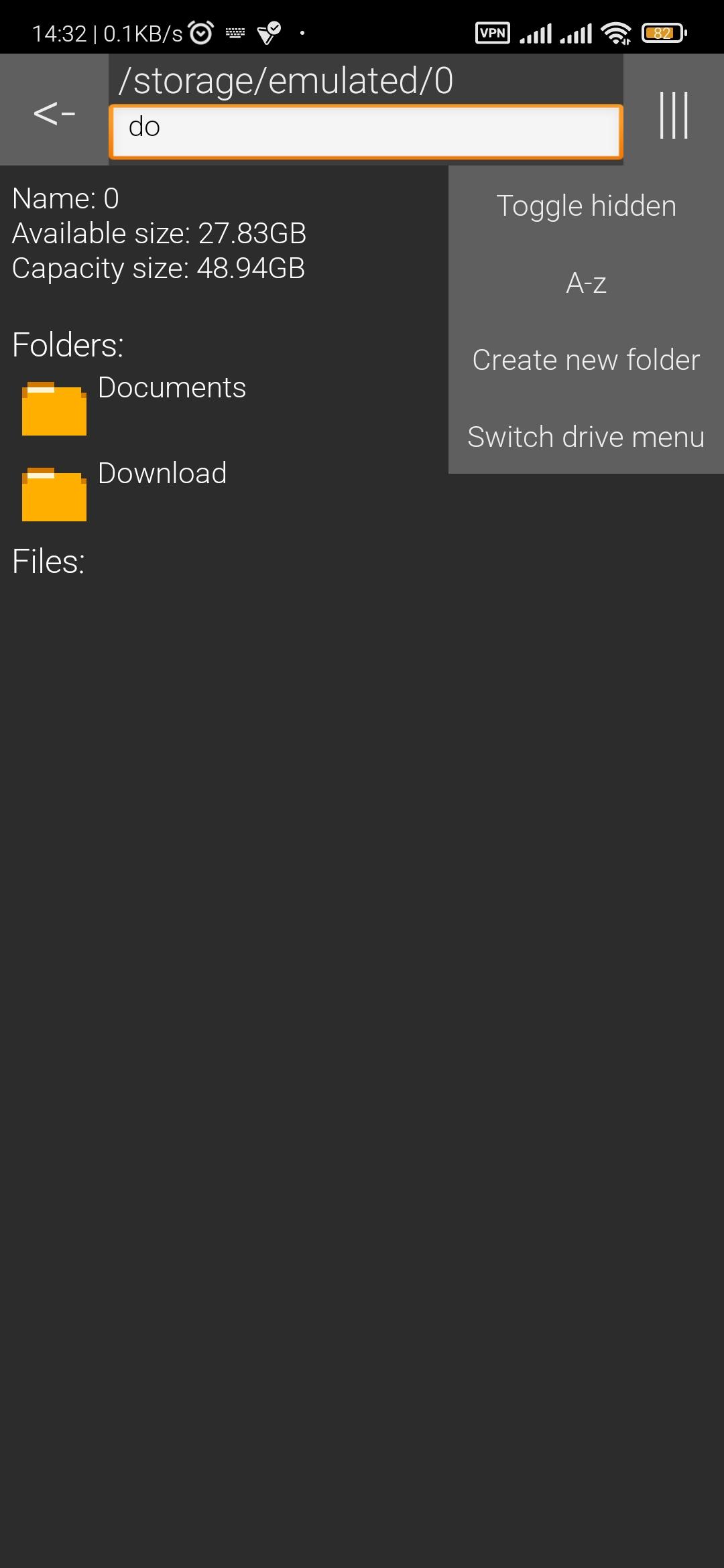
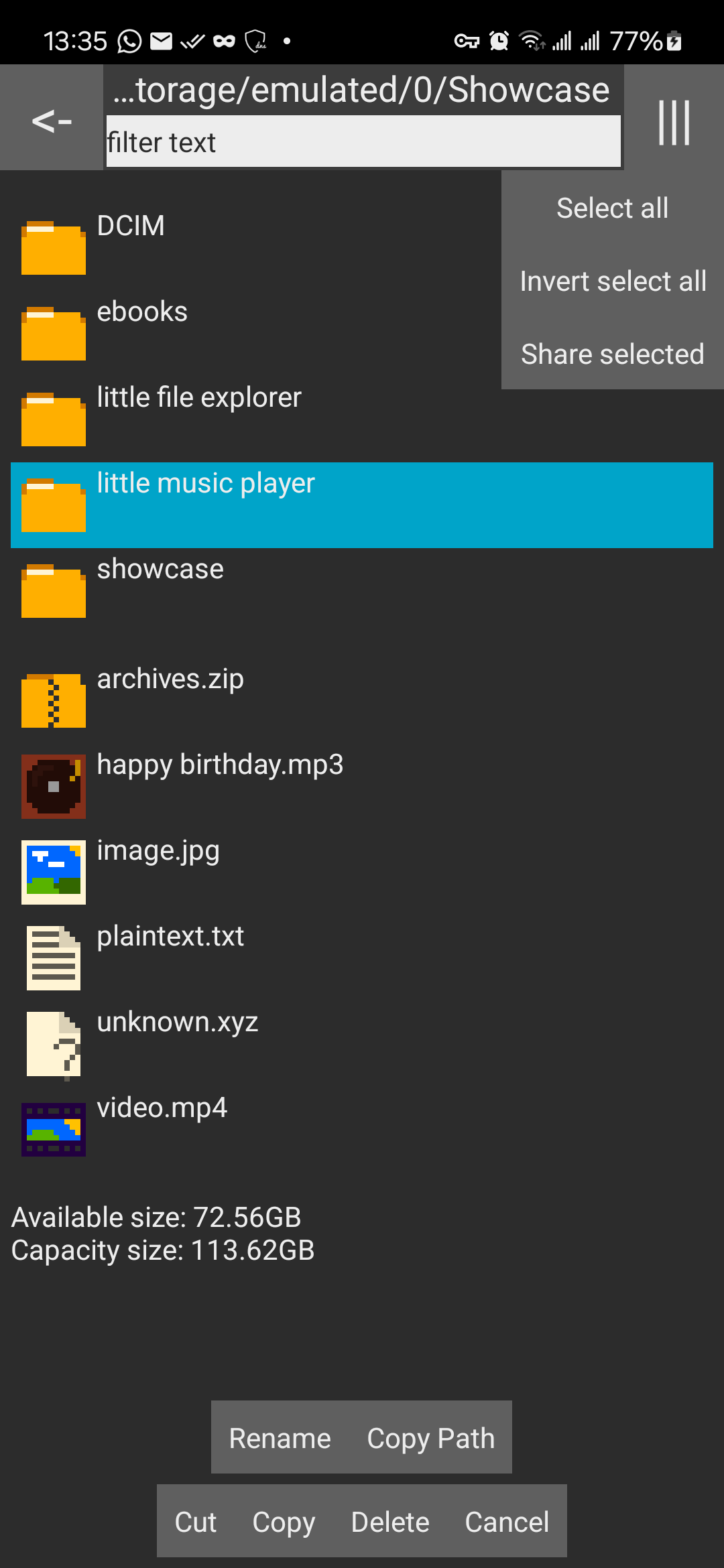
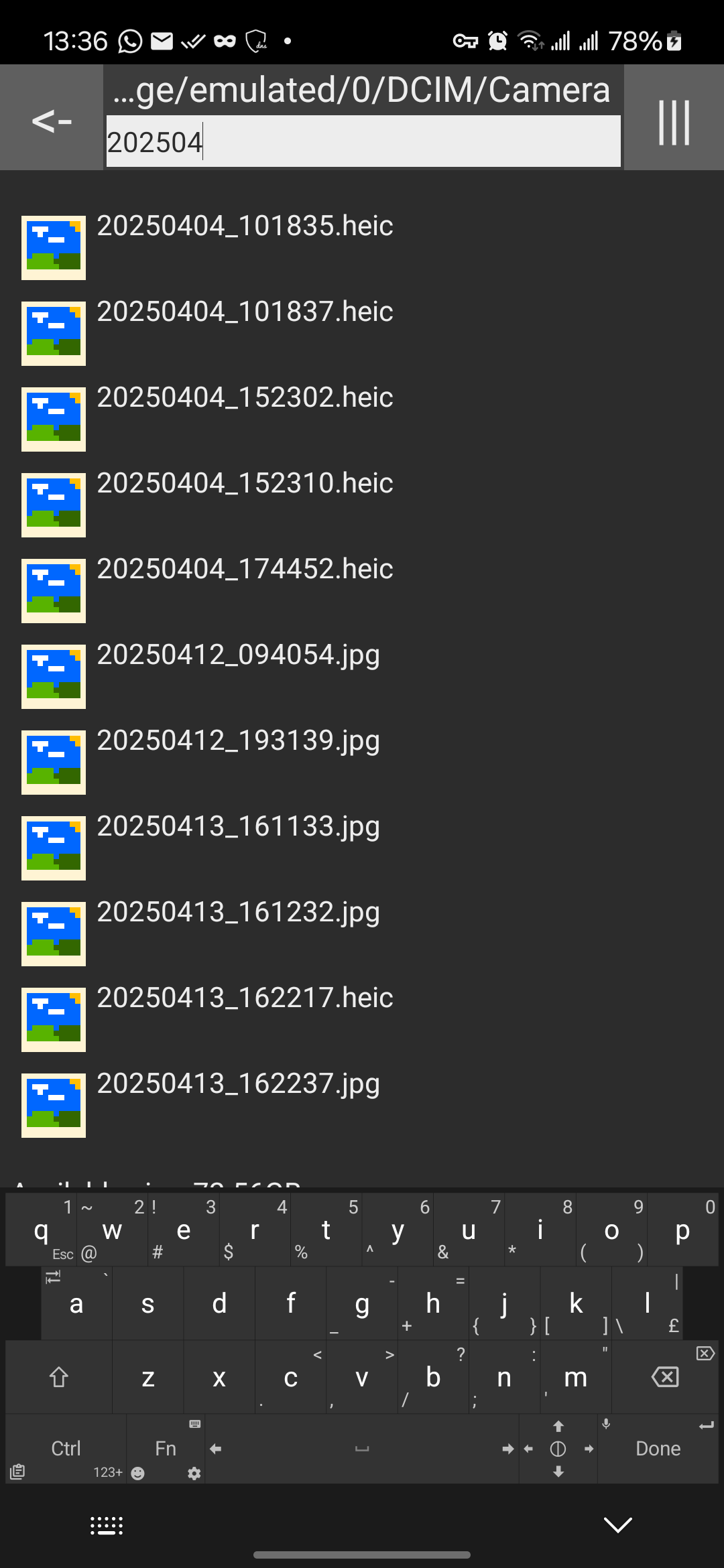
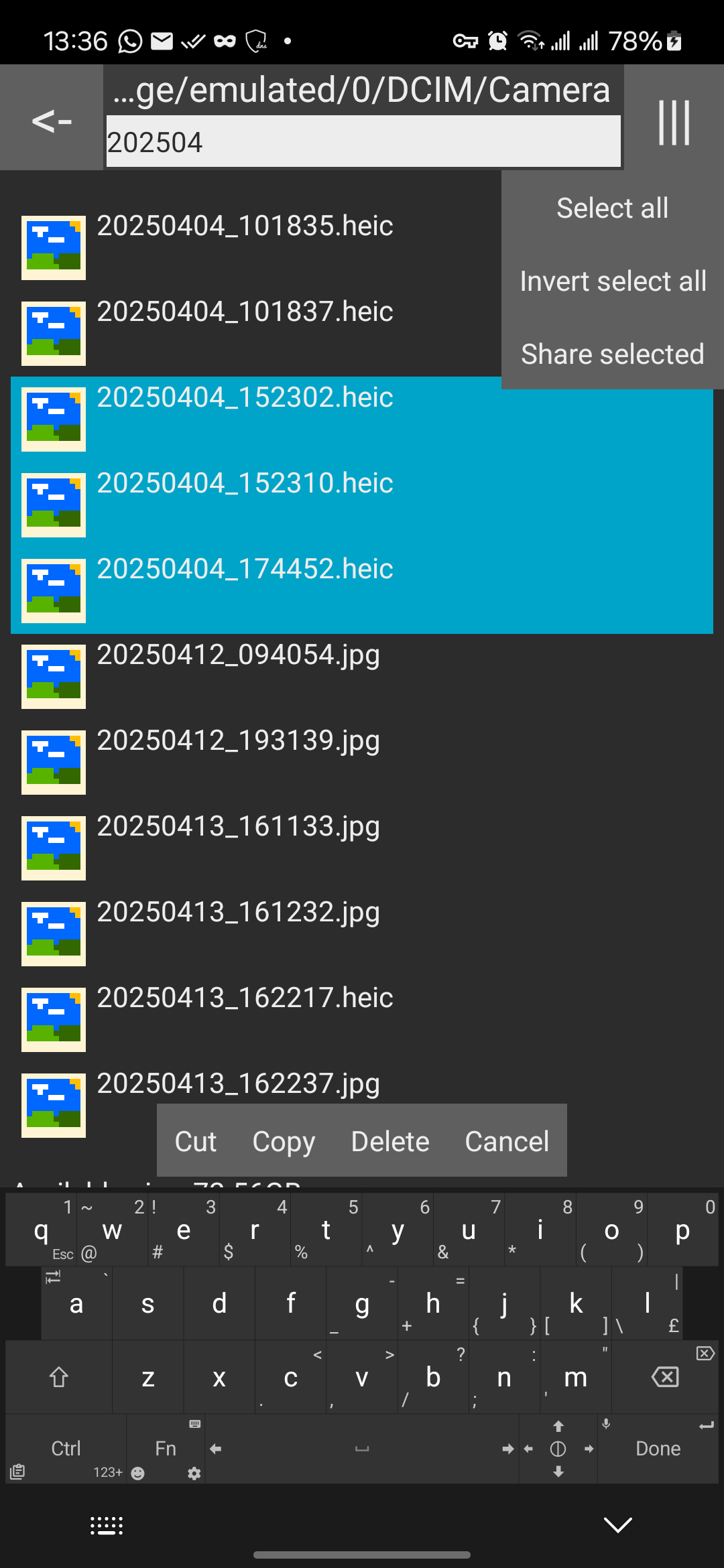
A small, simple file explorer, designed with compatibility in mind.
Open-sourced and publicly-viewable code for anyone worrying about being locked in or privacy invasion.
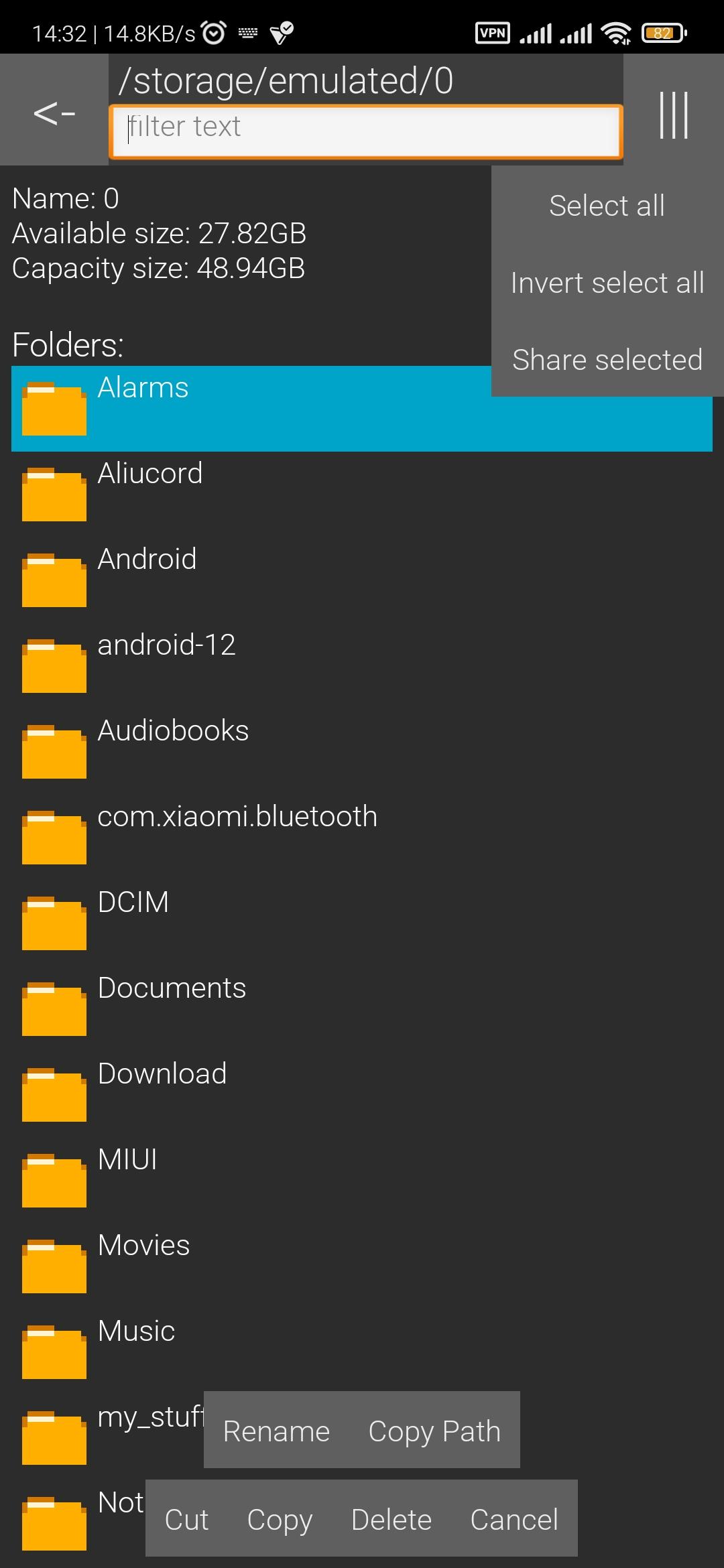
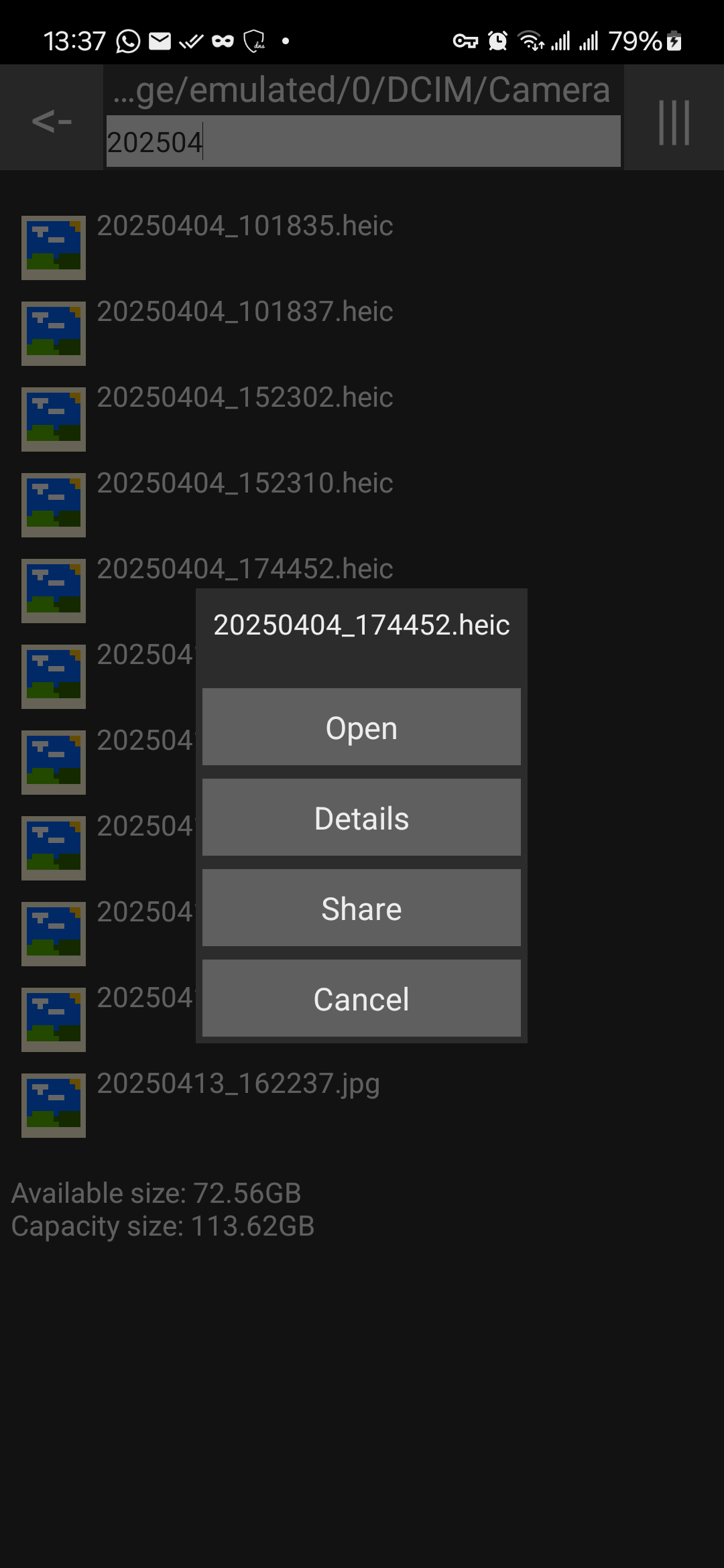
It provides multiple functions, including copy and pasting files, multi-file share, etc. More information available in Features section below.
Supports Android 1.0+
Currently under 40 KB.
Previous known as Simple File Explorer (but from martinmimigames).
You can visit the official webpage at https://martinmimigames.github.io/projects/little-file-explorer/index.html
Features
- FOSS software (Free and Open Source)
- Small (< 40 KB)
- Basic file operations (Cut, copy, paste, rename, delete)
- File name filter
- Name, Modified Time, File Size sort
- Hidden File toggle
- Drive menu to switch between internal and sdcard storage
- Multi-share function
- File/folder path copying
- Minimum permissions
- System/Light/Dark Theme toggle
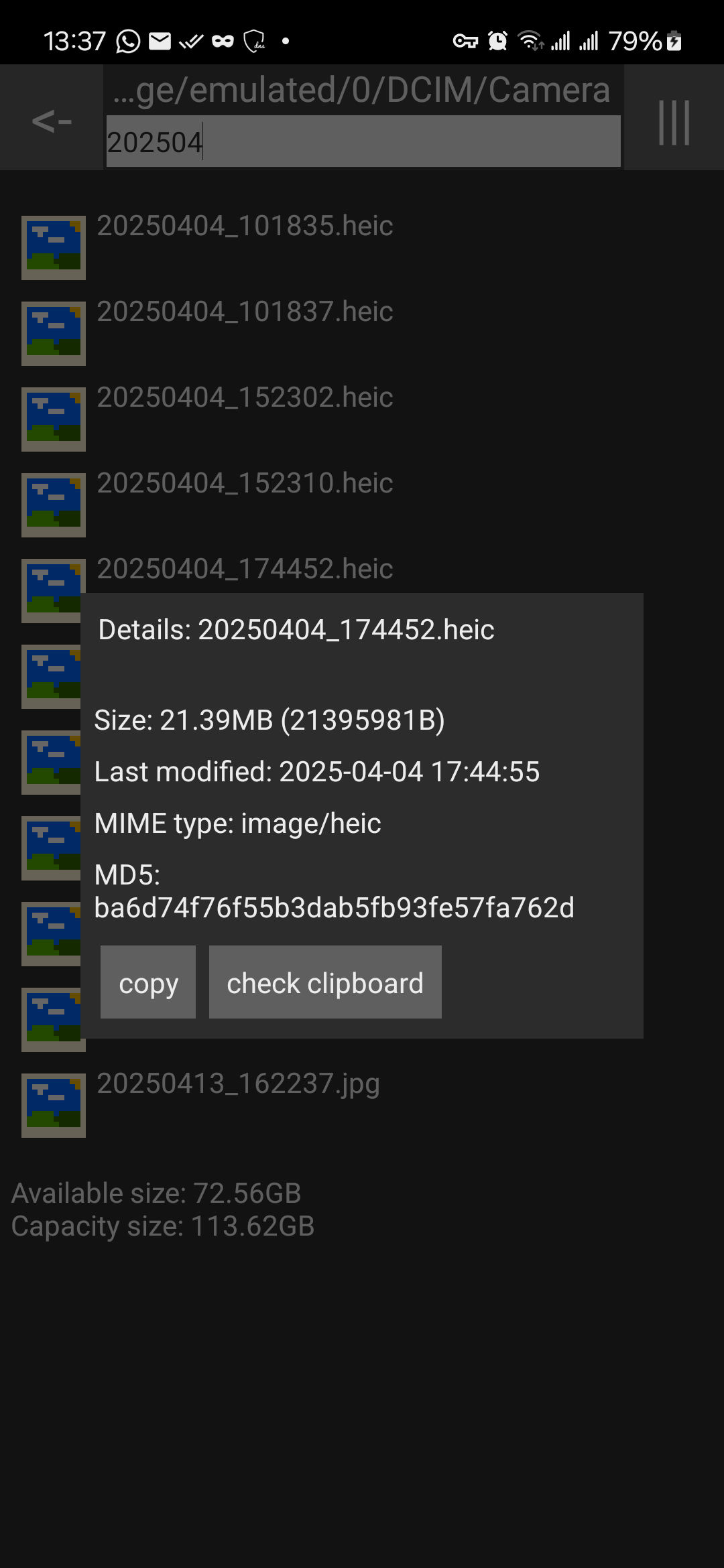
- MD5 checksum generation and verification
Issues
Issues and pull requests are always welcome!
You can submit issues the following ways:
- via Github Issues at https://github.com/martinmimigames/little-file-explorer/issues
- via email: [email protected]
Made by Martinmimigames! :)
Screenshots
What’s new
- re-release only!! fix version code metadata (version code broken since v4.16) - v4.17 - Fix file cannot open when external app checks Uri permissions - Add toast notification for when file cannot be deleted - v4.16 - fix read / write grant issues on file:// uri - lower android version to 4.4 for giving out content:// uri - revert back button to ascii code for consistency - switch to sparse array to reduce memory usage
How to install
Download the APK from the button at the top of this page.
Allow “Install unknown apps” for your browser or file manager only, not for every app.
Open the downloaded file and confirm the installation.
If installation fails with “App not installed,” remove an earlier build of the same app first. A signature conflict is the usual cause.
Data safety
Every file is checked against its published SHA-256 before it is listed.
Files are scanned for malware on every update.
The permissions each app requests are listed on its own page.
Read the full safety policy for how we test, flag, and delist files.
Frequently asked questions
What is Little File Explorer?
Android 1.0+ mini simple file manager/explorer
Who develops Little File Explorer?
Little File Explorer is developed by MGGames.
Which Android version does Little File Explorer require?
Little File Explorer requires Android API 1 or later.
What is the current version of Little File Explorer?
The synchronized F-Droid version is 4.18.
Which license does Little File Explorer use?
The signed F-Droid metadata lists GPL-3.0-only.
Where is the source code for Little File Explorer?