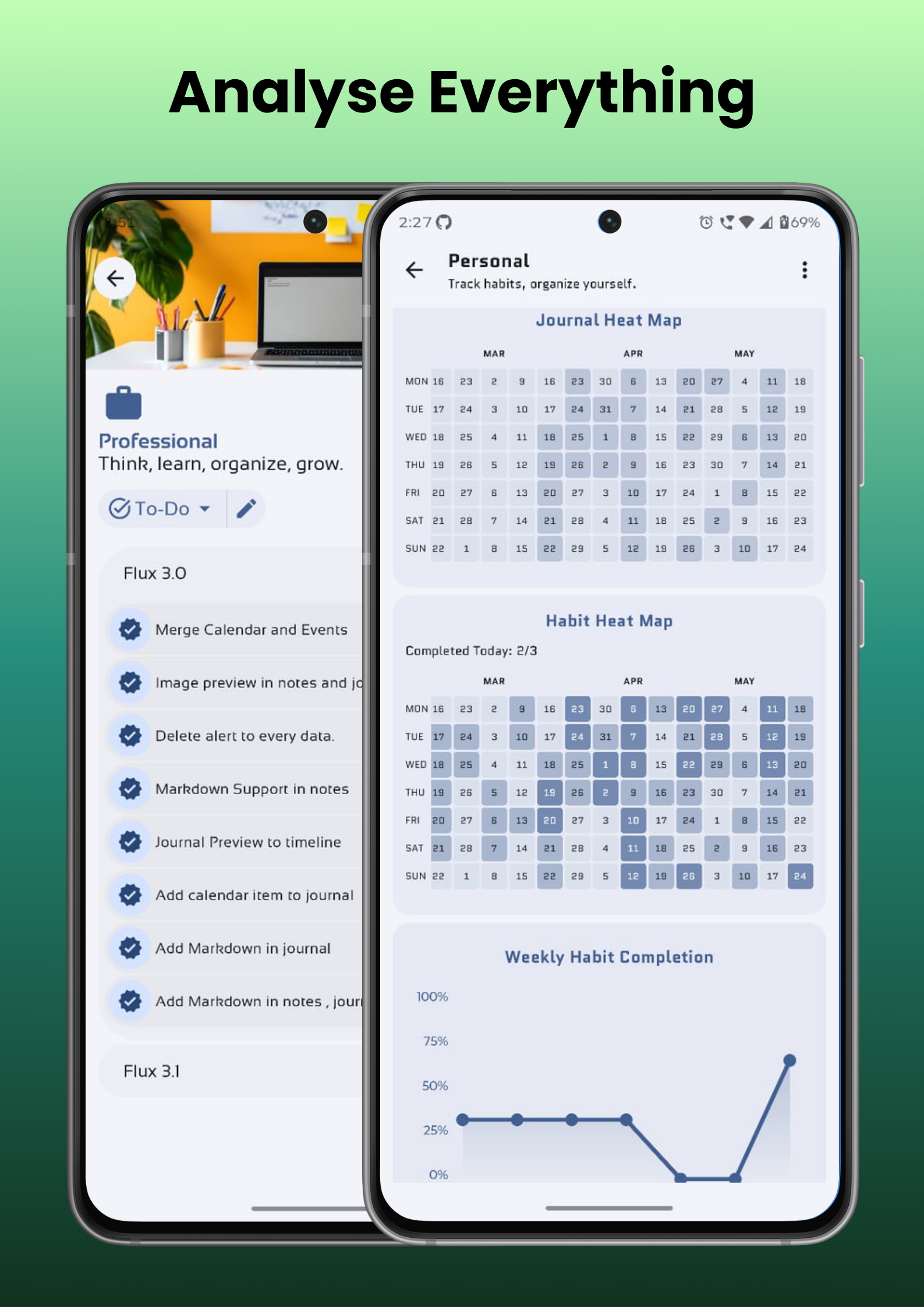
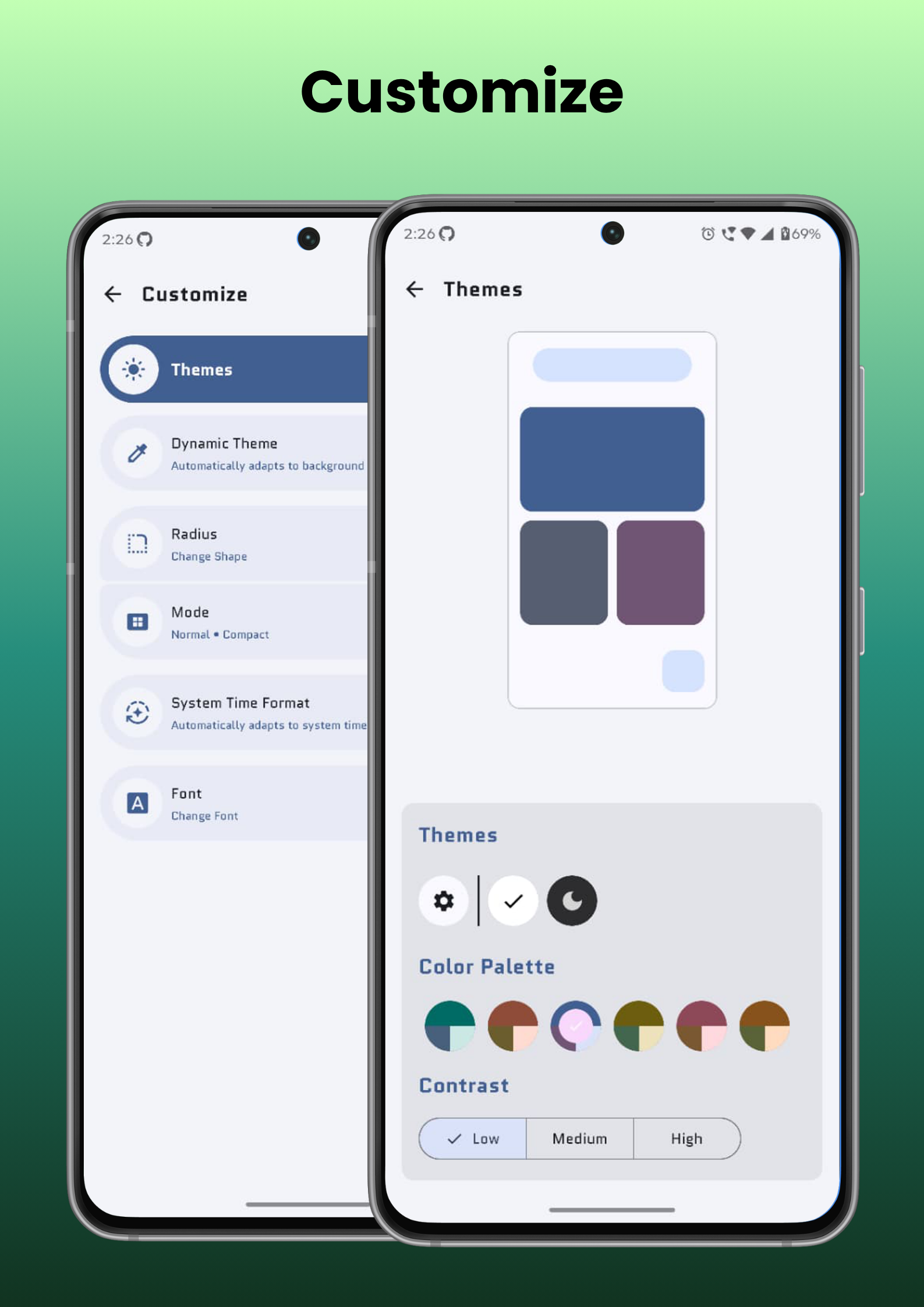
Flux is a lightweight, offline-first productivity app. Whether you're planning your day, documenting ideas, tracking habits, or managing projects, Flux provides the tools you need while keeping your workflow simple and distraction-free.
✨ Features
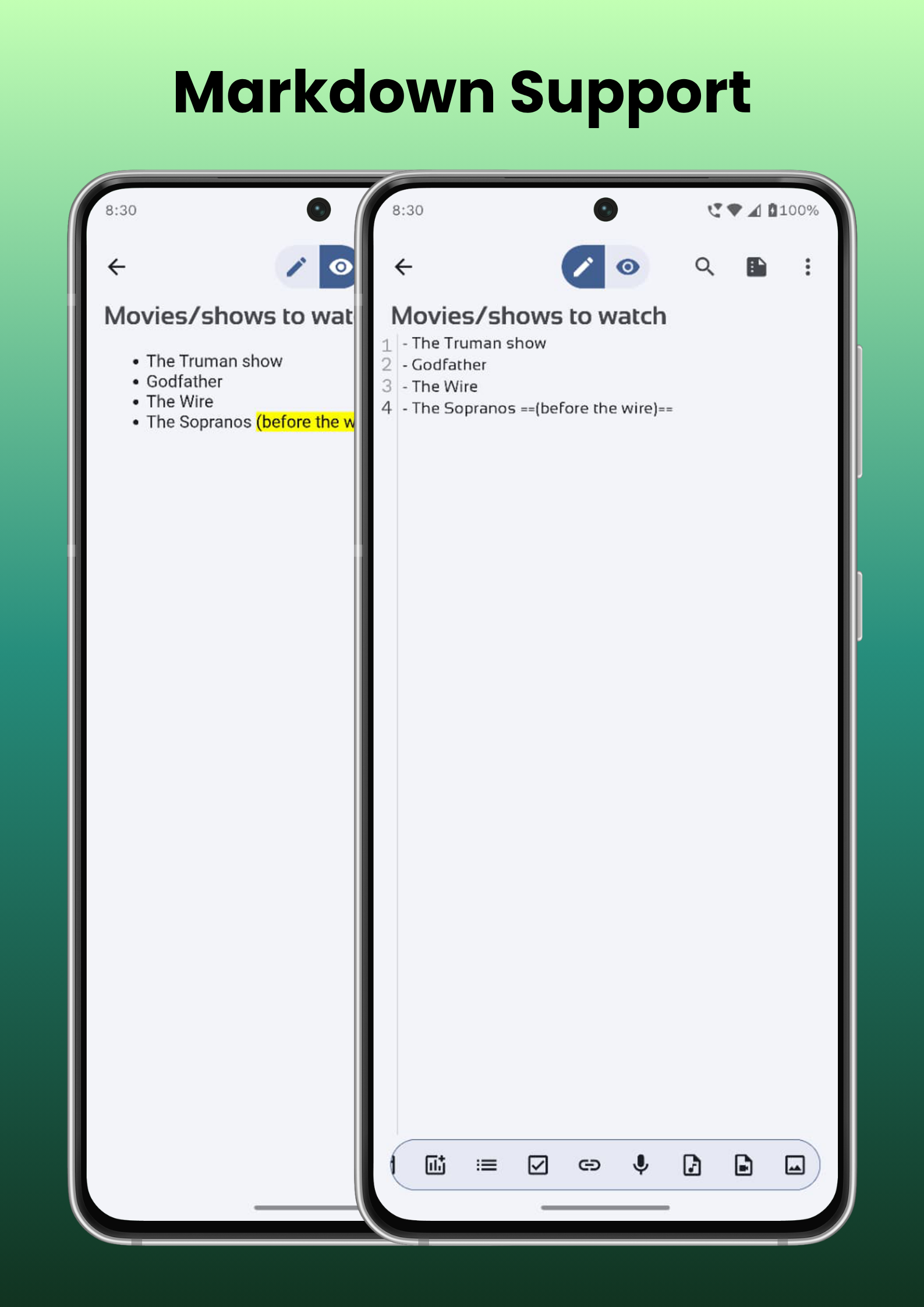
* 📝 Rich Markdown Editor
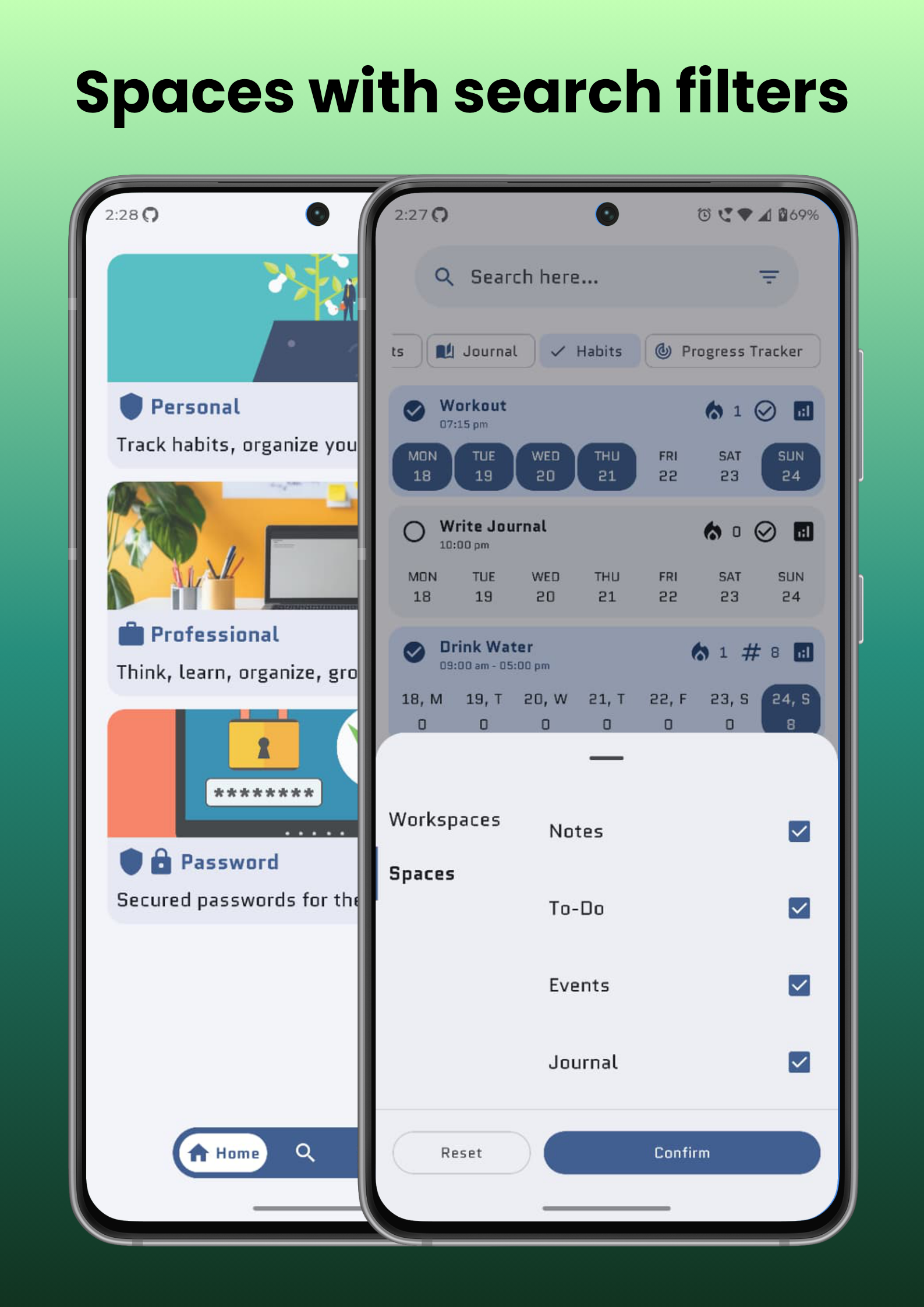
* 🗂️ Customizable Workspaces to organize.
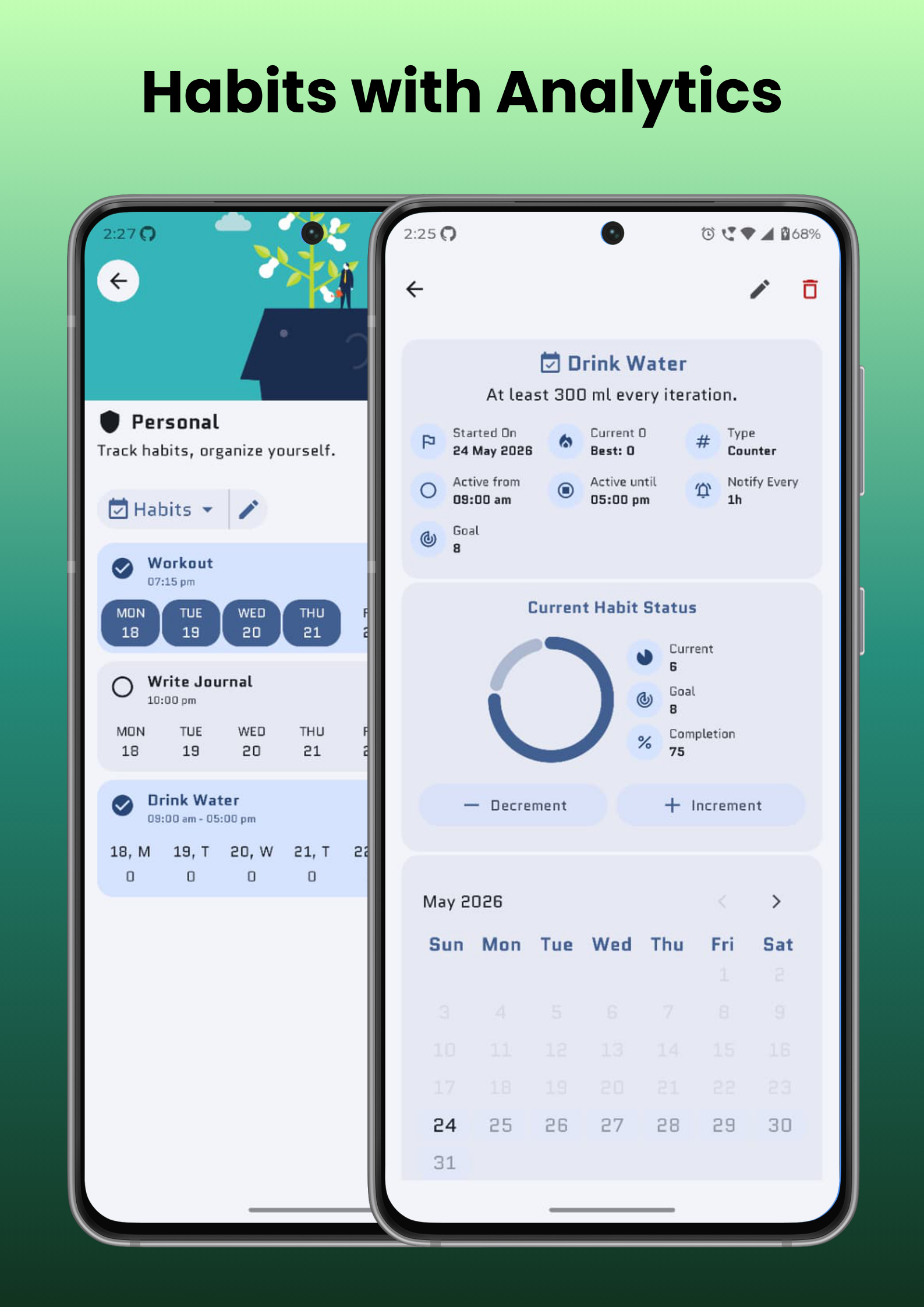
* ✅ Task Management & Habit Tracker with productivity insights.
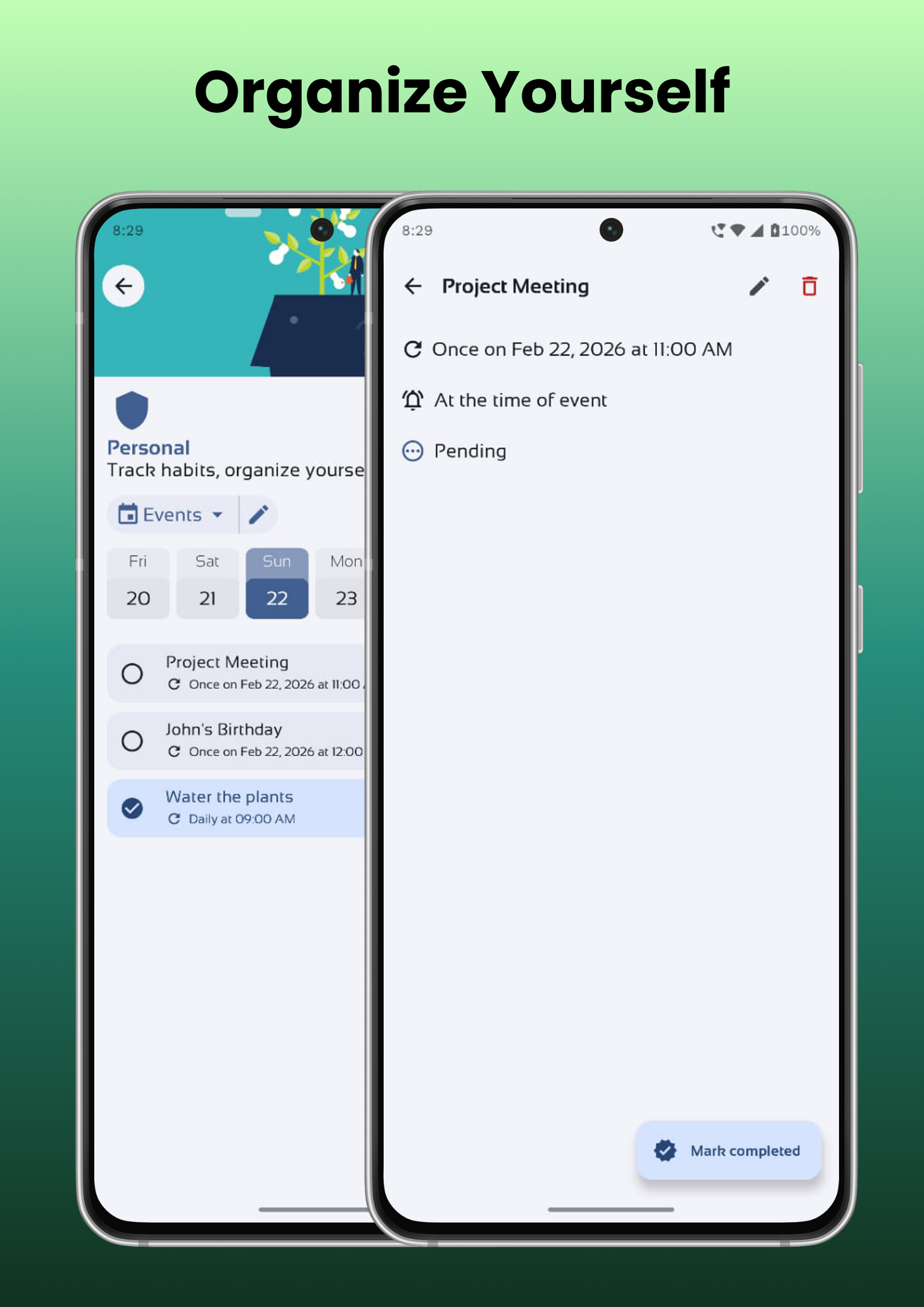
* 📅 Calendar & Events to manage schedules and important dates.
* 🎨 Material You Design built with Material 3.
* 📴 Offline-First architecture.
Screenshots
What’s new
feat - Default Workspace screen option in customization - Navigation of workspace from search screen - Add data from search screen - ics import/export option of events fix: - Auto Backup manager bug src: - Added month change option in daily calendar view. - UI improvements in change-log screen - Keep once option as default for event creation chore - Updated dependencies to latest versions. - Updated version to 3.2.4 (21) for release.
How to install
Download the APK from the button at the top of this page.
Allow “Install unknown apps” for your browser or file manager only, not for every app.
Open the downloaded file and confirm the installation.
If installation fails with “App not installed,” remove an earlier build of the same app first. A signature conflict is the usual cause.
Data safety
Every file is checked against its published SHA-256 before it is listed.
Files are scanned for malware on every update.
The permissions each app requests are listed on its own page.
Read the full safety policy for how we test, flag, and delist files.