Monitor your device's battery status in detail in real time
Battery Monitor is a simple, practical Android app for keeping an eye on your device’s battery.
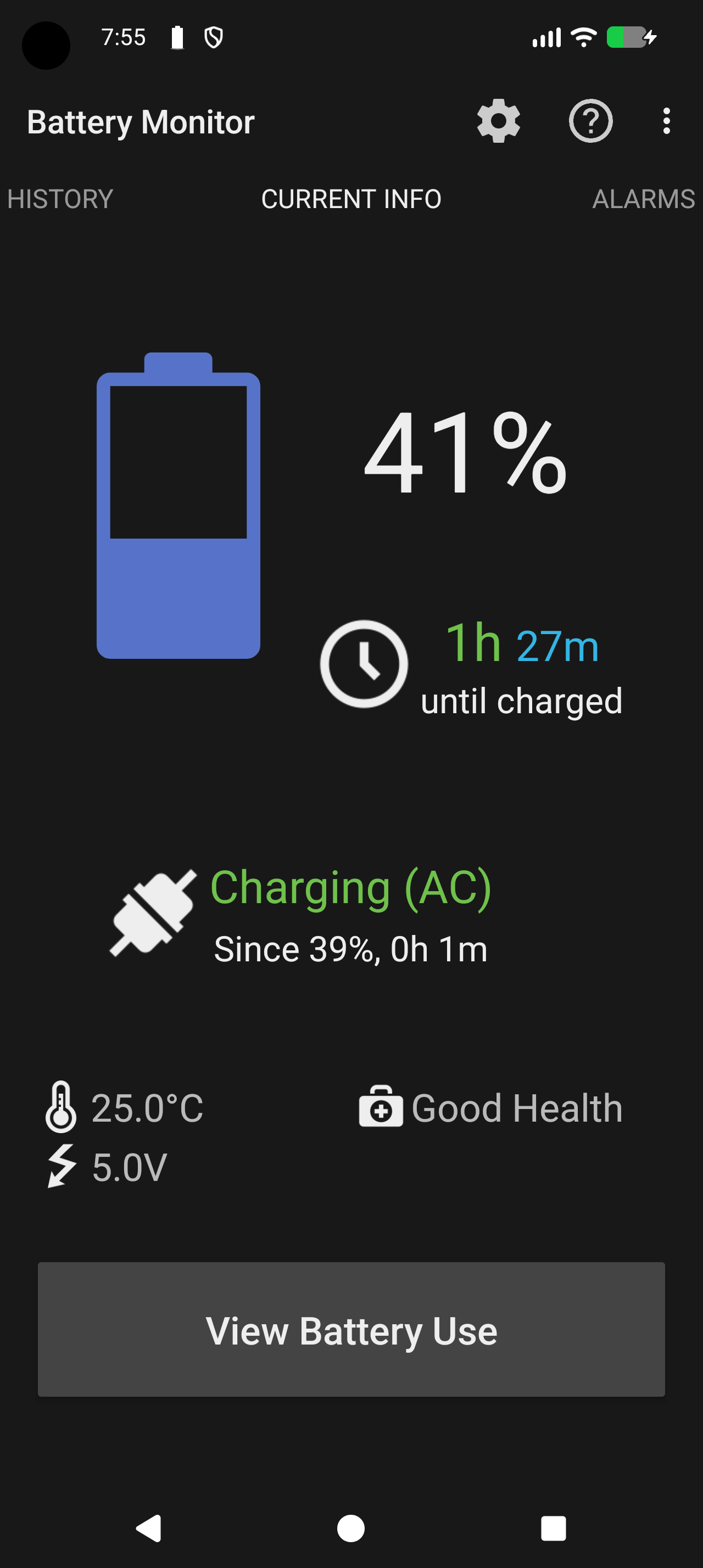
It gives you clear battery information at a glance, shows useful notifications, supports configurable battery alarms, and lets you review battery history over time.
Main features:
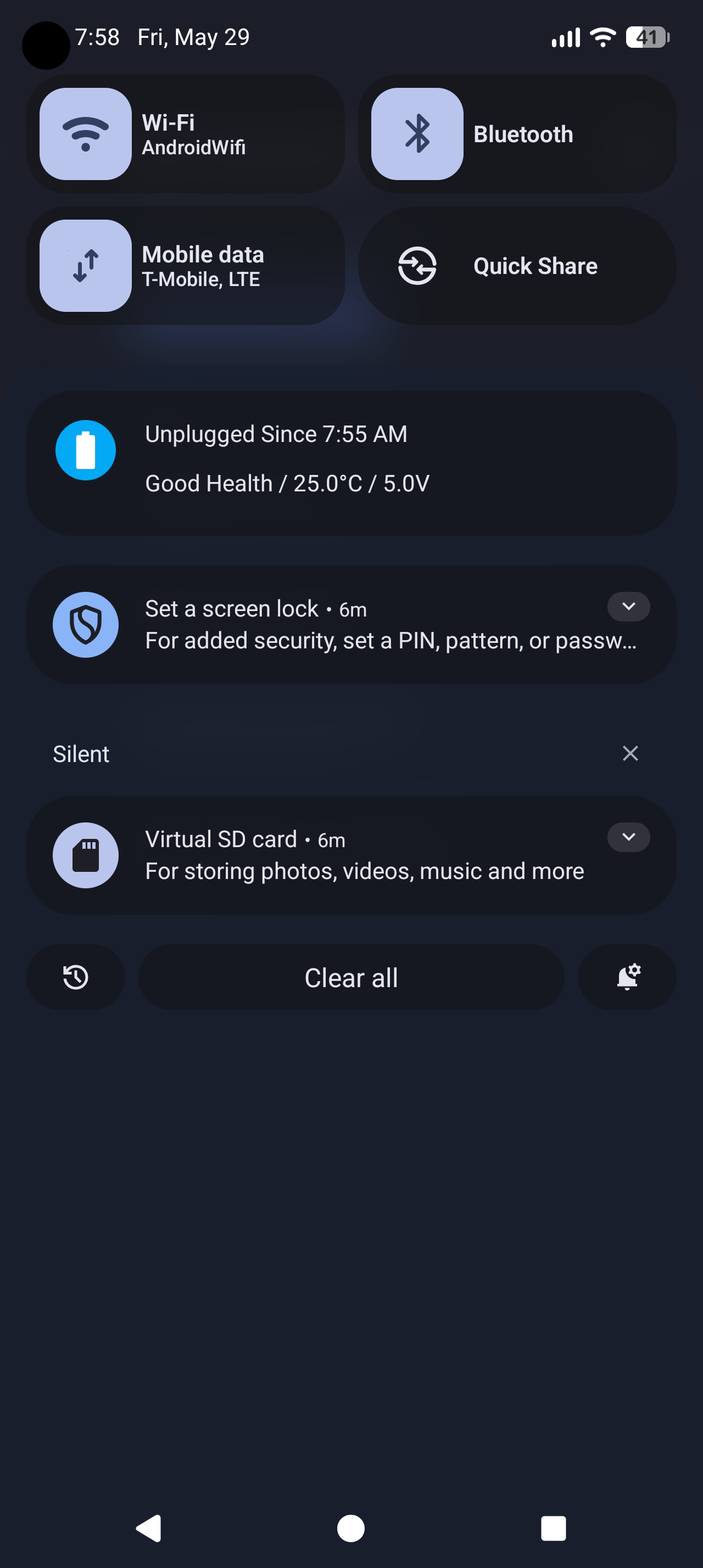
- persistent notification with current battery level, status, and optional details
- on Android 16 and newer, the main notification can be replaced with a Live Update showing the current battery level or temperature,
- detailed battery information, including charge level, temperature, voltage, health, and power source
- advanced battery information thanks to root access or Shizuku
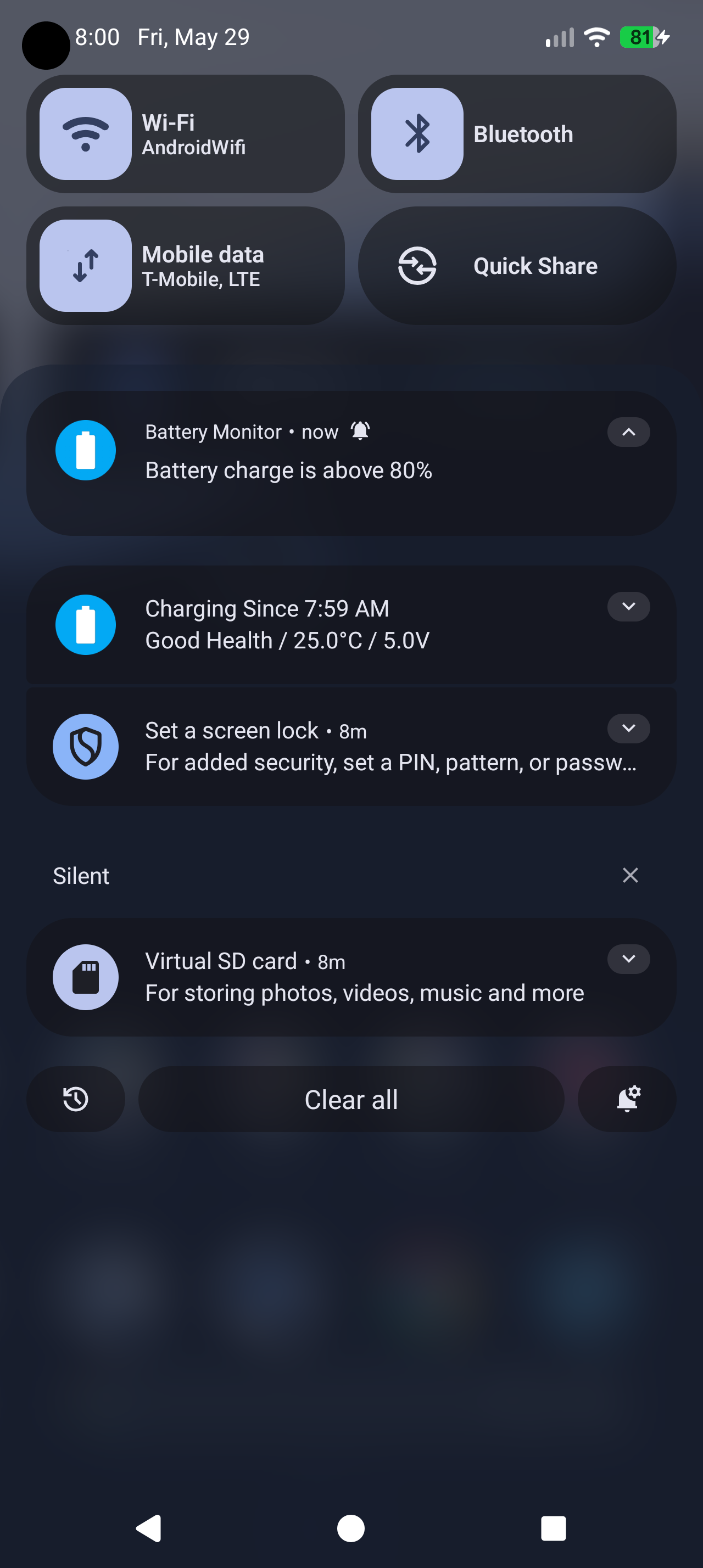
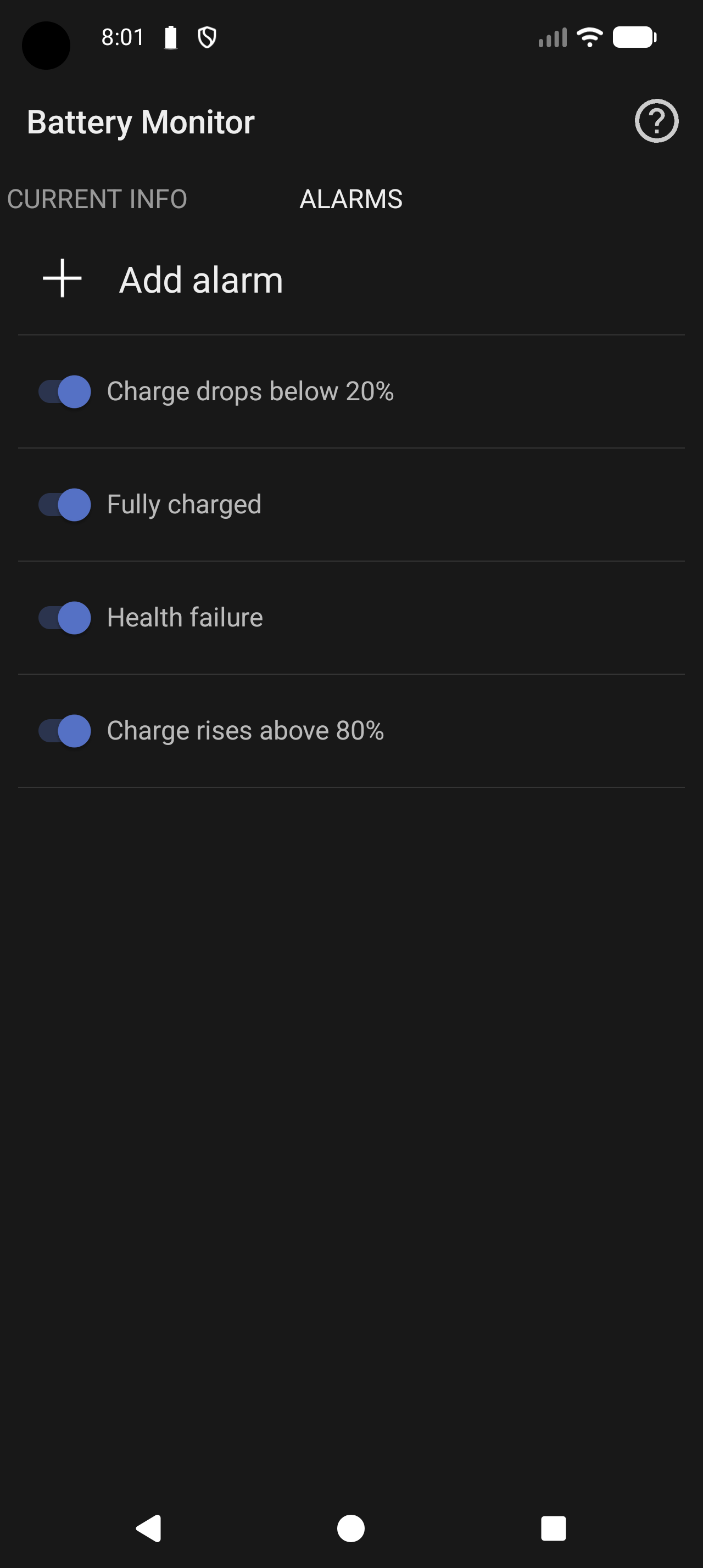
- configurable battery alarms: for full charge, low battery, or custom charge thresholds; temperature and battery health
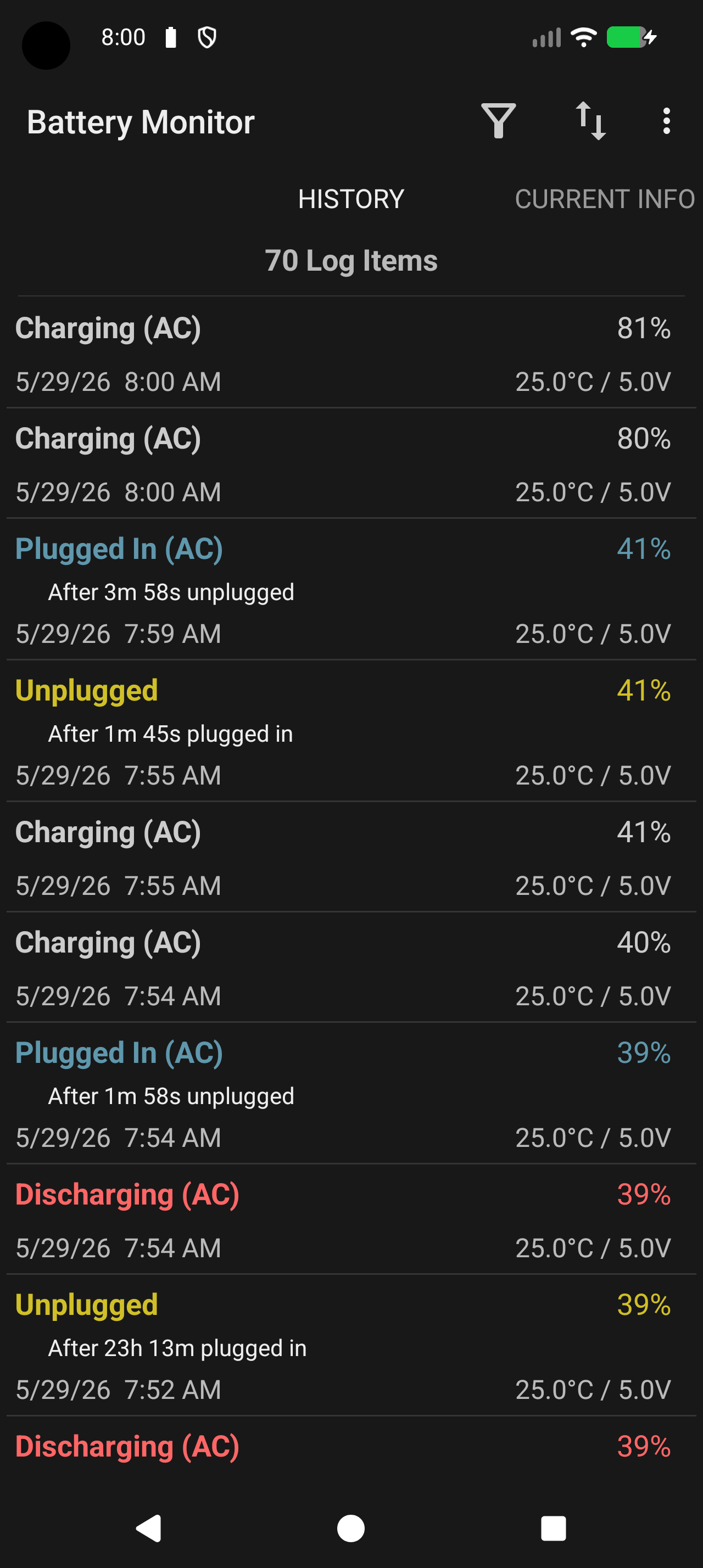
- battery event history with filtering
- CSV history export for further analysis
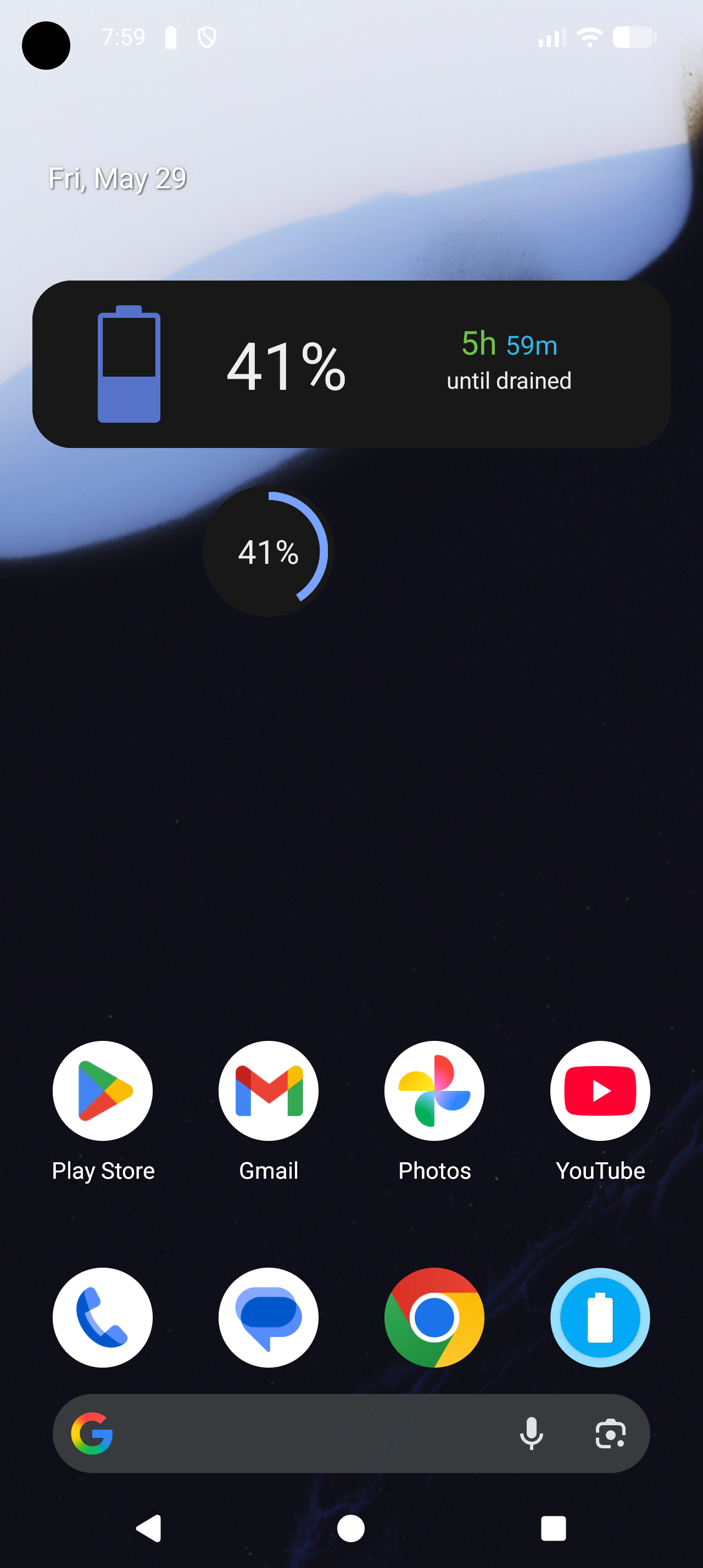
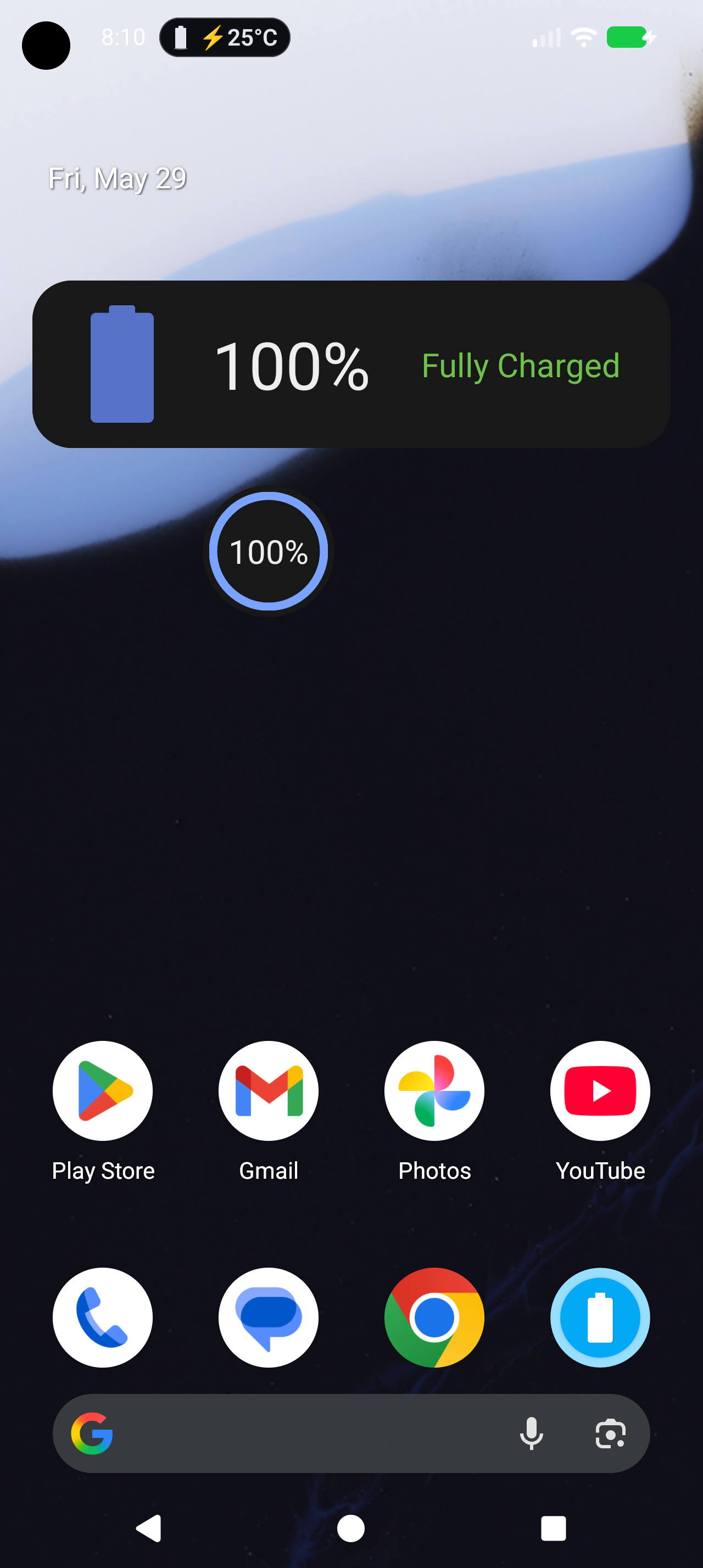
- home screen widgets
- no personal data collection
Battery status notification
Battery Monitor can show a persistent notification with up-to-date battery information. You can choose what is displayed, such as battery percentage, charging status, or additional details.
Battery alarms
Set practical alerts to help you manage charging and discharging. Battery Monitor can notify you when the battery reaches a selected level, drops below a chosen threshold, or becomes fully charged.
History and export
The app records battery-related events so you can review how your battery status changed over time. Logs can be filtered and exported to CSV for further analysis.
Widgets
Home screen widgets let you keep important battery information visible without opening the app.
Privacy
Battery Monitor does not collect, store, or transmit personal data. It focuses only on local battery monitoring on your device.
Project background
Battery Monitor is a continued and rebranded version of Battery Indicator Pro / BatteryBot Pro. The project aims to preserve a classic, clear battery monitoring experience while keeping the app working well on modern Android versions.
Screenshots
What’s new
Improved:
- Main notification is now expandable with vital signs details (#129, thanks @LiberiFatali).
How to install
Download the APK from the button at the top of this page.
Allow “Install unknown apps” for your browser or file manager only, not for every app.
Open the downloaded file and confirm the installation.
If installation fails with “App not installed,” remove an earlier build of the same app first. A signature conflict is the usual cause.
Data safety
Every file is checked against its published SHA-256 before it is listed.
Files are scanned for malware on every update.
The permissions each app requests are listed on its own page.
Read the full safety policy for how we test, flag, and delist files.
Frequently asked questions
What is Battery Monitor?
Monitor your device's battery status in detail in real time
Who develops Battery Monitor?
Battery Monitor is developed by Tomasz Świstak.
Which Android version does Battery Monitor require?
Battery Monitor requires Android API 26 or later.
What is the current version of Battery Monitor?
The synchronized F-Droid version is 1.7.3.
Which license does Battery Monitor use?
The signed F-Droid metadata lists GPL-3.0-or-later.