Kairos puts your tasks in the order to do them and fits them into the gaps of your day, at the right time.
An order you can explain
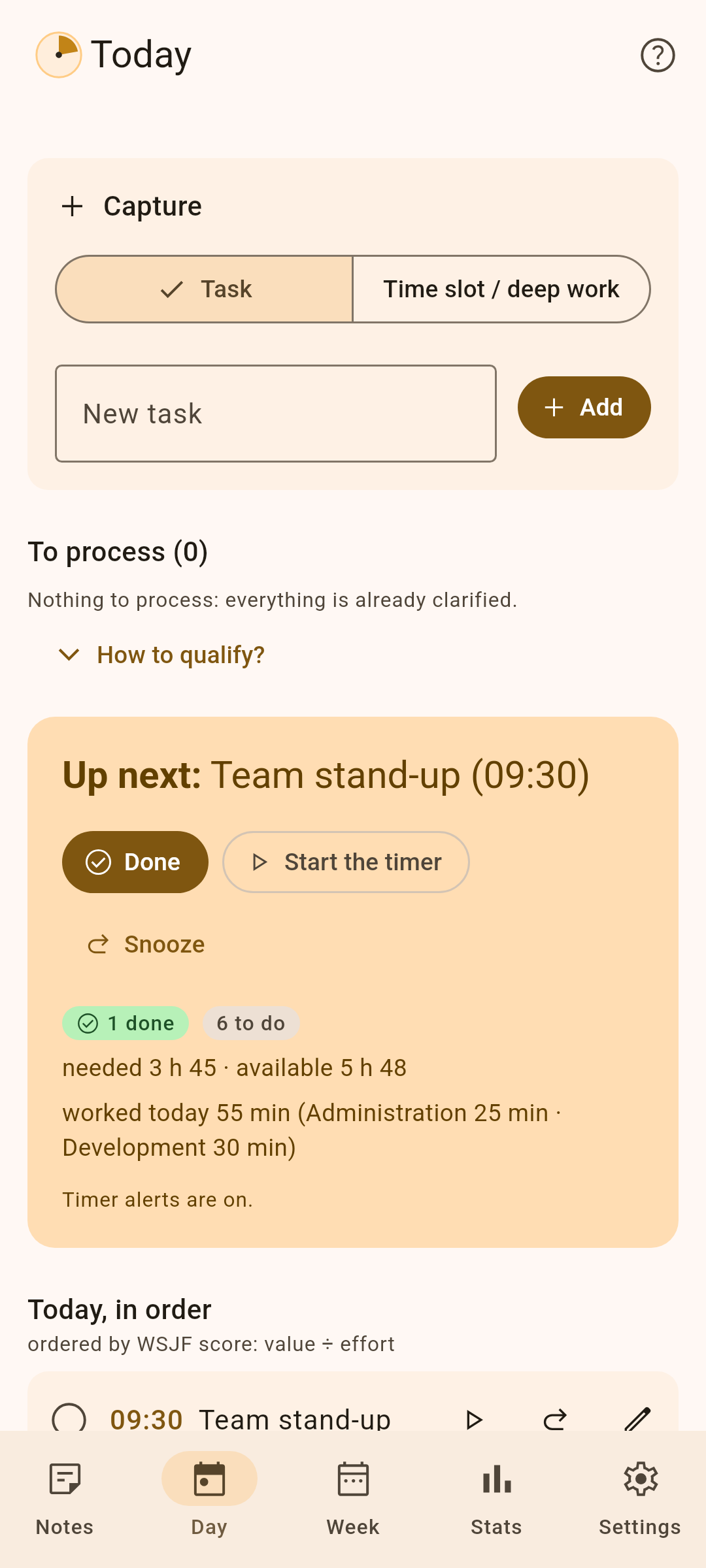
Each task gets a priority score (WSJF): its value (priority P0, P1 or P2, plus the urgency of its deadline) divided by its effort in points. Small and important goes before big and distant; an overdue task always comes first. “Why this position?” shows the calculation in one tap.
A realistic day
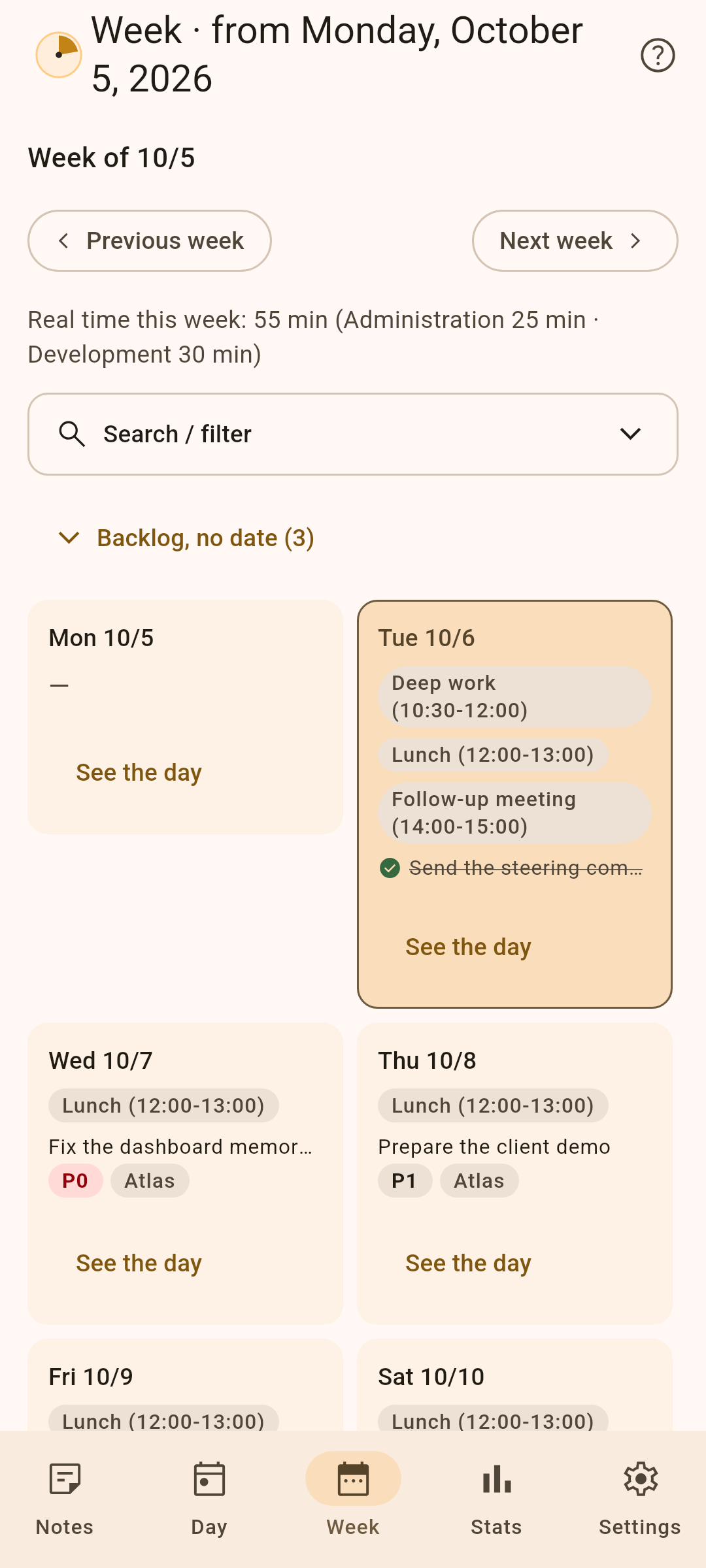
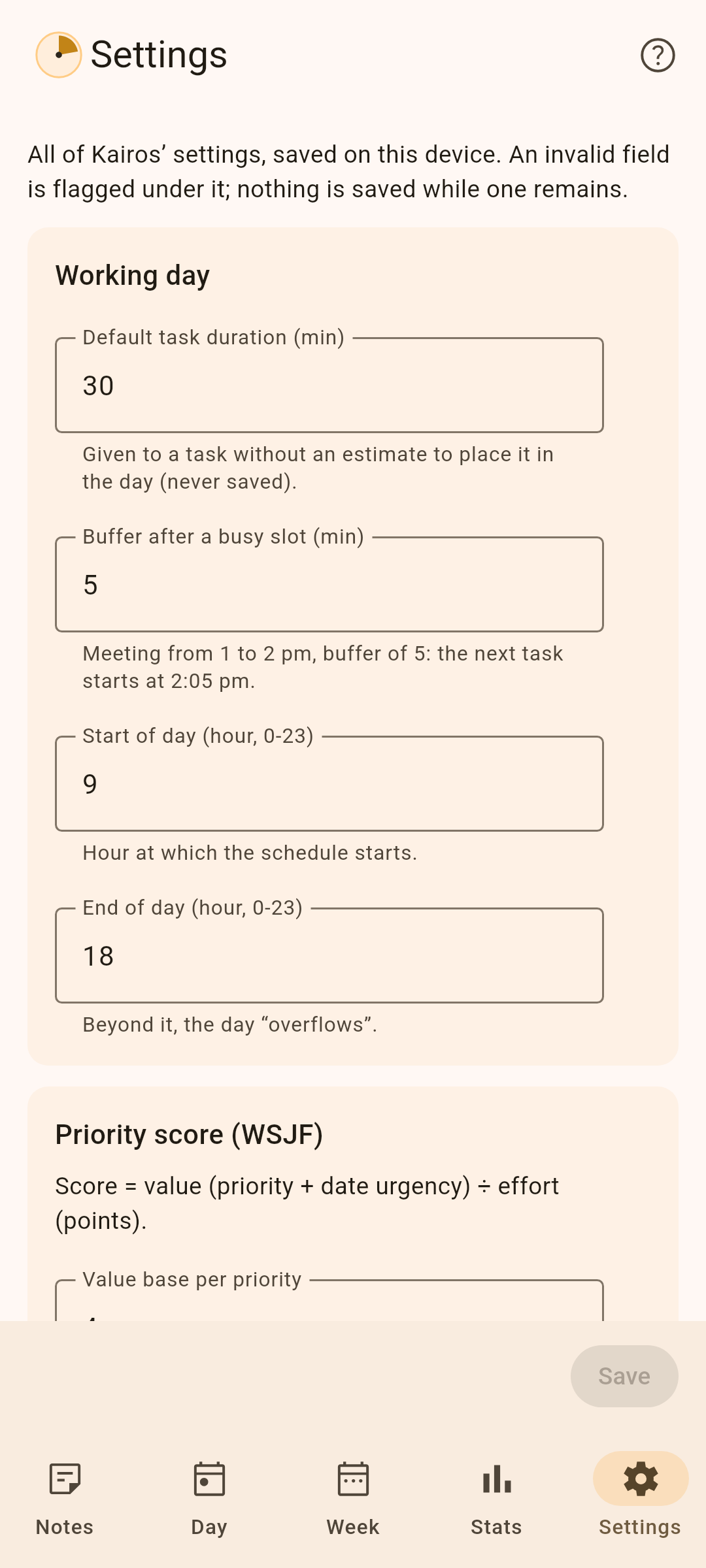
- Tasks are placed around your meetings, with a buffer after each one.
- Deep-work slots are protected; in the afternoon, complex tasks give way to lighter ones.
- Fixed times, recurring tasks (daily, weekdays, weekly, “on the 23rd of the month”), dependencies between tasks, subtasks, French public holidays.
Capture without friction (GTD)
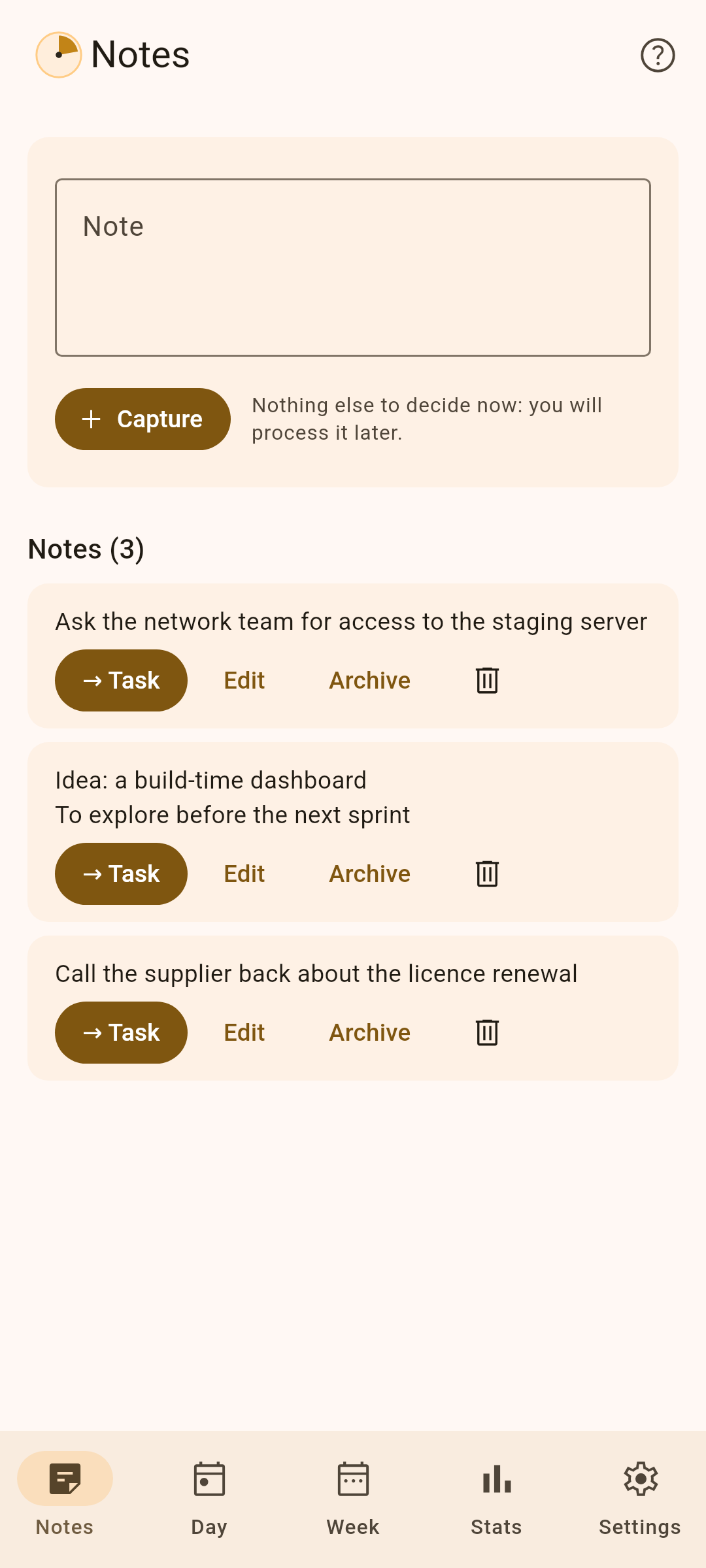
An idea? A note. A task? A title is enough: it waits in “To process” until you give it a priority and a size, one tap each.
Real time
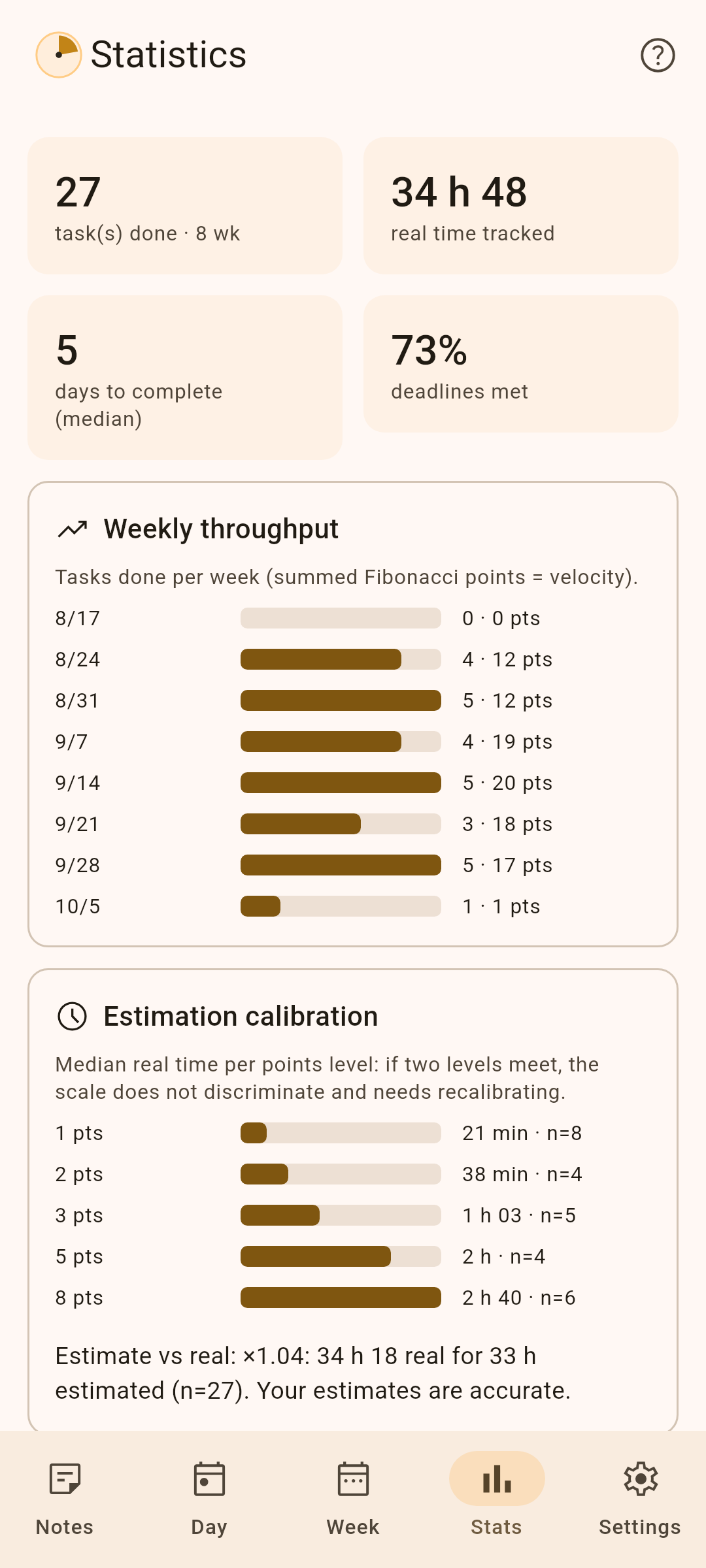
A timer per task, with an ongoing notification; alerts when you go past the estimate, forget a running timer or need a break, even with the app closed. Statistics compare your estimates with the time actually spent.
Manage a team (optional)
Off by default, team management adds a second space for the manager, who remains the only user:
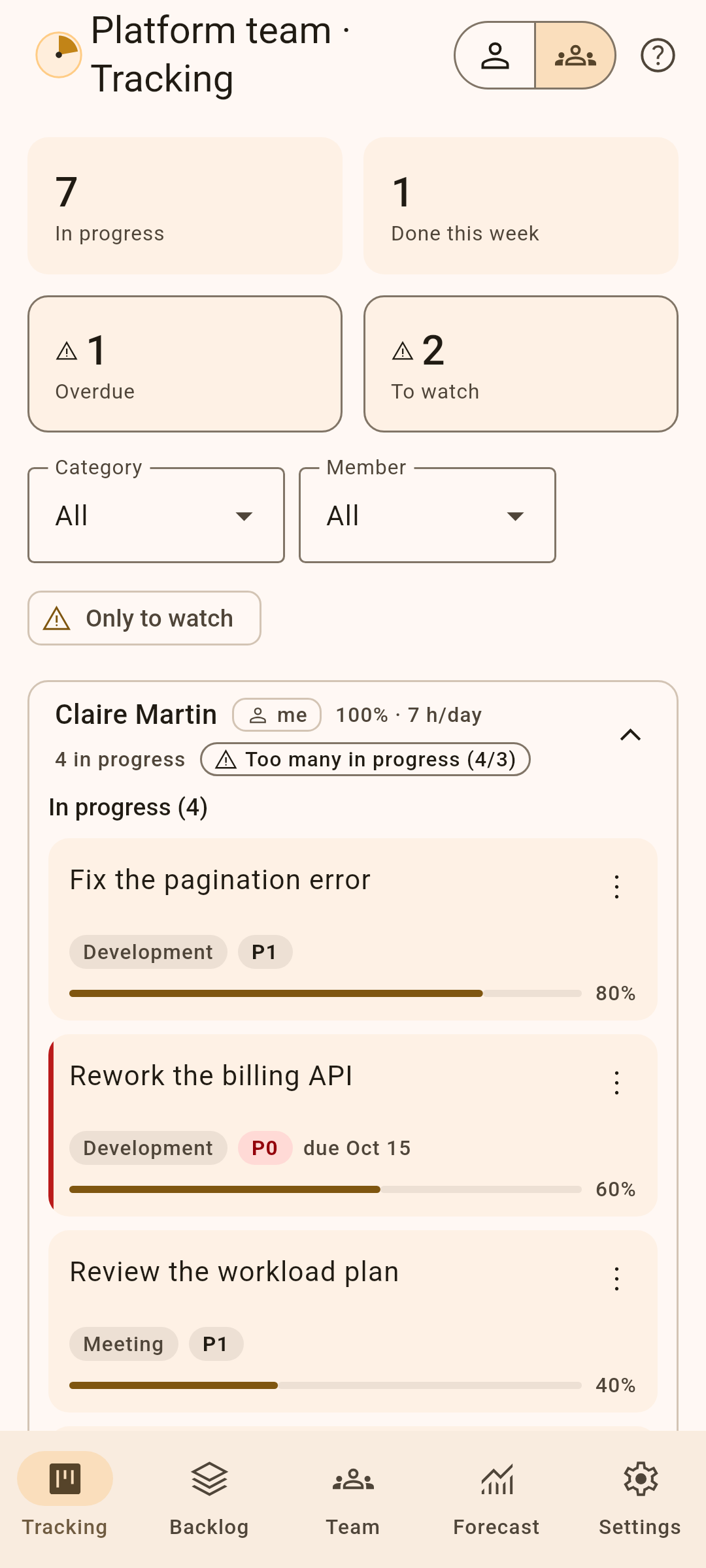
- Members and absences, a shared backlog, progress tracking with its log.
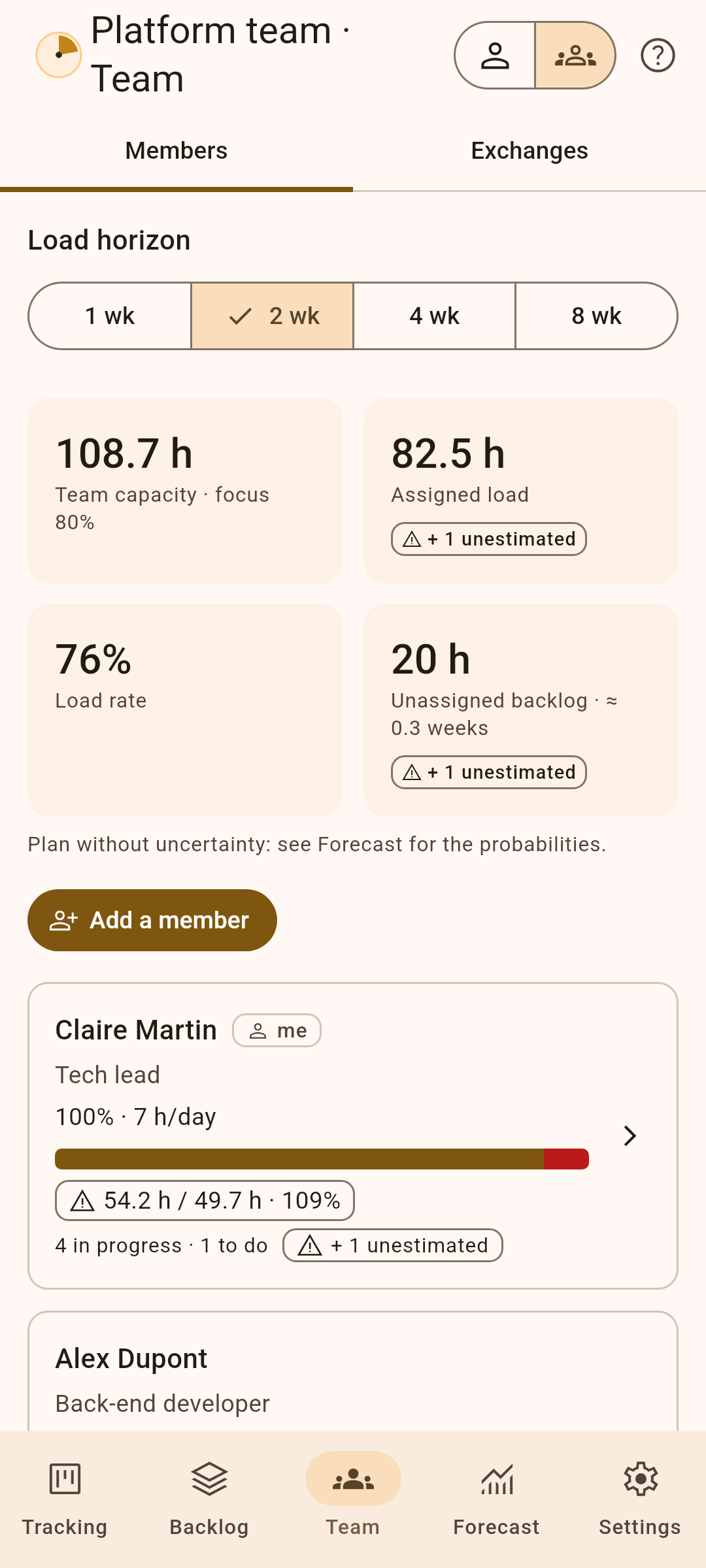
- Each person’s load against their capacity, and a suggested split of the tasks.
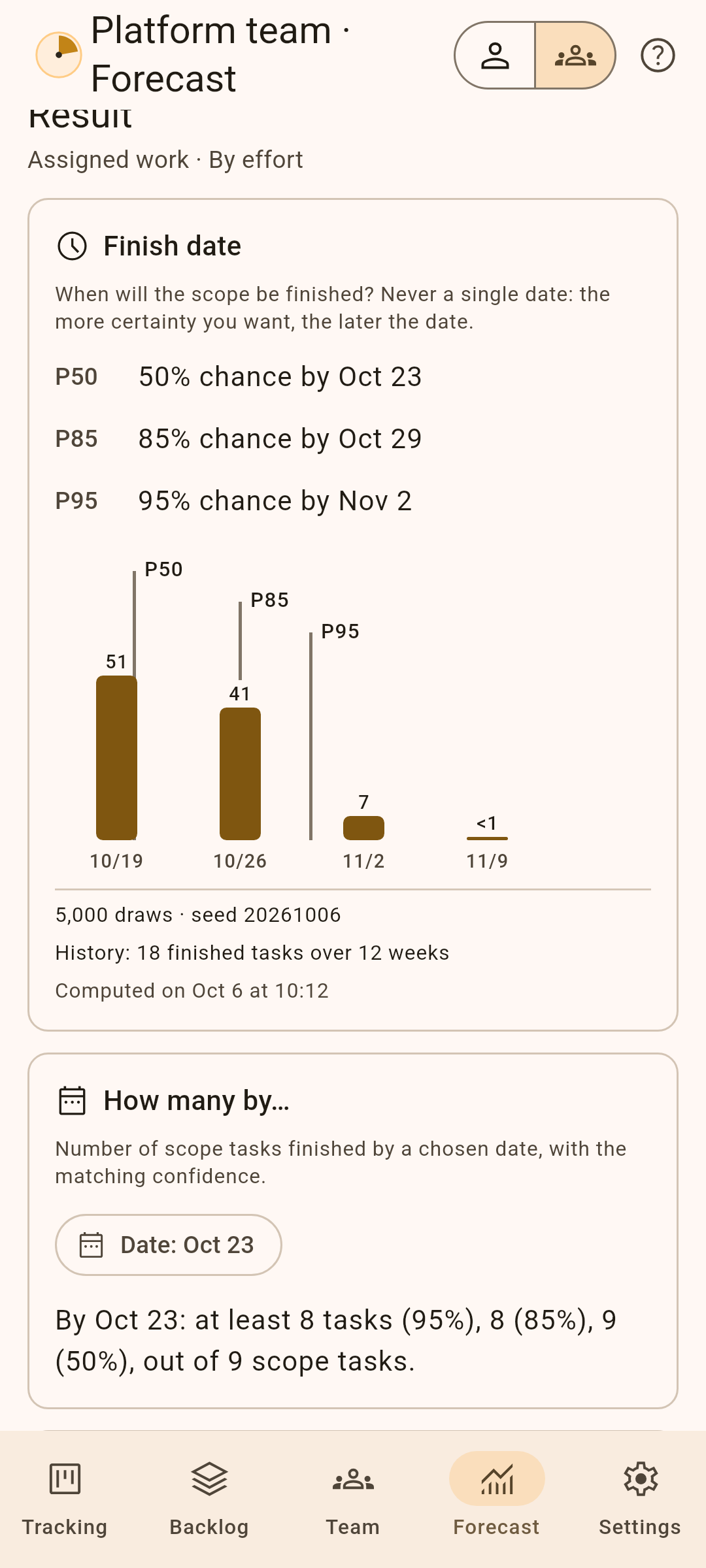
- Monte Carlo forecasts: finish dates as percentage chances, threatened deadlines, “What if…?” scenarios.
- File exchanges with members who use Kairos: they receive their tasks and send back their progress.
- Everything stays on the device; the personal space never shows anything from the team.
Your data stays with you
- No account, no ads, no trackers, no network permission.
- Export and import a JSON file, to back up or switch devices.
- Brings over your Kairos 2 data.
Kairos is also available for Windows, Linux and macOS, and in the browser. Free software under the MIT licence, in French and English.