Calendula icon

Calendula

Jean-Luc Makiola
Tools
Version
2.22.0
Size
7.0 MB
Requires
Android API 29+
4 / 5 · 17,236 ratings 98,885 downloads

Updated Oct 5, 2026

Quick answer

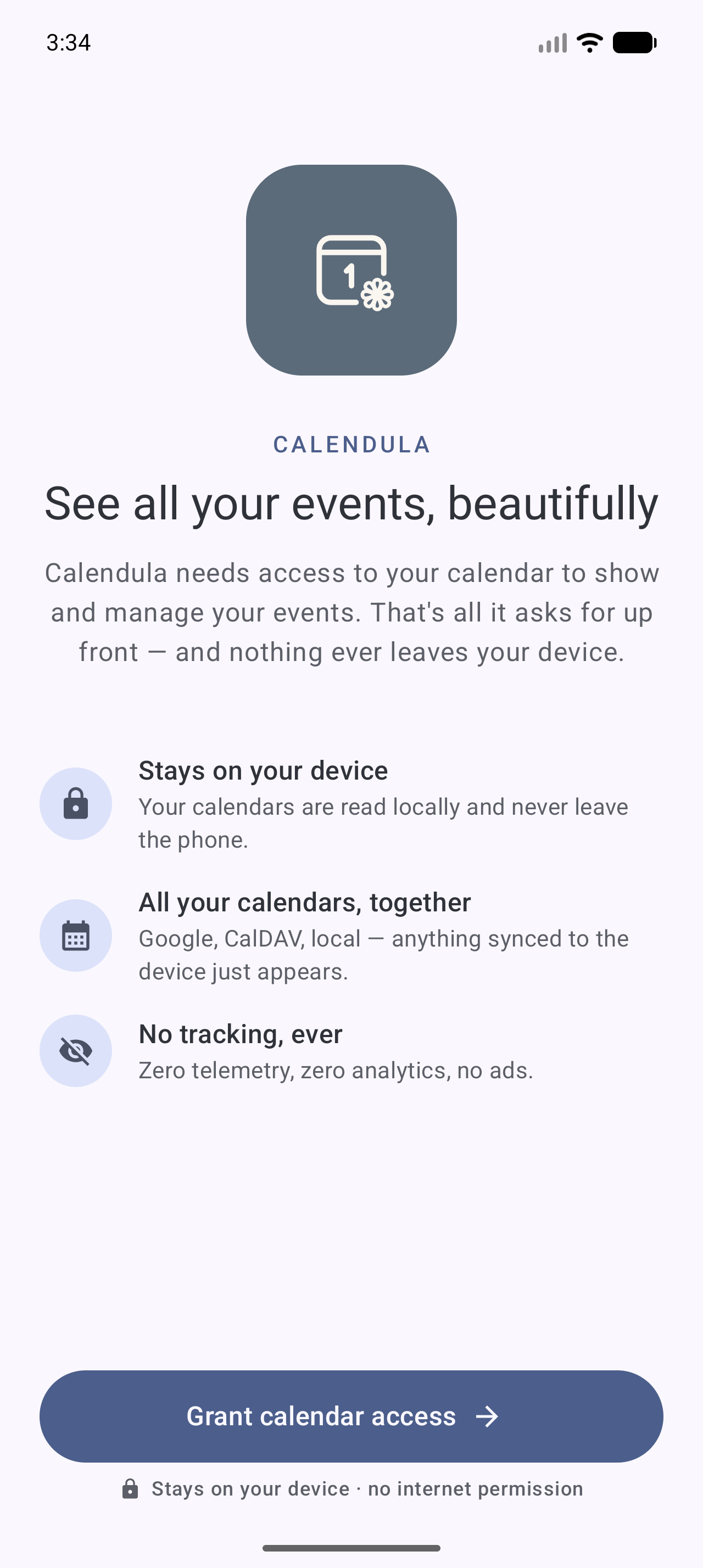
A Material 3 Expressive calendar for Android with no network access.

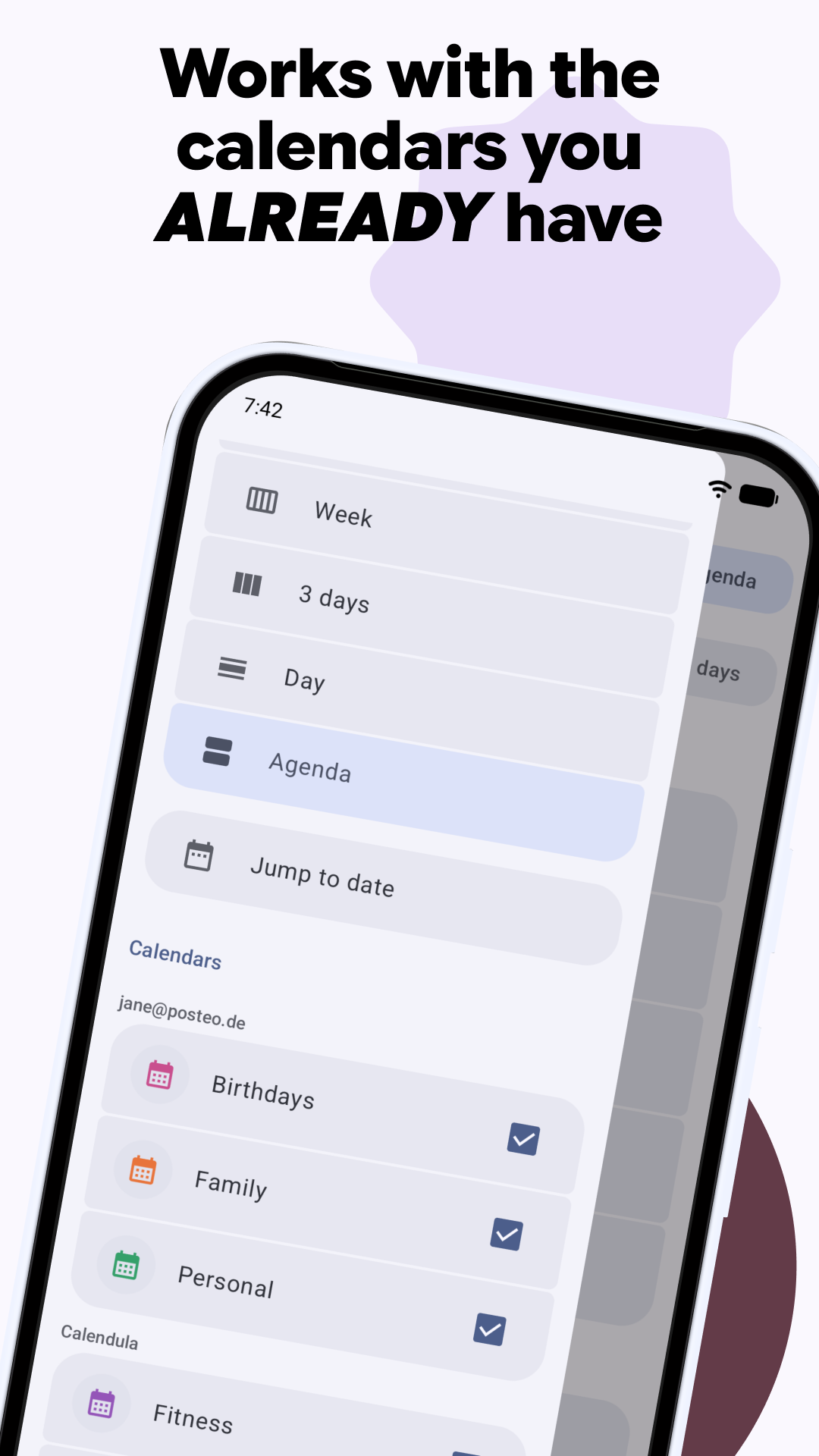
Calendula is an open-source calendar app for Android. It works directly on the system calendar provider, so anything synced to your device (Nextcloud via DAVx5, Google, local calendars, WebCal subscriptions) shows up in Calendula, and changes you make sync back the same way.

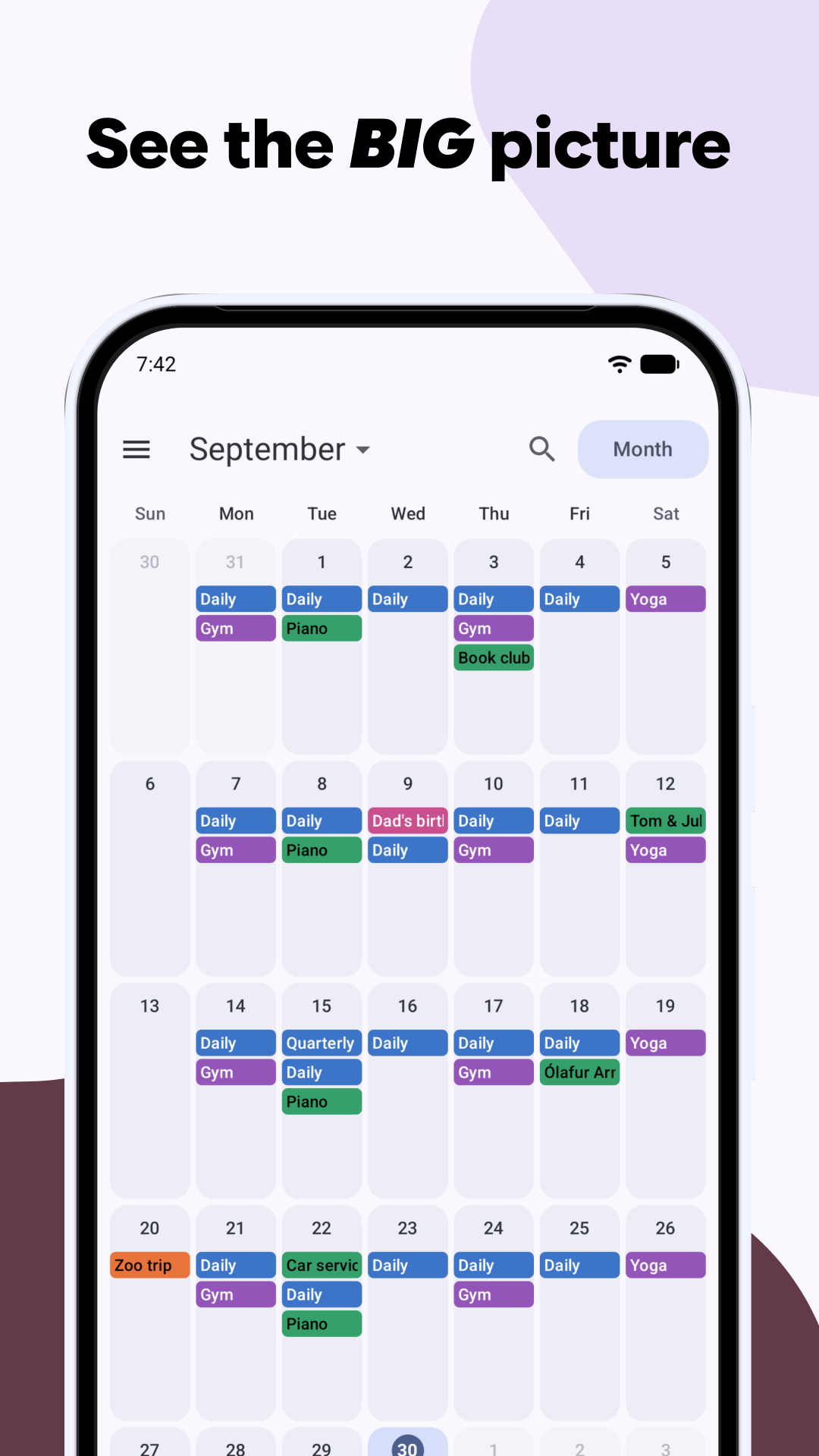
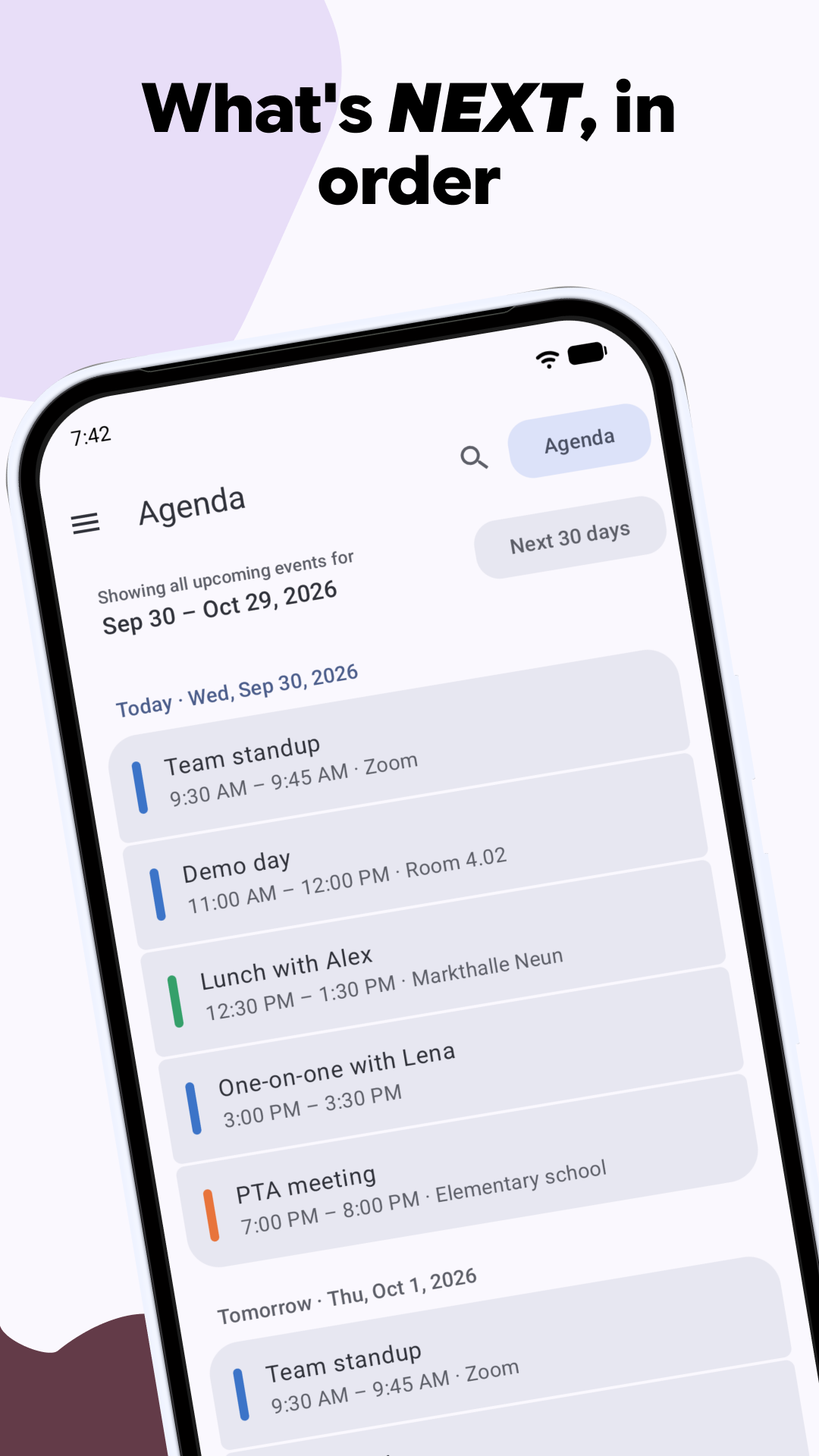
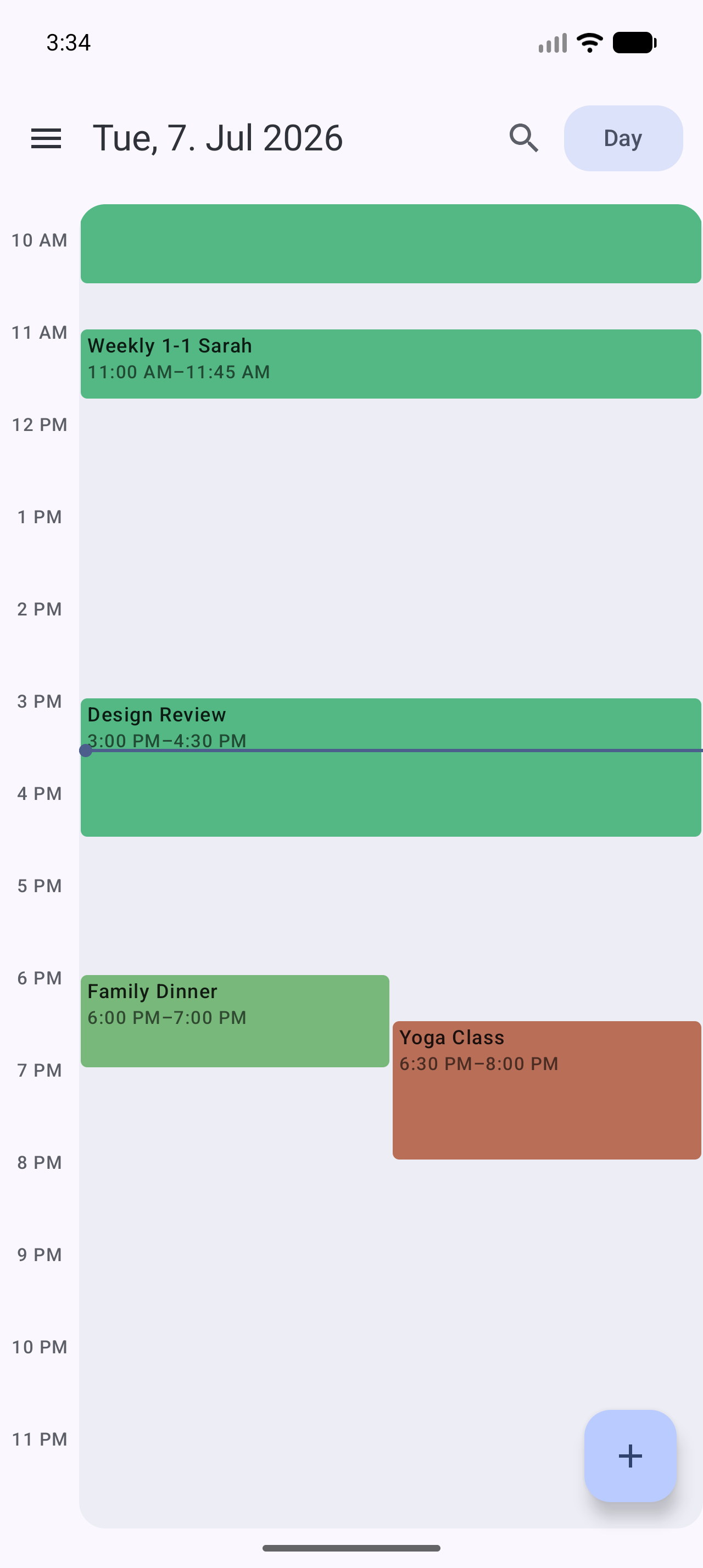
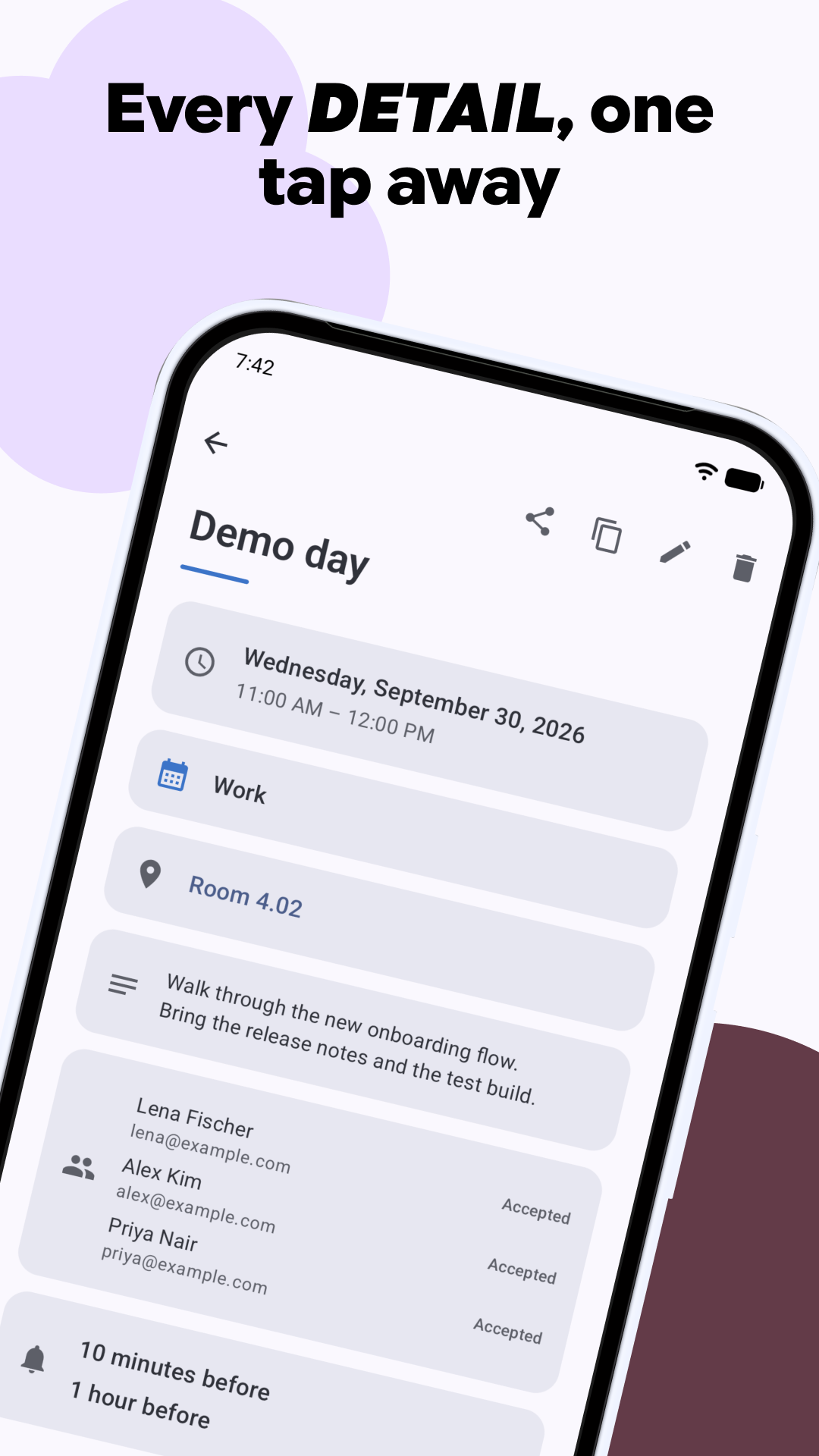
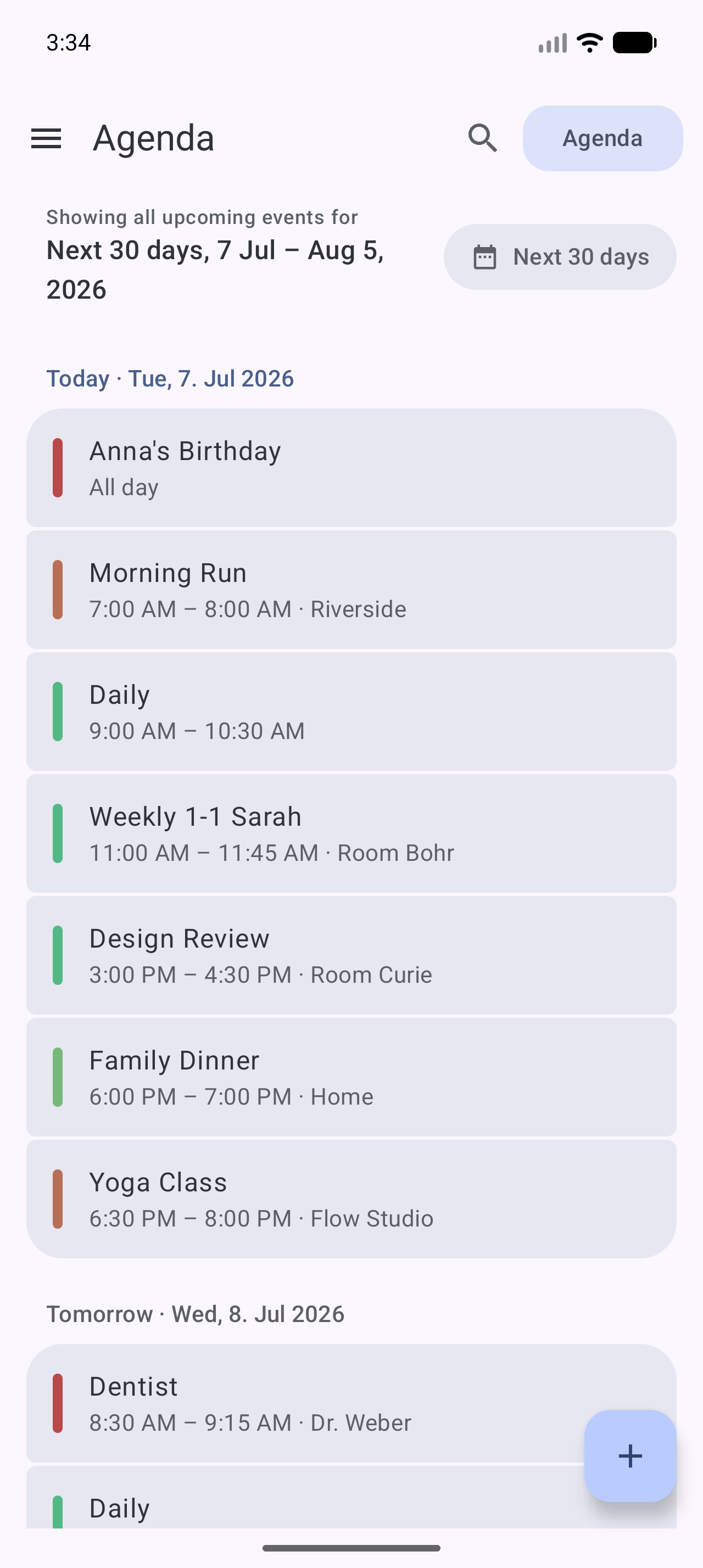
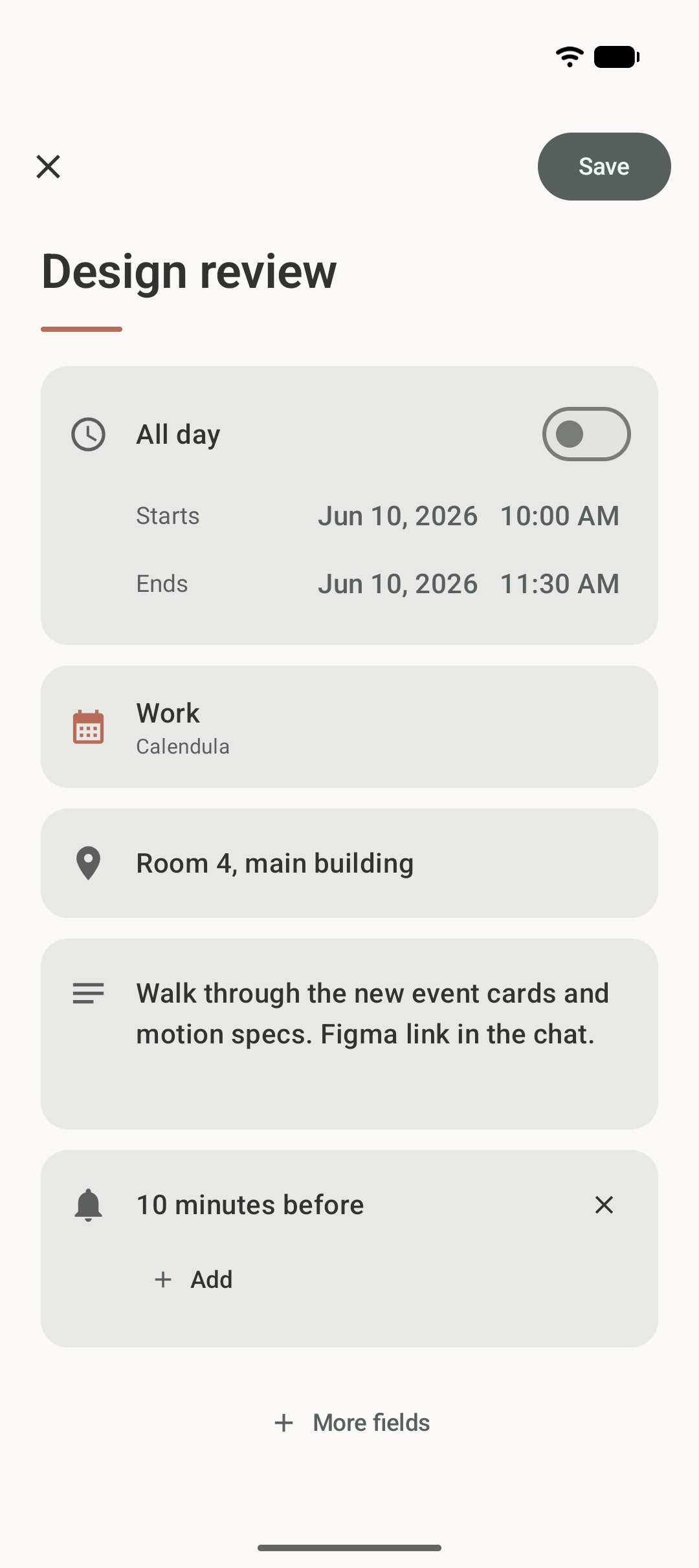
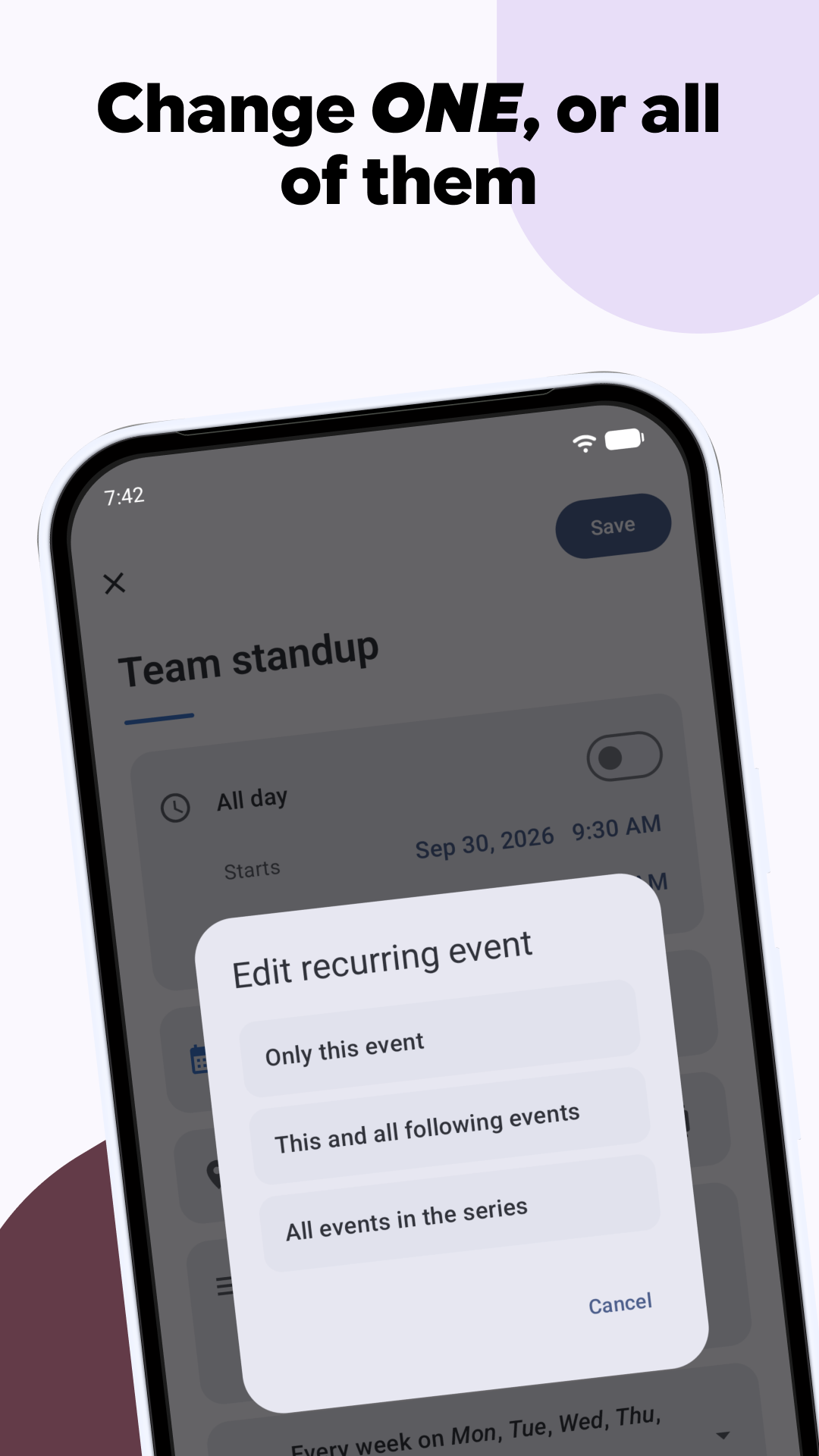
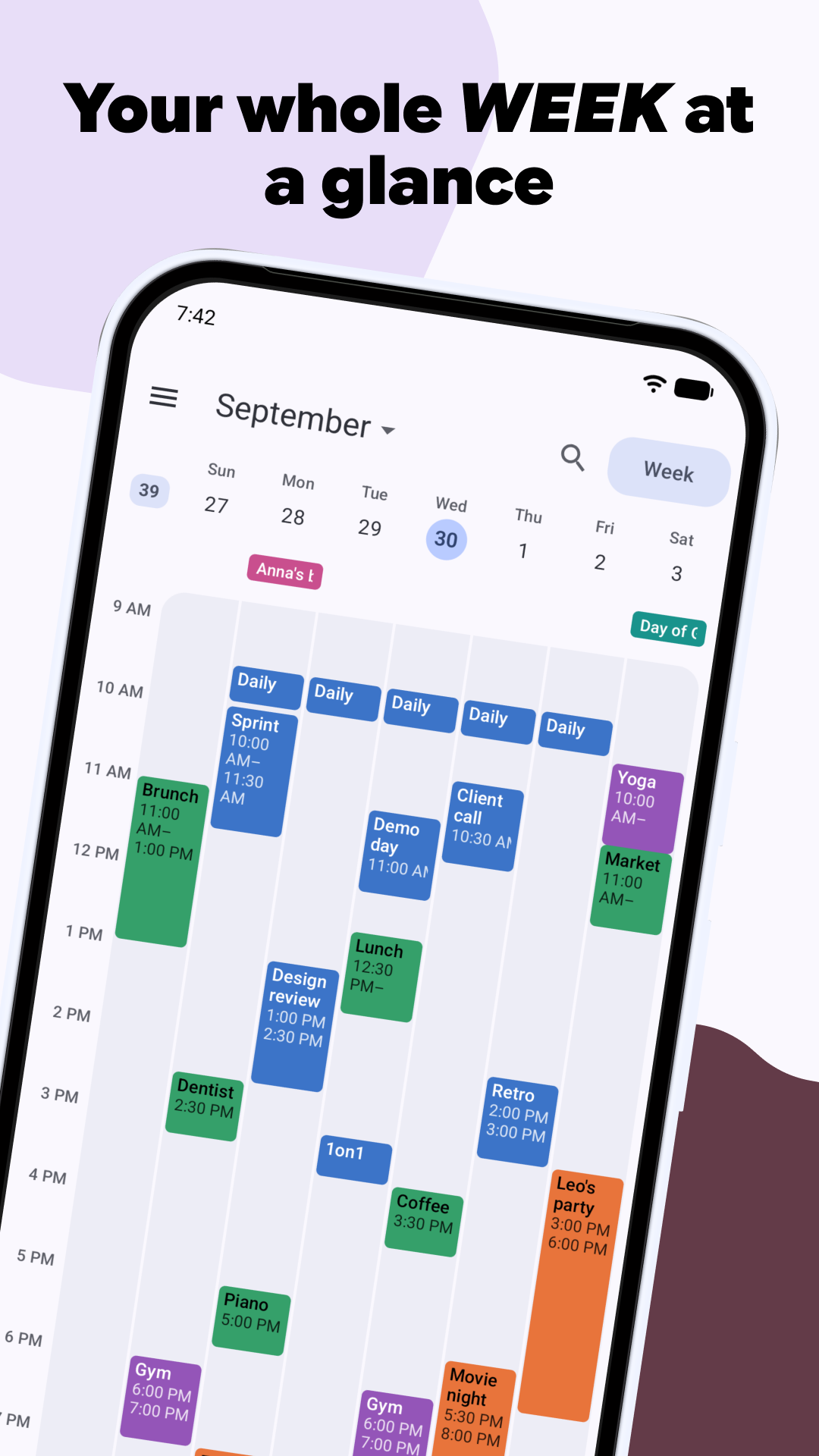
It has month, week, day and agenda views. You can create, edit and delete events, including recurring ones, and set repeats from presets or your own rules. When you change a recurring event, you choose whether the change applies to that one event, to it and all following ones, or to the whole series.

Calendula shows your event reminders as notifications. Tap one to open the event.

If you turn it on, Calendula also shows your contacts' birthdays, anniversaries and other dates. Contacts are read on your device and are never uploaded or changed. Calendula copies the dates into local calendars that you control.

The design is Material 3 Expressive throughout, with dynamic color and expressive motion and shapes.

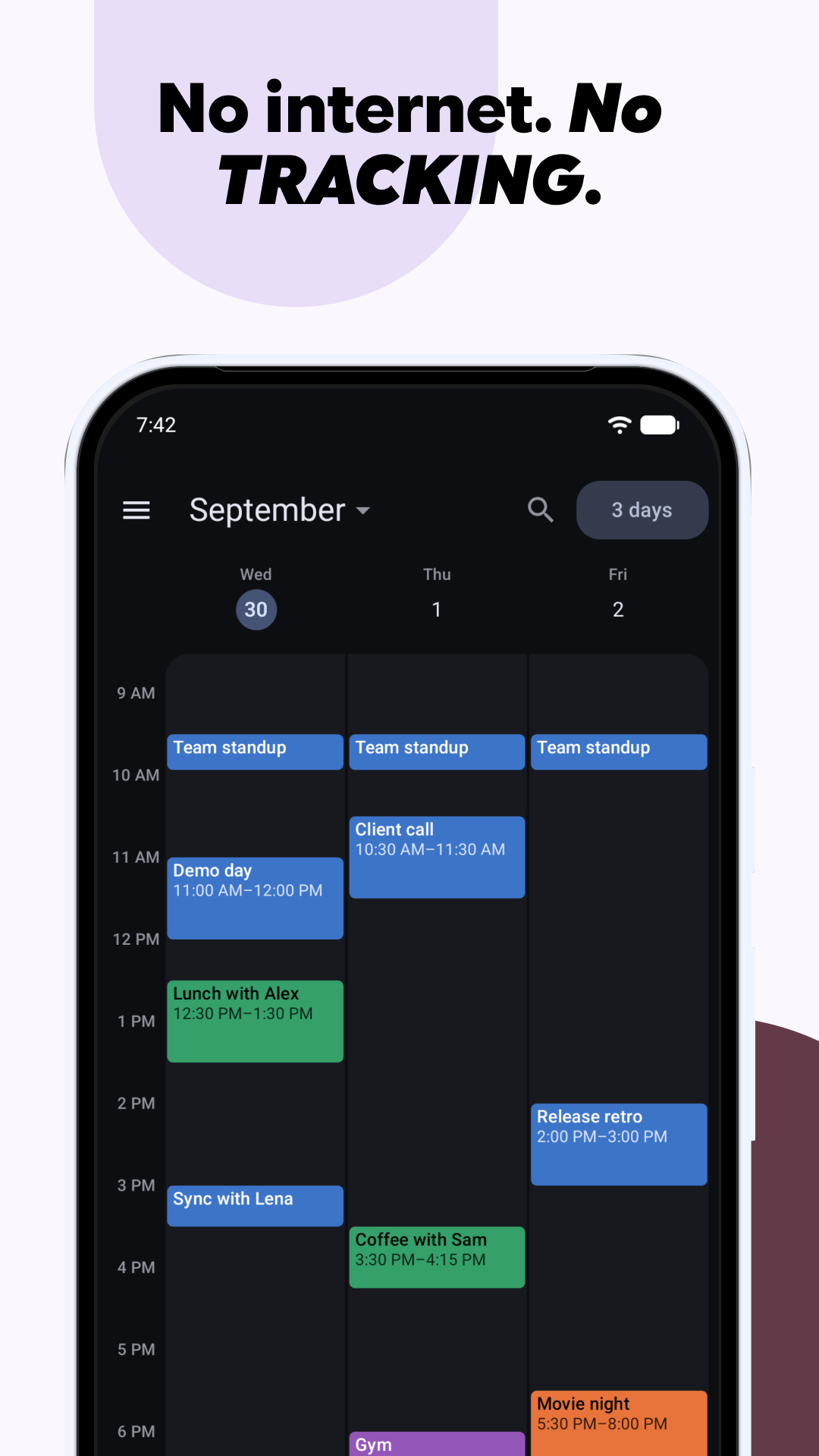
Calendula has no telemetry, no analytics and no network access. Your data never leaves the device.

Screenshots

Calendula screenshot 1
Calendula screenshot 2
Calendula screenshot 3
Calendula screenshot 4
Calendula screenshot 5
Calendula screenshot 6
Calendula screenshot 7
Calendula screenshot 8
Calendula screenshot 9
Calendula screenshot 10
Calendula screenshot 11

What’s new

New
• Day, Week and Month now page with a swipeable, finger-tracking pager.
• A multi-day view shows a configurable number of days side by side.
• Visible hours: fit a chosen range of hours to the screen in timeline views.

Changed
• Today stands out in the month grid, and switching views now morphs between them instead of cutting.

Fixed
• Titles and locations stop growing past 255 characters, so CalDAV servers can't cut them off mid-sync.

How to install

  1. Download the APK from the button at the top of this page.
  2. Allow “Install unknown apps” for your browser or file manager only, not for every app.
  3. Open the downloaded file and confirm the installation.
  4. If installation fails with “App not installed,” remove an earlier build of the same app first. A signature conflict is the usual cause.

Data safety

  • Every file is checked against its published SHA-256 before it is listed.
  • Files are scanned for malware on every update.
  • The permissions each app requests are listed on its own page.
  • Read the full safety policy for how we test, flag, and delist files.

Frequently asked questions

What is Calendula?
A Material 3 Expressive calendar for Android with no network access.
Who develops Calendula?
Calendula is developed by Jean-Luc Makiola.
Which Android version does Calendula require?
Calendula requires Android API 29 or later.
What is the current version of Calendula?
The synchronized F-Droid version is 2.22.0.
Which license does Calendula use?
The signed F-Droid metadata lists MIT.
Where is the source code for Calendula?
https://codeberg.org/jlmakiola/calendula

Comments

Recent approved comments · sorted by newest

Verification code
Be specific and keep it about the app. No links. Comments are reviewed before publication. Device and Android details are recorded automatically. Privacy policy.

Loading recent comments...

View all comments