Aster Mail: Encrypted Email icon

Aster Mail: Encrypted Email

Aster Communications Inc.
Internet
Version
0.6.193
Size
21.5 MB
Requires
Android API 26+
4.6 / 5 · 44 ratings 1,000 downloads

Updated Oct 5, 2026

Quick answer

Private email app with end-to-end encryption, aliases, and custom domains

Aster Mail is a private, encrypted email app for astermail.org accounts.

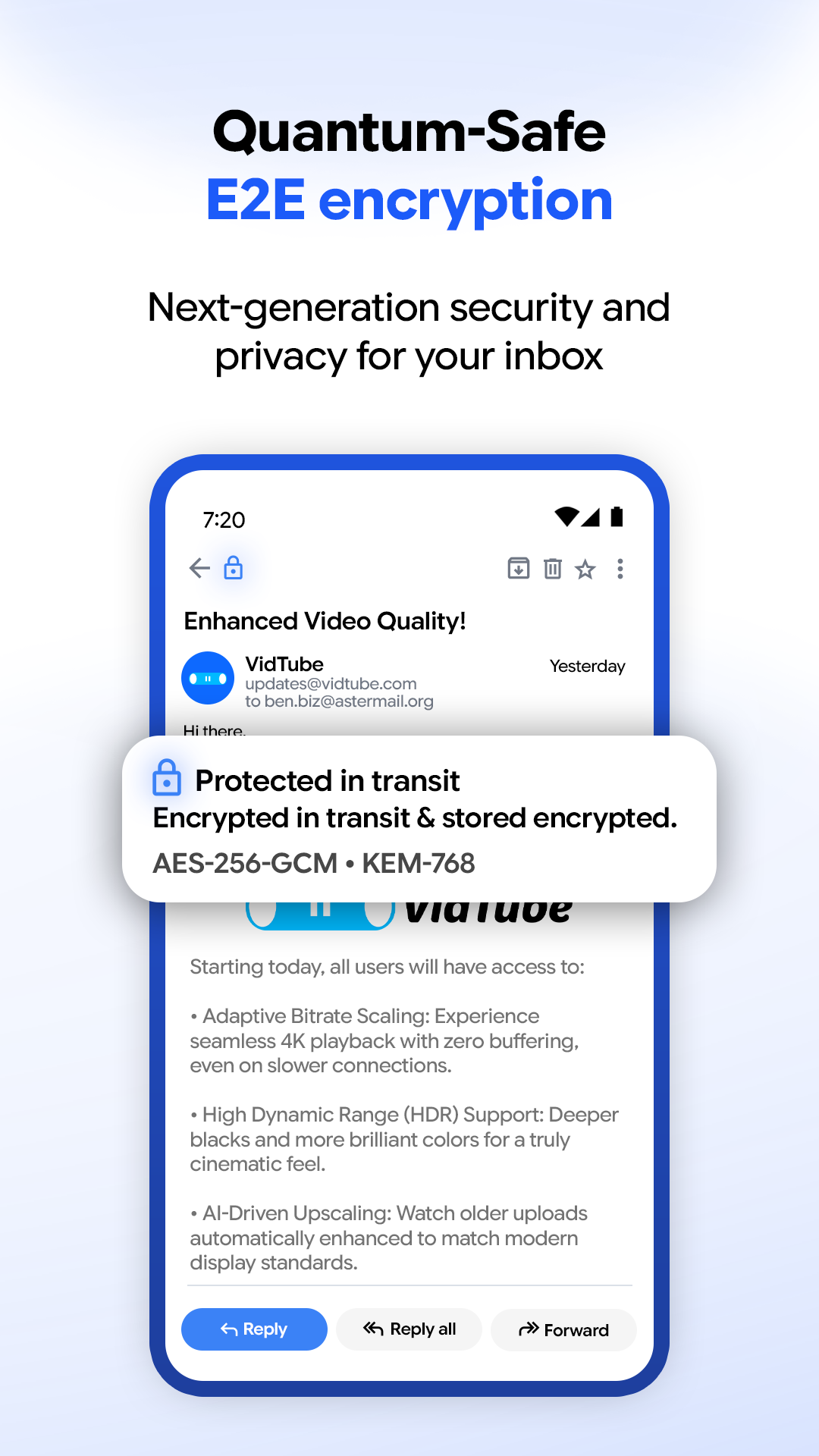
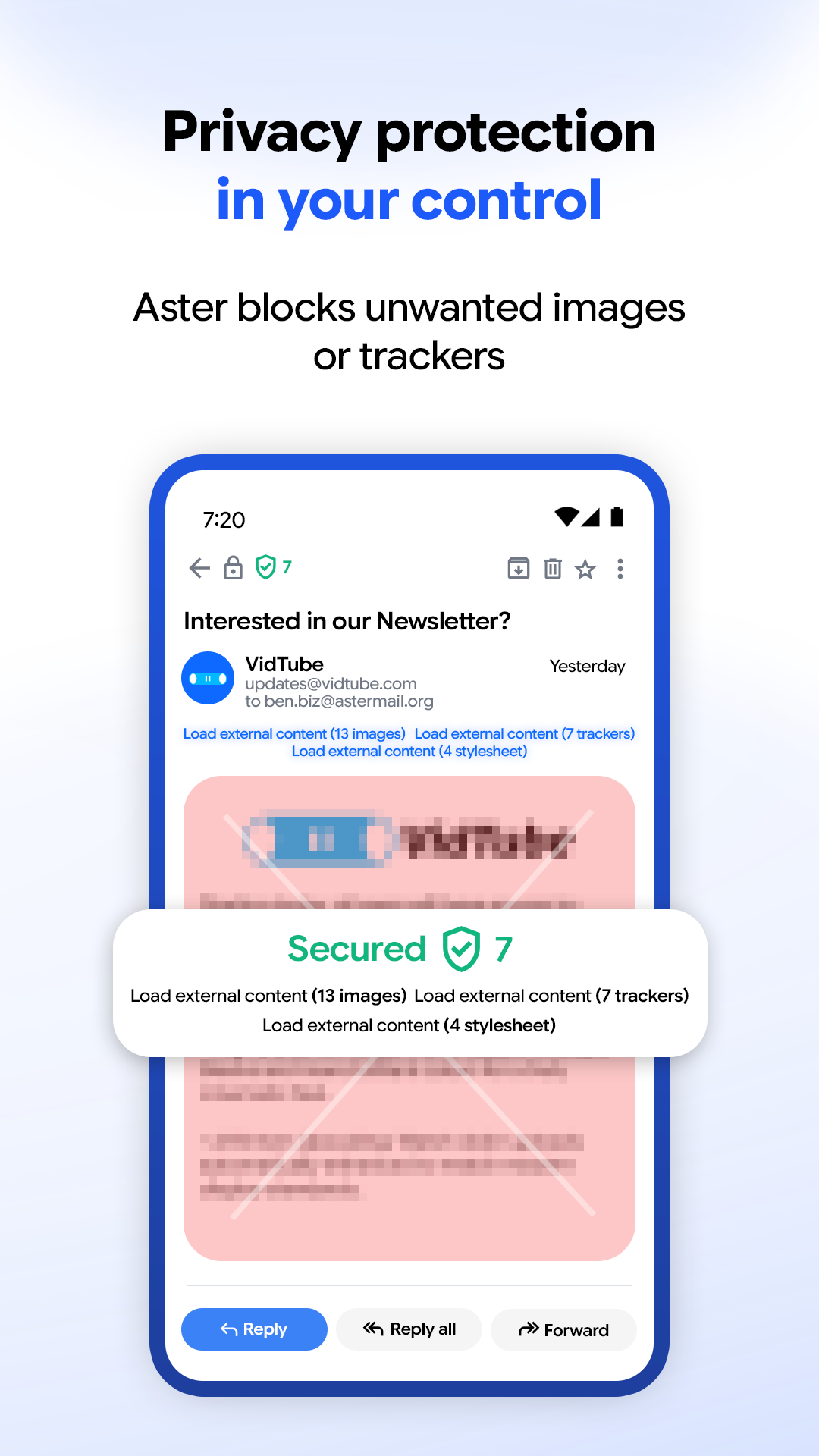
Your messages are encrypted on your device before they leave it. The server stores ciphertext and nothing else, so nobody at Aster can read your mail, scan it, or sell what is in it. There are no ads, no trackers, and no analytics anywhere in the app.

Private by design - End-to-end encryption between Aster users, using a post-quantum ratchet protocol - Zero-access architecture: the server holds only encrypted content - No ads, no tracking, no telemetry, no profiling - Open source under AGPL-3.0, so anyone can audit what the app does

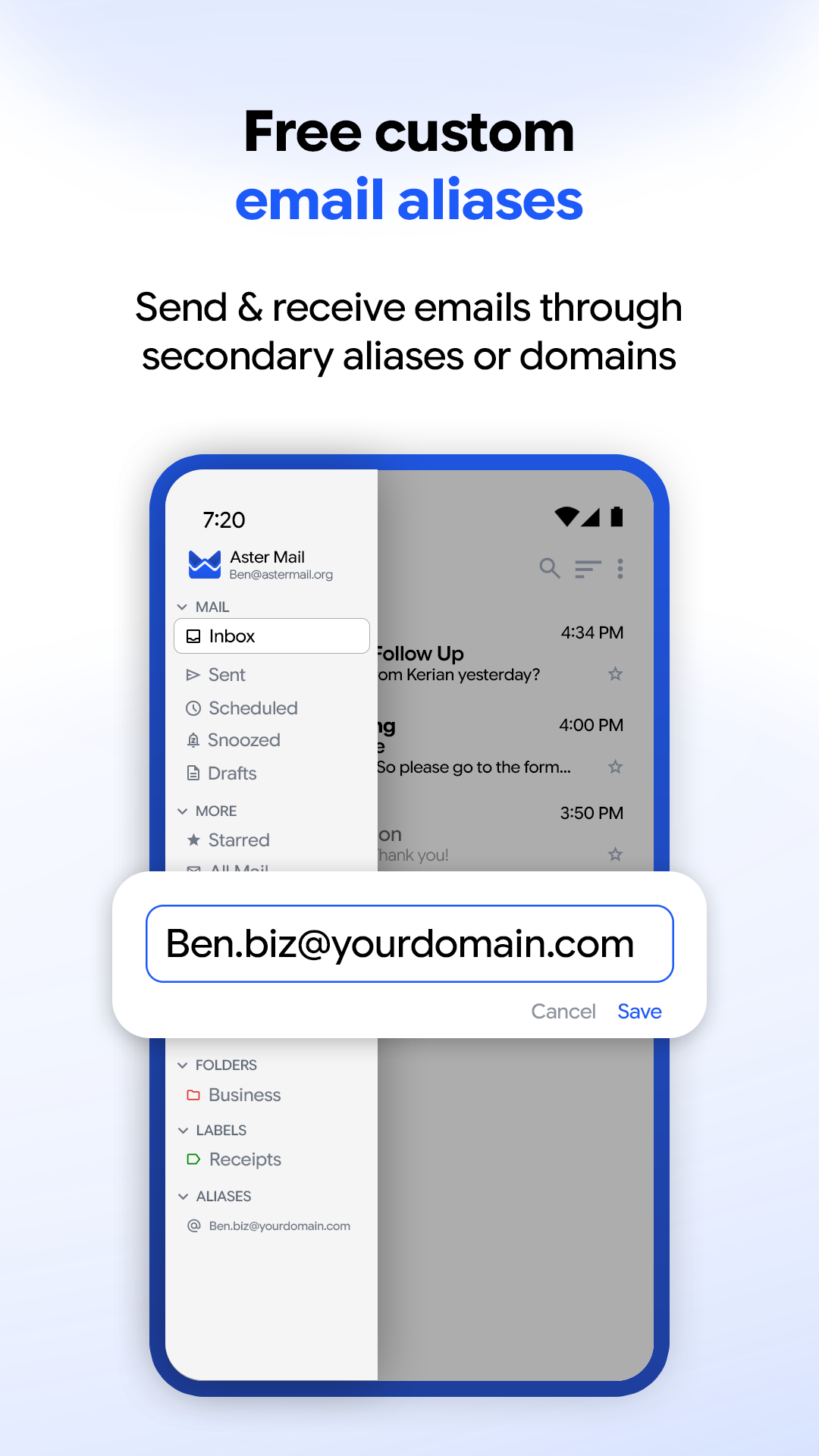
Email aliases - Create an alias for each site you sign up for, and turn one off when it starts getting spam - See which alias a message arrived on, right in the message list - Import and export your aliases

Your own domain - Send and receive on a custom domain, with DKIM signing handled for you - Buy a domain from inside the app

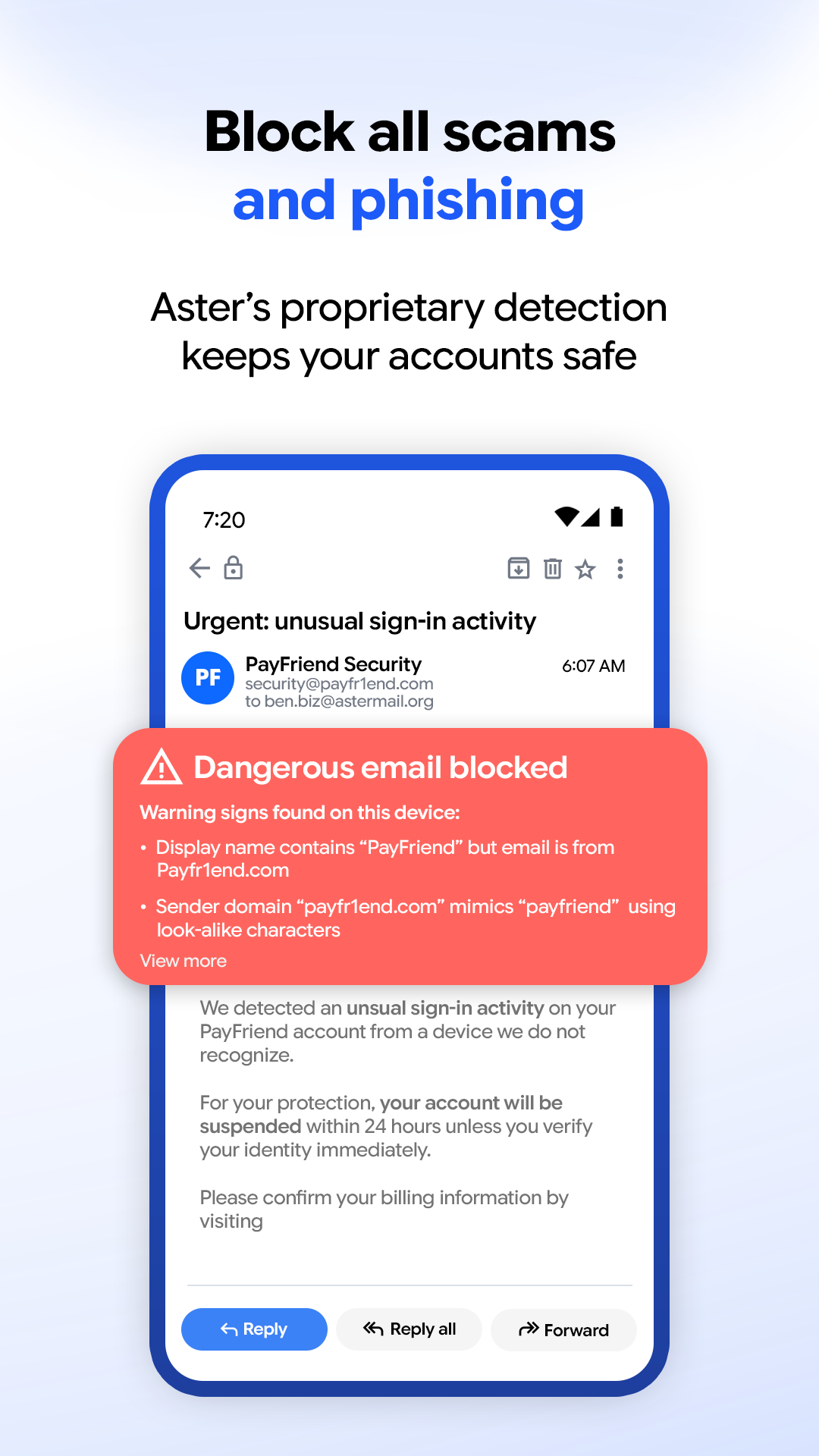
Everyday mail - Folders, labels, categories, and search across your whole mailbox - Swipe actions and a toolbar you can customize - Templates, signatures, scheduled send, and auto-forwarding - Blocked senders, sender filters, and an allow list - Encrypted offline storage, so your mail is there without a connection

Security - Biometric lock - Two-factor authentication and a recovery key - Active session management, so you can sign out a device you no longer have

Notifications - Private mode hides the sender and subject on your lock screen - Quiet hours schedule when notifications arrive - Per-folder muting

This F-Droid build contains no Firebase or Google Play Services dependencies. Push notifications are delivered through any UnifiedPush-compatible distributor, such as ntfy. Background polling takes over when no distributor is installed.

Aster Mail is free to use. Paid plans add storage, larger attachments, more aliases, and custom domains.

Source code: https://github.com/Aster-Privacy/Aster-Android

Screenshots

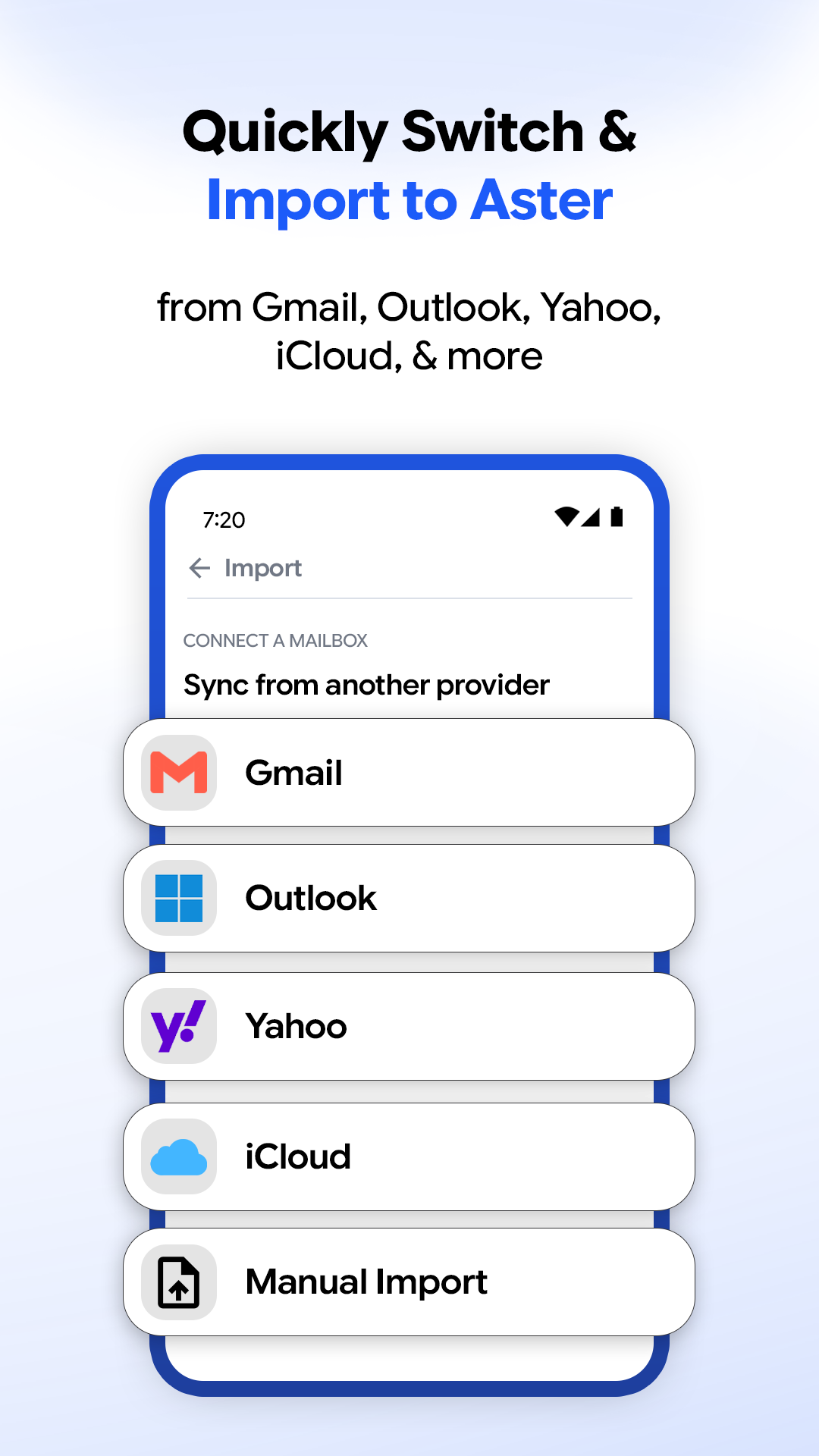
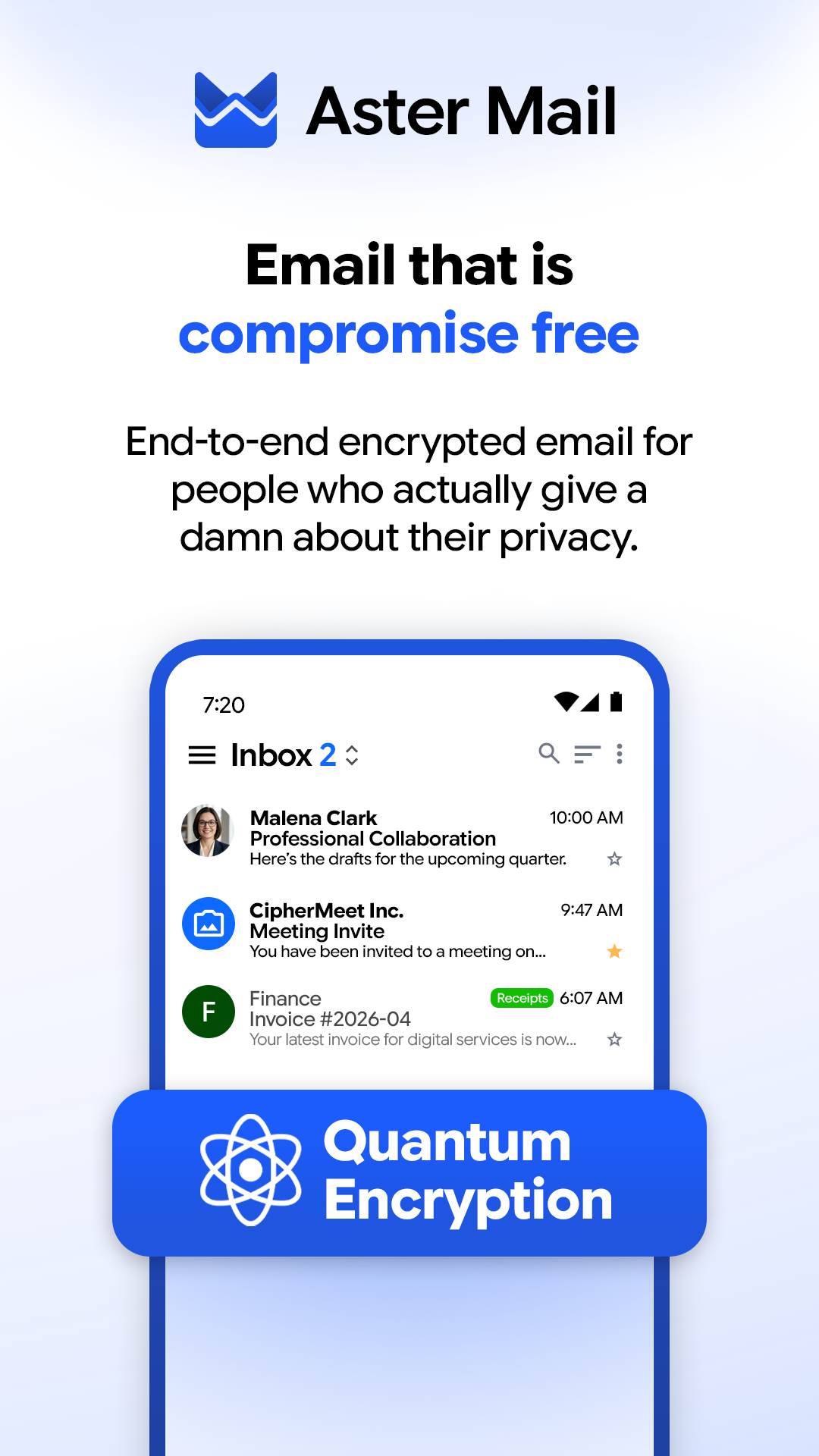
Aster Mail: Encrypted Email screenshot 1
Aster Mail: Encrypted Email screenshot 2
Aster Mail: Encrypted Email screenshot 3
Aster Mail: Encrypted Email screenshot 4
Aster Mail: Encrypted Email screenshot 5
Aster Mail: Encrypted Email screenshot 6

What’s new

What's new:

- Your inbox opens faster when you start the app.
- Encrypted messages open faster after the first one.
- Contact photos you saved appear as sender avatars.

Fixed:

- New messages and replies leave one blank line between your text and your signature.

How to install

  1. Download the APK from the button at the top of this page.
  2. Allow “Install unknown apps” for your browser or file manager only, not for every app.
  3. Open the downloaded file and confirm the installation.
  4. If installation fails with “App not installed,” remove an earlier build of the same app first. A signature conflict is the usual cause.

Data safety

  • Every file is checked against its published SHA-256 before it is listed.
  • Files are scanned for malware on every update.
  • The permissions each app requests are listed on its own page.
  • Read the full safety policy for how we test, flag, and delist files.

Frequently asked questions

What is Aster Mail: Encrypted Email?
Private email app with end-to-end encryption, aliases, and custom domains
Who develops Aster Mail: Encrypted Email?
Aster Mail: Encrypted Email is developed by Aster Communications Inc..
Which Android version does Aster Mail: Encrypted Email require?
Aster Mail: Encrypted Email requires Android API 26 or later.
What is the current version of Aster Mail: Encrypted Email?
The synchronized F-Droid version is 0.6.193.
Which license does Aster Mail: Encrypted Email use?
The signed F-Droid metadata lists AGPL-3.0-or-later.
Where is the source code for Aster Mail: Encrypted Email?
https://github.com/Aster-Privacy/Aster-Android
Comments

Recent approved comments · sorted by newest

Verification code
Be specific and keep it about the app. No links. Comments are reviewed before publication. Device and Android details are recorded automatically. Privacy policy.

Loading recent comments...

View all comments