Private offline calendar: encrypted, zero network, encrypted backups.
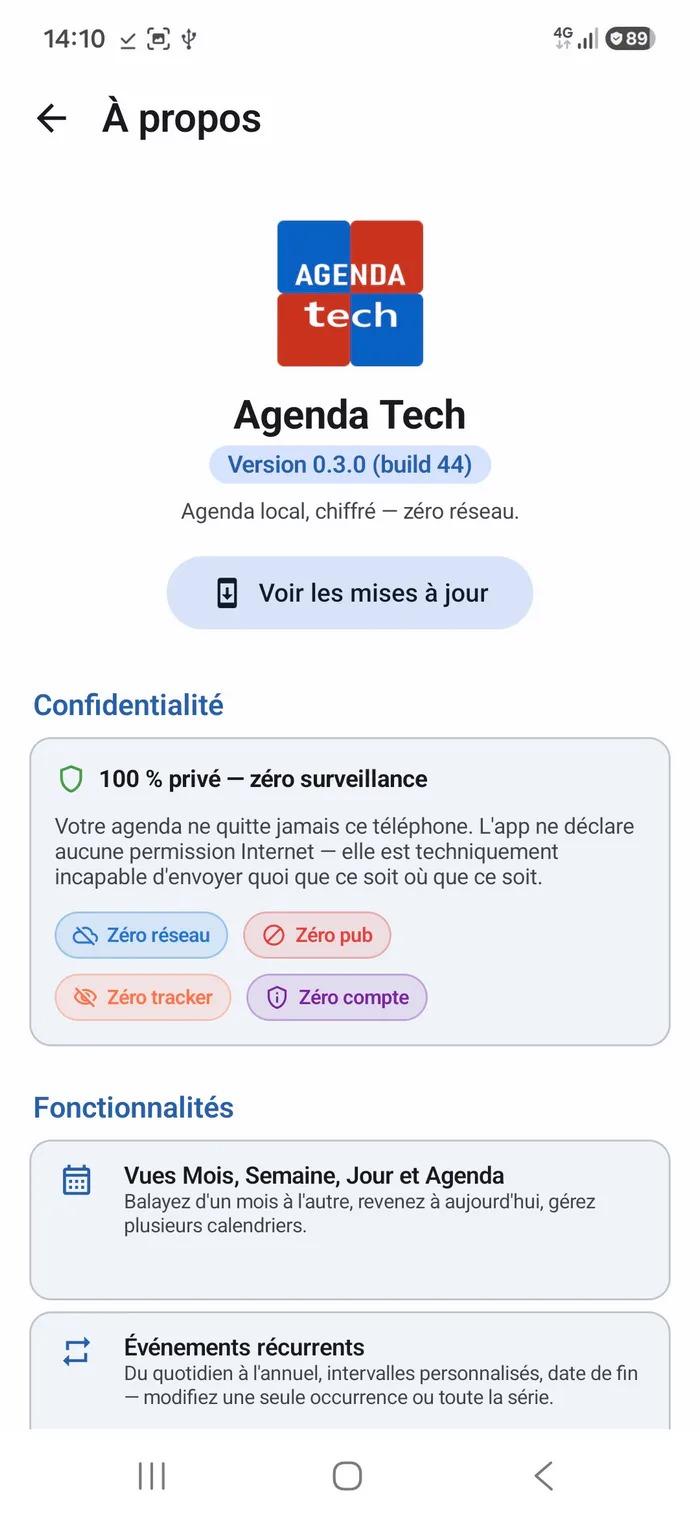
Agenda Tech is a calendar for Android that keeps everything on your device. No cloud, no account, no ads, no trackers. It declares no internet permission at all, so it is technically unable to send anything anywhere — and you can check that yourself in Android's app settings.
It exists so that your calendar never has to live anywhere but on your phone. A calendar says a lot about a person: their doctors, their lawyers, their job interviews, who they meet and when.
Features
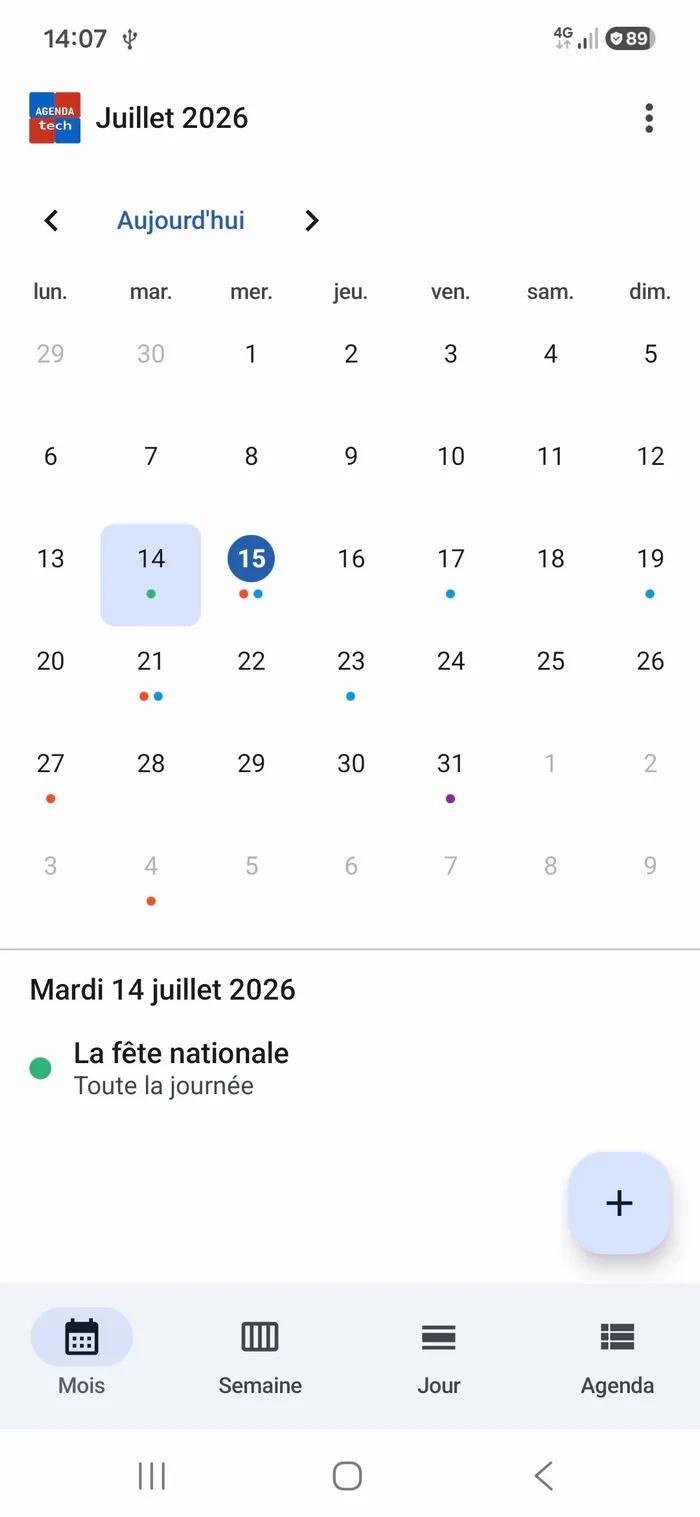
Four views — Month (swipe between months), Week, Day and Agenda list
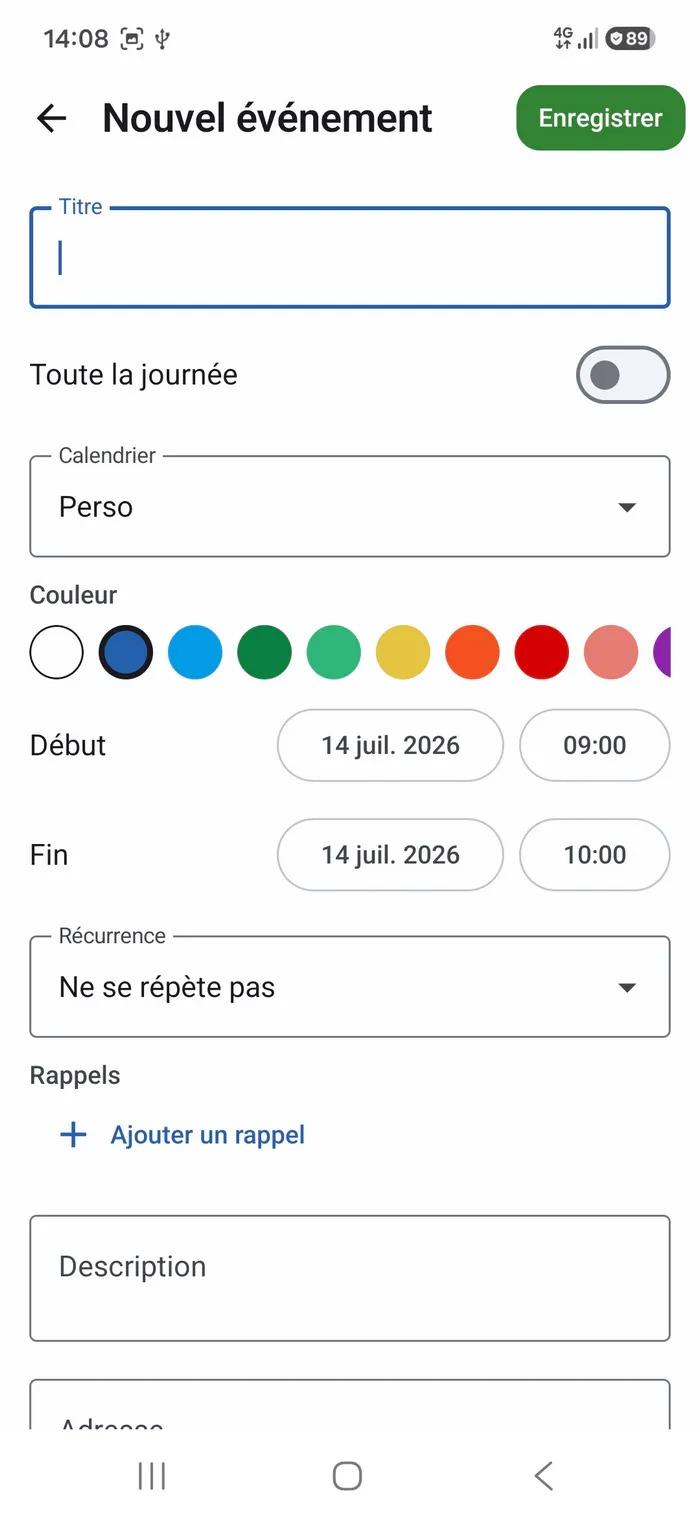
Events — all-day, description, per-event colour, postal address and GPS coordinates that open in your maps app (with no location permission)
Recurring events (RFC 5545) — daily, weekly on chosen days, monthly, yearly; ending after N occurrences or on a date; edit or delete a single occurrence
Reminders — exact alarms, re-armed after a reboot, free delay, your own sound, and a "snooze 10 min" button on the notification
Encrypted backup — export your whole calendar to a password-protected .atbak file (Argon2-grade PBKDF2 at 600,000 iterations + AES-256-GCM). Keep it anywhere, cloud included: it stays unreadable without your password
Search — by title, description, place, address or city; accents and case don't matter
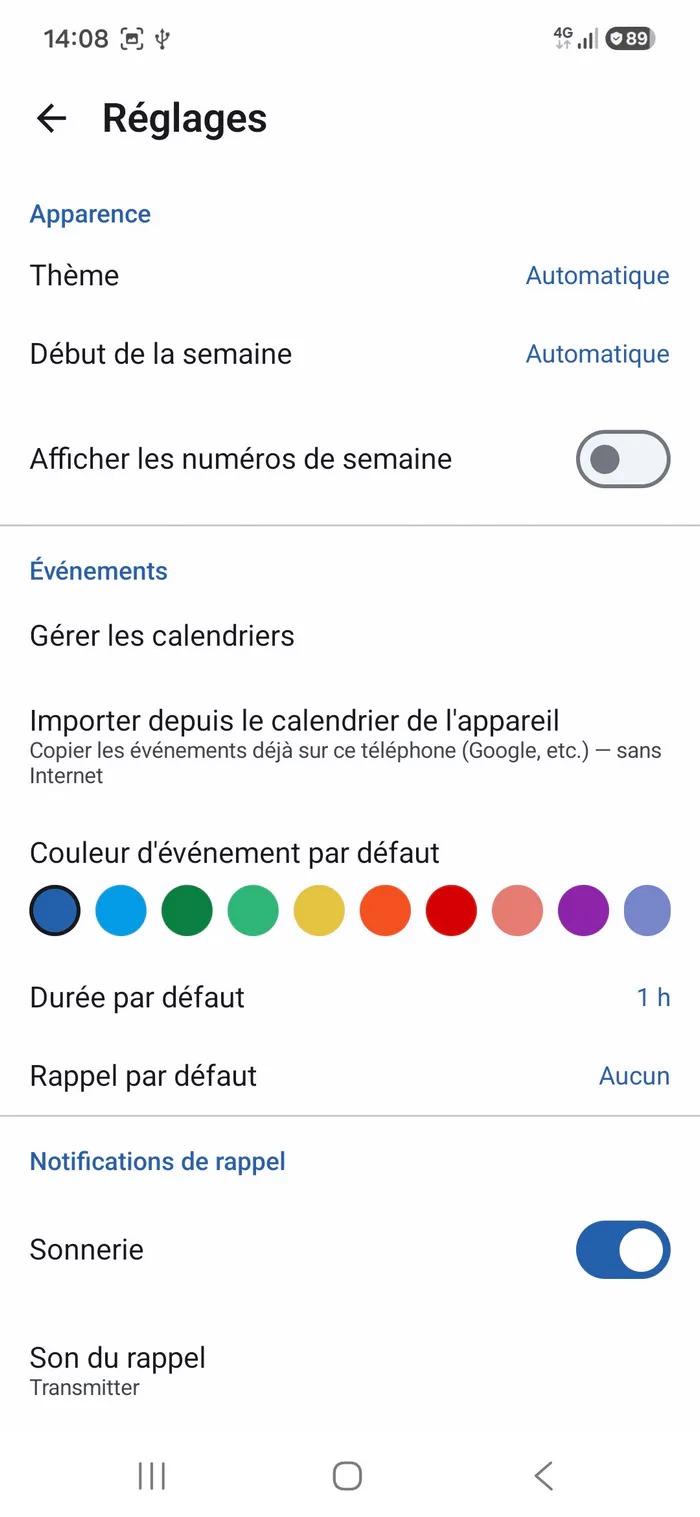
Import from your device calendar — copies what the phone's own calendar apps have already synced onto it, read-only, without any network
.ics import / export (RFC 5545) through the system file picker
Optional PIN and biometric lock
Home-screen widgets, dark theme, French and English
Privacy
No INTERNET permission. Not "we promise not to" — the app cannot
Encrypted at rest: SQLCipher (AES-256), master key sealed by the Android KeyStore
Screenshots blocked (FLAG_SECURE), excluded from Android cloud backups
Apache 2.0 — every promise on this page is checkable line by line
Limits, honestly
Not a sync. Importing copies what is on the phone; an event created here does not travel back to the original calendar. That is the price of zero network, and it is deliberate
No CalDAV, no calendar sharing, no invitations — all of it needs a network
The encrypted backup is the bridge between your devices, and it is a manual one
Screenshots
What’s new
v1.1.1 — Two important fixes
• With the PIN lock on, restoring a backup now goes on after you pick the file. • No PIN again after each file picker, and unlocking returns to the screen you left. • Android 8 to 11: a key store that briefly stops responding can no longer erase the agenda or make the PIN unusable.
How to install
Download the APK from the button at the top of this page.
Allow “Install unknown apps” for your browser or file manager only, not for every app.
Open the downloaded file and confirm the installation.
If installation fails with “App not installed,” remove an earlier build of the same app first. A signature conflict is the usual cause.
Data safety
Every file is checked against its published SHA-256 before it is listed.
Files are scanned for malware on every update.
The permissions each app requests are listed on its own page.
Read the full safety policy for how we test, flag, and delist files.
Frequently asked questions
What is Agenda Tech?
Private offline calendar: encrypted, zero network, encrypted backups.