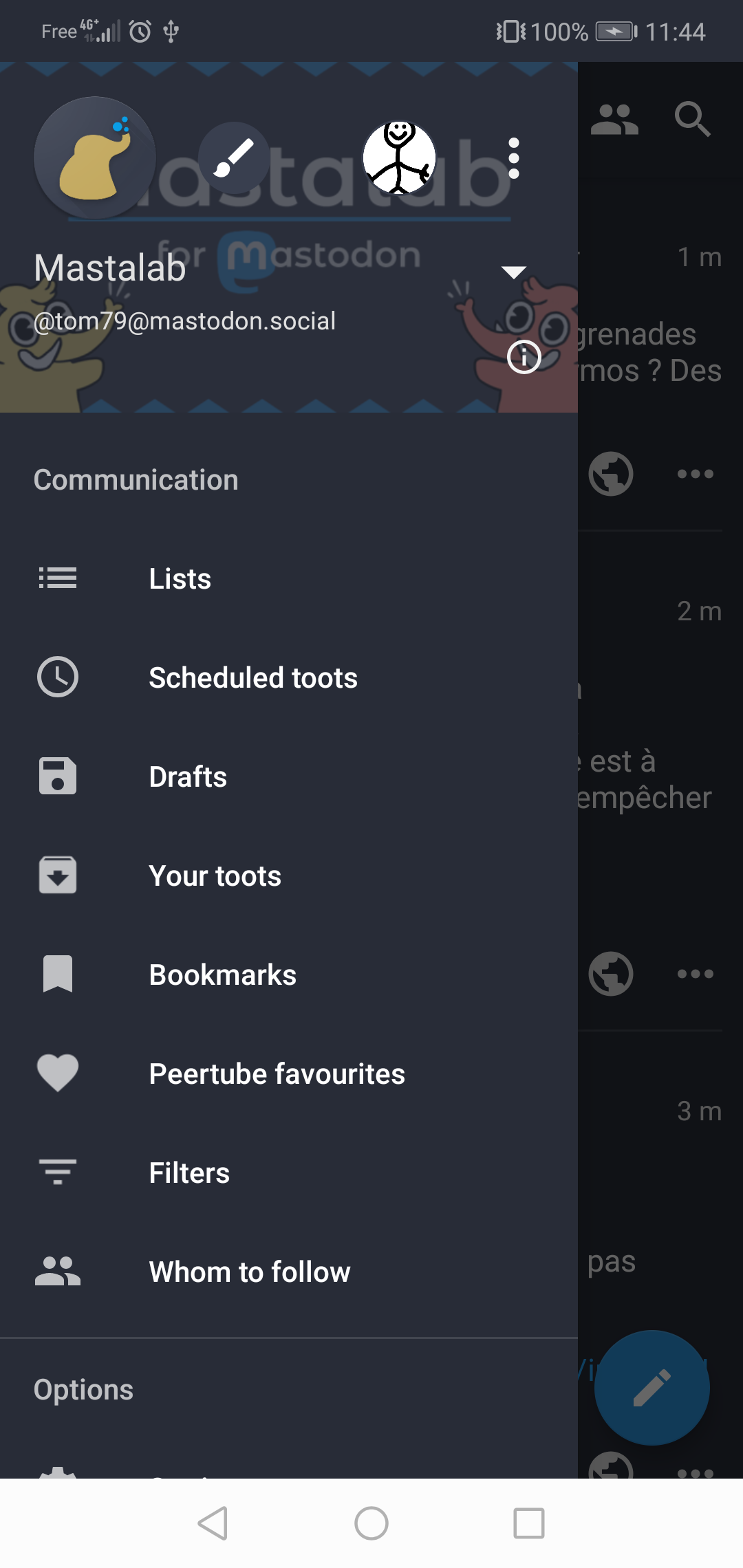
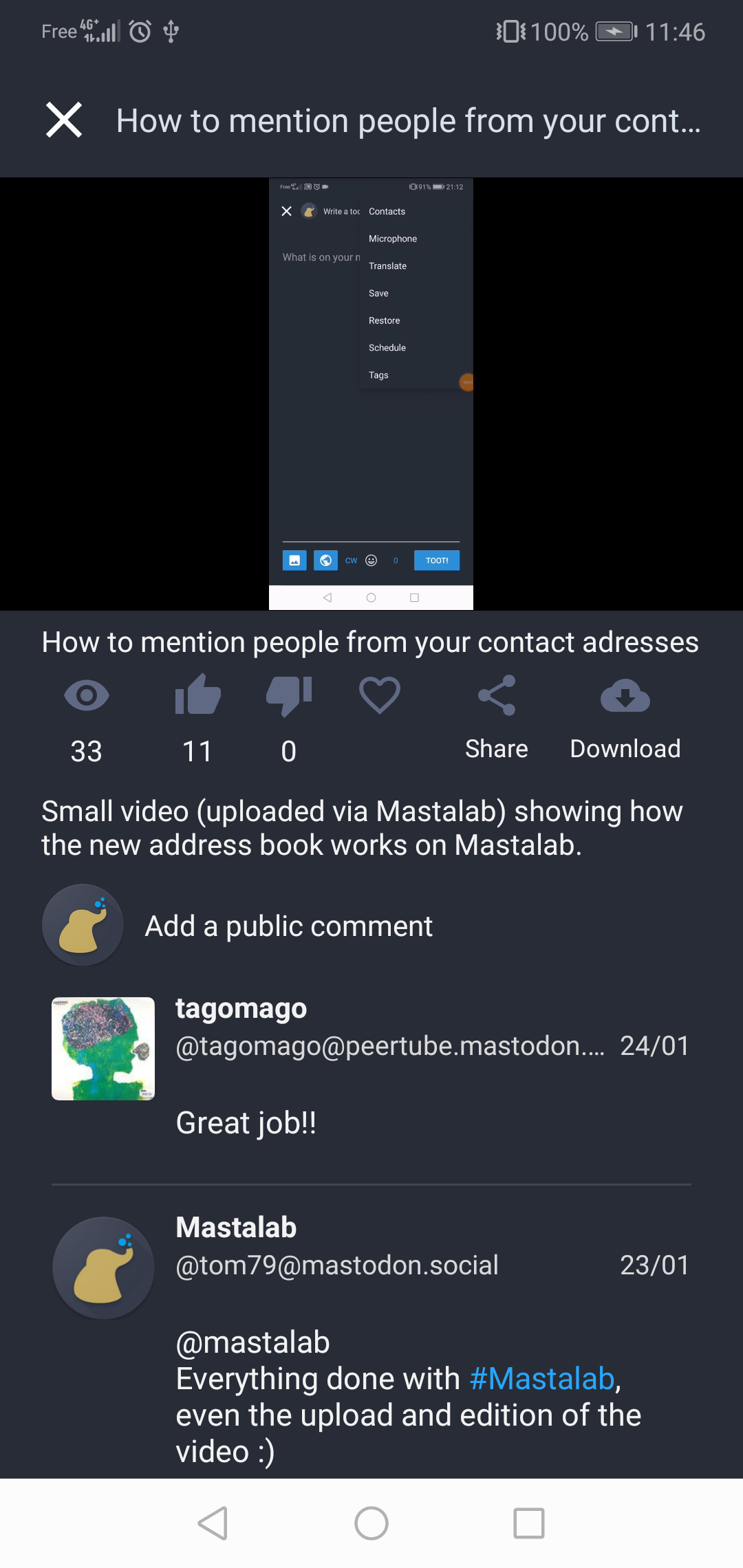
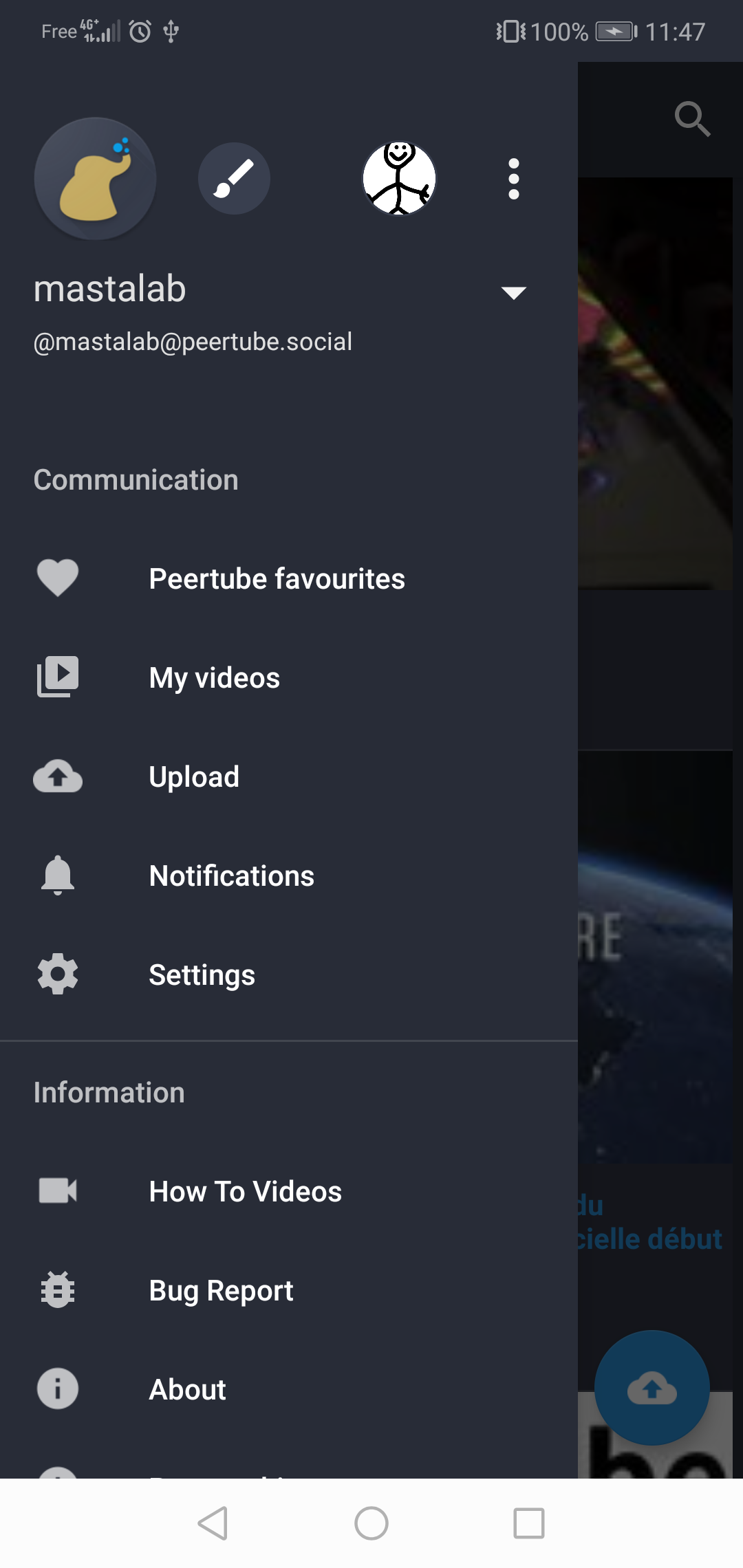
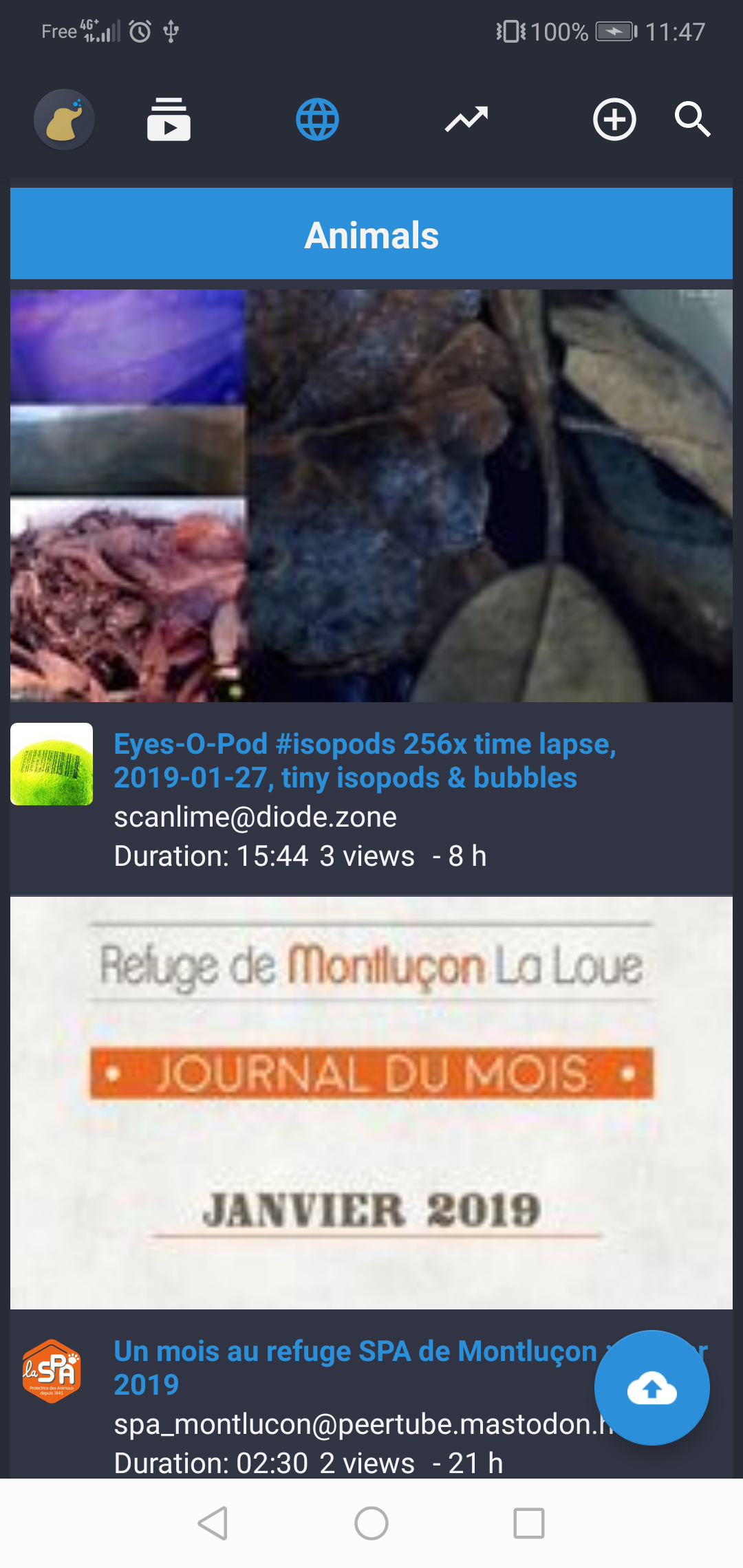
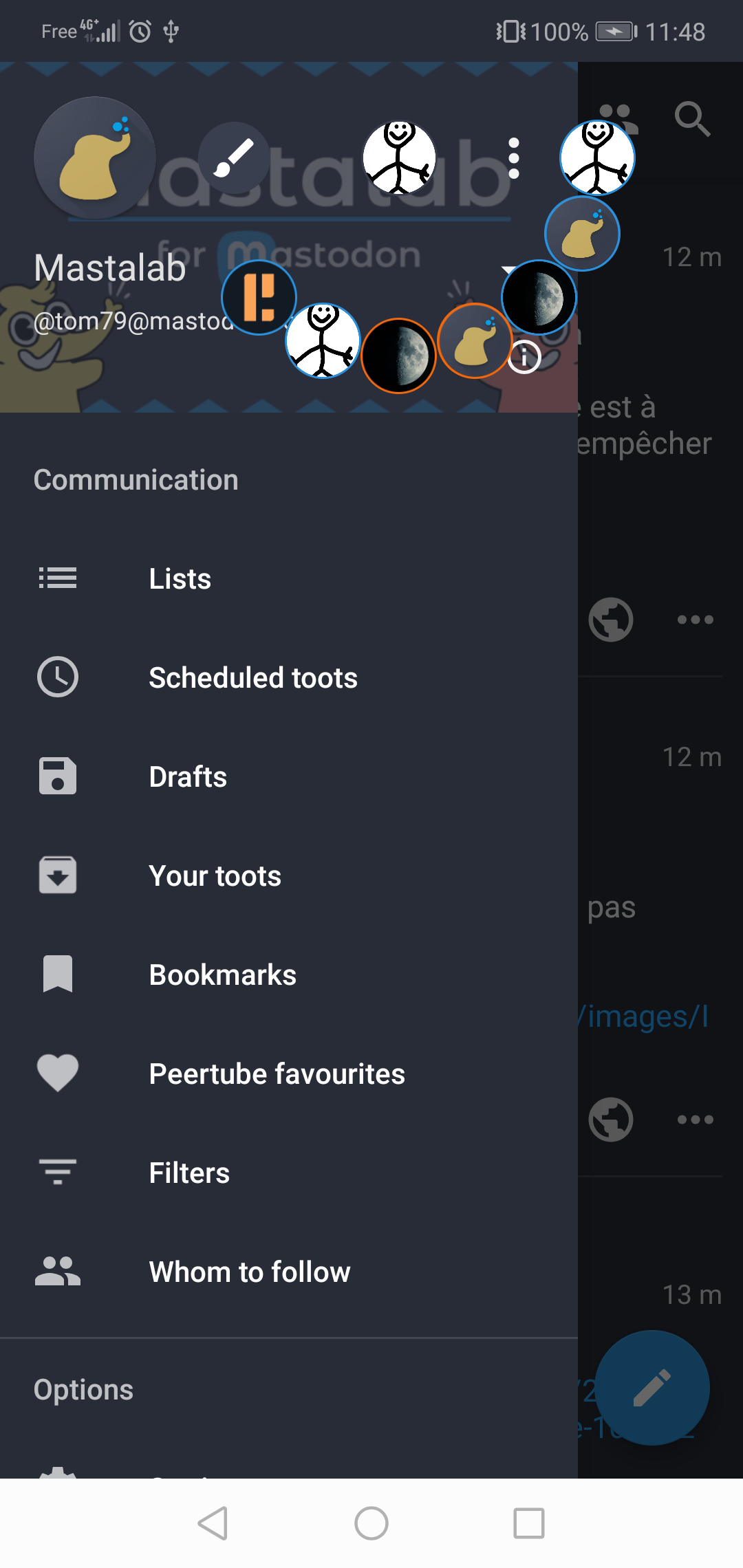
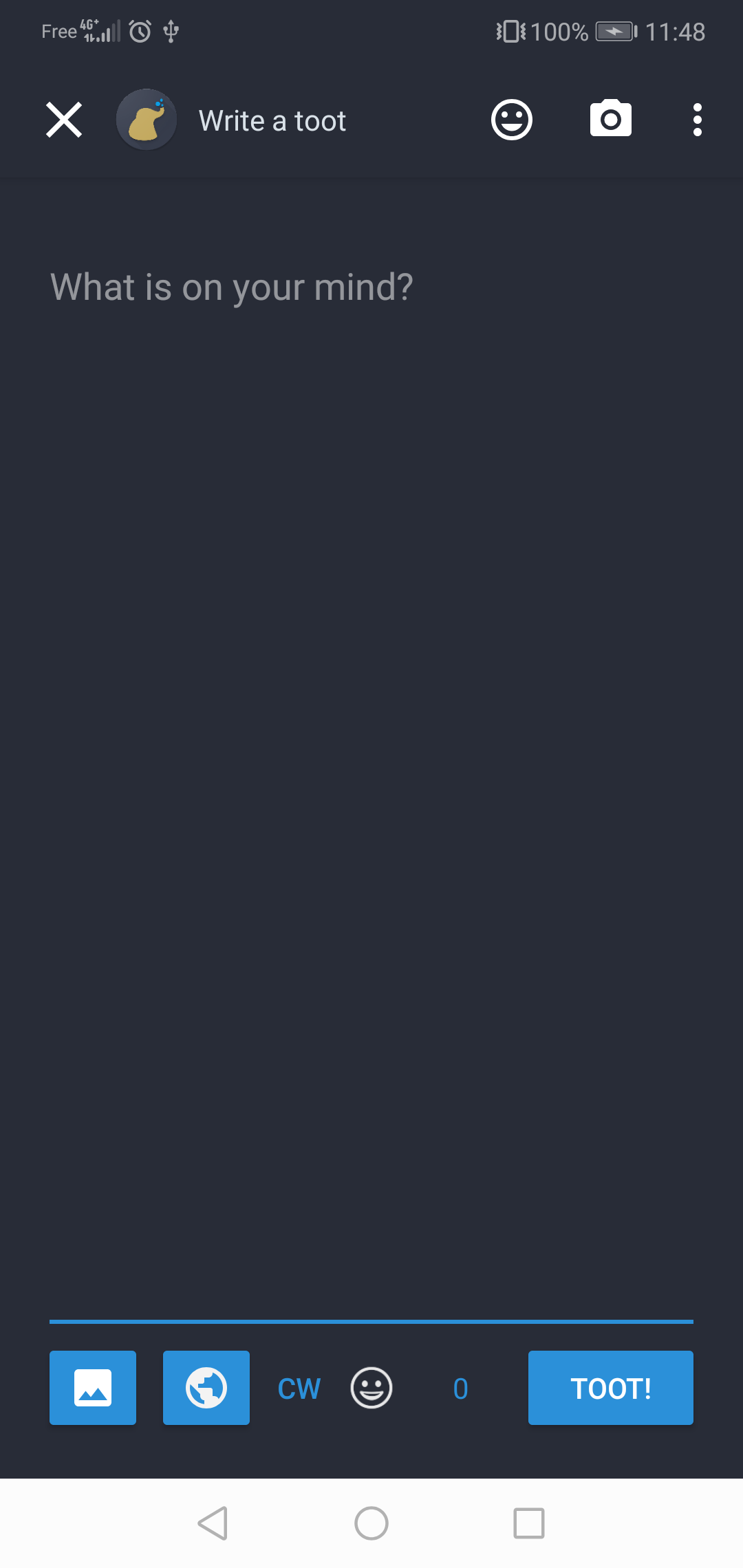
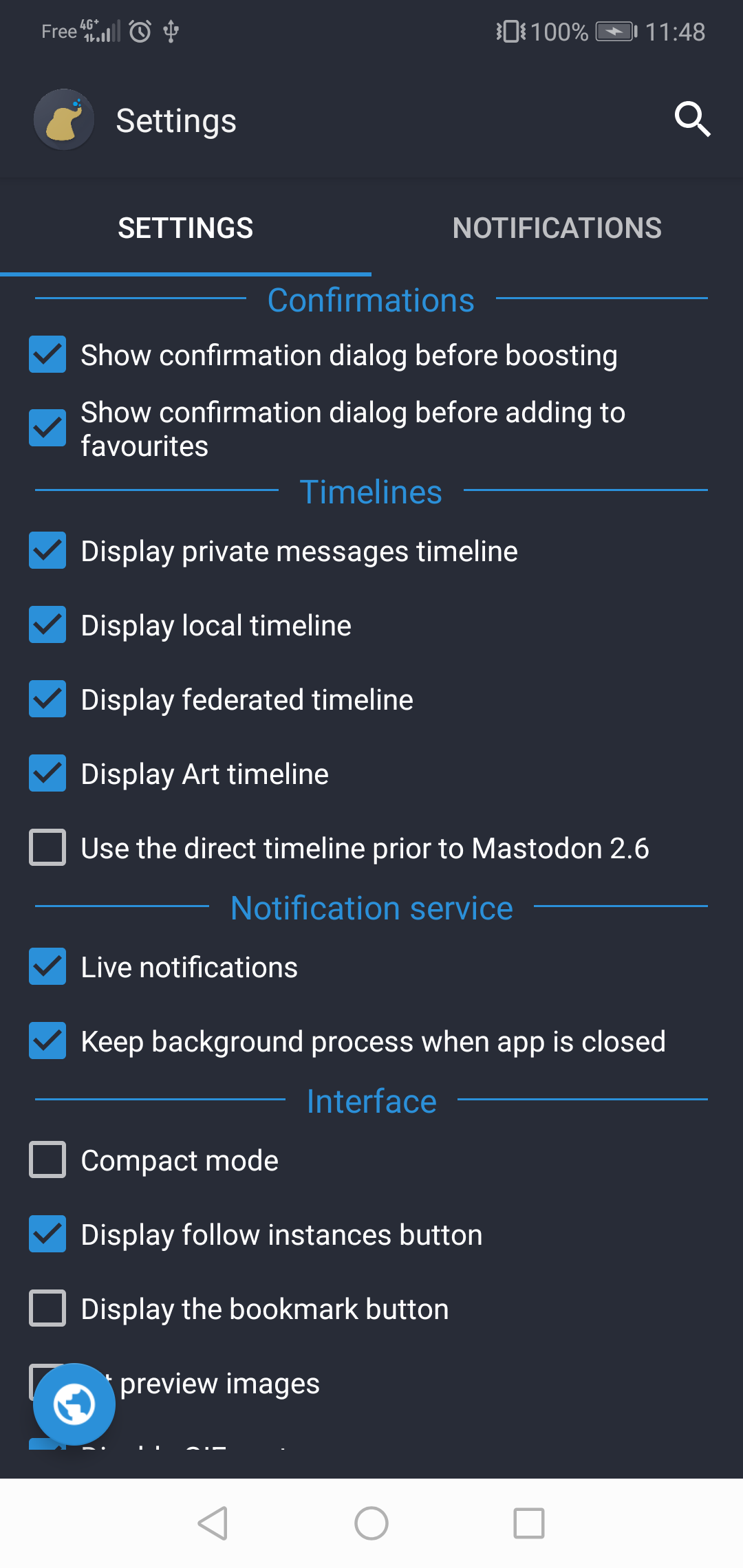
Fedilab - a multifunctional Android client to access the distributed Fediverse,
F-Droid repository metadata
It supports:
- Mastodon, Peertube, Pixelfed, Misskey, GNU Social, Pleroma, Friendica
The app has advanced features:
- Compose threads
- Multi-accounts support
- Schedule messages from the device
- Follow and interact with remote instances
- Cross-account actions with a long press
- Translation feature
- Multiple options for automatic updates
- Push notifications via UnifiedPush (including ntfy on FDroid)
- Remain connected for Live Notifications
- Delayed notifications (connect every 30 seconds)
- Replace youtube and twitter links with links to invidious and nitter instances
- Custom themes, import export, and definition
- Import and export app's database
- Emoji pciker with custom emoji
- Multiple launcher icons
- Advanced toot filtering
- Special art timeline for mastoart tag
- Export toots
- Customize url sharing to directly share urls to other services
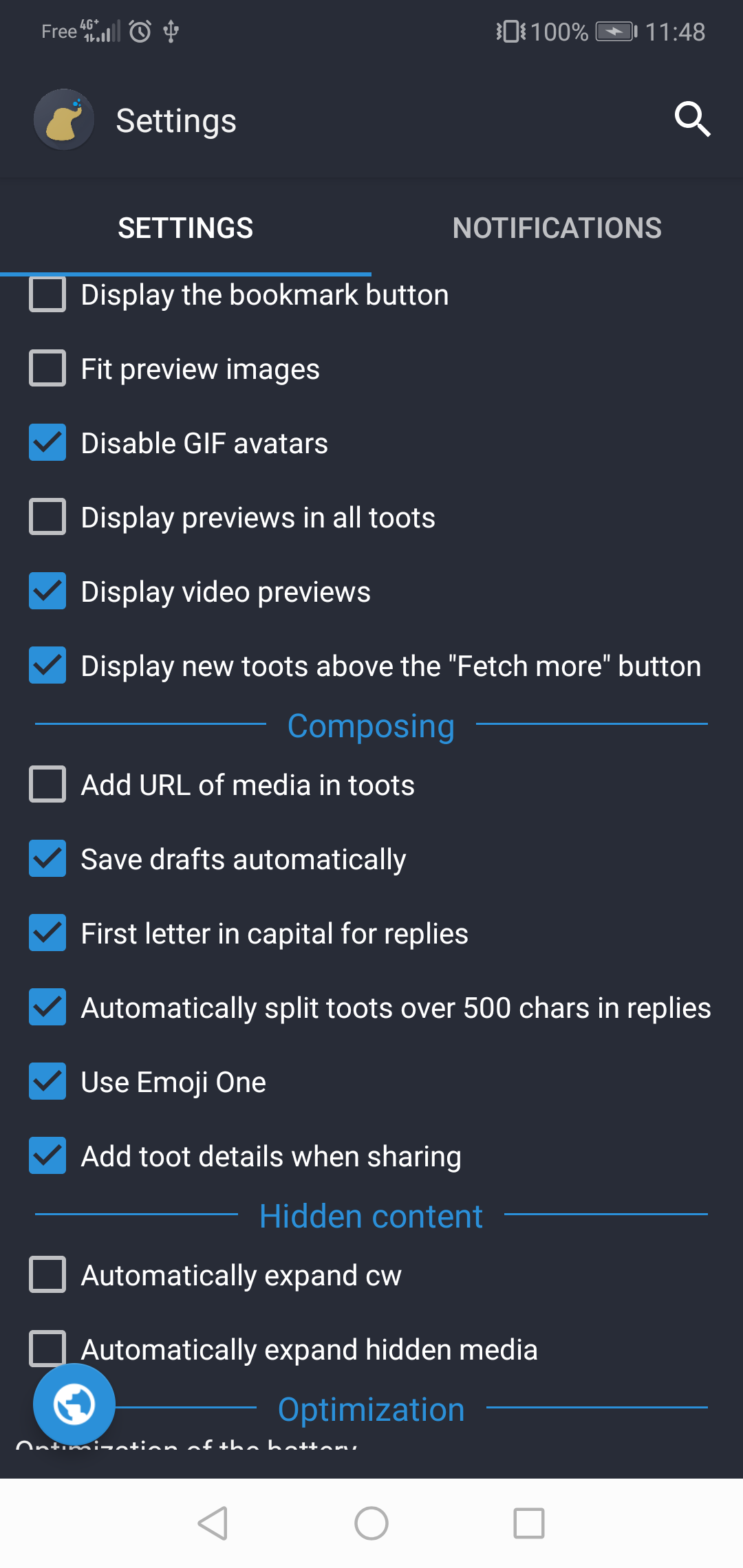
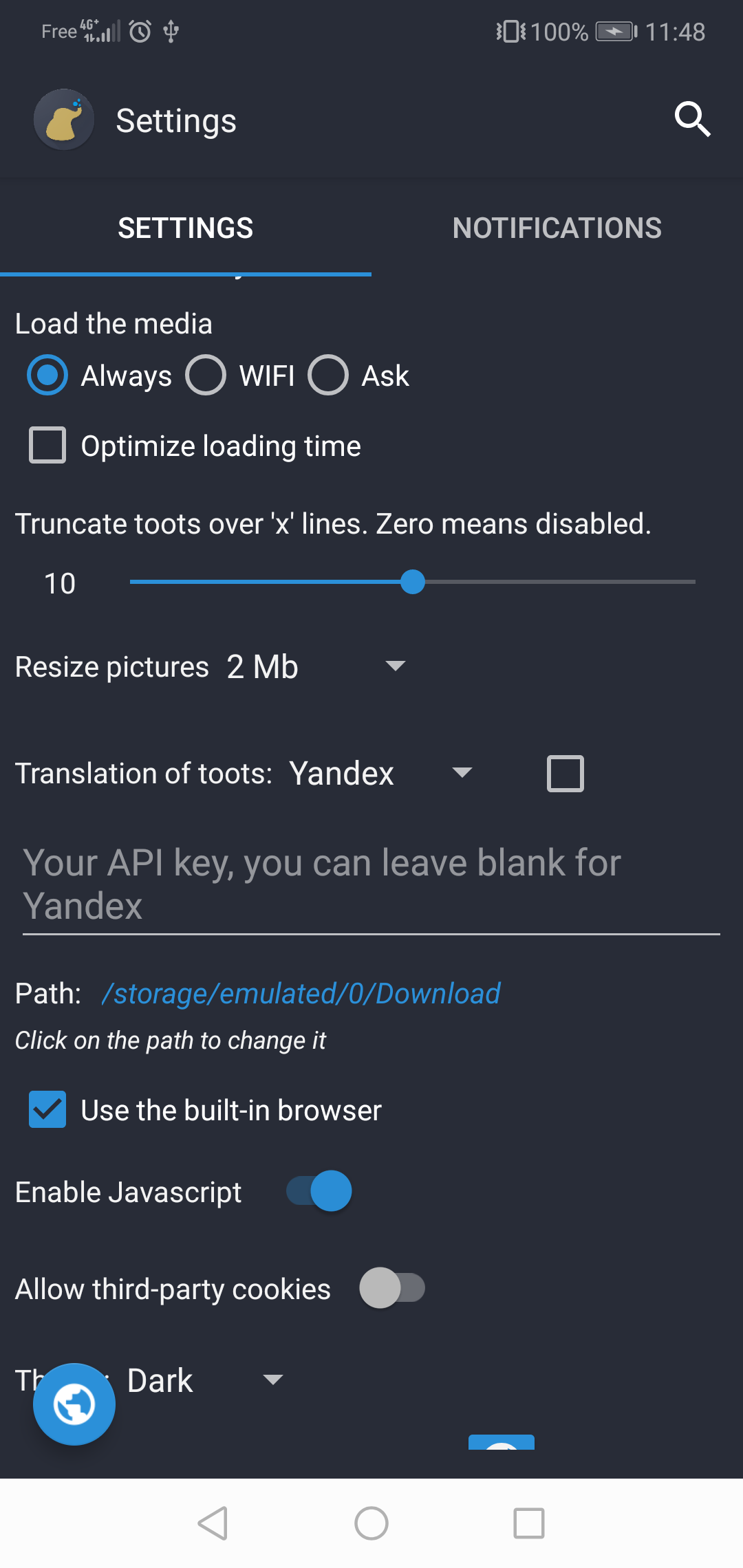
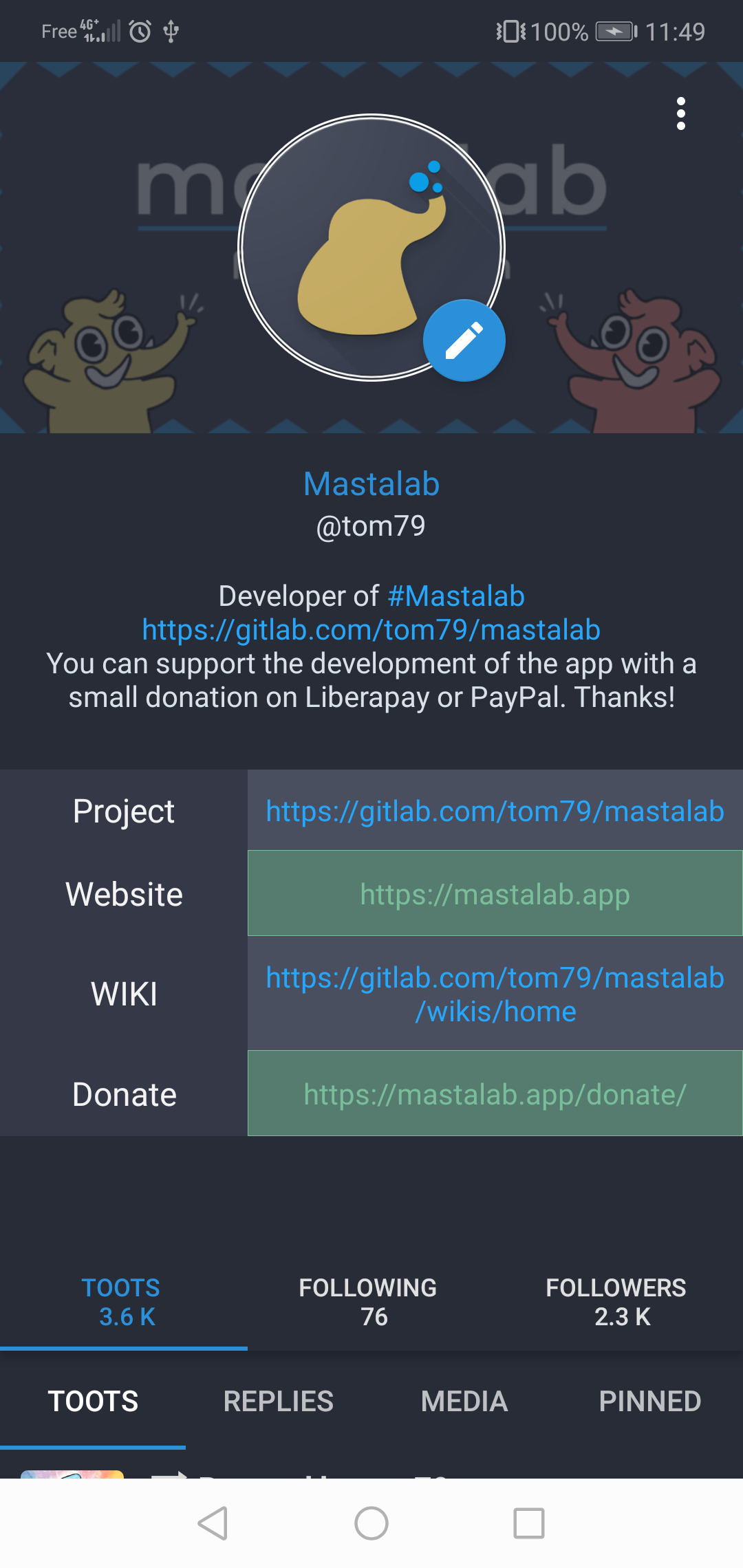
Screenshots
What’s new
Improved: - Keep the composer content when the app restarts or the theme changes
Fixed: - Fix the timeline position not being saved or restored at the wrong place - Fix the timeline order with accounts using non numeric ids (GoToSocial) - Fix links to non fediverse pages opening the wrong content in the app - Fix a memory crash after long navigation - Fix memory issues with large custom emojis - Fix a memory leak when closing a screen with videos - Fix memory issues with auto-play videos - Fix
How to install
Download the APK from the button at the top of this page.
Allow “Install unknown apps” for your browser or file manager only, not for every app.
Open the downloaded file and confirm the installation.
If installation fails with “App not installed,” remove an earlier build of the same app first. A signature conflict is the usual cause.
Data safety
Every file is checked against its published SHA-256 before it is listed.
Files are scanned for malware on every update.
The permissions each app requests are listed on its own page.
Read the full safety policy for how we test, flag, and delist files.