
Quick answer
Play Hitster card game with your own SubSonic music server
F-Droid repository metadata
SubSonicSter is a Hitster-compatible card game app that uses SubSonic-compatible music servers for playback.
Features:
• QR code scanning for Hitster game cards
• CSV-based song mapping for different card sets
• SubSonic API integration for music search and streaming
• Audio playback with buffering using ExoPlayer
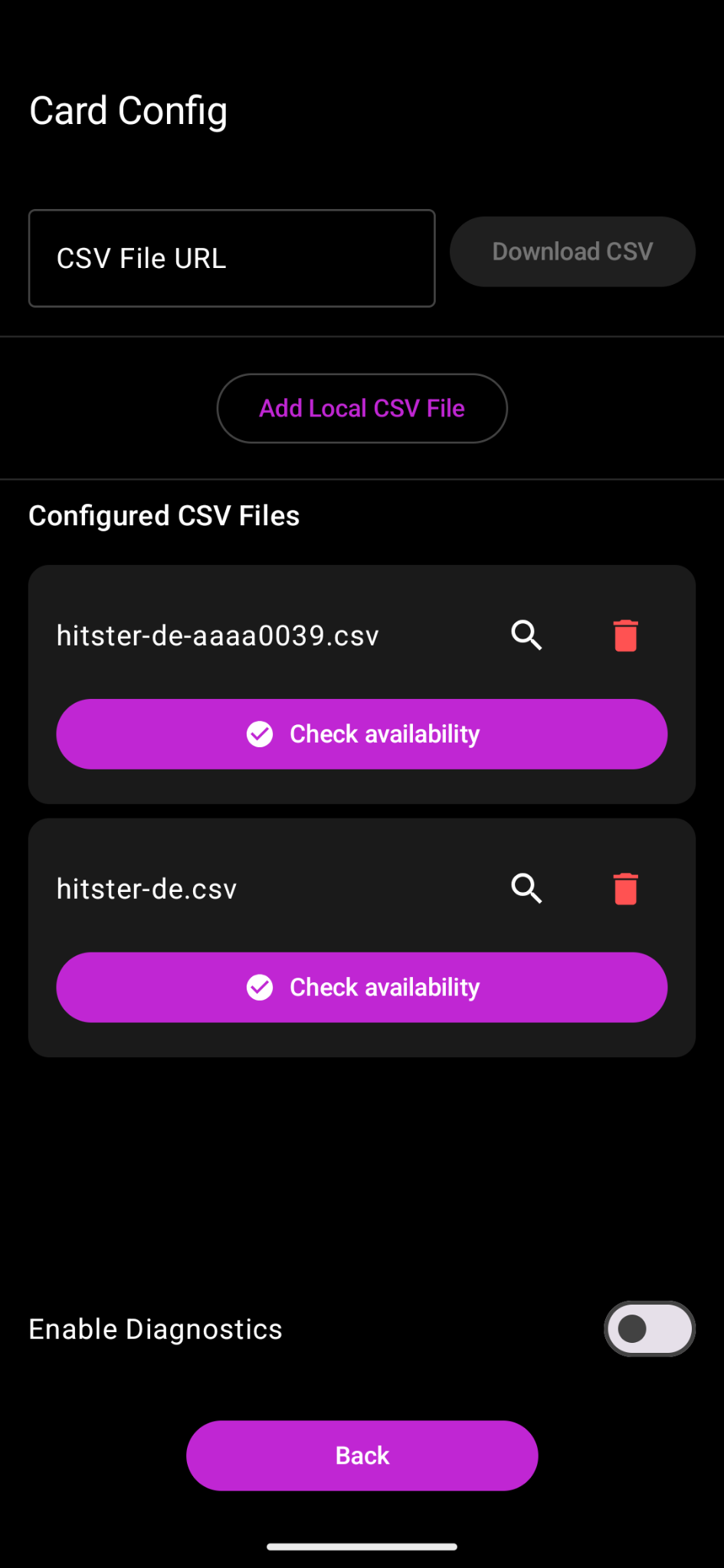
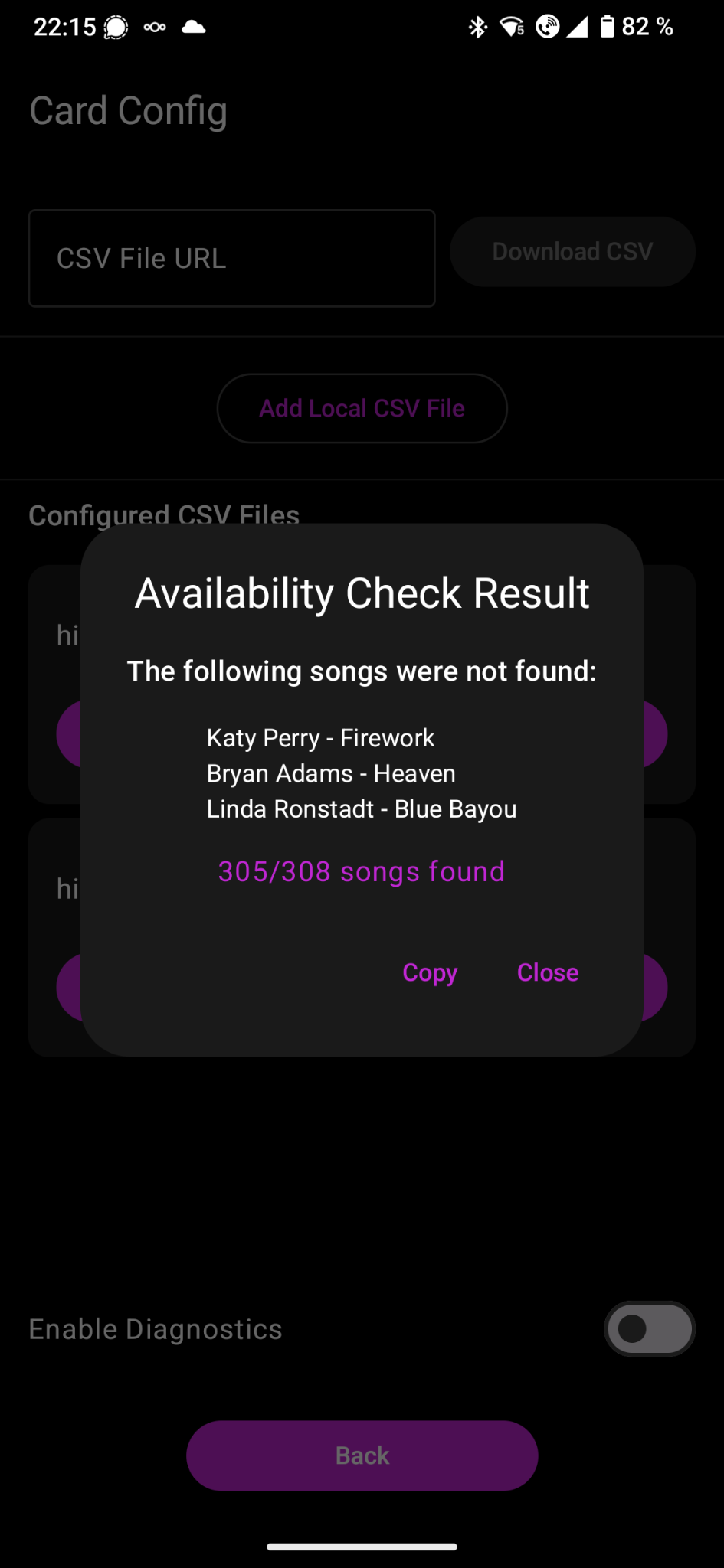
• Card set configuration and availability checking
• Modern Material Design 3 UI with Jetpack Compose
Requirements:
• A SubSonic-compatible music server (e.g., Navidrome, Airsonic, Gonic)
• CSV files mapping QR codes to songs (available at https://github.com/andygruber/songseeker-hitster-playlists)
• Hitster game cards with QR codes
How It Works:
1. Configure your SubSonic server connection
2. Download or import CSV files for your Hitster card sets
3. Scan QR codes from Hitster cards
4. The app searches your music server and plays the matching song
The app connects to your self-hosted music server and plays songs based on QR codes scanned from Hitster game cards. No Spotify subscription required!
Privacy:
• No telemetry or analytics
• All data stays on your device and your music server
• Open source and F-Droid compatible
Screenshots
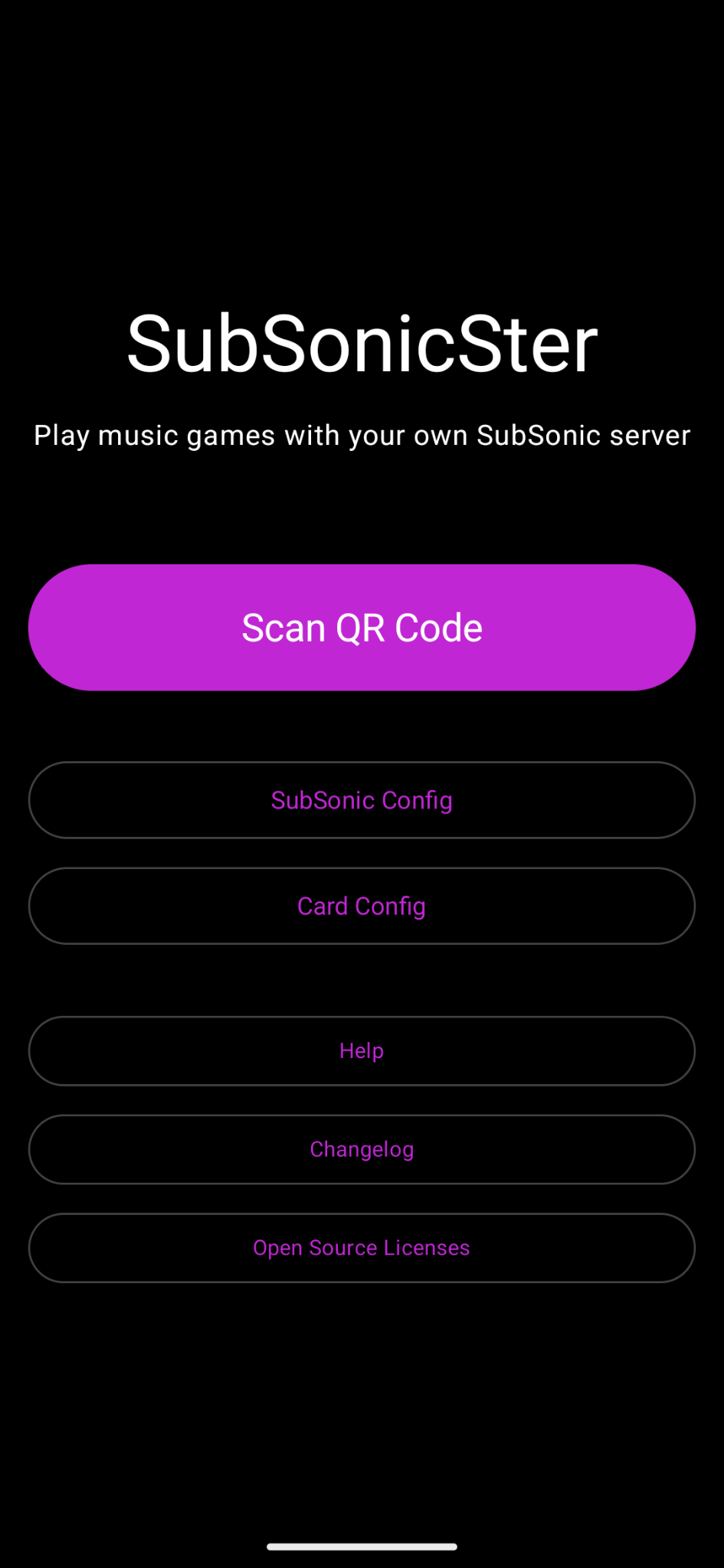
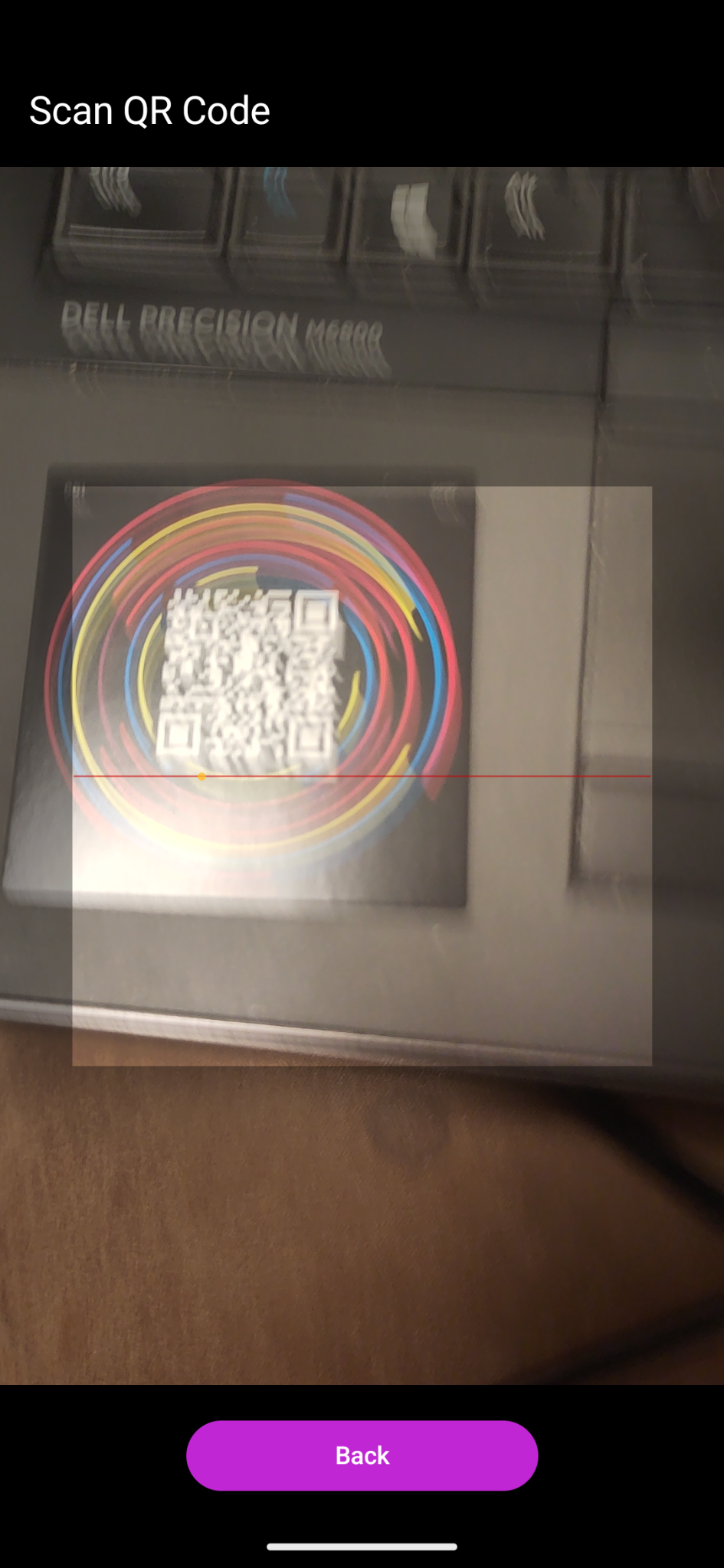
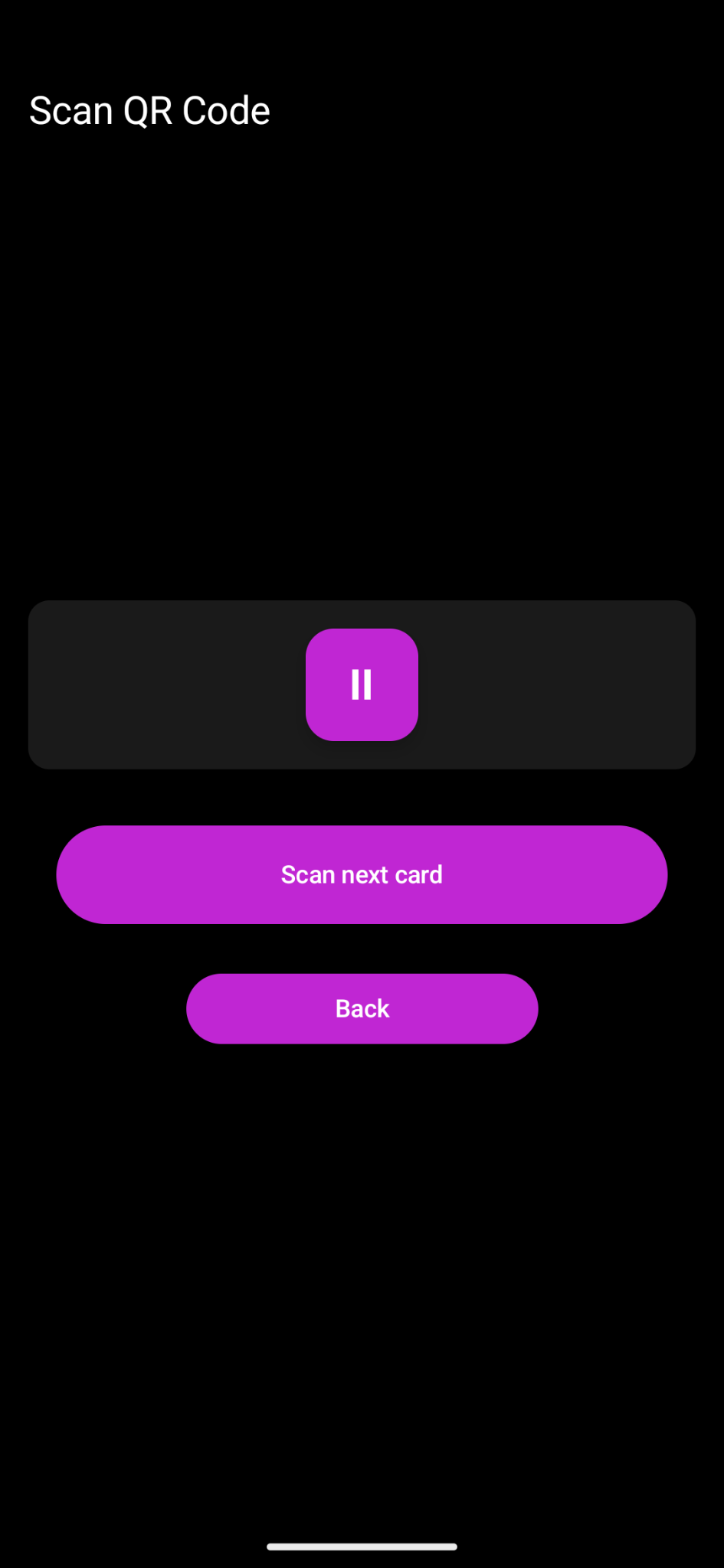
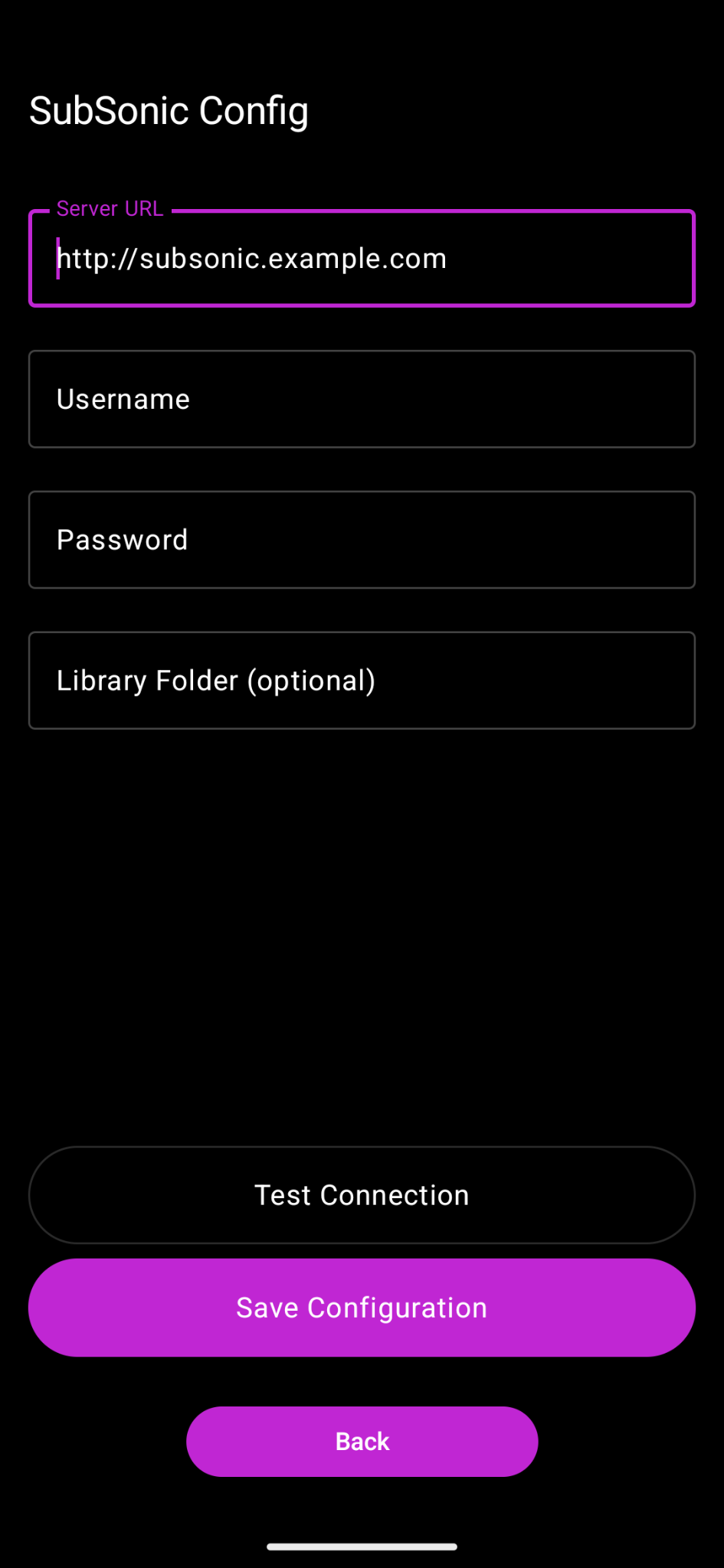
How to install
- Download the APK from the button at the top of this page.
- Allow “Install unknown apps” for your browser or file manager only, not for every app.
- Open the downloaded file and confirm the installation.
- If installation fails with “App not installed,” remove an earlier build of the same app first. A signature conflict is the usual cause.
Data safety
- Every file is checked against its published SHA-256 before it is listed.
- Files are scanned for malware on every update.
- The permissions each app requests are listed on its own page.
- Read the full safety policy for how we test, flag, and delist files.
Comments
Recent approved comments · sorted by newest
View all comments