Quick answer
(SECUSO) Privacy Friendly Solitiare is a Klondike Solitaire Game.
F-Droid repository metadata
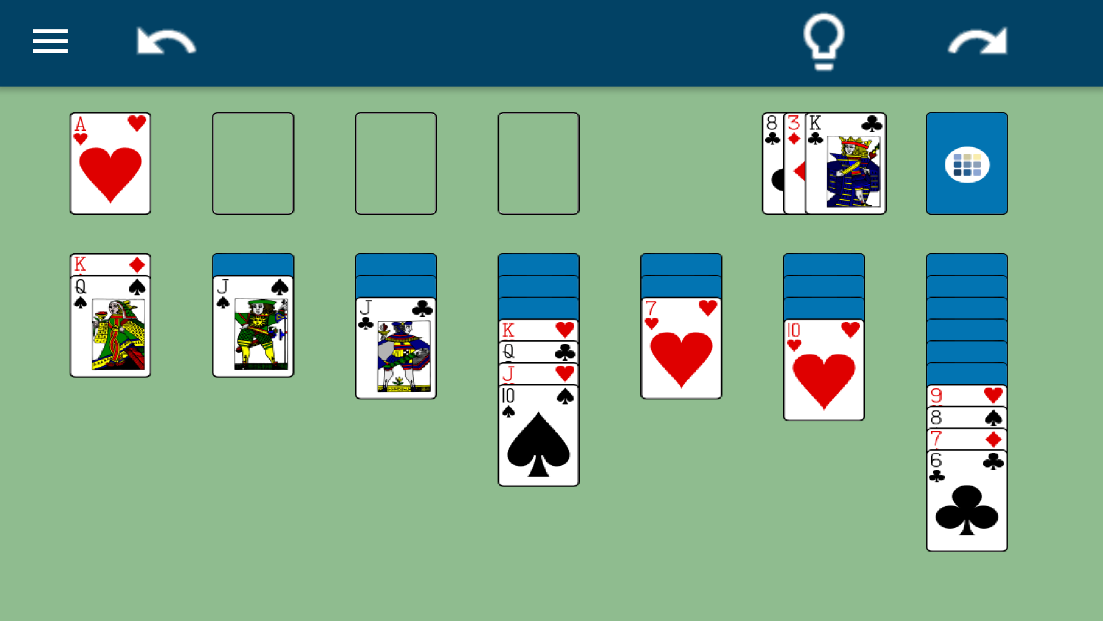
Privacy Friendly Solitiare is a Klondike Solitaire Game. Its goal is to move all cards to the foundations. A detailed description of the rules can be found in the app's help site.
Which features offers Privacy Friendly Solitaire?
Privacy Friendly Solitaire provides different difficulty levels that draw either one or three cards from the deck. Additionally there are the following versions of counting points: - None: No points are counted. - Standard: The Player starts with zero points, moves give different points. - Vegas: The Player starts at -52 points and tries to get more than zero points, while the deck can only be passed through one time.
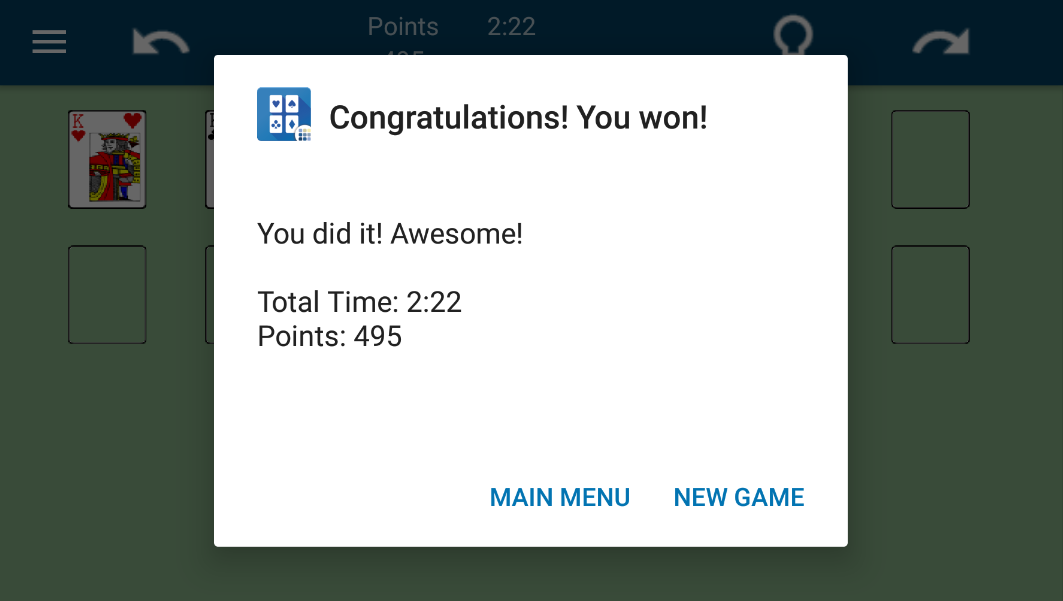
The Player can generate an automatic move by clicking the Hint-Button or automatically move all possible cards to the foundation by shaking the device (if it is activated in the Settings). Addtionally he can undo and redo moves. Optionally he is shown the time of play. When the game is almost won (meaning that there are no more cards turned face-down), it will finish automatically.
How does Privacy Friendly Solitaire differ from other similar apps?
1) No permissions Privacy Friendly Solitaire does not require any permission. For comparison: The Top Ten similar apps from the Google Play Store, require an average of 11,1 permissions (March 2018). These are for instance the permission to access accounts, permissions to access, modify or delete storage and access to networks or the internet.
2) No advertisement Moreover, Privacy Friendly Solitaire distinguishes from many other applications in the way that it completely relinquishes advertisements. Advertisement might track a user's actions. It could also shorten battery life or use mobile data.
This app is part of the Privacy Friendly Apps group developed by the research group SECUSO at Karlsruhe Institute of Technology.
Screenshots
How to install
- Download the APK from the button at the top of this page.
- Allow “Install unknown apps” for your browser or file manager only, not for every app.
- Open the downloaded file and confirm the installation.
- If installation fails with “App not installed,” remove an earlier build of the same app first. A signature conflict is the usual cause.
Data safety
- Every file is checked against its published SHA-256 before it is listed.
- Files are scanned for malware on every update.
- The permissions each app requests are listed on its own page.
- Read the full safety policy for how we test, flag, and delist files.
Comments
Recent approved comments · sorted by newest
View all comments