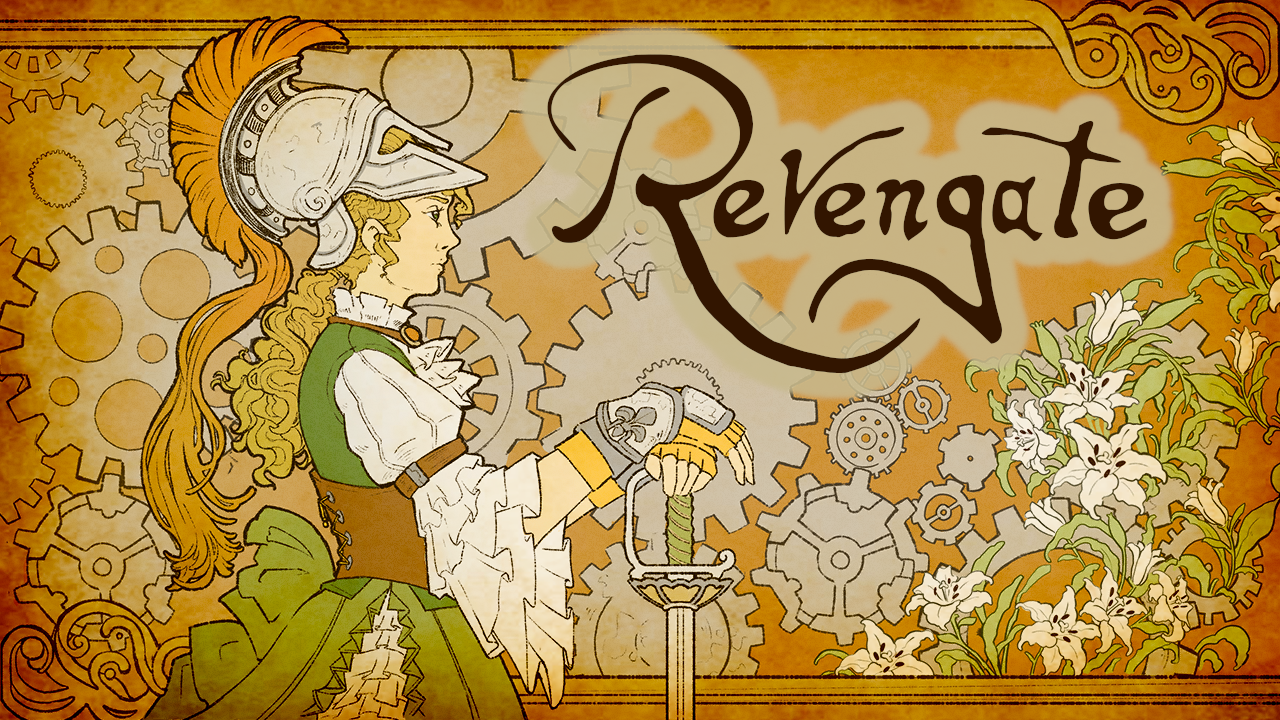
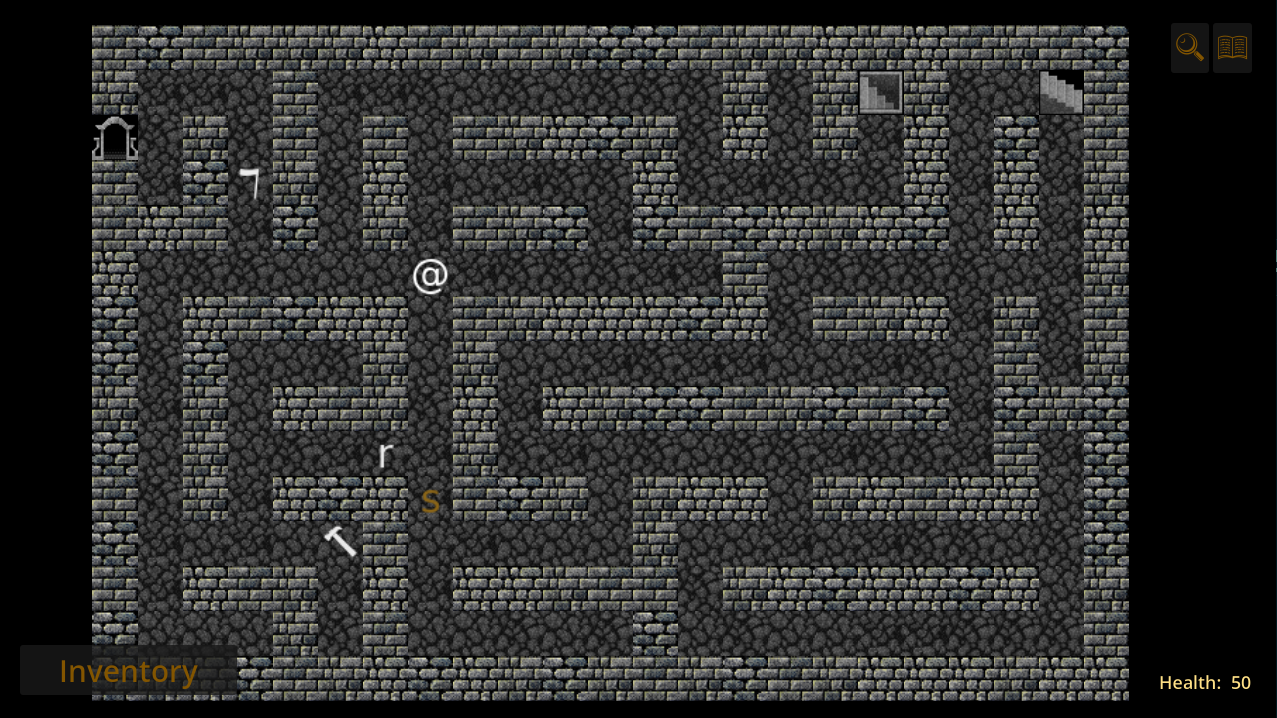
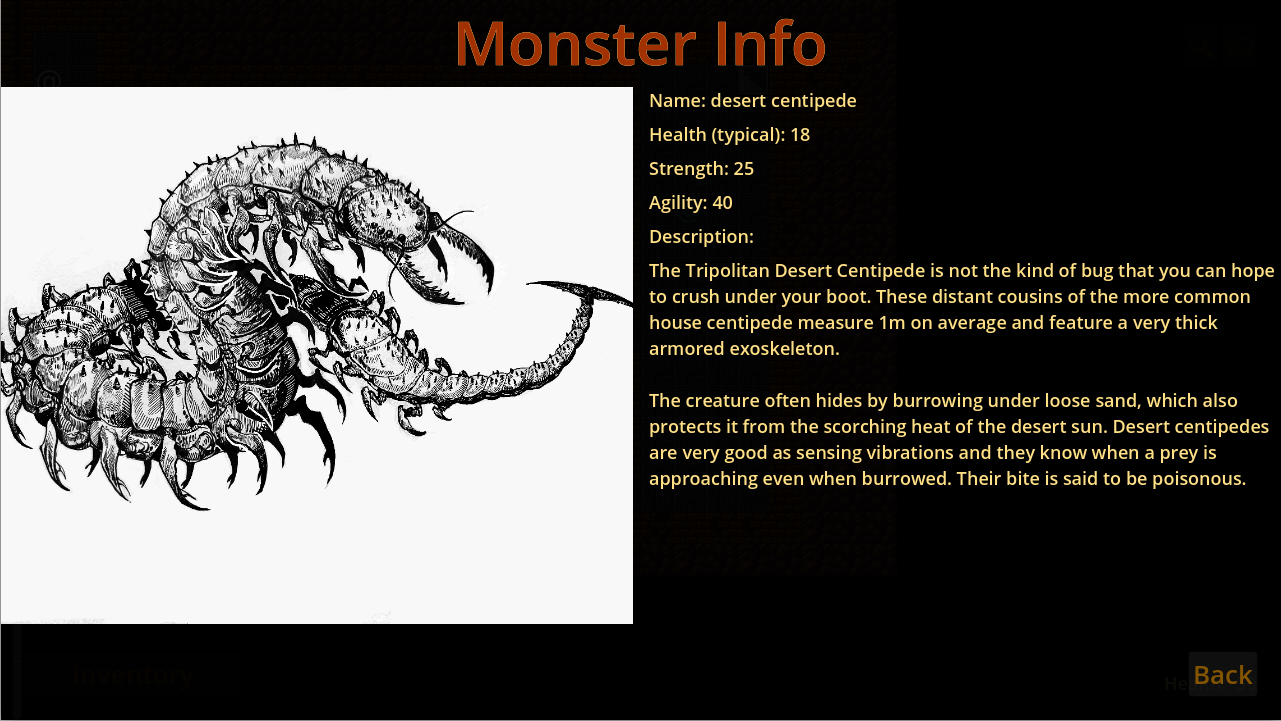
Revengate is a Rogue-like dungeon crawler RPG set in a steampunk universe full of Victorian technology and magic.
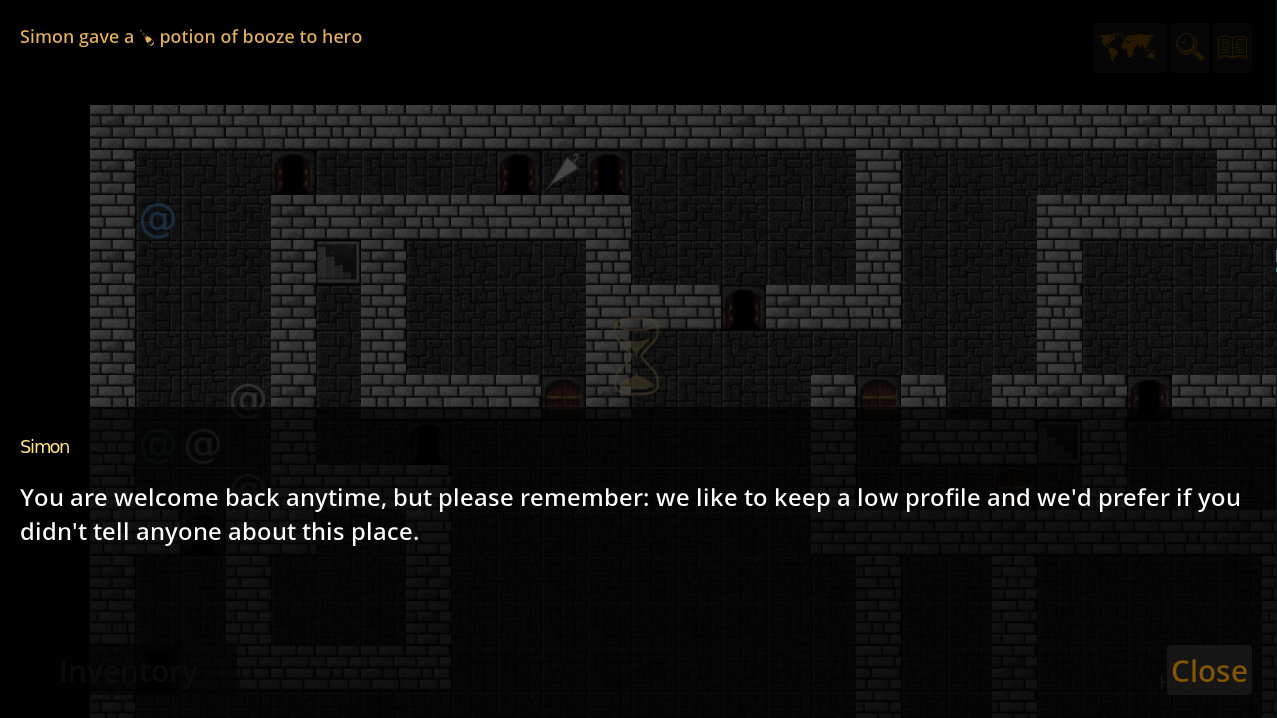
Explore an alternate mid-19th century Lyon as an investigator for the mysterious Lux Co. organization. Meet locals and investigate mysteries through role-playing and dungeon exploration. With quirky items like the potion of absinthe and the potion of analysis-paralysis, you will have to apply novel strategies and tactics to overcome your challenges.
Supported languages: English (only one laguage for now).
The game takes a lot of inspiration from Nethack and other traditional roguelikes while keeping actions simple to make the controls more mobile-friendly. The control scheme borrows a lot ideas from the excellent UI in Pixel Dungeon and its Shattered Pixel variant.
You can also play Revengate in your browser: https://ygingras.itch.io/revengate
This free and open source game is made with the Godot Game Engine. Revengate has no ads, no micro transactions, and can be played offline.
Screenshots
What’s new
Bug fixes: - all potions have breaking sound - kobold and ghost sounds are fixed - tap on self no longer corrupts the next action - paralyzed is saved and restored - Meditation stops at the right time even when poisoned - phantruchs no longer freeze when the summoner forgives you
UX: - more styling of message log entries - show a summary of health changes at the end of Meditation - only the last inspected tile is highlighted - loot button show the icon of what you are about to pick - loot piles
How to install
Download the APK from the button at the top of this page.
Allow “Install unknown apps” for your browser or file manager only, not for every app.
Open the downloaded file and confirm the installation.
If installation fails with “App not installed,” remove an earlier build of the same app first. A signature conflict is the usual cause.
Data safety
Every file is checked against its published SHA-256 before it is listed.
Files are scanned for malware on every update.
The permissions each app requests are listed on its own page.
Read the full safety policy for how we test, flag, and delist files.