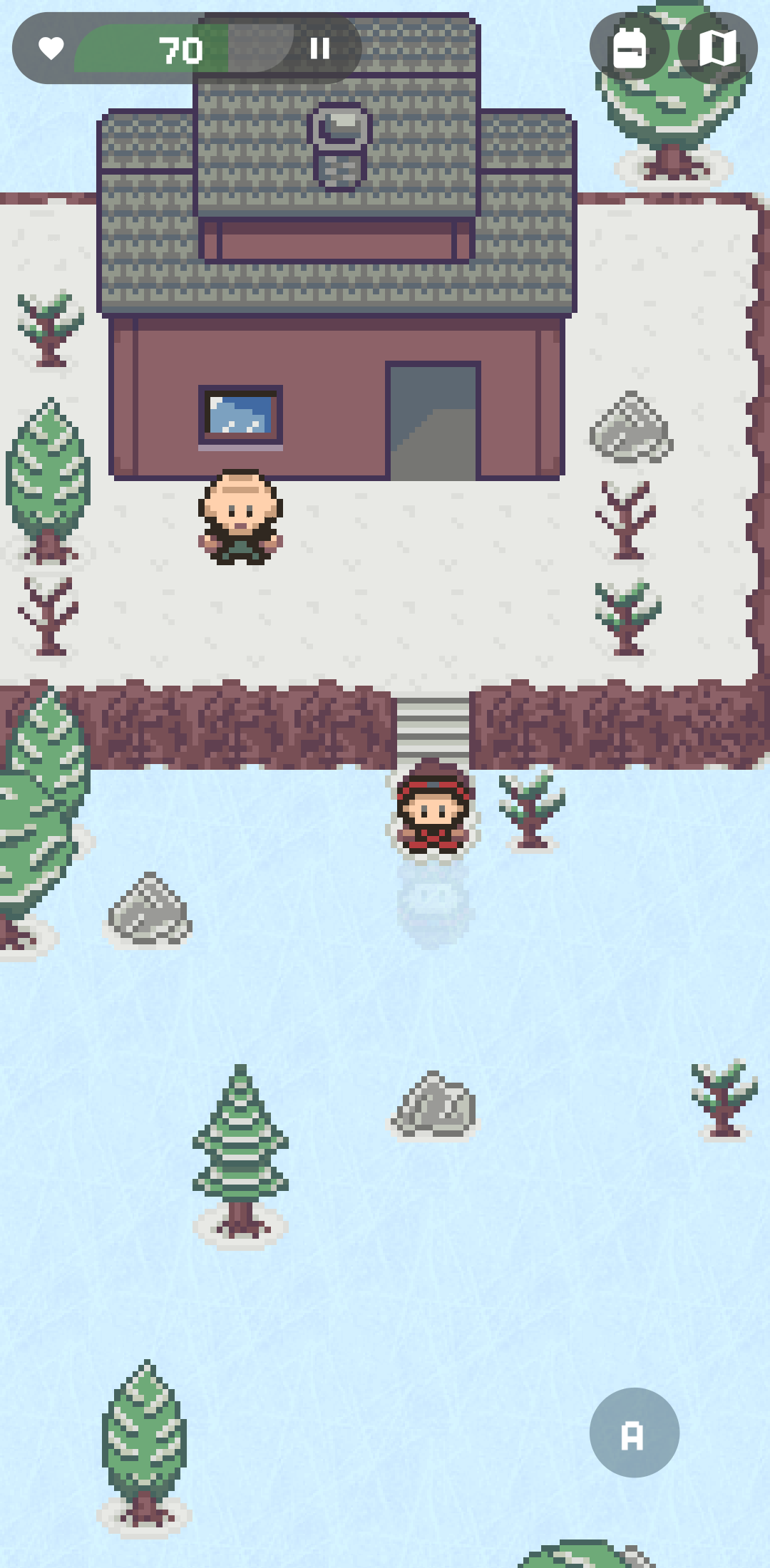
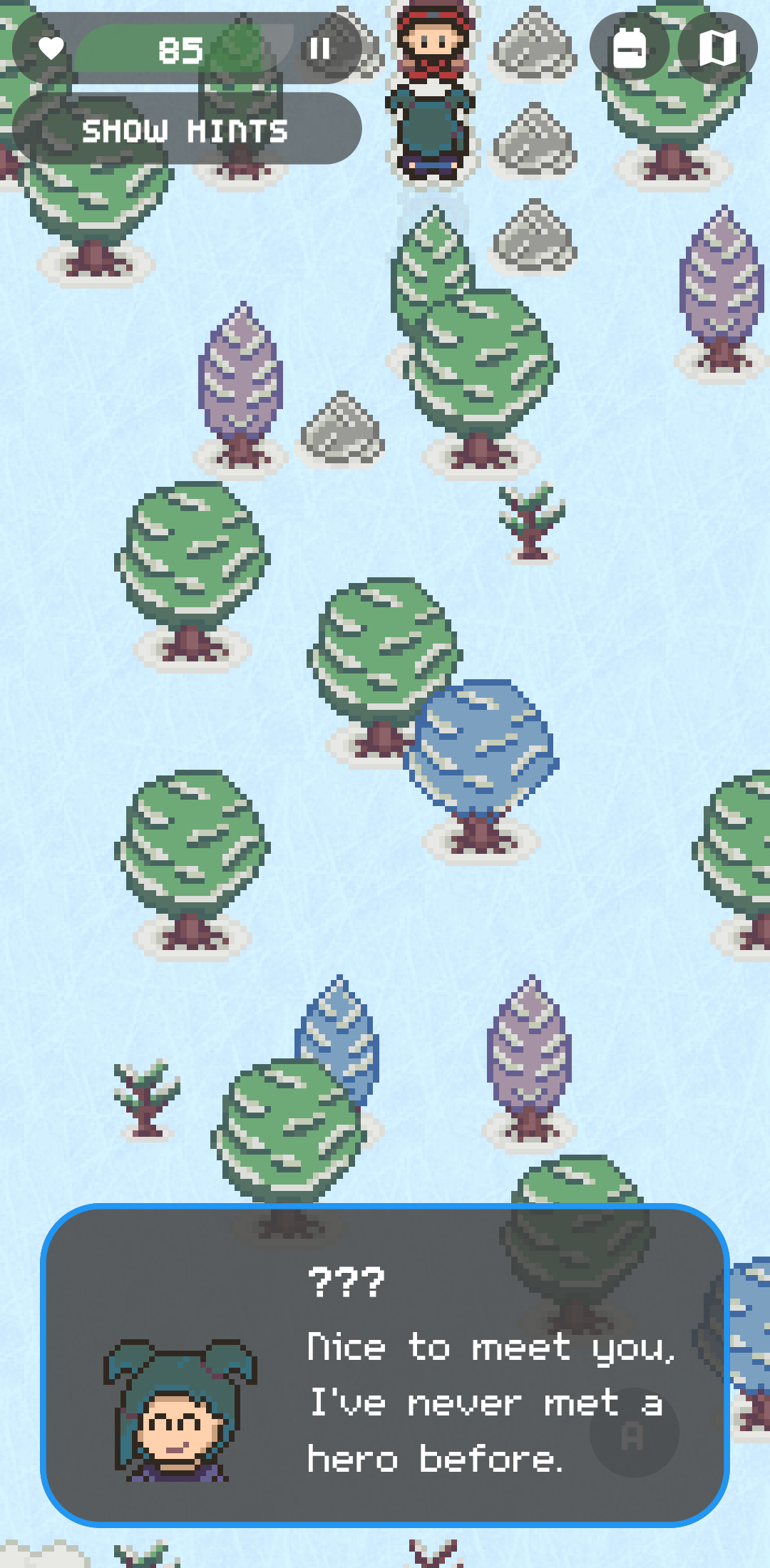
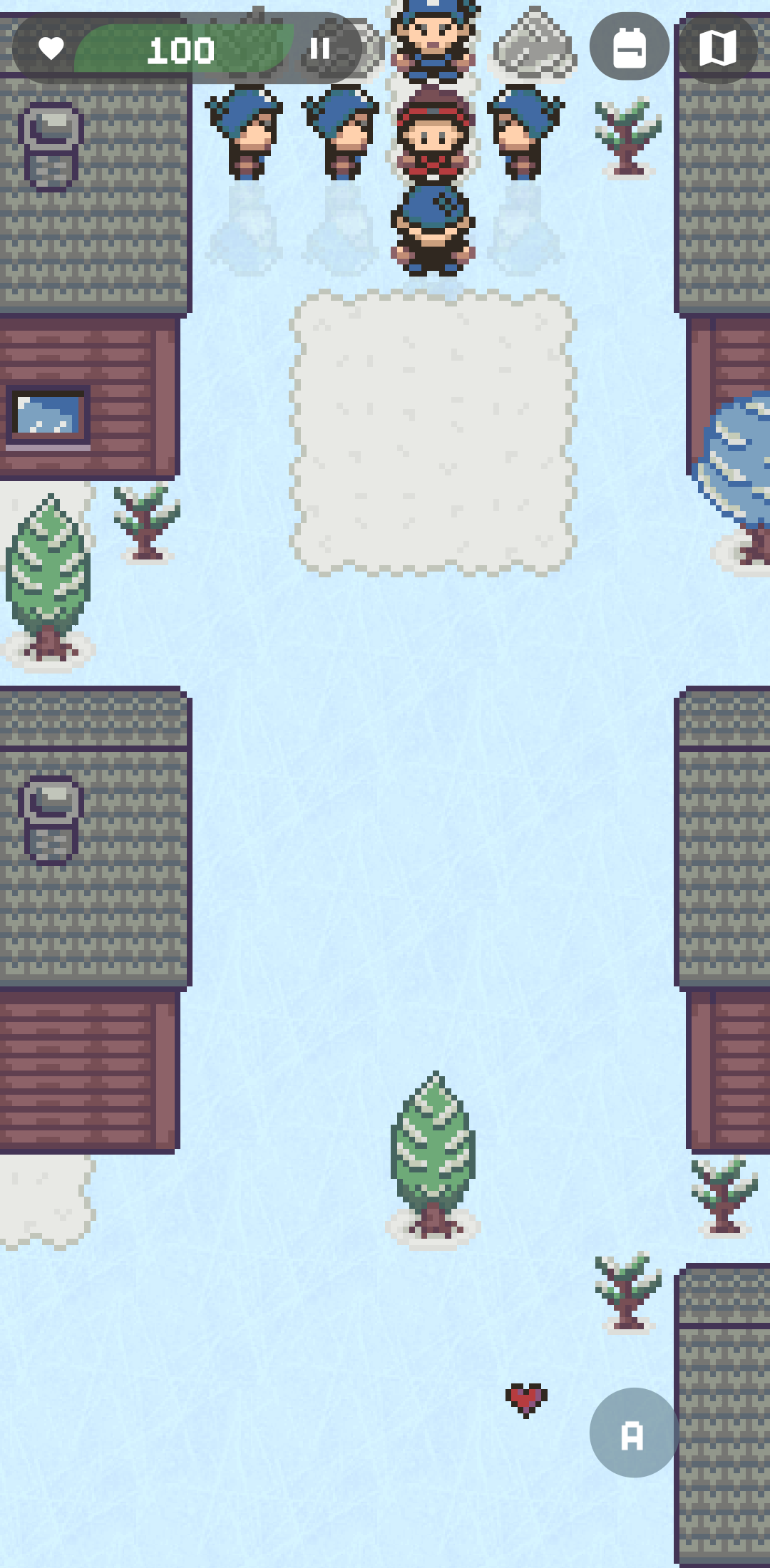
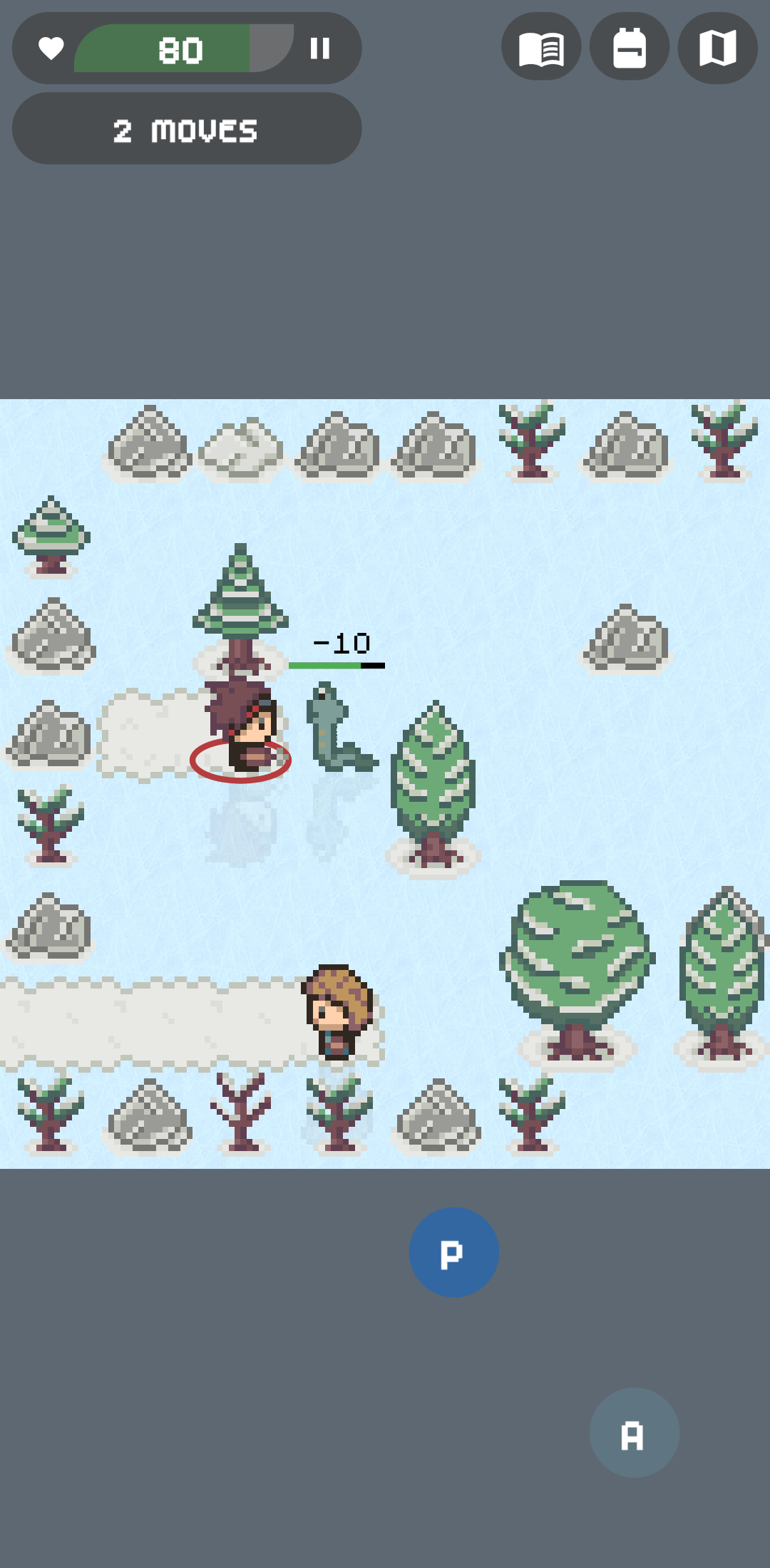
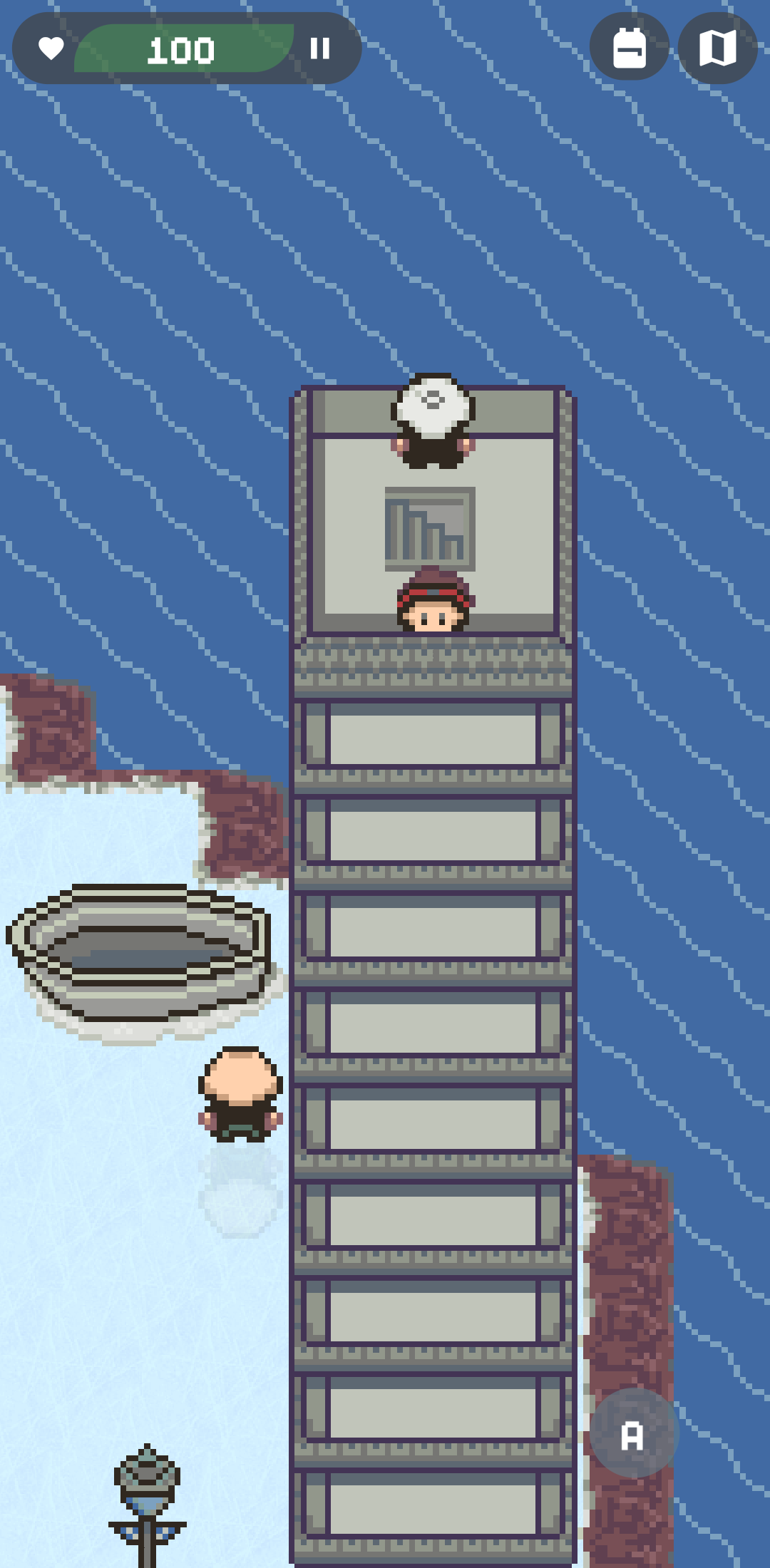
Save the world by solving ice puzzles and defeating enemies!
F-Droid repository metadata
Xeonjia is an adventure game set in a frozen world.
The floor is frozen! Think carefully about your moves because you can't change direction until you meet an obstacle.
Use you mind to solve the ice slide puzzles!
The world has been frozen by the “King of Evil” and it’s no longer a safe place.
Legend has it that a brave hero will defeat the King of Evil and save the kingdom… For this reason every year a person is appointed as “hero” and sent on a journey to try to save it.
Now it's your time, you have been chosen as this year’s hero! Will you be able to defeat the King of Evil?
You will have to travel the world, explore cities, dungeons and mystical caves.
Are you ready to solve quests and puzzles in this frozen RPG world?
Over time, you will gain experience points that will allow you to increase your level and you will find money and hidden treasures that you can use to buy stuff and improve yourself.
Be careful, the world is full of dangerous enemies ready to attack you!
Keep in mind that most of the floor is frozen, so you can’t stop yourself until you reach a wall, a boulder, or any other type of obstacle.
Use your mind to figure out the best path!
Screenshots
What’s new
* Update translations * Bug fixes
How to install
Download the APK from the button at the top of this page.
Allow “Install unknown apps” for your browser or file manager only, not for every app.
Open the downloaded file and confirm the installation.
If installation fails with “App not installed,” remove an earlier build of the same app first. A signature conflict is the usual cause.
Data safety
Every file is checked against its published SHA-256 before it is listed.
Files are scanned for malware on every update.
The permissions each app requests are listed on its own page.
Read the full safety policy for how we test, flag, and delist files.