
Quick answer
(SECUSO) Try to reach 2048 in this puzzle game
F-Droid repository metadata
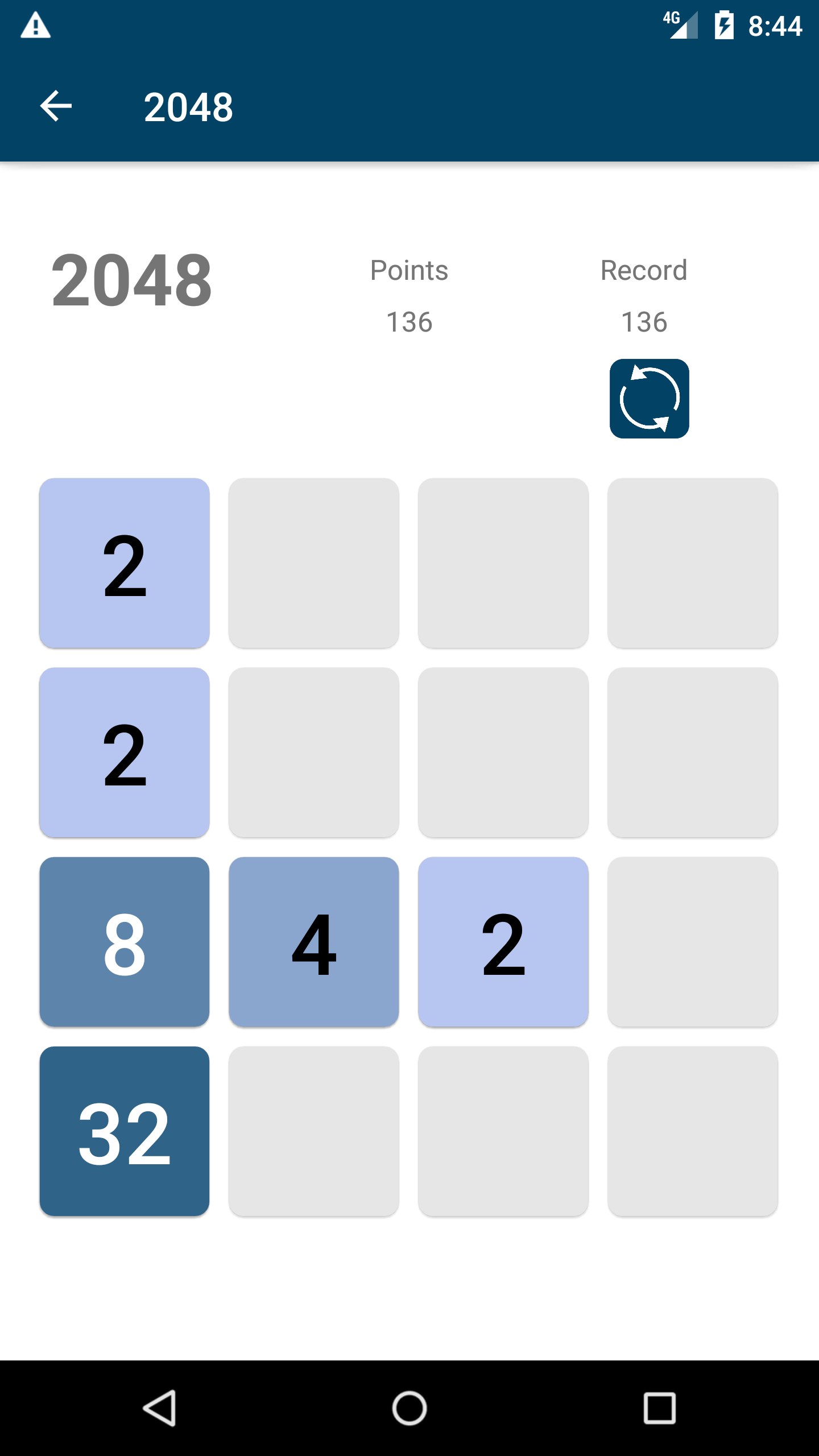
The Android application Privacy Friendly 2048 is an exciting puzzle game. The game is considered to be won if you reach the number 2048 by sliding the same numbers together.
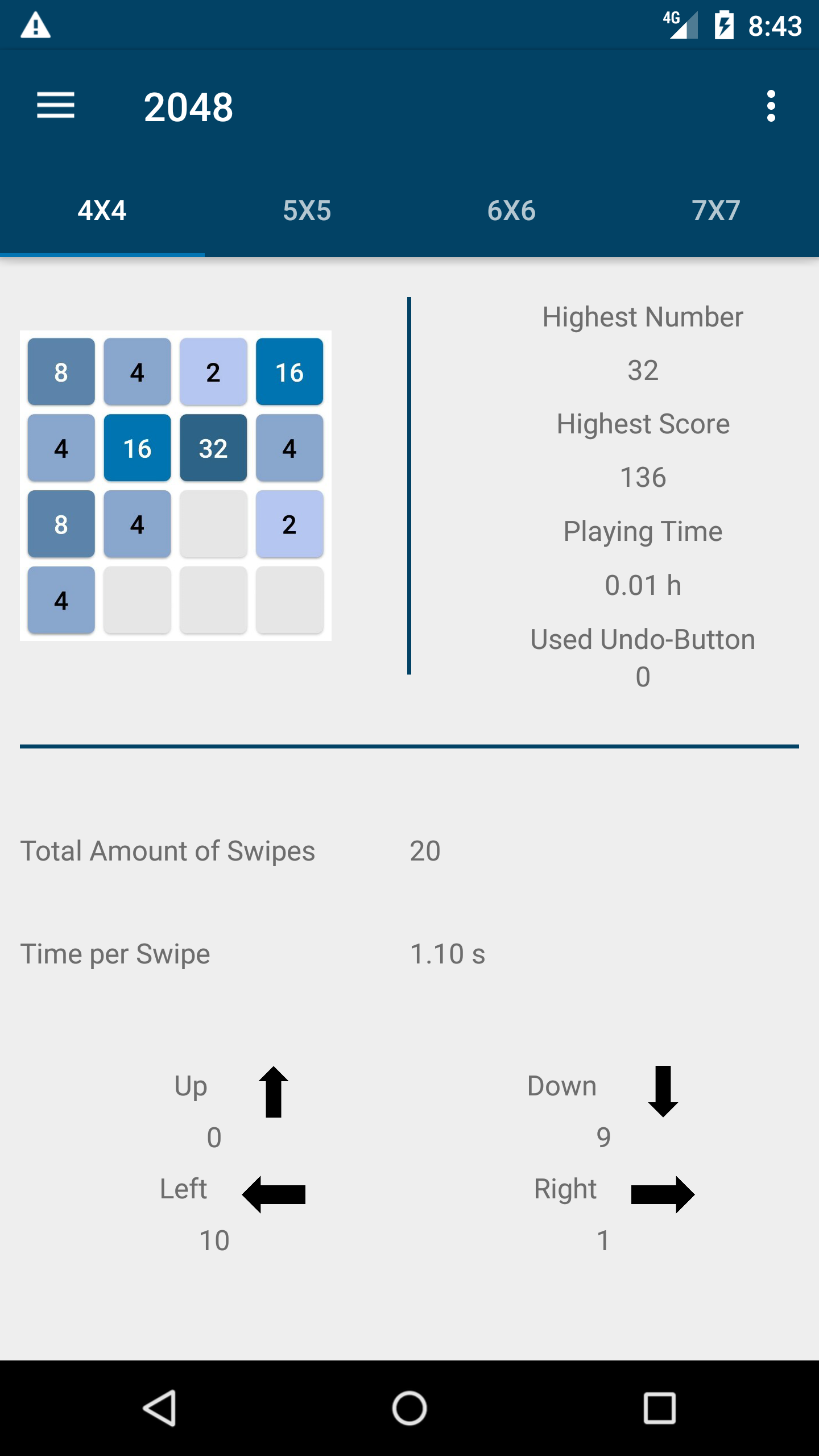
The statistic function is also part of the app. This makes it possible to get information about for example the required number of swipes and the highest achieved number of points.
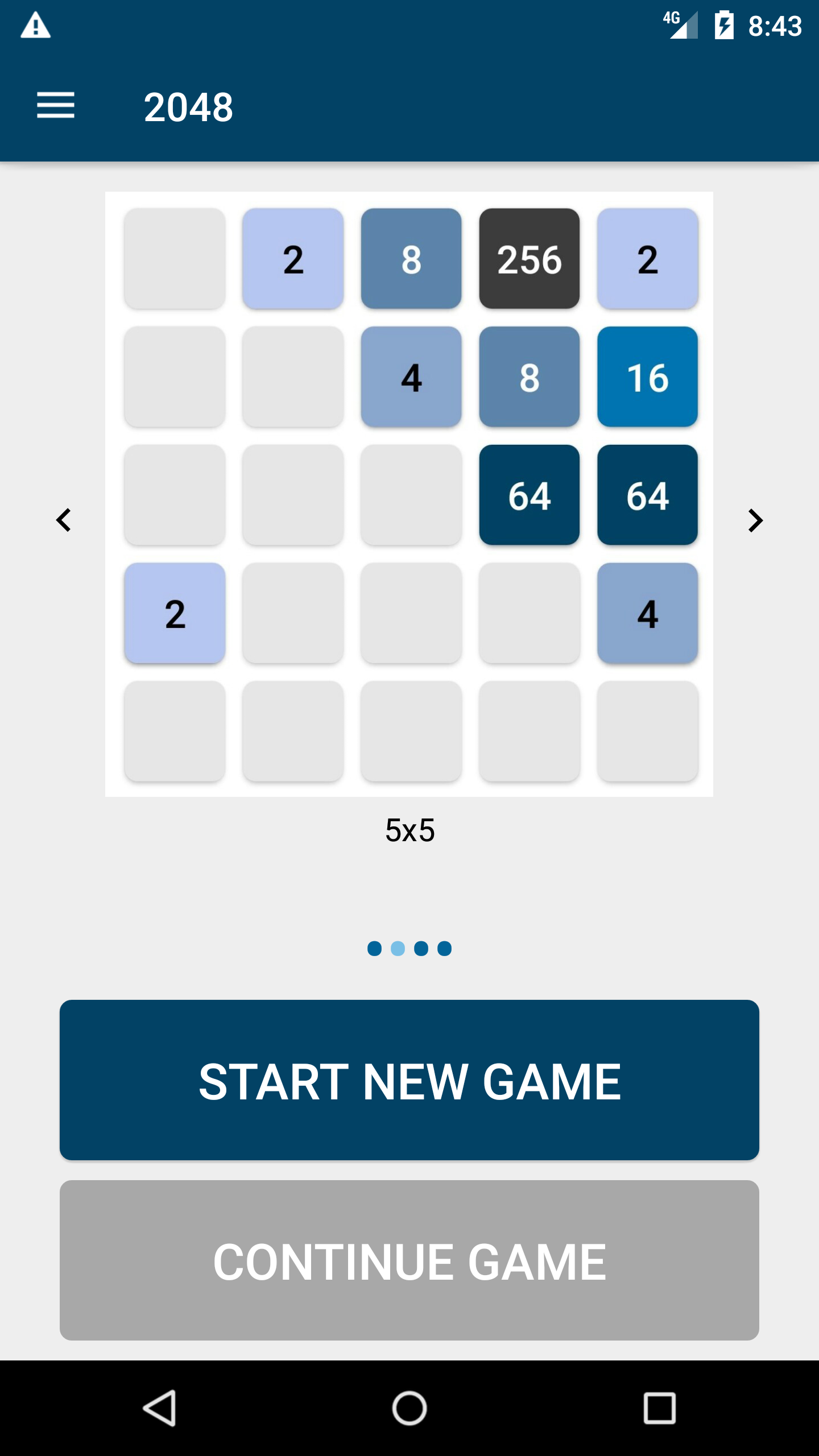
The Privacy Friendly 2048 has four different game modes:
classic: 4x4 large: 5x5 bigger: 6x6 huge: 7x7
A generator in the background randomly displays one number per round (2 or 4). With the help of these numbers, the number 2048 and even higher powers of two can be gradually reached. For help and tips, please take a look at this website.
This app also offers the possibility to save a game in the respective mode, which allows a total of up to four saved games. Undoing a move has also been implemented in this app. Additionally, a summary of their performance in the different modes can be found in the statistic function.
Our Privacy Friendly App differs from other, similar applications with respect to two aspects:
1. No permissions: The Privacy Friendly 2048 does not use any permissions 2. No adertisement: Many other free apps in the Google Play Store dazzle annoying advertising which also shortens battery life.
Feel free to contact us via: Bluesky - @secusoresearch.bsky.social https://bsky.app/profile/secusoresearch.bsky.social Mastodon - @SECUSO_Research@bawü.social https://xn--baw-joa.social/@SECUSO_Research/ Job opening - https://secuso.aifb.kit.edu/english/Job_Offers.php
Screenshots
How to install
- Download the APK from the button at the top of this page.
- Allow “Install unknown apps” for your browser or file manager only, not for every app.
- Open the downloaded file and confirm the installation.
- If installation fails with “App not installed,” remove an earlier build of the same app first. A signature conflict is the usual cause.
Data safety
- Every file is checked against its published SHA-256 before it is listed.
- Files are scanned for malware on every update.
- The permissions each app requests are listed on its own page.
- Read the full safety policy for how we test, flag, and delist files.
Comments
Recent approved comments · sorted by newest
View all comments