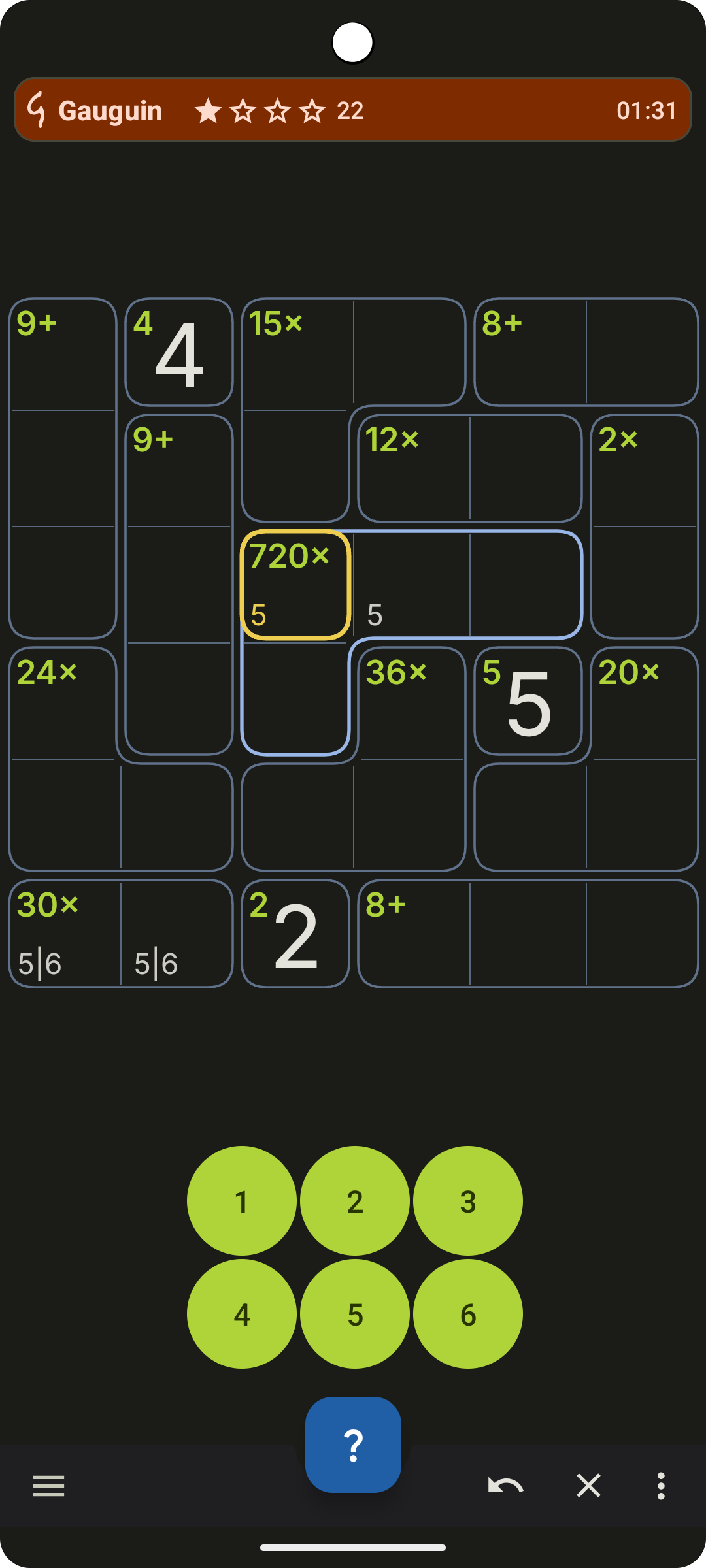
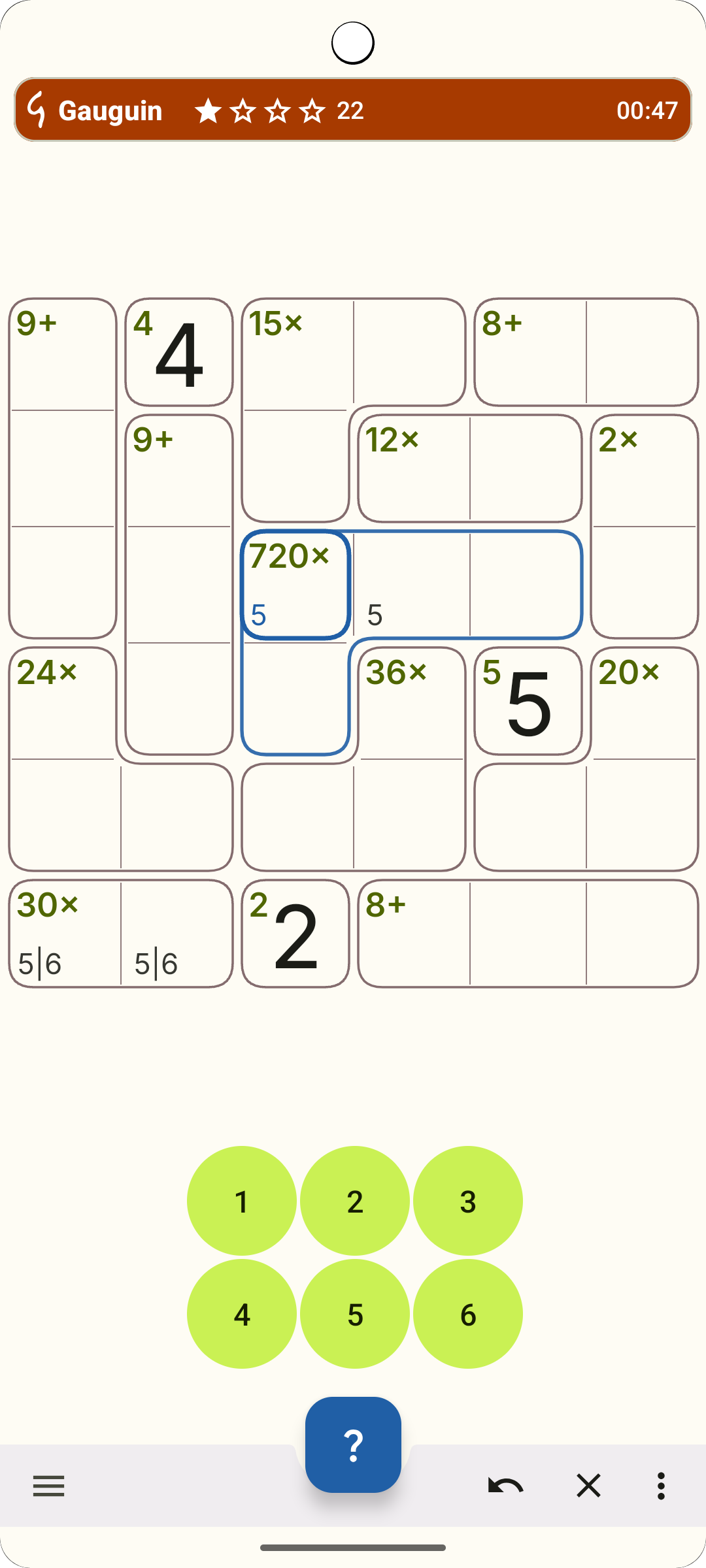
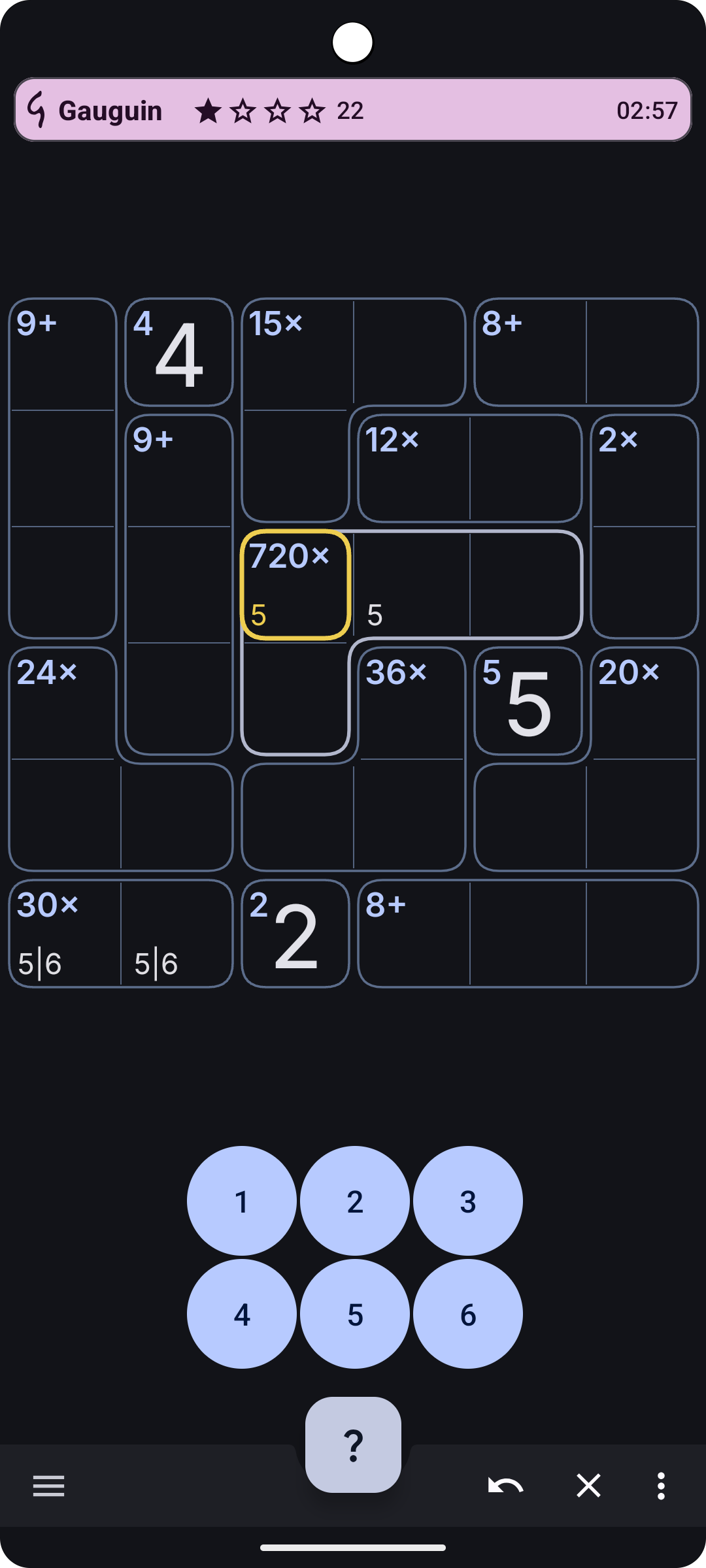
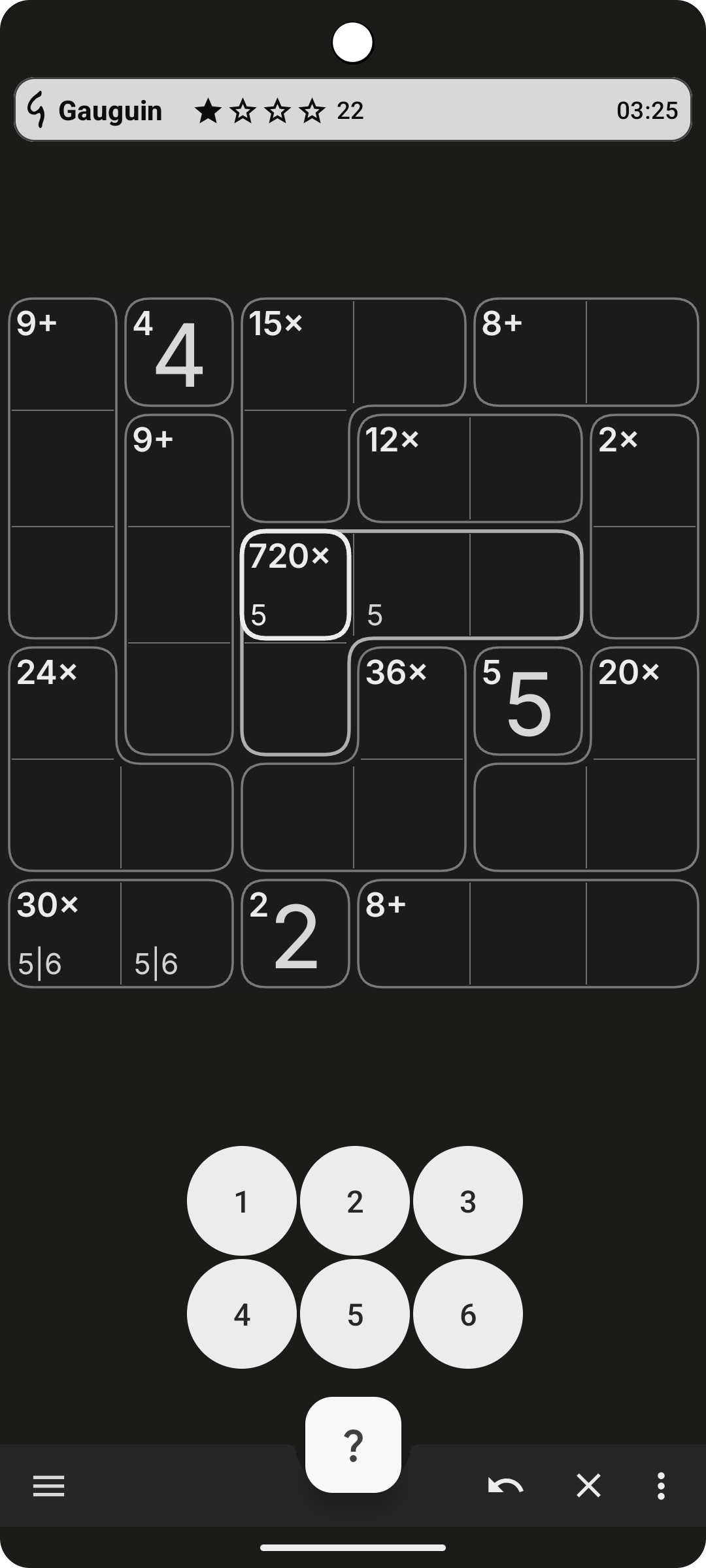
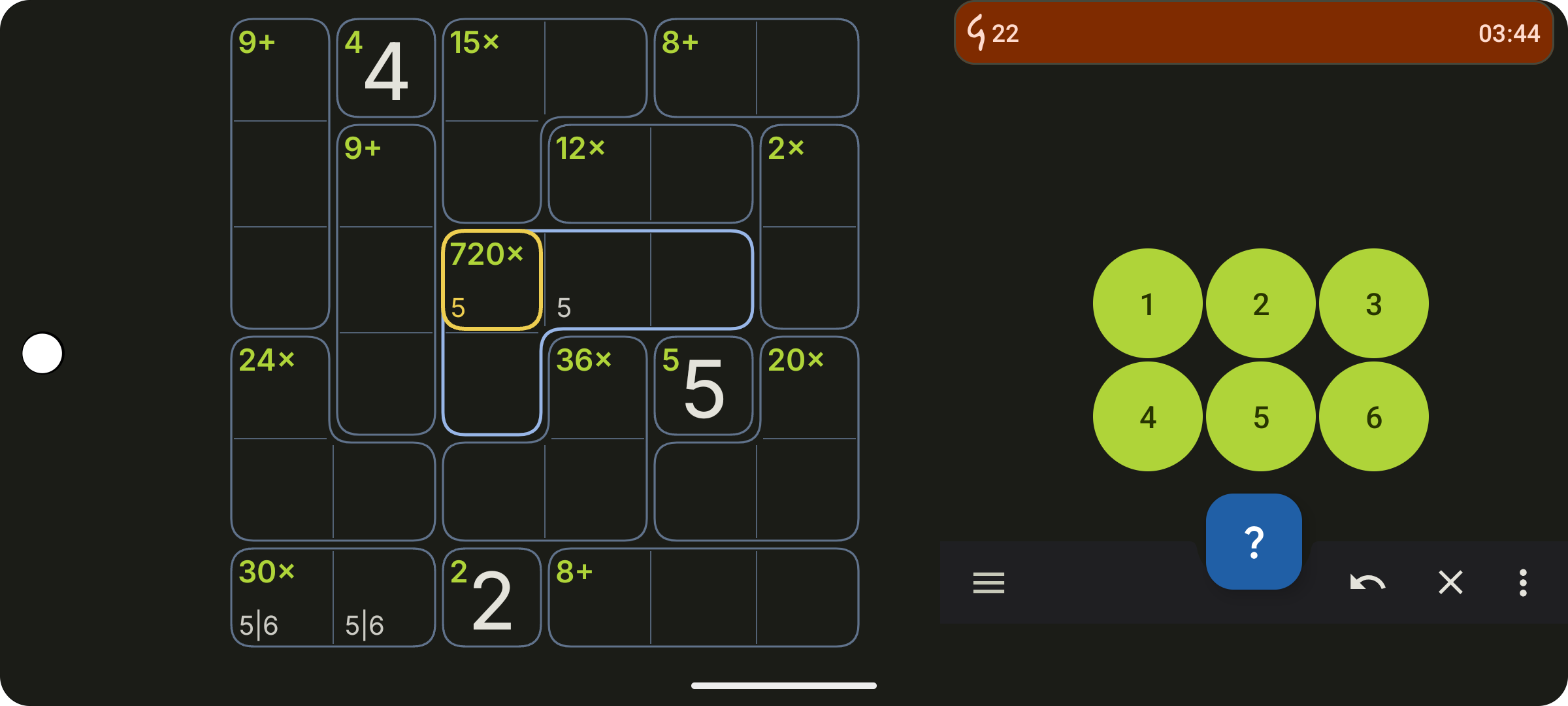
Gauguin is a Sudoku-like game where you solve grids via calculation and logic.
You can use it to relax or to solve difficult grids to your opinion.
In classic mode, you solve a 9x9 grid by typing a value from 1 to 9 in each cell such as
- Each row and column contains each digit exactly once.
- Each cage meets its given mathematical problem. E.g. a group of cells labeled with '5+' must be filled such that the sum of all digits is 5.
Via game options, you may alter the game to solve other digits, smaller or greater grids, hiding the operators.
Slick and modern UI
- No switching of 'pencil mode' or such thing is needed: To set a value of a cell, just use short-tap to alter a possible value and long-tap for a known value.
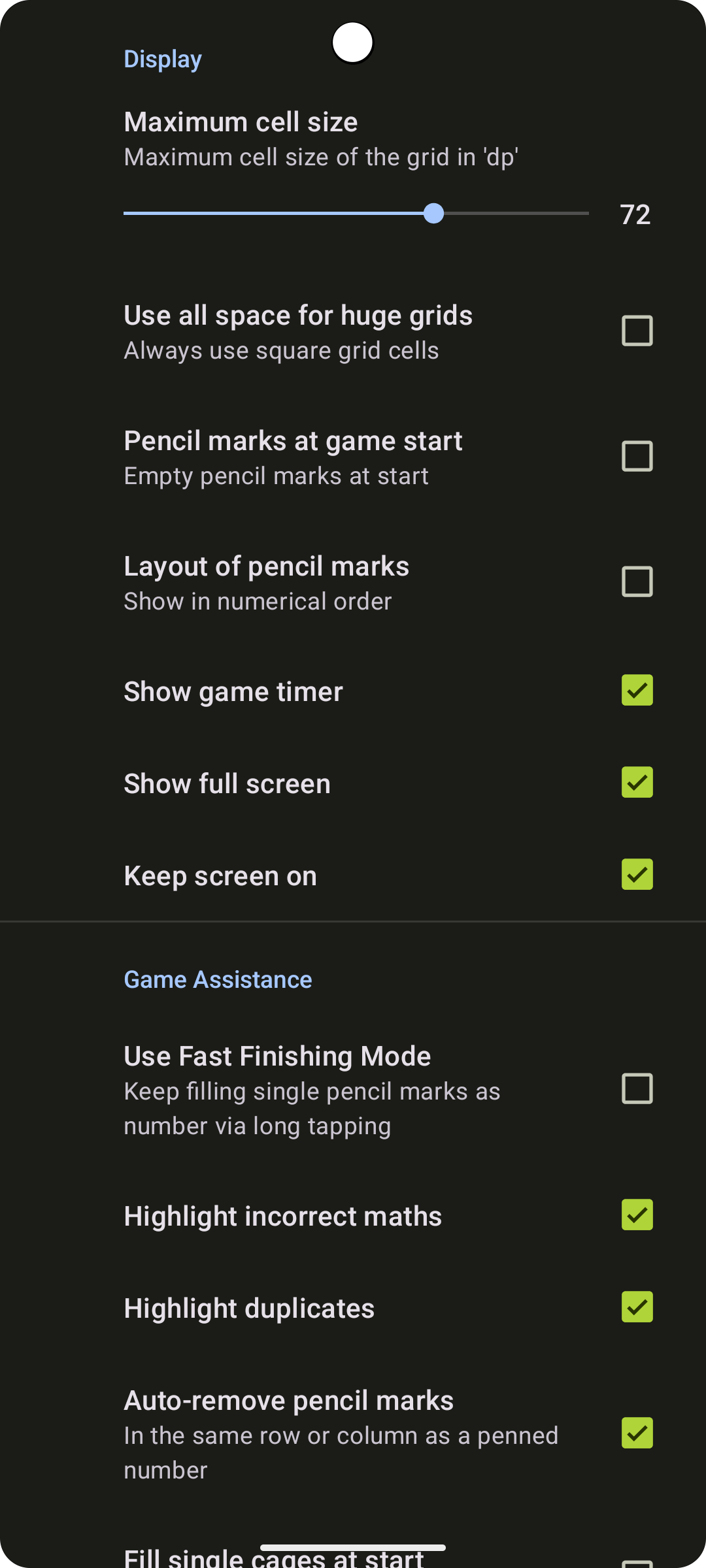
- 'Fast Finishing Mode' enables to fill cell with exactly one pencil mark rapidly. To be activated in the preferences.
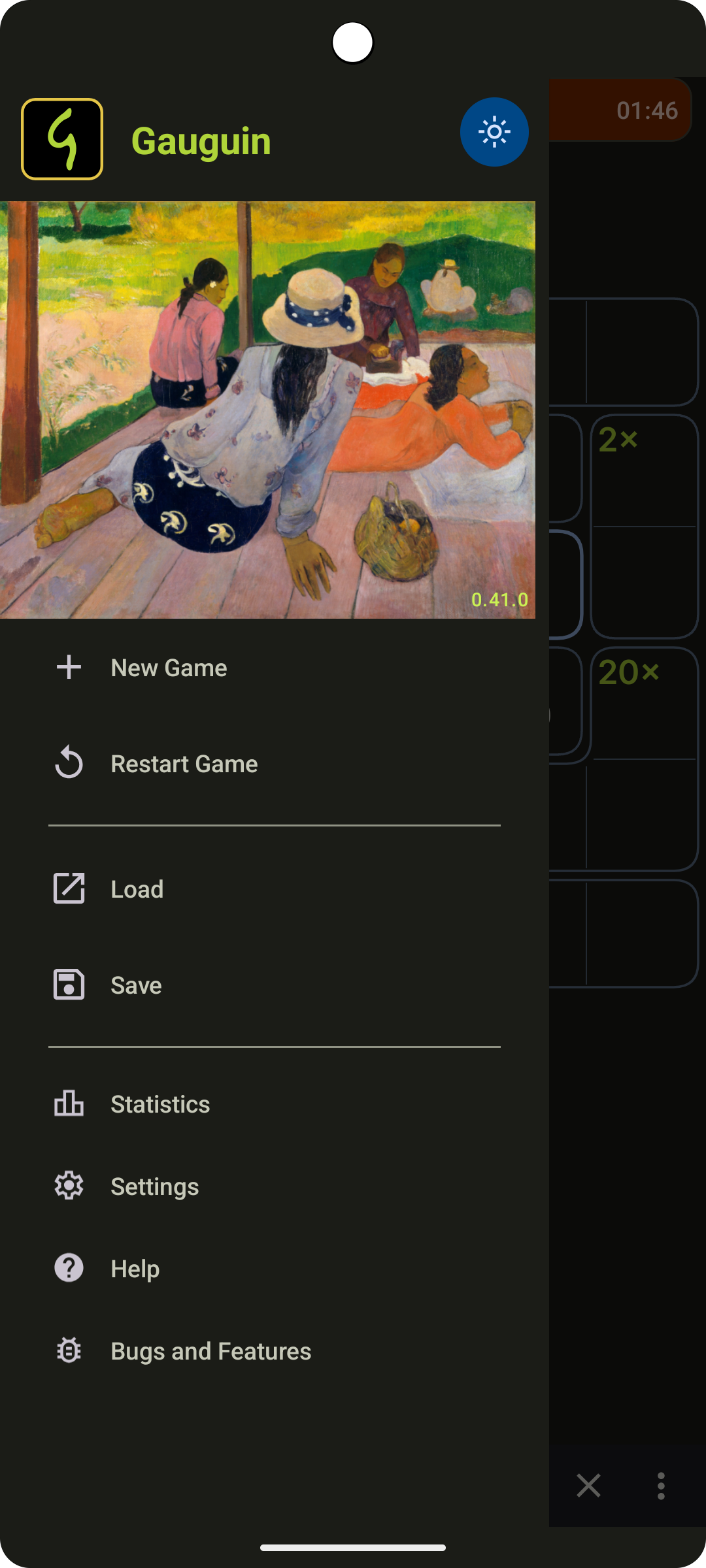
- Uses colors from the painting 'The Siesta' from Paul Gauguin (guess where the app's name comes from…)
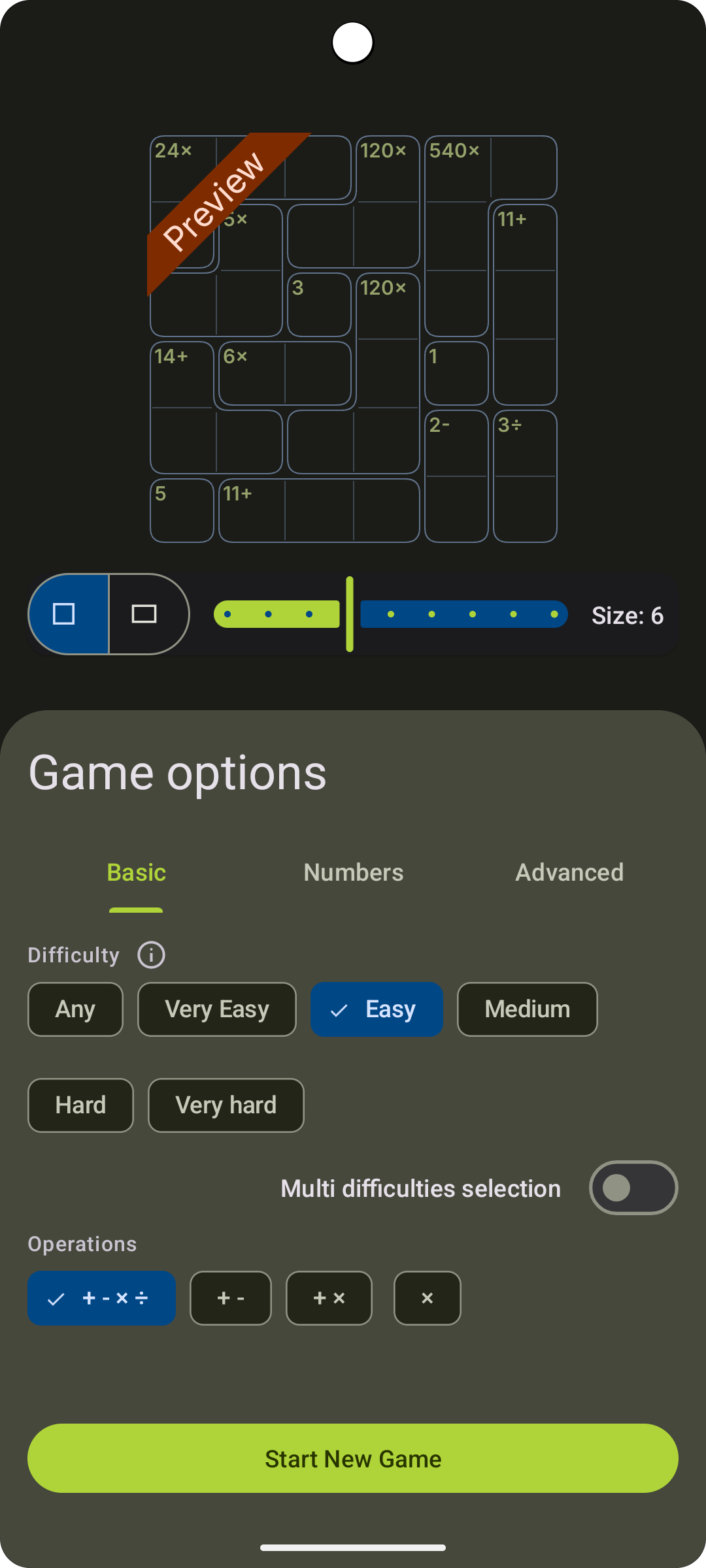
Game options
- grid sizes: 3x3 to 11x11 with classic 9x9
- includes rectangular grids, e.g. 7x9
- operations (add, subtract, multiply, divide)
- digits (1 to n, prime numbers, Fibonacci sequence etc.)
- difficulty (covering a increasing number of game variants)
- usage of single cells
- show or hide operators
Things still to be done
- not all grid variants get calculated in a reasonable time
- on-boarding is missing a tutorial
- not all game variants have been supplied with difficulty ratings yet
- calculation of next grid is not bullet proof in some rare circumstances
Screenshots
What’s new
— New feature: You can now choose the duodecimal numeral system, with base twelve (digits 0..9, A, B).
How to install
Download the APK from the button at the top of this page.
Allow “Install unknown apps” for your browser or file manager only, not for every app.
Open the downloaded file and confirm the installation.
If installation fails with “App not installed,” remove an earlier build of the same app first. A signature conflict is the usual cause.
Data safety
Every file is checked against its published SHA-256 before it is listed.
Files are scanned for malware on every update.
The permissions each app requests are listed on its own page.
Read the full safety policy for how we test, flag, and delist files.