What’s new
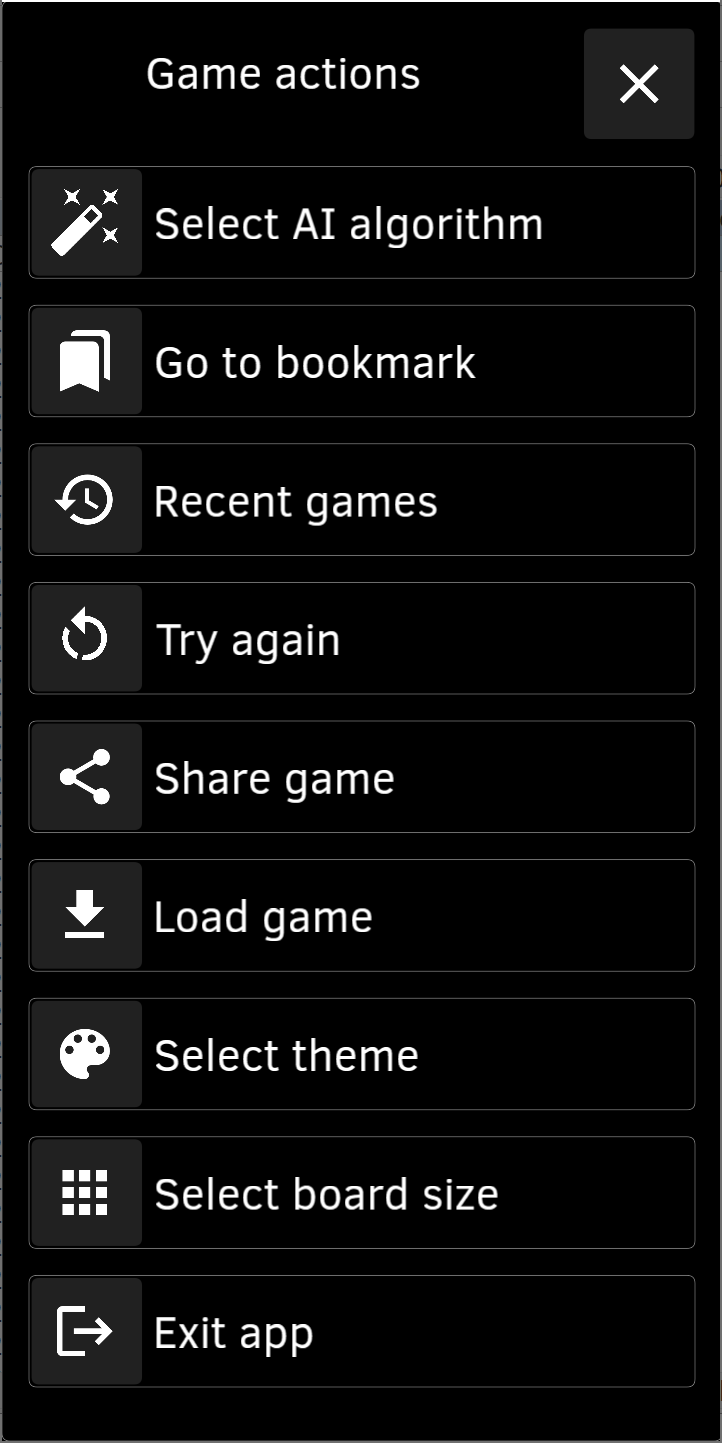
v.1.13.2. * Select board size from 3x3 up to 8x8, and not 4x4 default classic size only.
Updated Sep 22, 2026
2048 game with AI, Replay, History and other fun features, Open Source, no ads
F-Droid repository metadata
"2048 Open Fun Game" is 2048 game with AI, Bookmarks, Auto Replay, History and other fun features, Open Source, no ads.
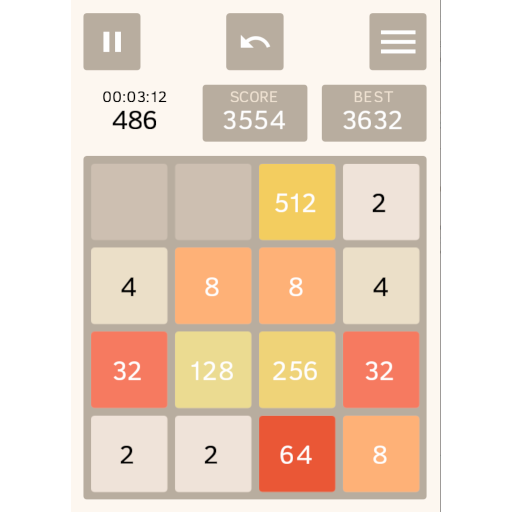
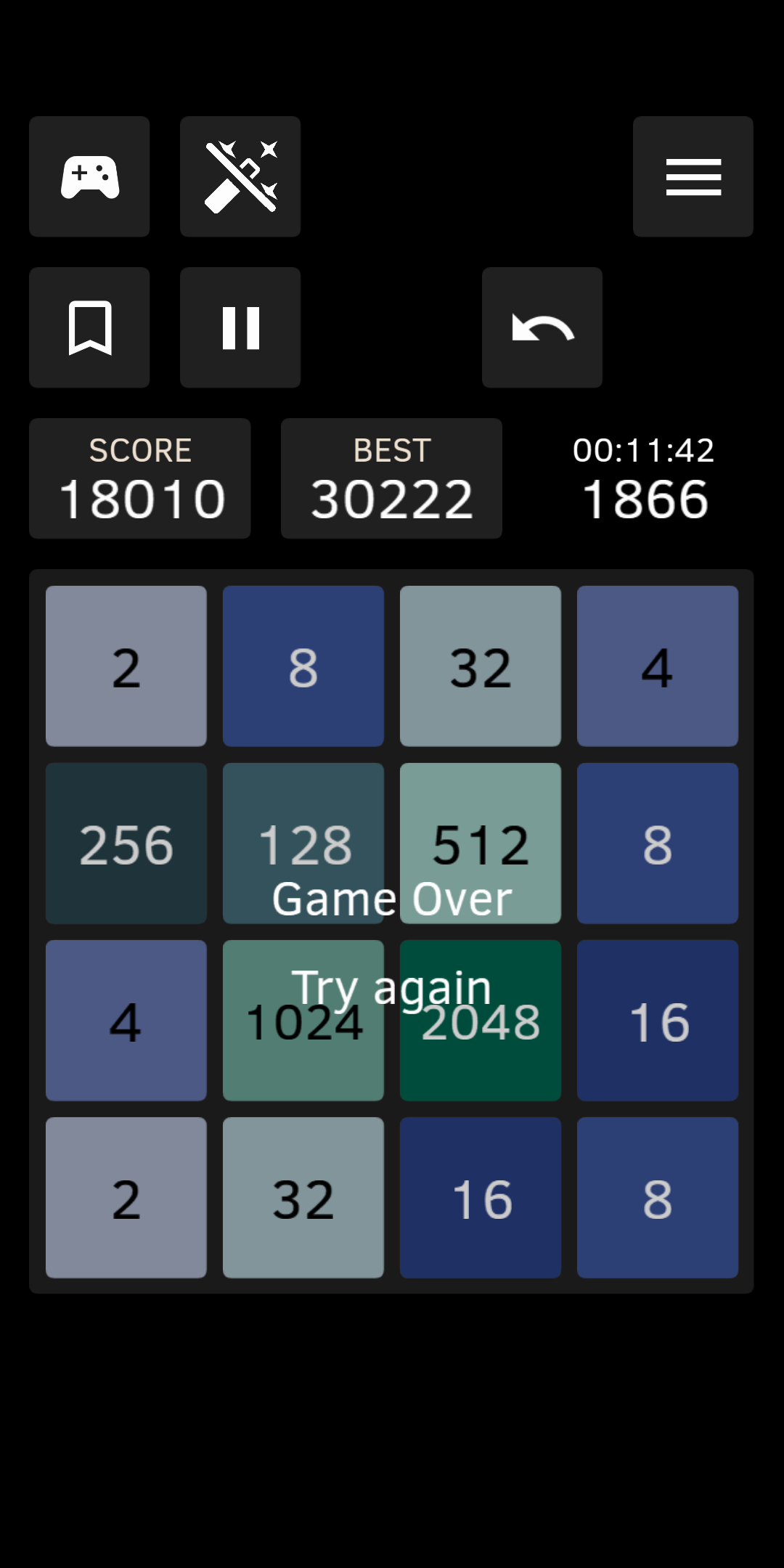
How to play. Swipe the game board to move all tiles left, right, up, or down. When two tiles with the same number touch, they merge into one with a double number, i.e. 2+2 merge into 4, 4+4 merge into 8 and so on. The goal is to create a tile with the highest number. Number 2048 is a good first win…
Features of "2048 Open Fun Game" that are not present in the original game:
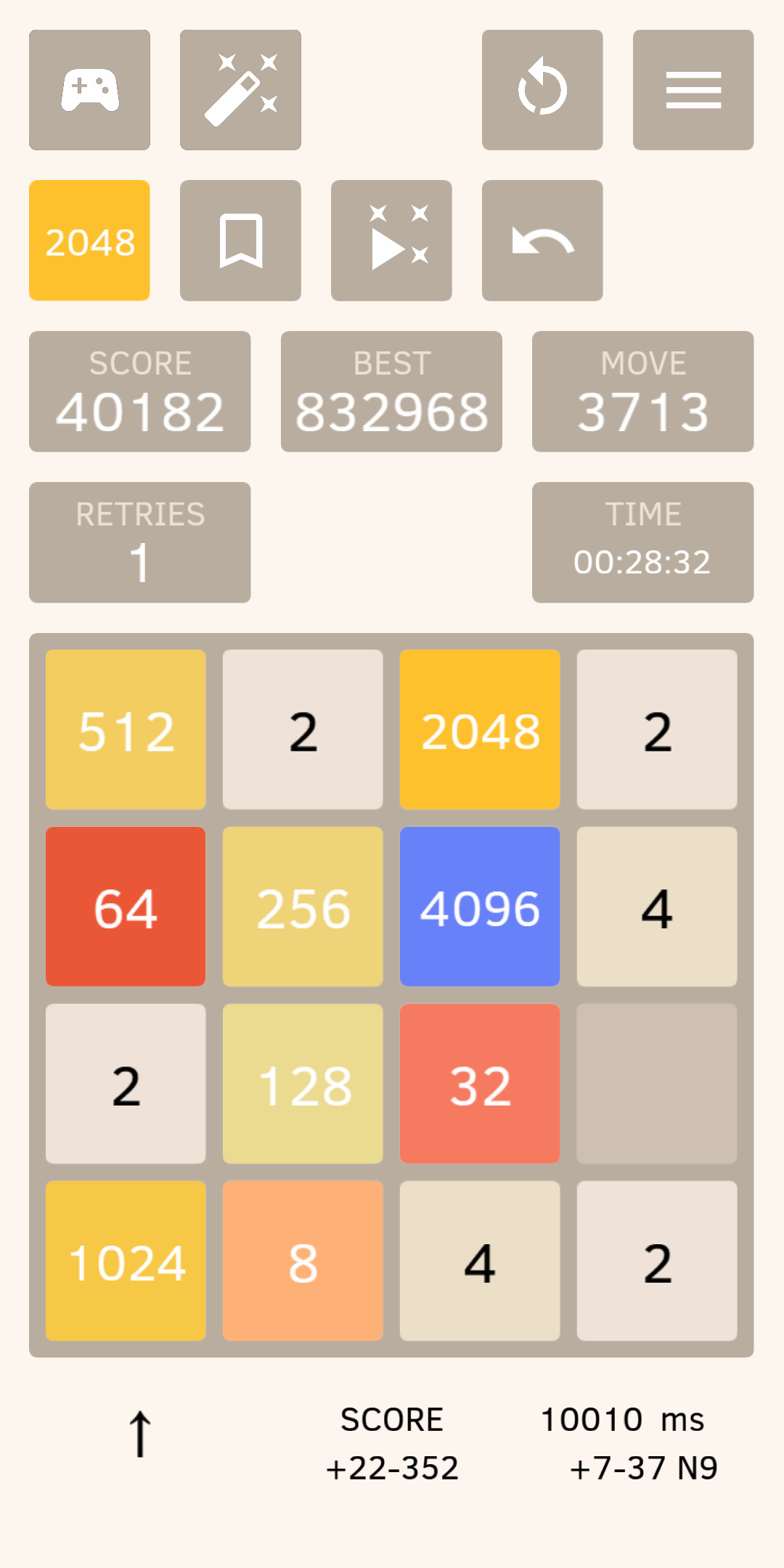
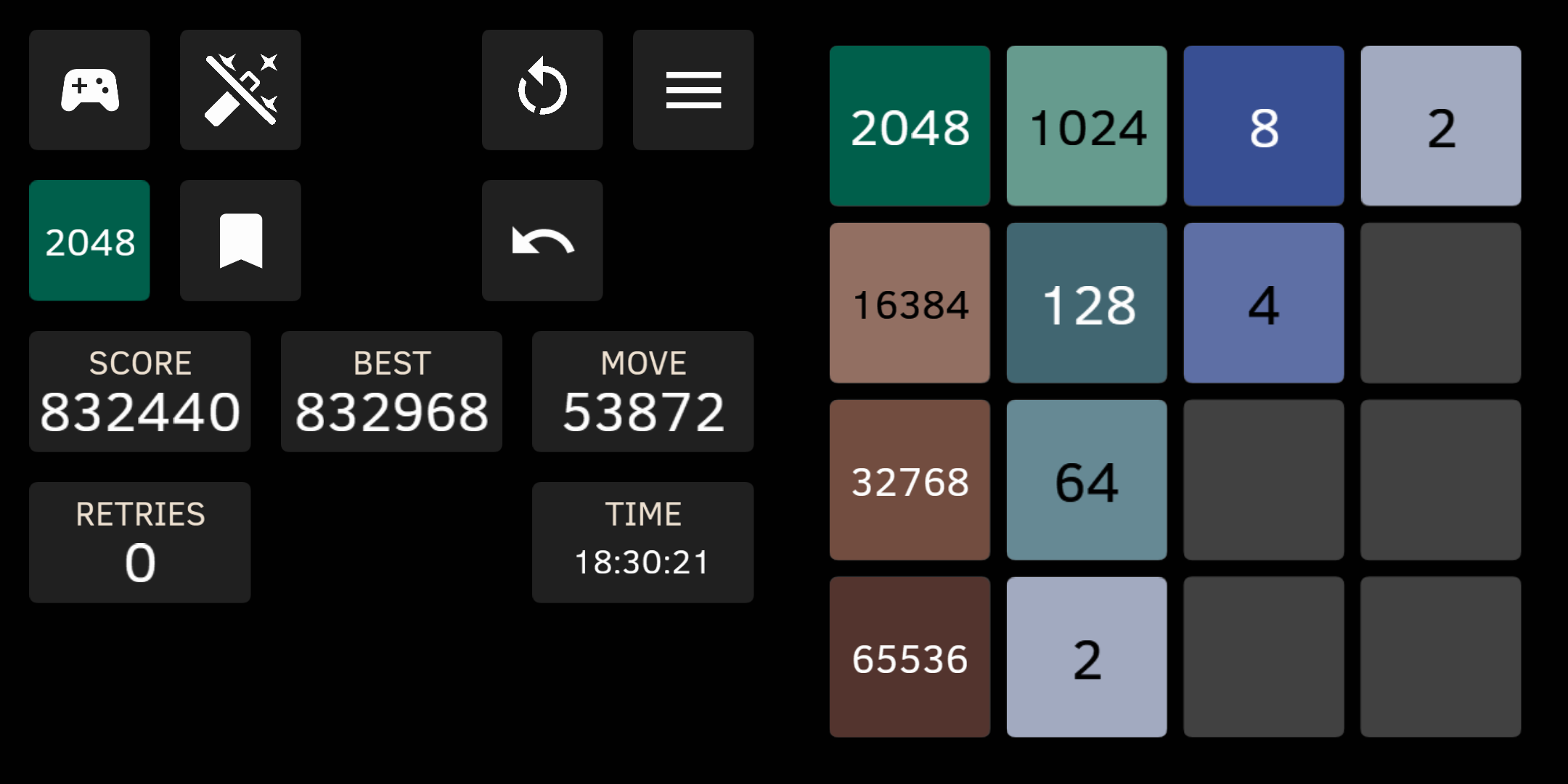
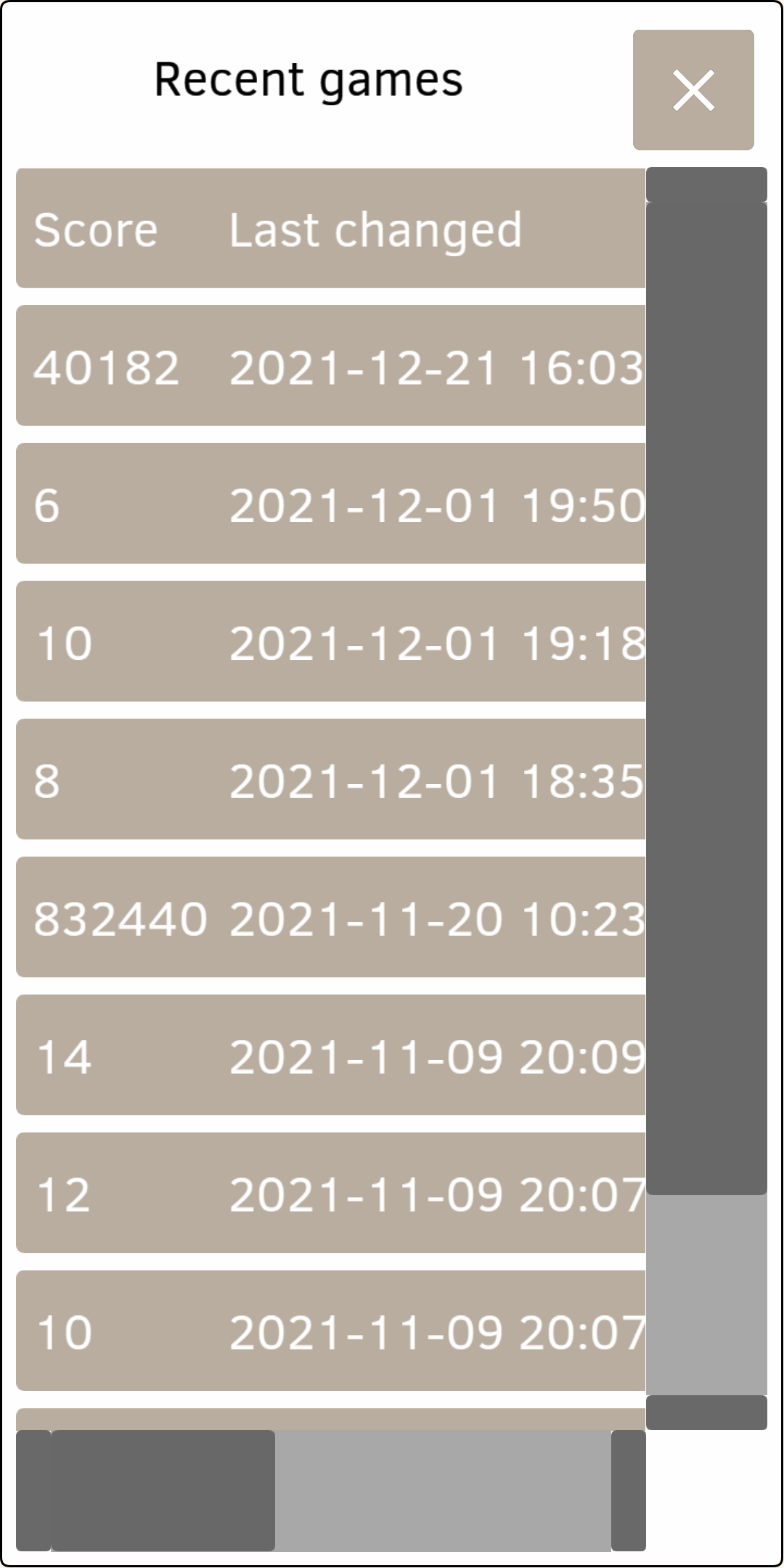
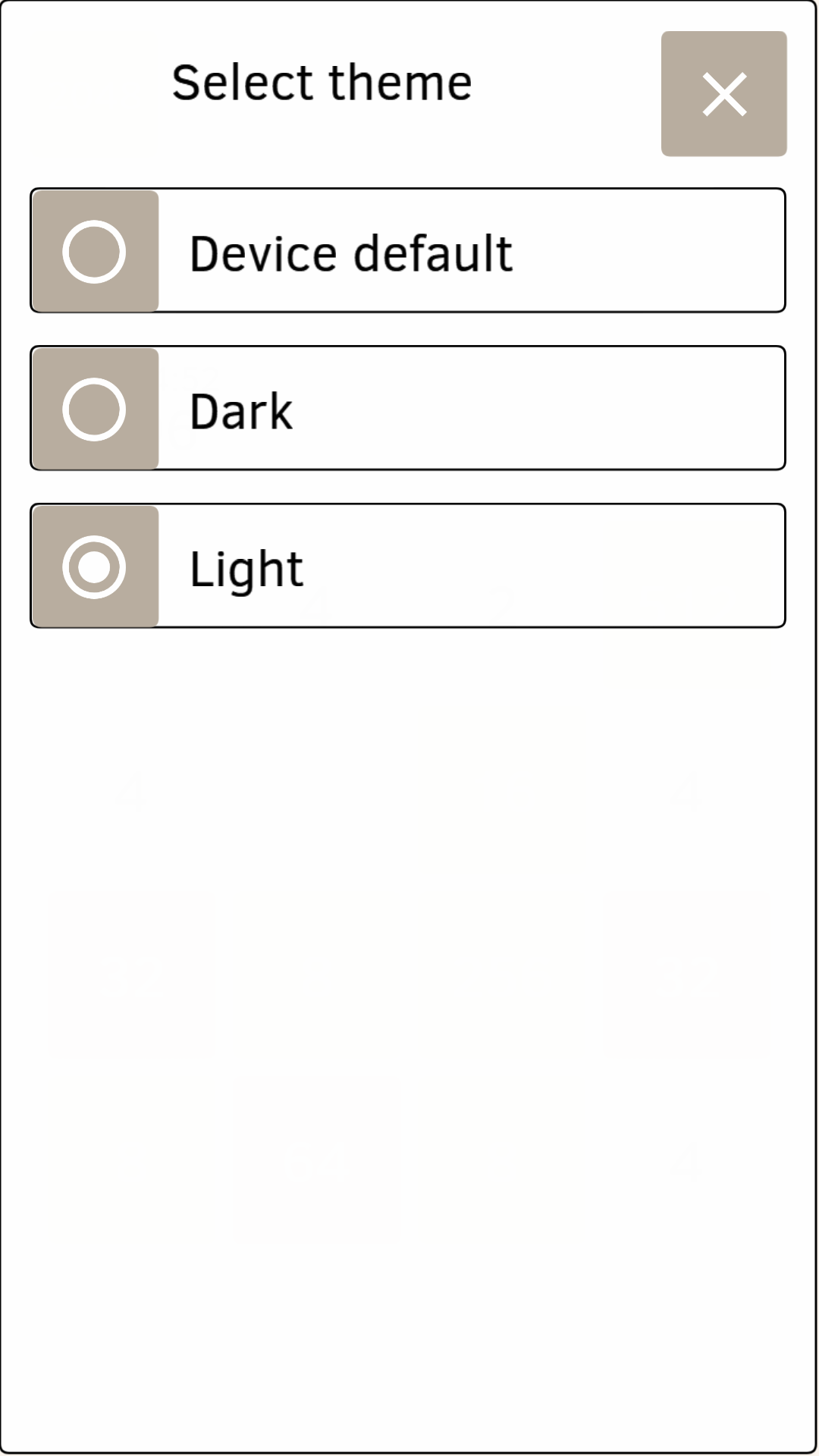
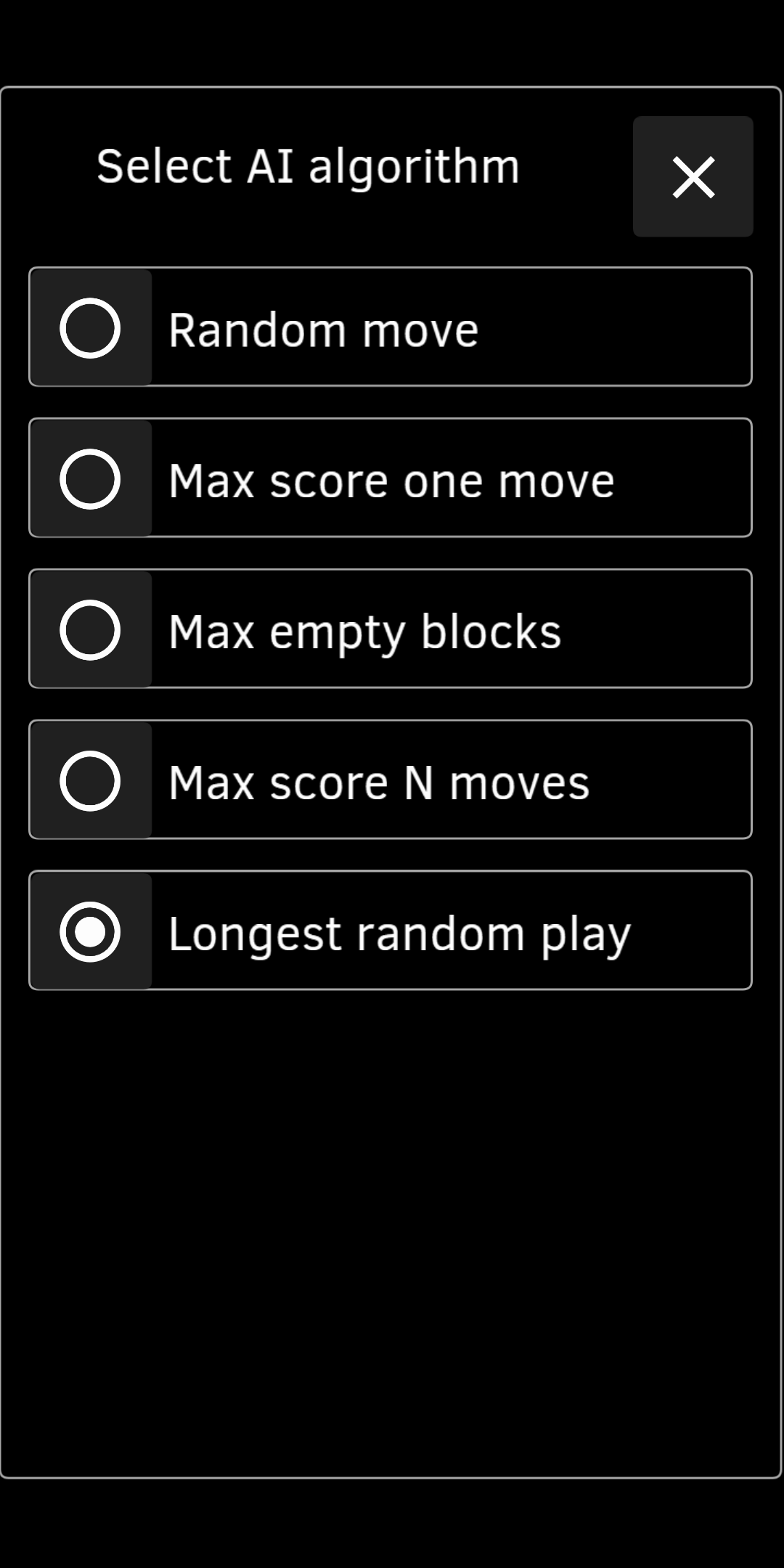
* Unlimited and animated Undo and Redo. * Retries counter. When you make a move after Undo (no matter if it is the same move as before or another move), number of Retries increases. The counter shows total number of retries done during the game and allows comparing different results more fairly. * Select theme for the app: Device default (for Android 9+), Dark or Light. Dark theme for Android 9+ is turned on by default when system-wide "Dark theme" is turned on in device settings. * Different portrait and landscape screen layouts. Portrait layout is more or less classic for the 2048 game, and landscape layout allows using screen space better and have larger board. * Turn on AI (Artificial Intelligence) mode and let the AI play for you. Increase or decrease AI player speed. Stop it and continue playing yourself. Choose one of several AI algorithms, see how they play and compare them. * Bookmarks at the interesting game positions. Return to a bookmark and play again from that place. * Move number and game duration shown. The time starts when you make a move. It stops when you tap Undo or Pause button. * "Watch" mode. Auto replay current game forward and backwards at any speed, stop at any position. Switch to "Play" mode from that place and continue playing, overriding history. * Recent games with all their moves, bookmarks and scores are stored in a history and can be watched. Or you can play them again from any position / bookmark. * Game menu allows you to delete current game from history, to restart a game ("Try again") or to open recent game from a list. * When you tap "Try again" button or open recent game, current game is automatically saved to the history, so you can review or continue to play it later. * Share a game as a file, so it can be loaded, watched and even played on any other device. * The app is multilingual. Please add new translations at https://crowdin.com/project/2048-open-fun-game
For Android v.7.0+ devices.
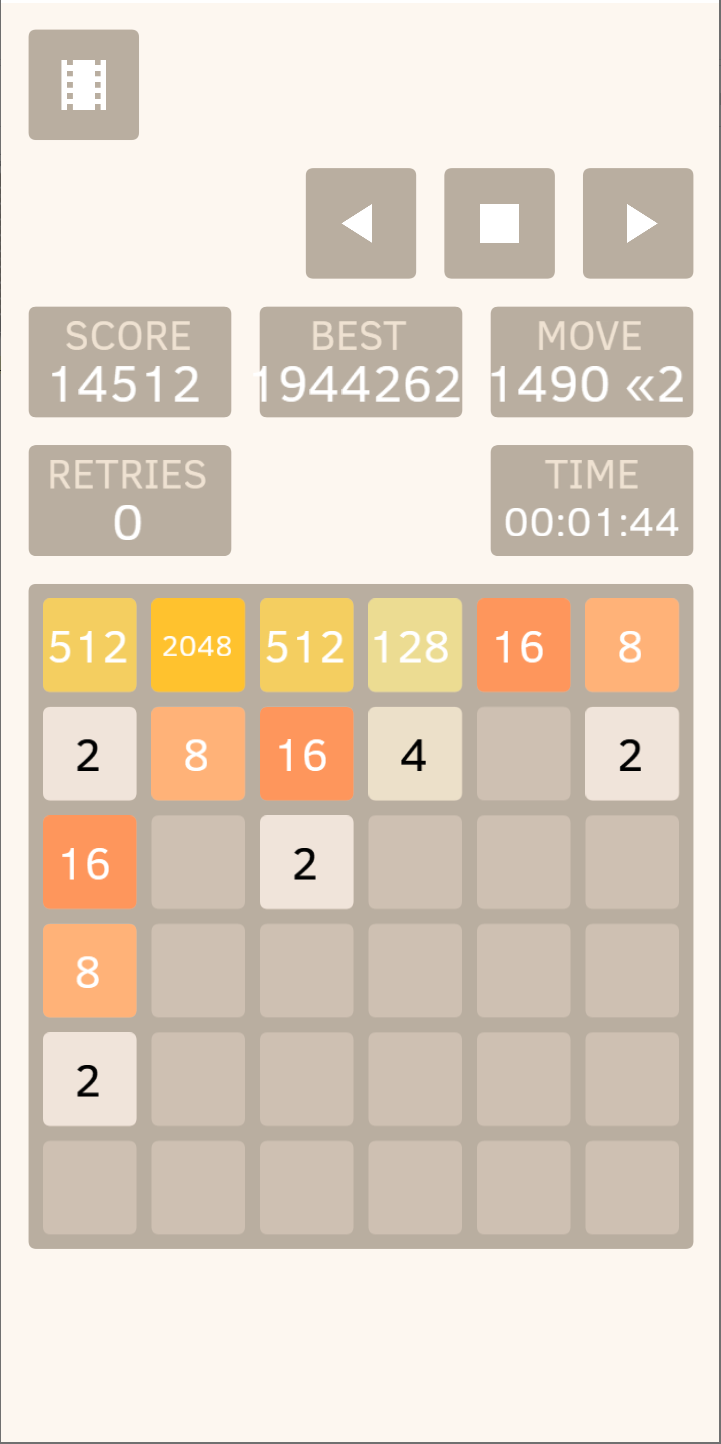
v.1.13.2. * Select board size from 3x3 up to 8x8, and not 4x4 default classic size only.
Recent approved comments · sorted by newest
View all comments