What’s new
- Parking area effect while dragging
- Don't hide parking background while dragging
Updated Sep 22, 2026
Addicting classic game, completely free, with multi-player mode
F-Droid repository metadata
Block Puzzle is an addicting classic game! A little pastime that is not about speed. With new multi-player mode "Stone Wars"!
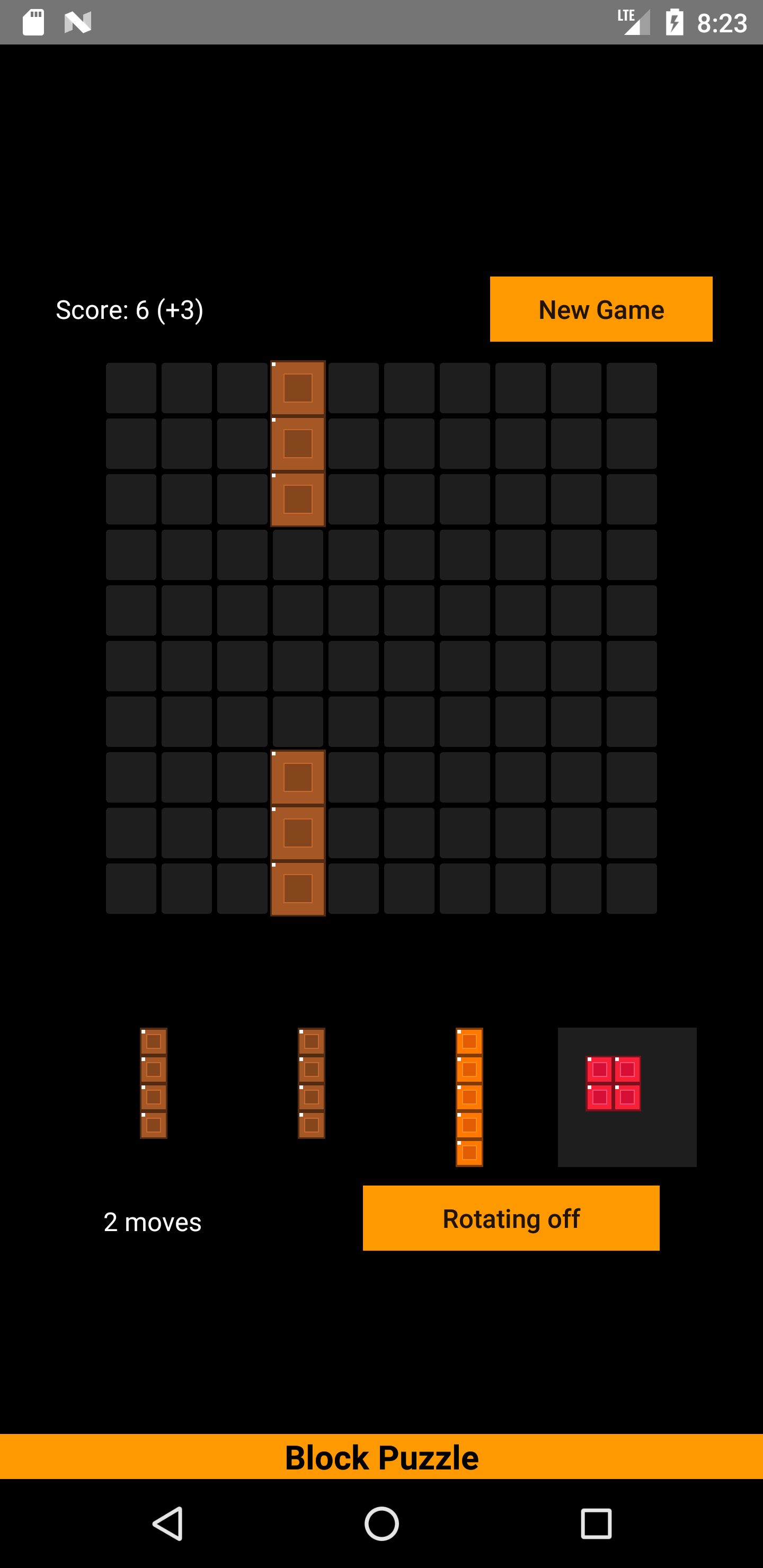
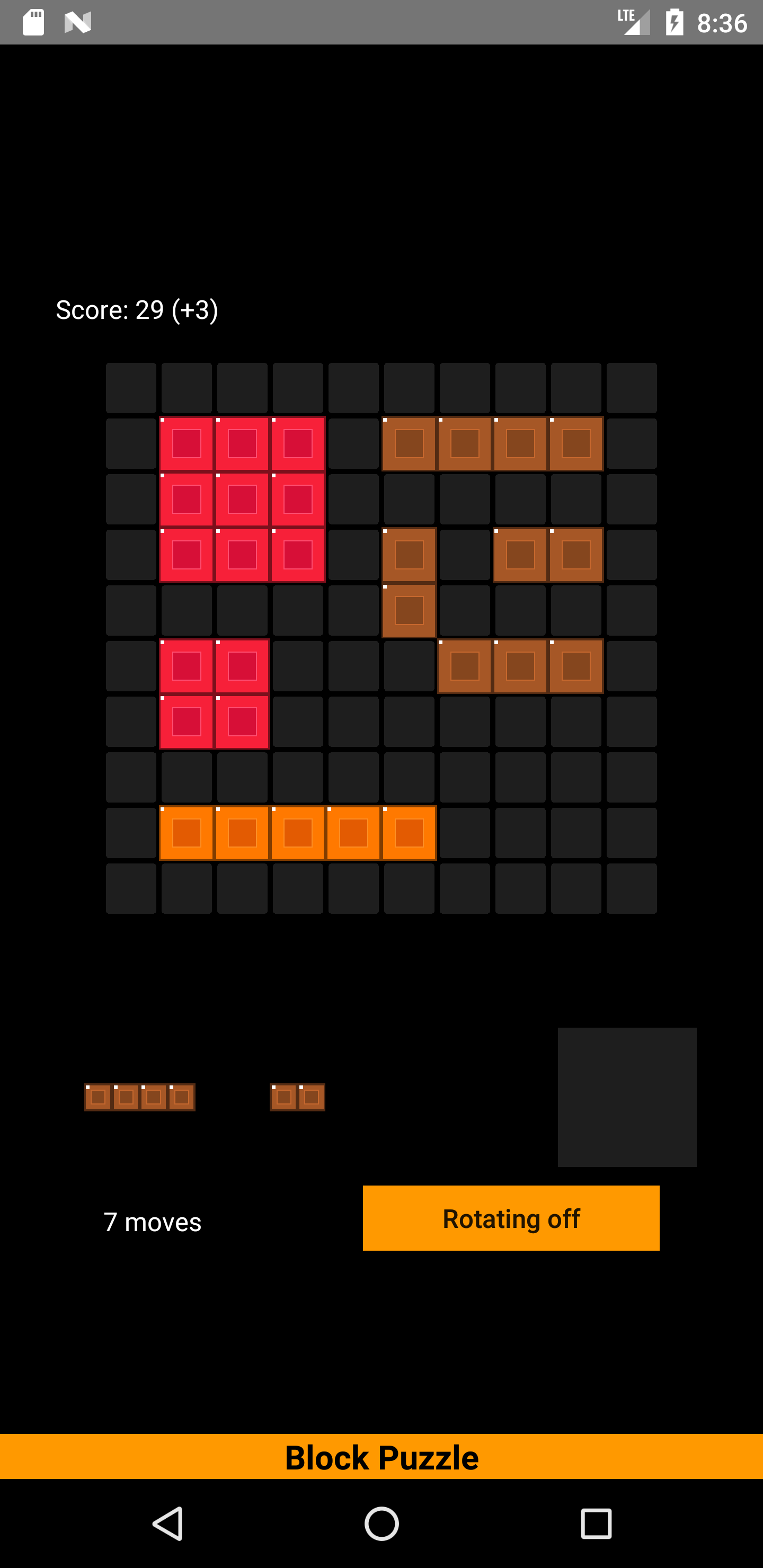
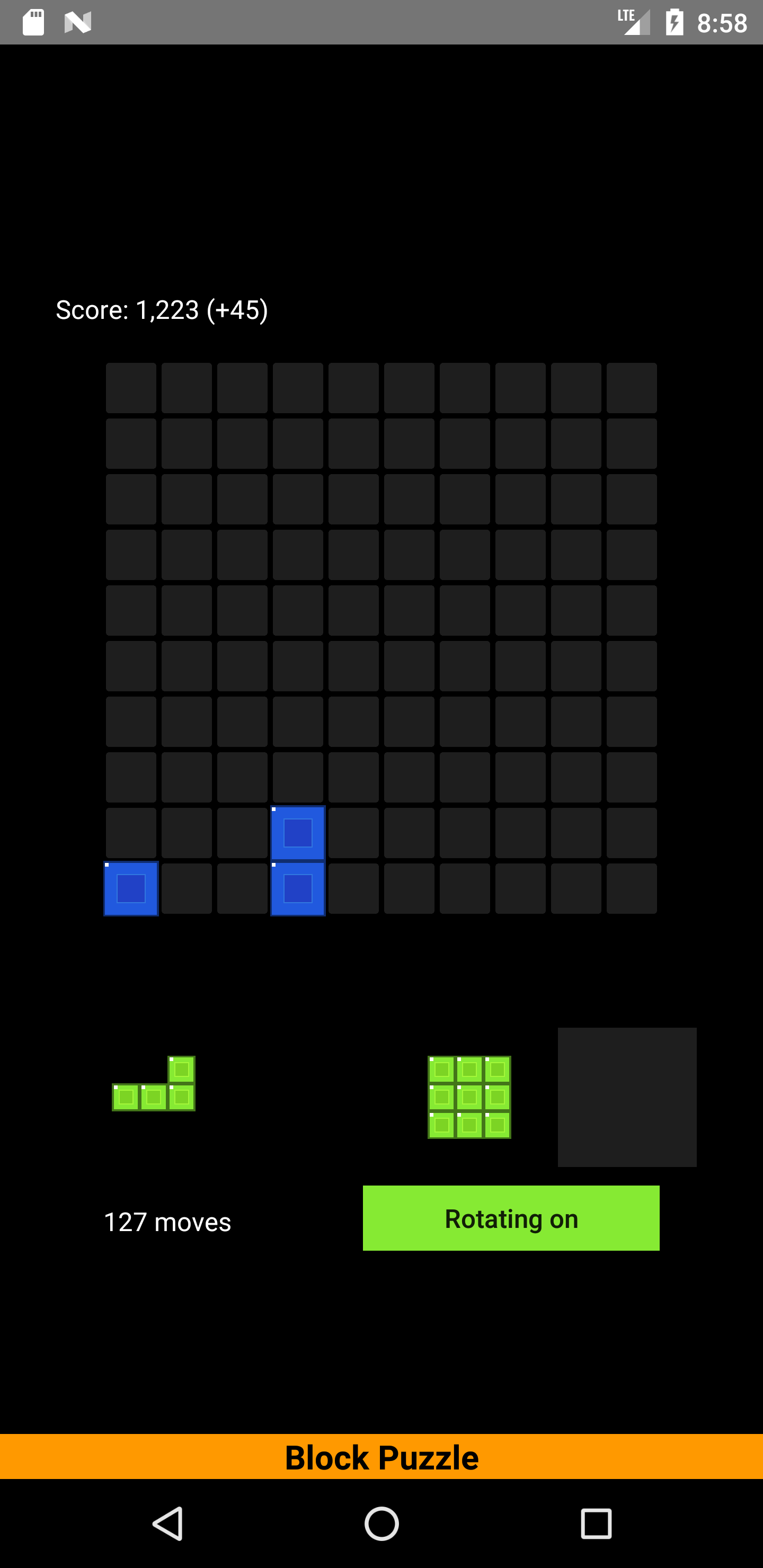
Different game pieces are to be inserted in a 10 x 10 large playing field. Horizontal rows or vertical columns are removed as soon as they are full. As the game progresses, more tile shapes are added again and again. Game pieces can be rotated by tapping. What high score will you achieve?
Parking: A game piece can be parked in the gray field. But be careful! As soon as no more pieces can be inserted in the playing field or in the parking area, the game is over! So play the parked game piece as quickly as possible!
Rotate the game piece by tapping it.
Gravitation: If horizontal rows are cleared in the lower playing field, the upper part slides down.
Points system: - Insert: number of blocks on the piece - Clear row: 10 points - clear away several rows at once: bonus points - The playing field has only 1 block left or is empty: extra bonus! After that the playing field must be filled 40%. - 20 connected pieces of one color result in a further extra bonus. - Star block gives 200 bonus points!
Block Puzzle Stone Wars
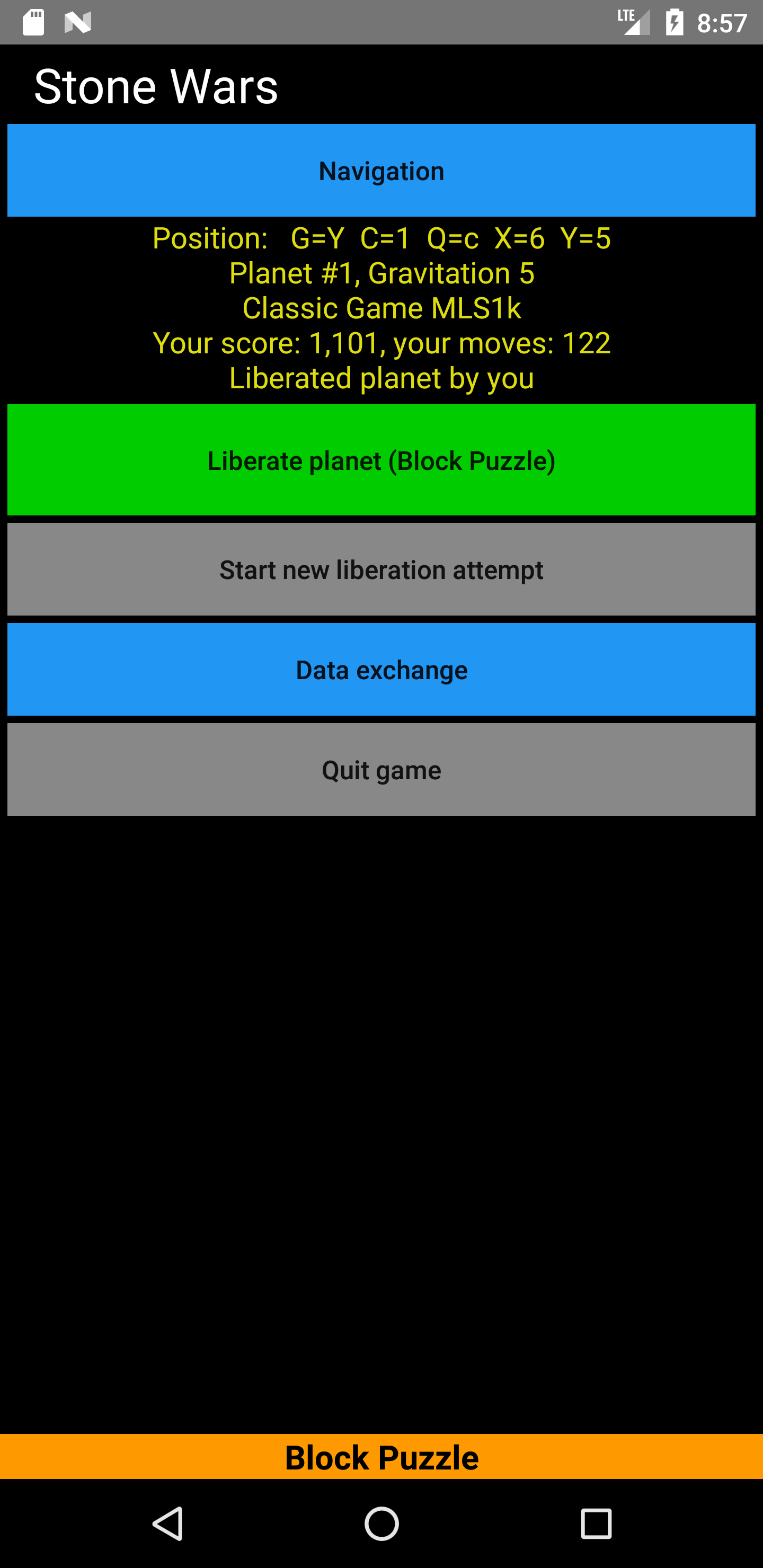
While the old game (with randomly generated game pieces) has been retained, a new multi-player mode has been added: Stone Wars. You are on a spaceship and you have to liberate the galaxy. In the distant future, conflicts will be resolved by playing Block Puzzle. Navigate through a star cluster of tens of planets at lightning speed thanks to the spur drive. Little by little, the space map is revealed. The planets are of different sizes and have different gravity, which affects the game. The liberation takes place through the Block Puzzle Classic Game or through the new Cleaner Game. In the Cleaner Game, you win by clearing the playing field. However, if your enemy needs fewer moves, he is the liberator of the planet. In the Classic Game, however, a high score counts. A minimum liberation score (MLS) must be achieved in the Classic Game. In some cleaner games, a certain number of moves may not be exceeded (XLM).
Since the epochal data breach 200 years ago, a data processing system is no longer allowed to send or receive data. Therefore, you have to exchange your score with your friends or enemies via another app (e.g. WhatsApp). Enter your player name, which is as unique as possible, and copy the score of the current quadrant in the data exchange. Then go to WhatsApp, for example, and add the game status there. The recipient can then copy this saved game and paste it into the Stone Wars data exchange. You then take over all planets in his game where you are better than him. Will he be able to drive you out again?
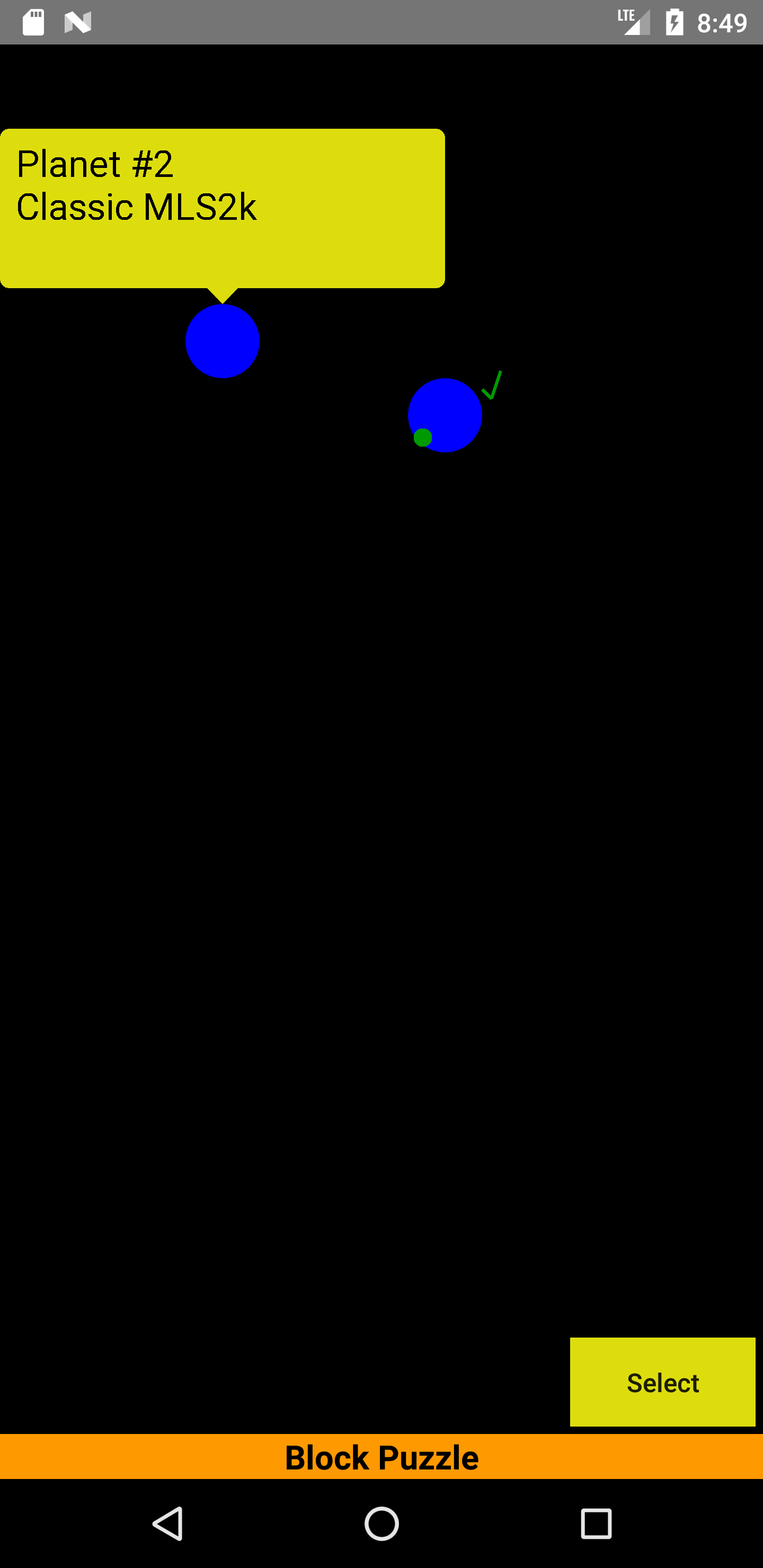
Stone Wars works in such a way that you first select a planet in the navigation and click Select. Then tap back on the phone and start the liberation. All game pieces are predefined in terms of type and order.
Our program is and will remain free and ad-free. There will be no in-app purchases. It does not require any phone rights and is played completely offline.
- Parking area effect while dragging
- Don't hide parking background while dragging
Recent approved comments · sorted by newest
View all comments