
Quick answer
Offline Sudoku with logical hints, advanced notes and flexible import/export
F-Droid repository metadata
Sudoku You is a free and open-source Sudoku app built for offline play and thoughtful solving. Generate classic 9×9 puzzles on your device, continue automatically saved games, or import a puzzle from text. Generated puzzles have a unique solution and come in Easy, Medium, Hard and Brutal difficulty levels. Imported puzzles are checked for a valid, unique solution.
When you need help, the human-style solver provides a step-by-step logical trace with explanations and board markings. It covers basic techniques as well as advanced subsets, fish, wings, coloring, chains, unique rectangles and forcing chains. Optional checks can point out incorrect values or missing candidates before the solver continues.
Features: • Pencil marks, automatic candidates, undo/redo and restart • Advanced annotations: color cells or candidates, highlight bivalue cells, frame cells, and draw solid or dashed links • Import puzzles and export the original or current grid in Susser, multiline, pencilmark, Sukaku, Excel/TSV, OpenSudoku and HoDoKu formats • Automatically saved recent and completed games • Statistics by difficulty for play time, best and average completion time, and games started or completed • Material 3 interface with system/light/dark modes, dynamic wallpaper colors, custom accents, palette styles, AMOLED black and board highlighting options • English and Simplified Chinese, selectable independently from the system language • Local crash history and third-party open-source license information
Privacy: Sudoku You requests no network permission and includes no ads, accounts, analytics or tracking. Games and preferences are stored locally. Crash reports are retained locally for up to 30 days and are never uploaded automatically; you decide whether to copy or share them.
Sudoku You is licensed under GNU GPL v3.0 or later and requires Android 12 or later.
Screenshots
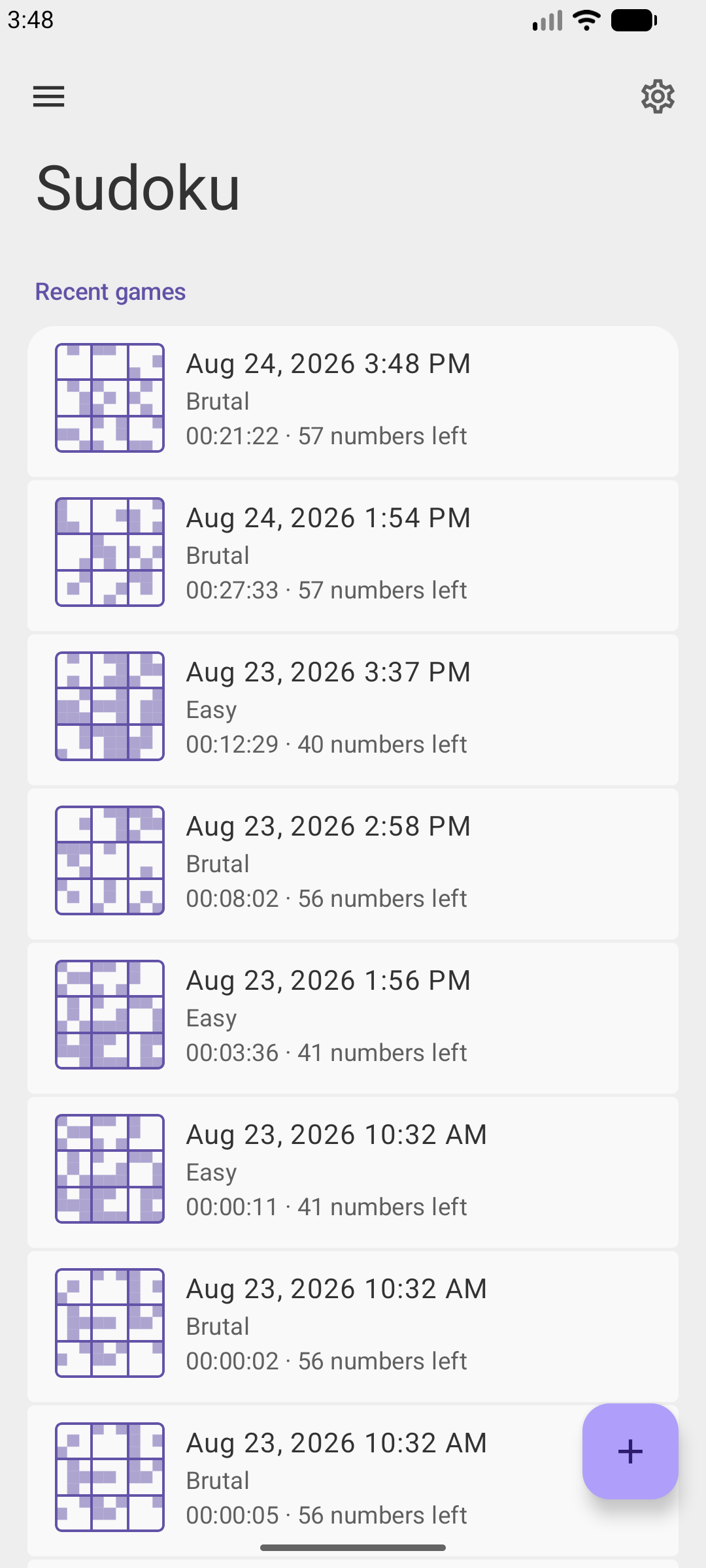
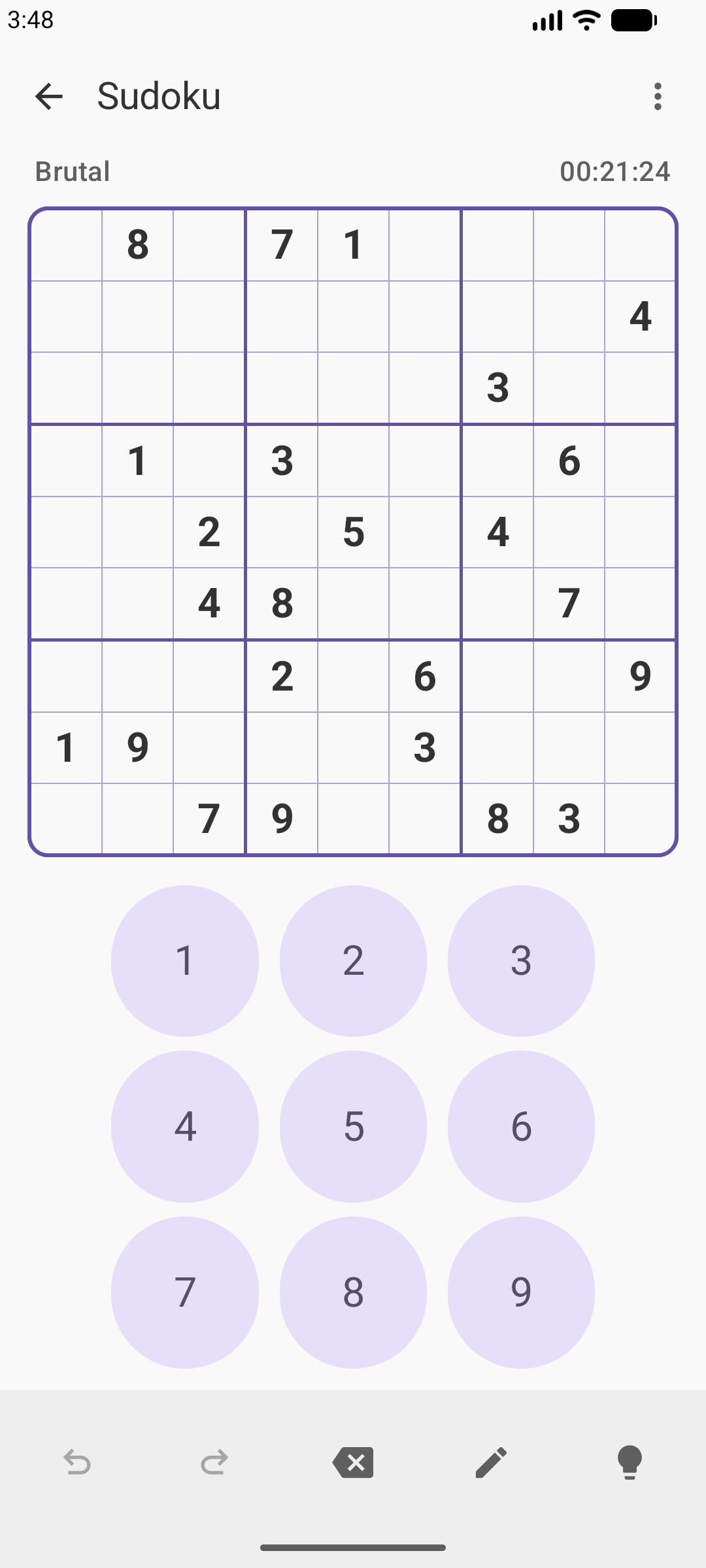
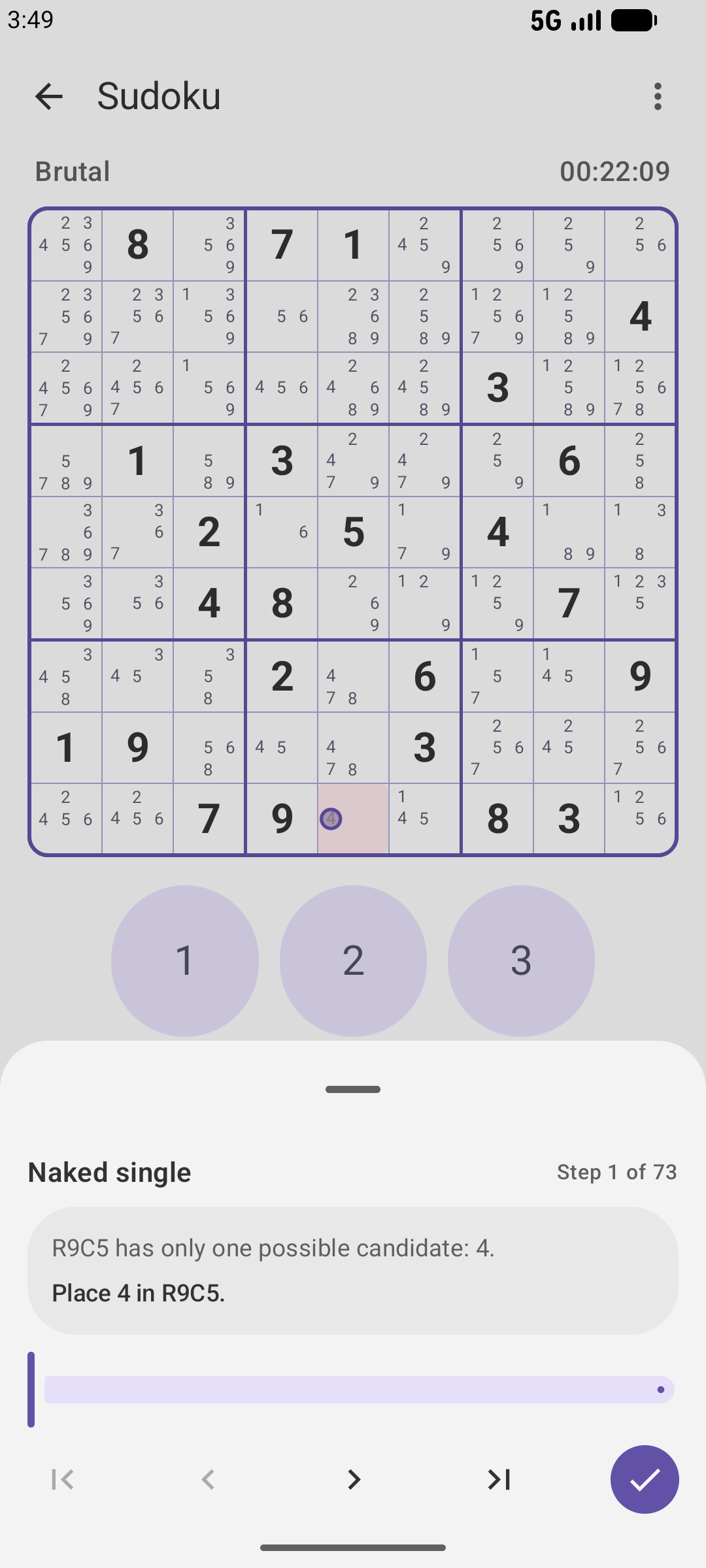
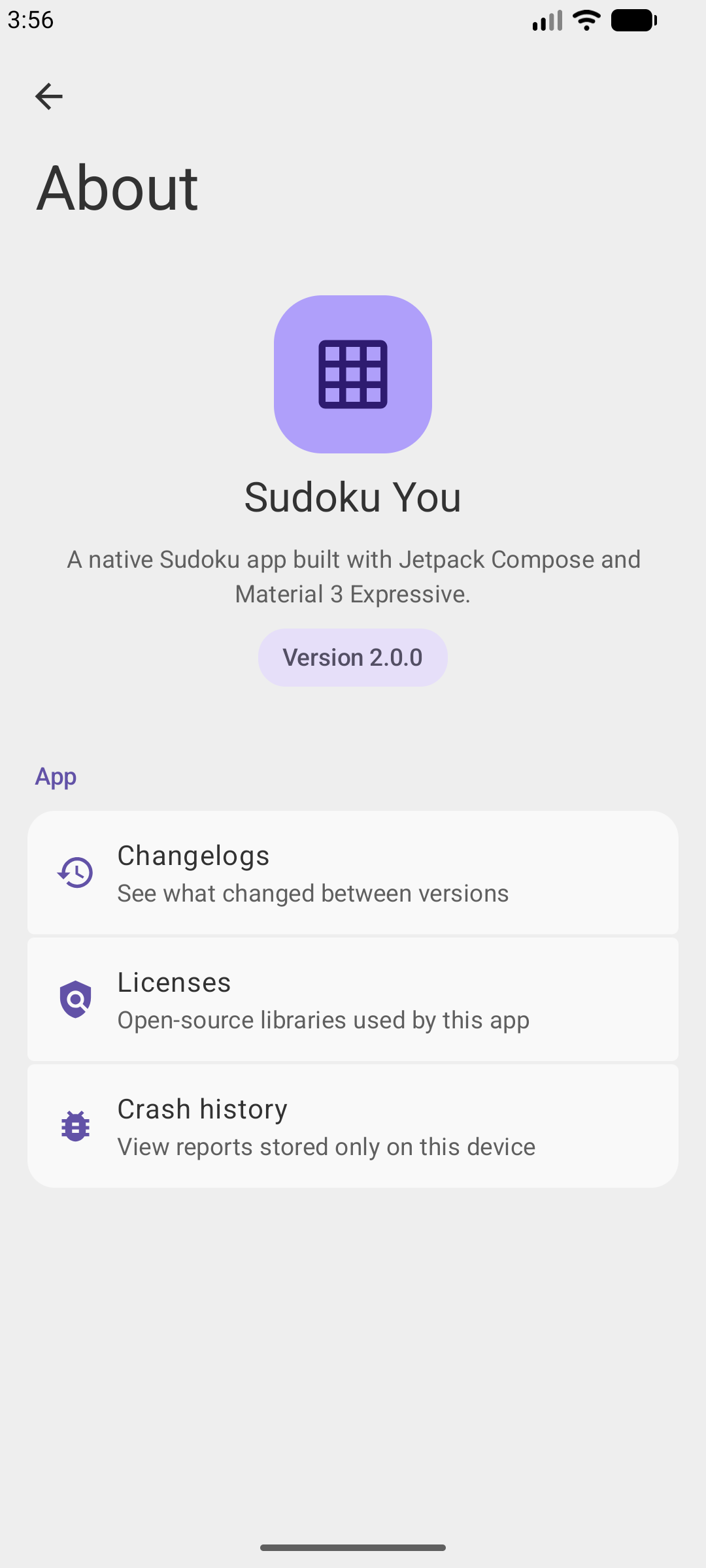
How to install
- Download the APK from the button at the top of this page.
- Allow “Install unknown apps” for your browser or file manager only, not for every app.
- Open the downloaded file and confirm the installation.
- If installation fails with “App not installed,” remove an earlier build of the same app first. A signature conflict is the usual cause.
Data safety
- Every file is checked against its published SHA-256 before it is listed.
- Files are scanned for malware on every update.
- The permissions each app requests are listed on its own page.
- Read the full safety policy for how we test, flag, and delist files.
Comments
Recent approved comments · sorted by newest
View all comments