
Quick answer
Minimalist arrow puzzle game with infinite levels, zero ads, and total privacy
F-Droid repository metadata
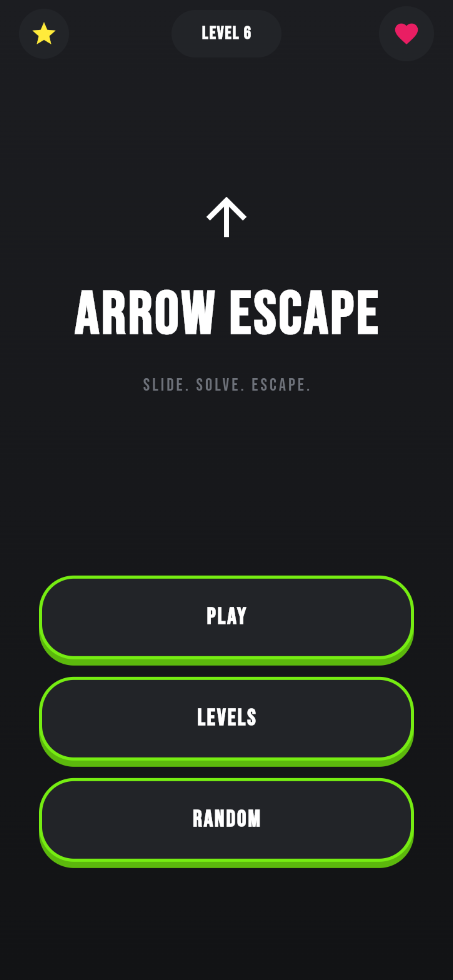
Unwind and challenge your brain with Arrow Escape, a clean, minimalist puzzle game built purely for the love of play.
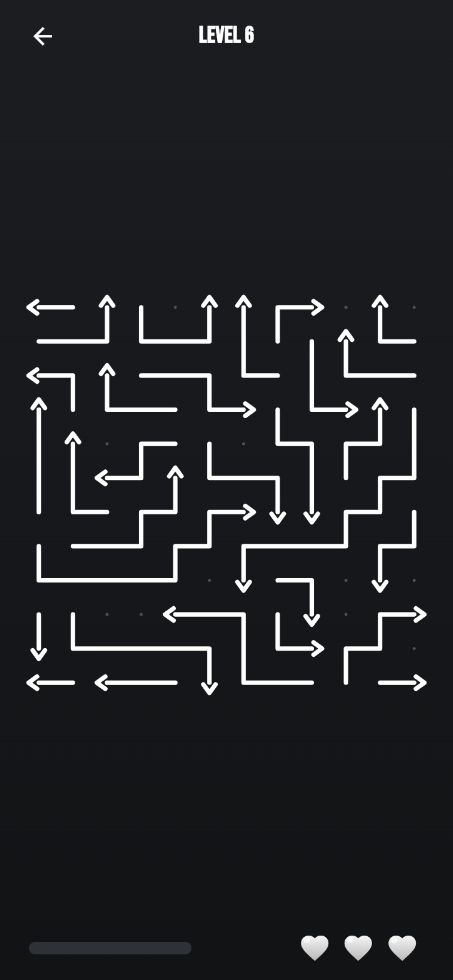
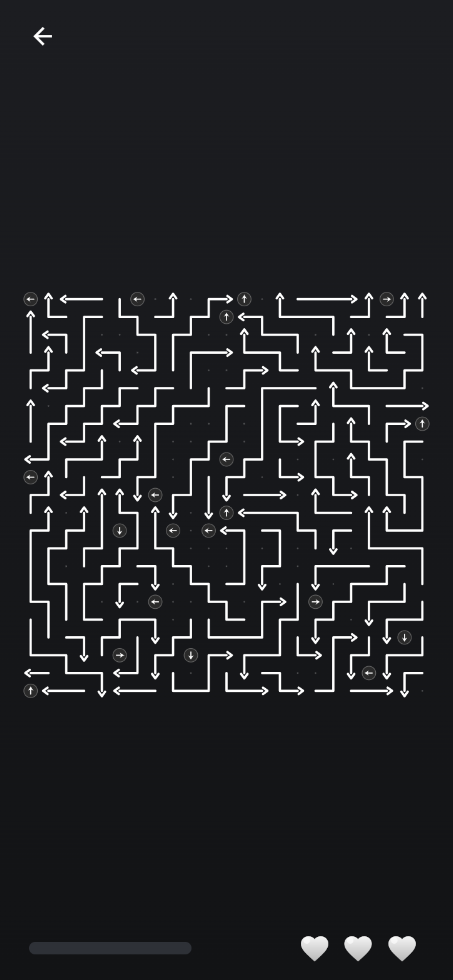
Navigate intricate mazes of arrows by finding the right sequence to clear the board. Simple to pick up, satisfying to master, and endlessly engaging, Arrow Escape offers a distraction-free gaming experience designed to respect your time, device, and privacy.
KEY FEATURES
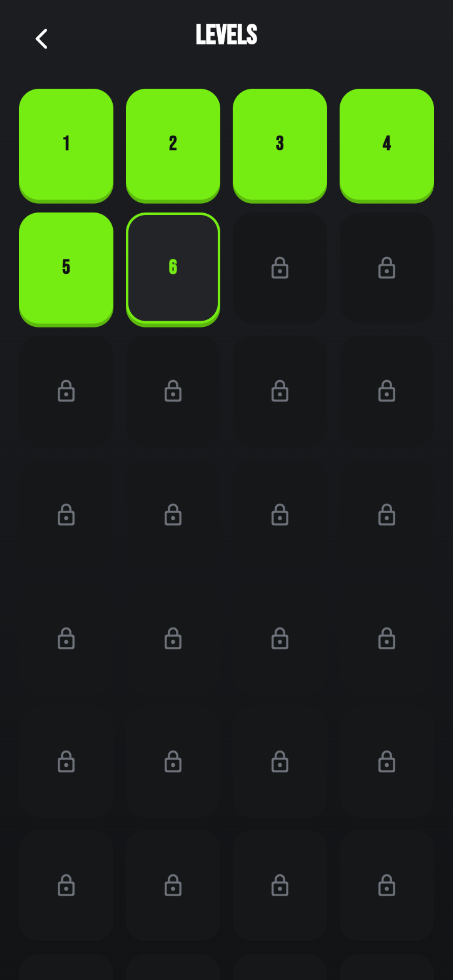
Infinite Levels: Procedurally generated puzzles ensure you never run out of challenges.
100% Offline Play: Play anywhere, on a plane, underground, or off the grid, without needing an internet connection.
Zero Ads and Trackers: No popup interruptions, banner ads, or background tracking scripts. Just pure gameplay.
Complete Privacy: No account needed, no data collected, and no unnecessary permissions requested.
Minimalist Design: Clean visuals and crisp effects designed to help you focus and relax.
Whether you have two minutes to spare or want to zone out for an hour, Arrow Escape is the ultimate clean, privacy-respecting puzzle fix.
Screenshots
How to install
- Download the APK from the button at the top of this page.
- Allow “Install unknown apps” for your browser or file manager only, not for every app.
- Open the downloaded file and confirm the installation.
- If installation fails with “App not installed,” remove an earlier build of the same app first. A signature conflict is the usual cause.
Data safety
- Every file is checked against its published SHA-256 before it is listed.
- Files are scanned for malware on every update.
- The permissions each app requests are listed on its own page.
- Read the full safety policy for how we test, flag, and delist files.
Comments
Recent approved comments · sorted by newest
View all comments