
Quick answer
(SECUSO) Improve your calculation skills in the four basic operations
F-Droid repository metadata
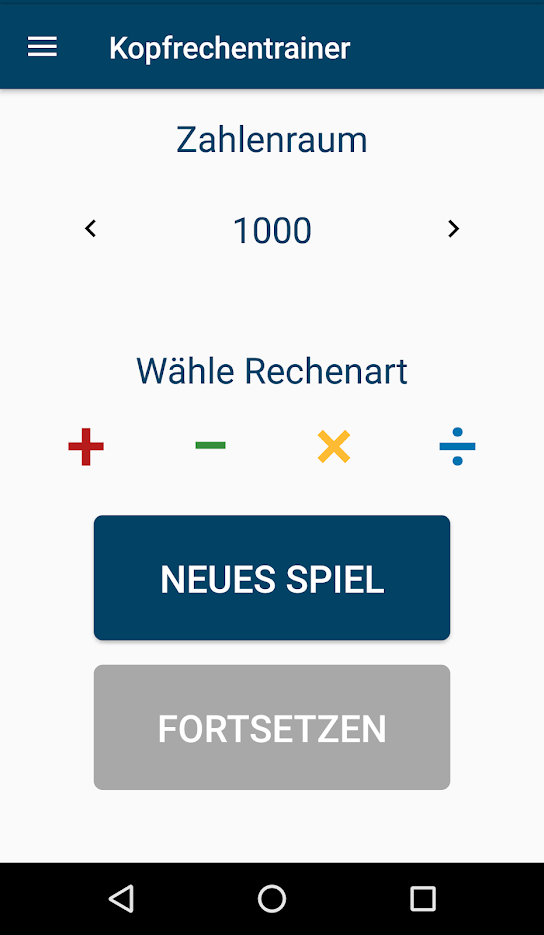
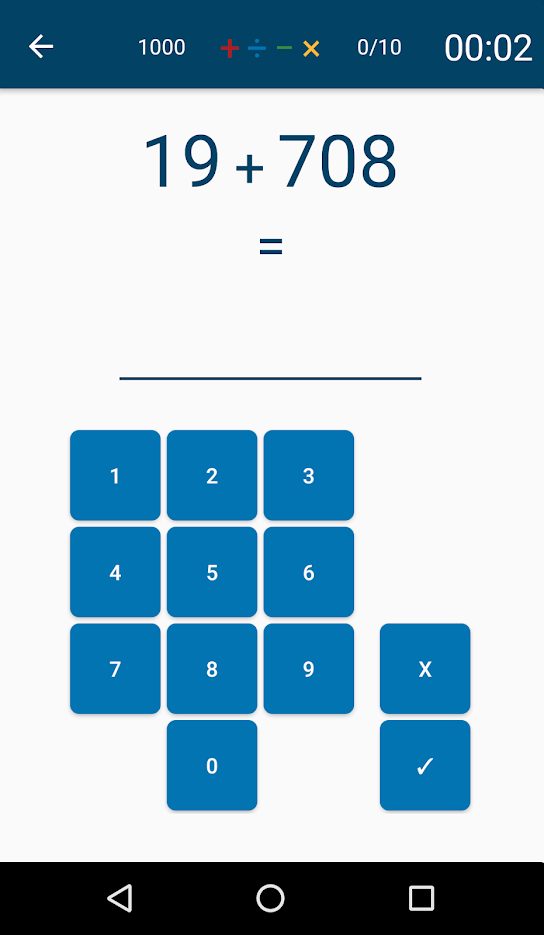
Privacy Friendly Reckoning Skills helps you improving your mental calculation skills in the four basic calculating operations.
For each game, the player can choose between the four basic arithmetic operations and four difficulties (exercises up to 10, 100, 1000 and 10000).
After finishing an exercise round the player receives a score which depends on the number of exercises answered correctly and the time it took to answer all ten exercises.
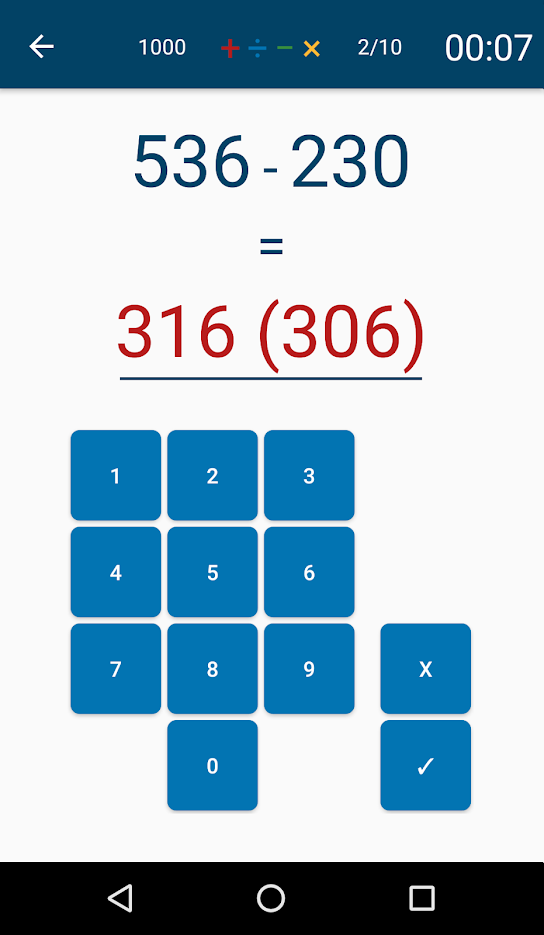
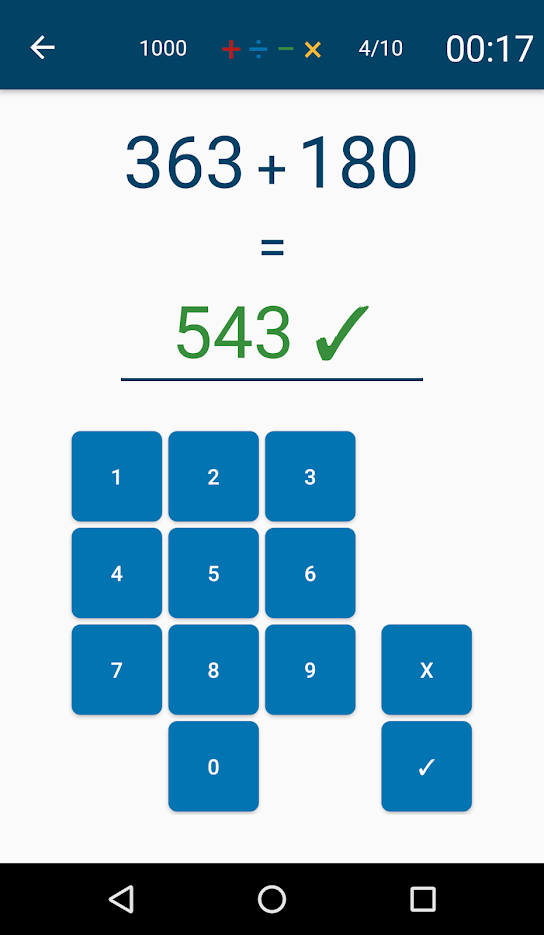
After every game there is an overview which shows whether the exercises were solved correctly. It is also possible to choose "Direct Feedback" in the settings. If direct feedback is chosen, the player will receive feedback whether the exercise was solved correctly after each single exercise.
How does Privacy Friendly Reckoning Skills differ from other similar apps?
1) No permissions Privacy Friendly Reckoning Skills does not require any permissions.
For comparison: The Top Ten of similar apps from the Google Play Store requires an average of 3,4 permissions (in November 2017). These are for instance the location permission or the permissions to access, modify or delete storage.
2) No advertisement Moreover, Privacy Friendly Ludo distinguishes from many other applications in the way that it completely relinquishes advertisements. Advertisement might track a user's actions. It could also shorten battery life or use mobile data.
This App requires minimal permissions and is part of the Privacy Friendly Apps group developed by the research group SECUSO at Technische Universität Darmstadt. More information can be found at https://secuso.org/pfa
Feel free to contact us via: Bluesky - @secusoresearch.bsky.social https://bsky.app/profile/secusoresearch.bsky.social Mastodon - @SECUSO_Research@bawü.social https://xn--baw-joa.social/@SECUSO_Research/ Job opening - https://secuso.aifb.kit.edu/english/Job_Offers.php
Screenshots
How to install
- Download the APK from the button at the top of this page.
- Allow “Install unknown apps” for your browser or file manager only, not for every app.
- Open the downloaded file and confirm the installation.
- If installation fails with “App not installed,” remove an earlier build of the same app first. A signature conflict is the usual cause.
Data safety
- Every file is checked against its published SHA-256 before it is listed.
- Files are scanned for malware on every update.
- The permissions each app requests are listed on its own page.
- Read the full safety policy for how we test, flag, and delist files.
Comments
Recent approved comments · sorted by newest
View all comments