What’s new
- fix launcher icon for Android 26+
Updated Sep 22, 2026
Play memory and solve different challenges: Numbers, Letters & more
F-Droid repository metadata
This memory is a learning experience for children aged 4+. Through different challenges, they can learn counting, numerics and reading.
The different game modes and adjustable levels of difficulty allow the child to play with and without guidance. This game is also available as a web version at http://memory.quelltext.eu for you to try out.
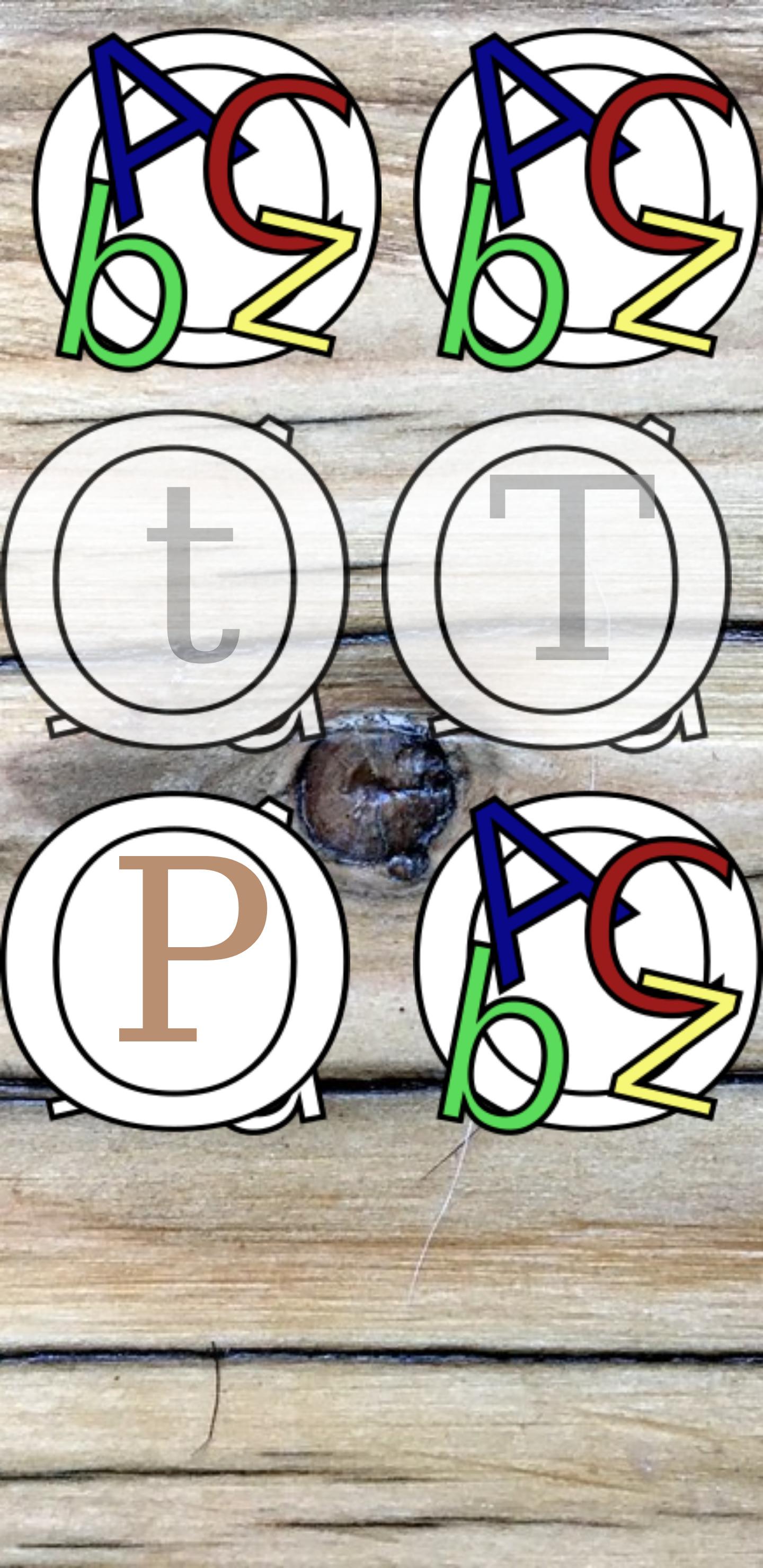
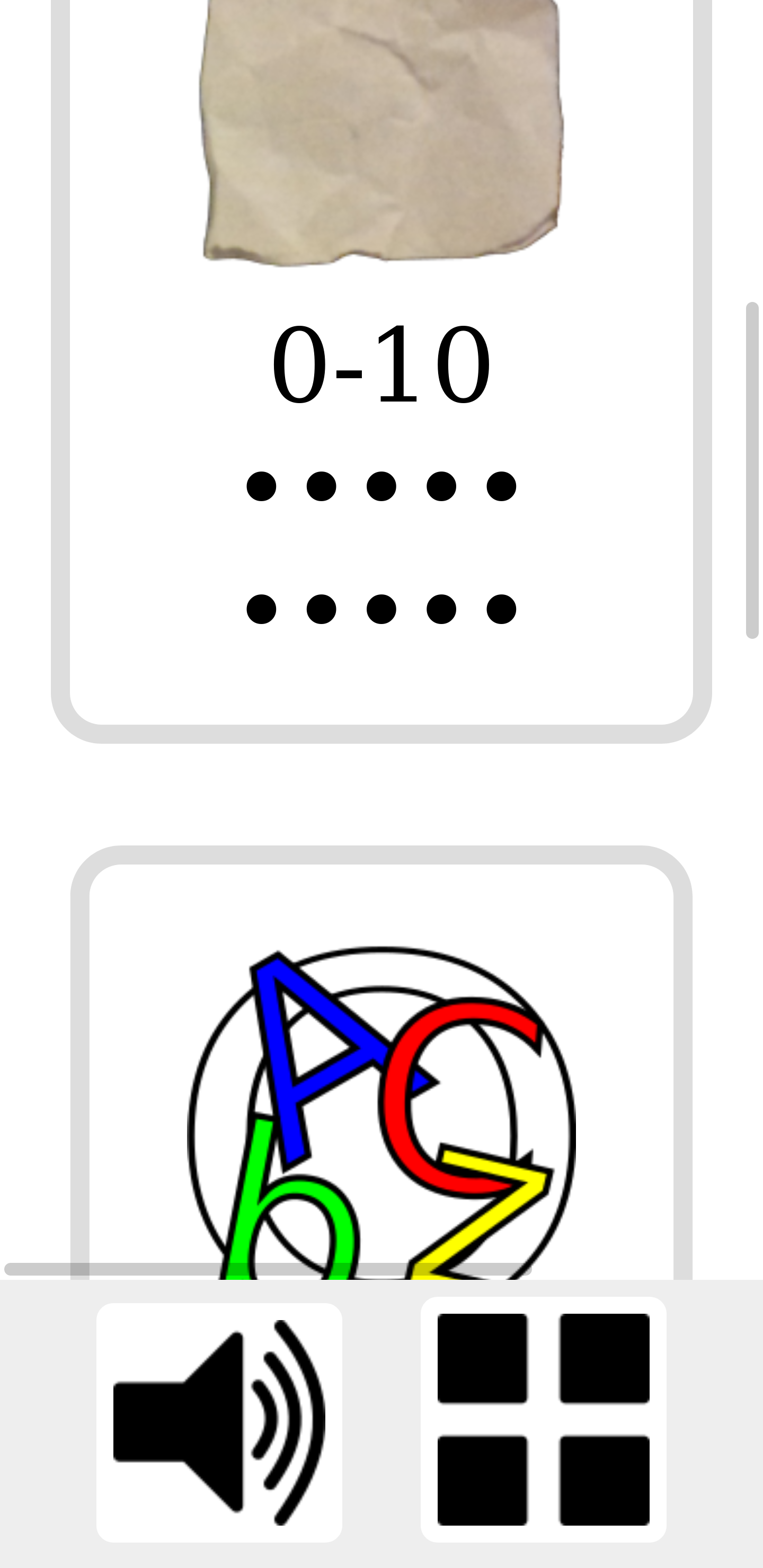
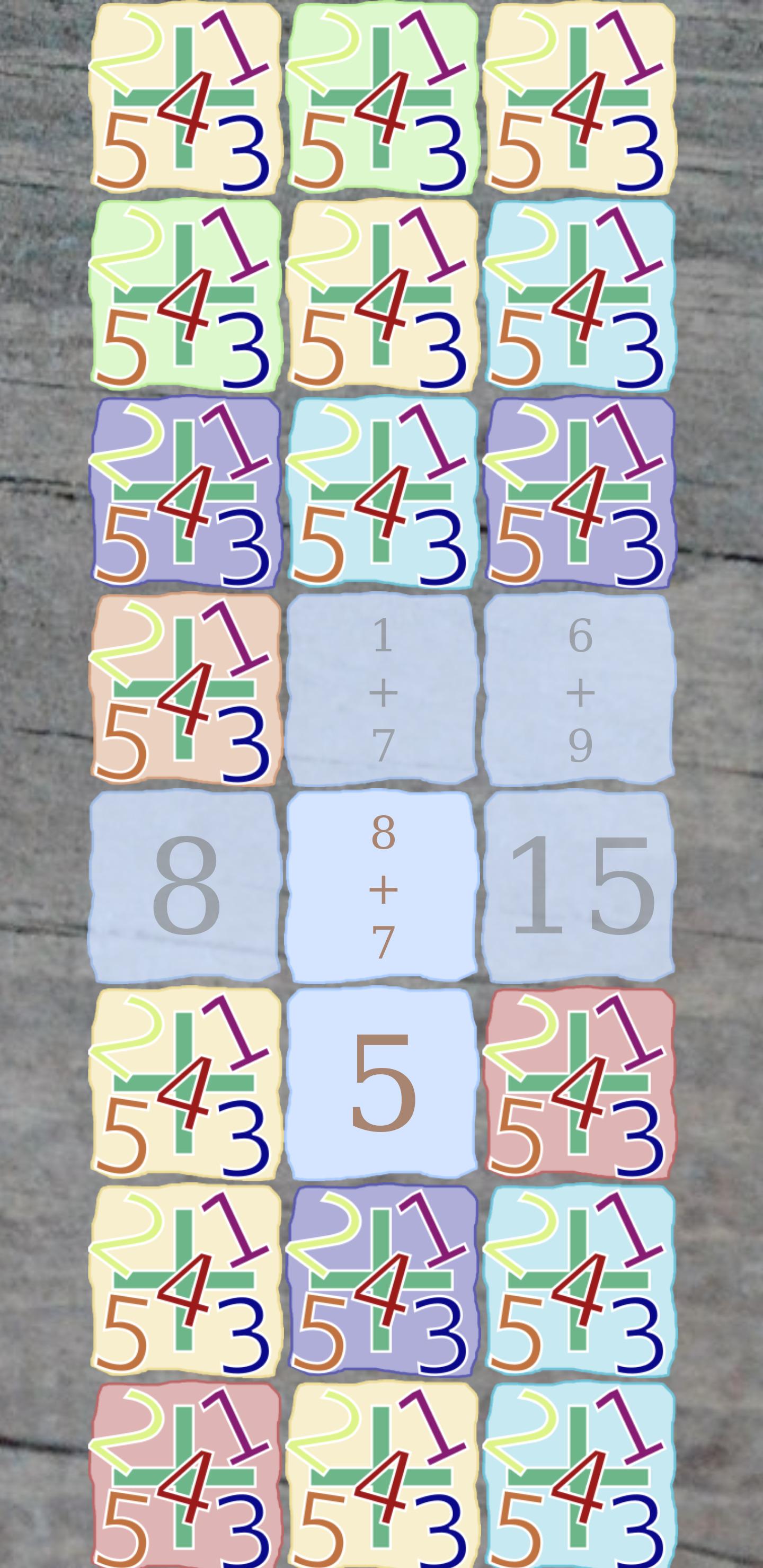
These modes can be played in three different difficulties, with six, twelve or twentyfour cards: - counting dots and finding the numbers - big and small letters - adding numbers - subtracting numbers
If you and your child like to play an additional game mode, please do not hesitate to contact us. If you are a developer or want to become one, you can extend the game with the modes you would like to see in it. The internal API and documentation make creating these extensions easy. The game is an open-source software under AGPL so that you are allowed to copy, distribute and modify it.
Code of honor: This game is child and privacy friendly: - no advertisement - no communication over the Internet - source is open and publicly disclosed - no in-app puchases

- fix launcher icon for Android 26+
Recent approved comments · sorted by newest
View all comments