
Quick answer
(SECUSO) Dice Game displays five dice that can be rolled by a button.
F-Droid repository metadata
How does Privacy Friendly Dice Game differ from other similar apps?
1. No permissions Most of Gaming Apps in the Google Play Store require additional permissions. E.g. accessing the network or Internet which is mostly used to display advertisement. Some apps have access to GPS or telephony data.
2. No advertisement Privacy Friendly Dice Game completely relinquishes advertisement. Many other apps in the Google Play Store display advertisement and therefore might violate the user’s privacy, shorten battery life or use mobile data.
Feel free to contact us via: Twitter - @SECUSOResearch https://twitter.com/secusoresearch Mastodon - @SECUSO_Research@bawü.social https://xn--baw-joa.social/@SECUSO_Research/ Job opening - https://secuso.aifb.kit.edu/english/Job_Offers_1557.php
Screenshots
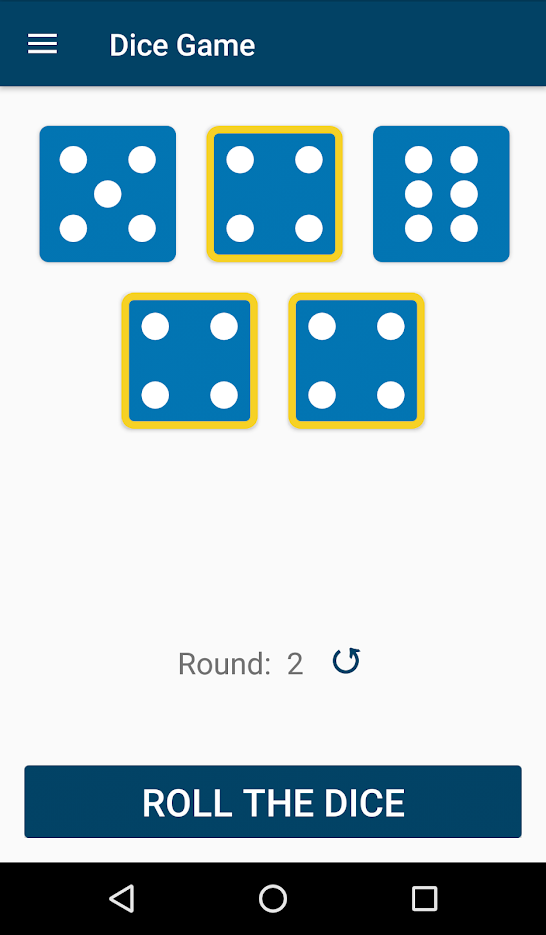
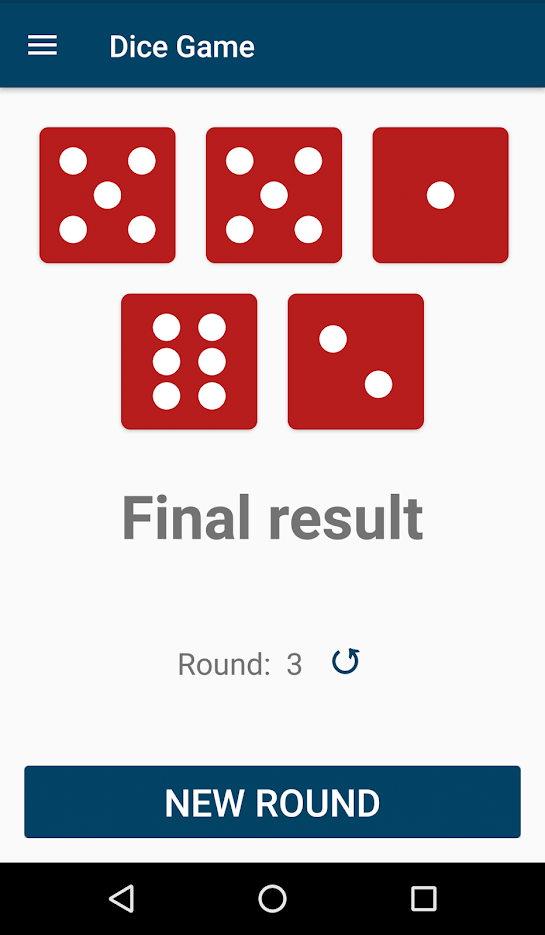

How to install
- Download the APK from the button at the top of this page.
- Allow “Install unknown apps” for your browser or file manager only, not for every app.
- Open the downloaded file and confirm the installation.
- If installation fails with “App not installed,” remove an earlier build of the same app first. A signature conflict is the usual cause.
Data safety
- Every file is checked against its published SHA-256 before it is listed.
- Files are scanned for malware on every update.
- The permissions each app requests are listed on its own page.
- Read the full safety policy for how we test, flag, and delist files.
Comments
Recent approved comments · sorted by newest
View all comments