Chip Defense icon

Chip Defense

ochadenas
Strategy
Version
1.61
Size
14.0 MB
Requires
Android API 23+
4.7 / 5 · 7,030 ratings 0 downloads

Updated Sep 22, 2026

Quick answer

A tower defense game with a microprocessor theme

F-Droid repository metadata

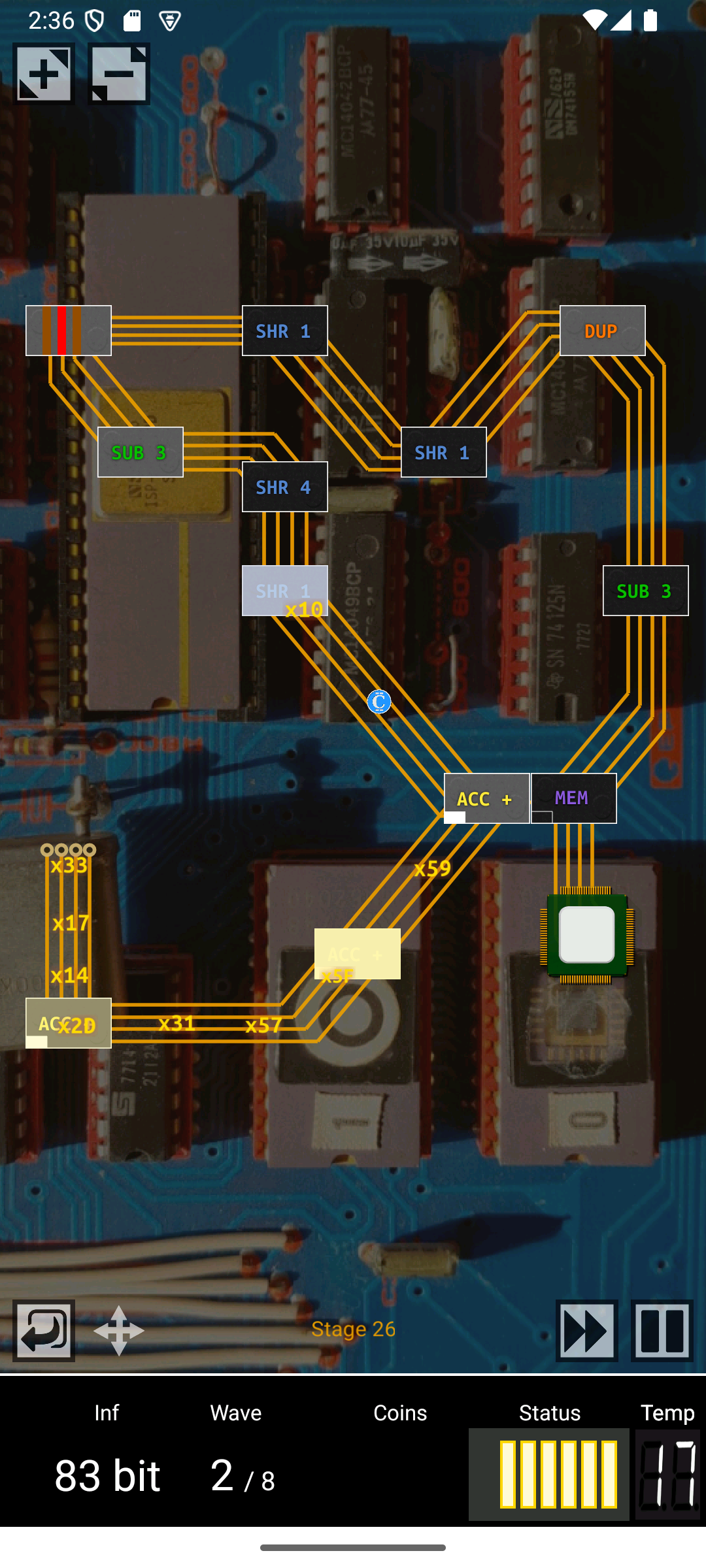
Chip Defense is a casual game for Android devices of the tower defense genre. It centres around a design of electric circuits and logical chips, evoking the good ol' days of 8 bit micro-processors.

The attackers in this game are represented as bits and bytes. To defend the cpu against them, the player builds chips in designated slots. These "towers" deal damage by operations such as subtraction, right shift, bitwise and, etc. As usual in these games, the chips can be upgraded in strength.

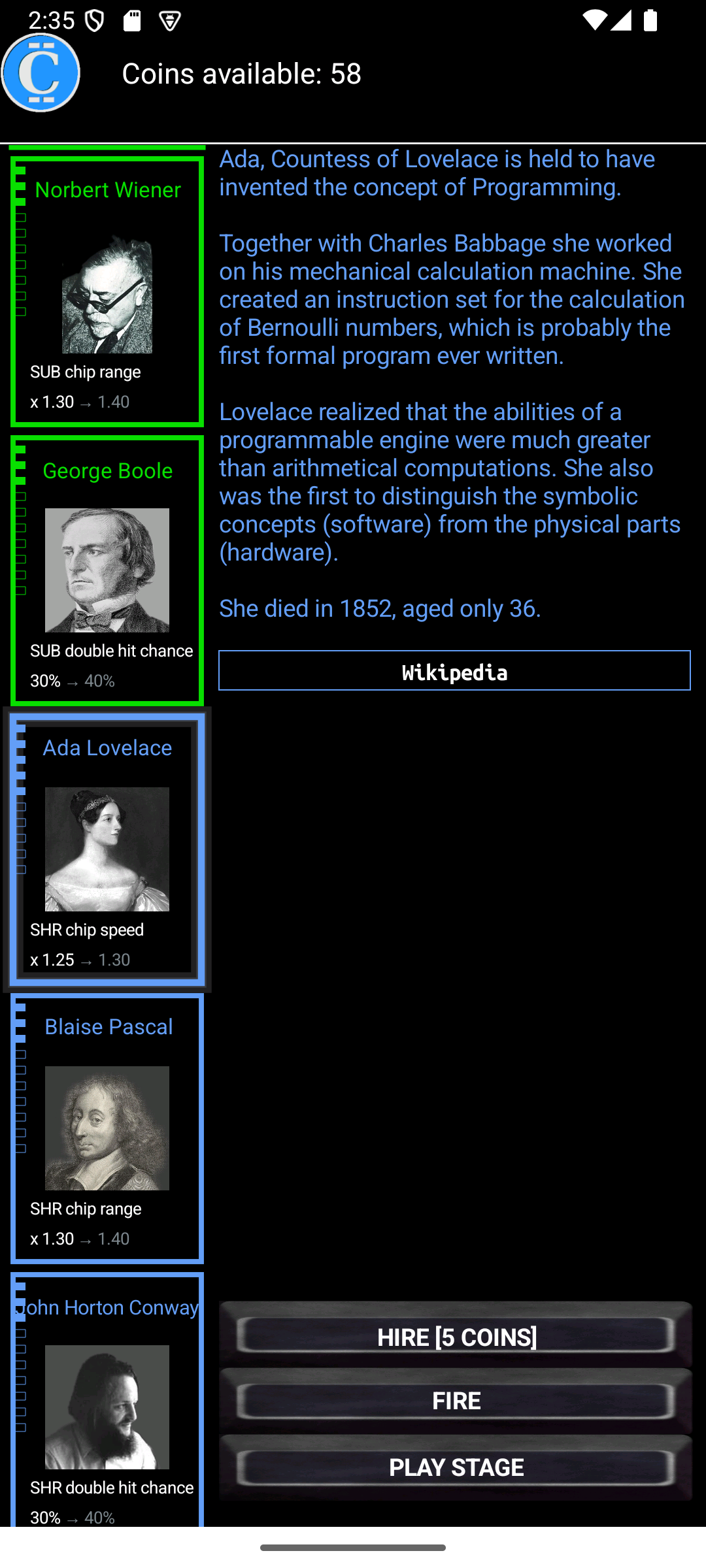
The game features "heroes of the information age": persons that had great influence on the development of modern computers. They come with a short biography und provide global bonuses that make the game considerably easier.

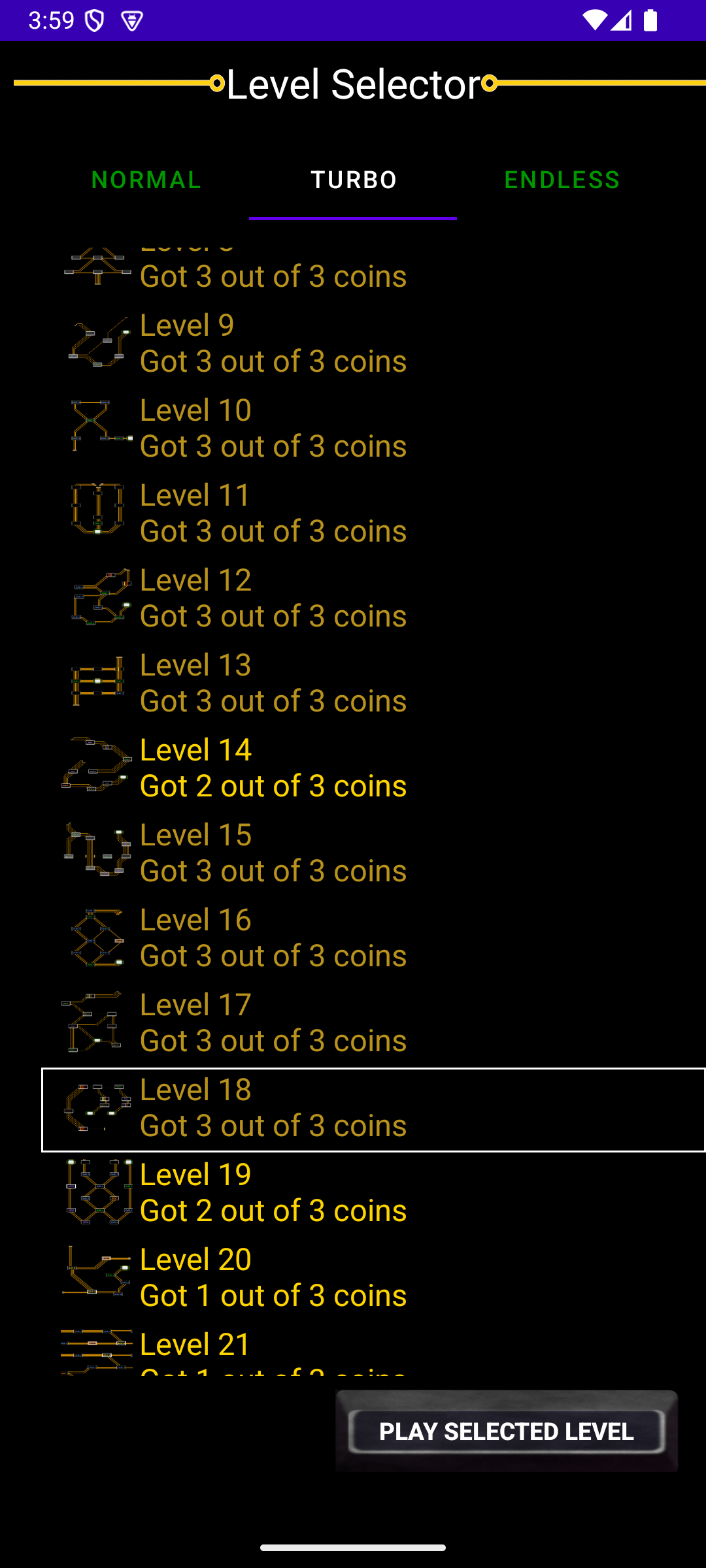
Currently, there are more than 25 heroes and heroines. The game comes with 32 predefined levels, but it has also an "endless" mode with randomly generated levels. Supported languages are English, French, and German.

Supported operating system versions: From version 1.58 onwards, Android 6 or later is required. Devices running Android 5 (i.e. more than 10 years old) should use version 1.57.

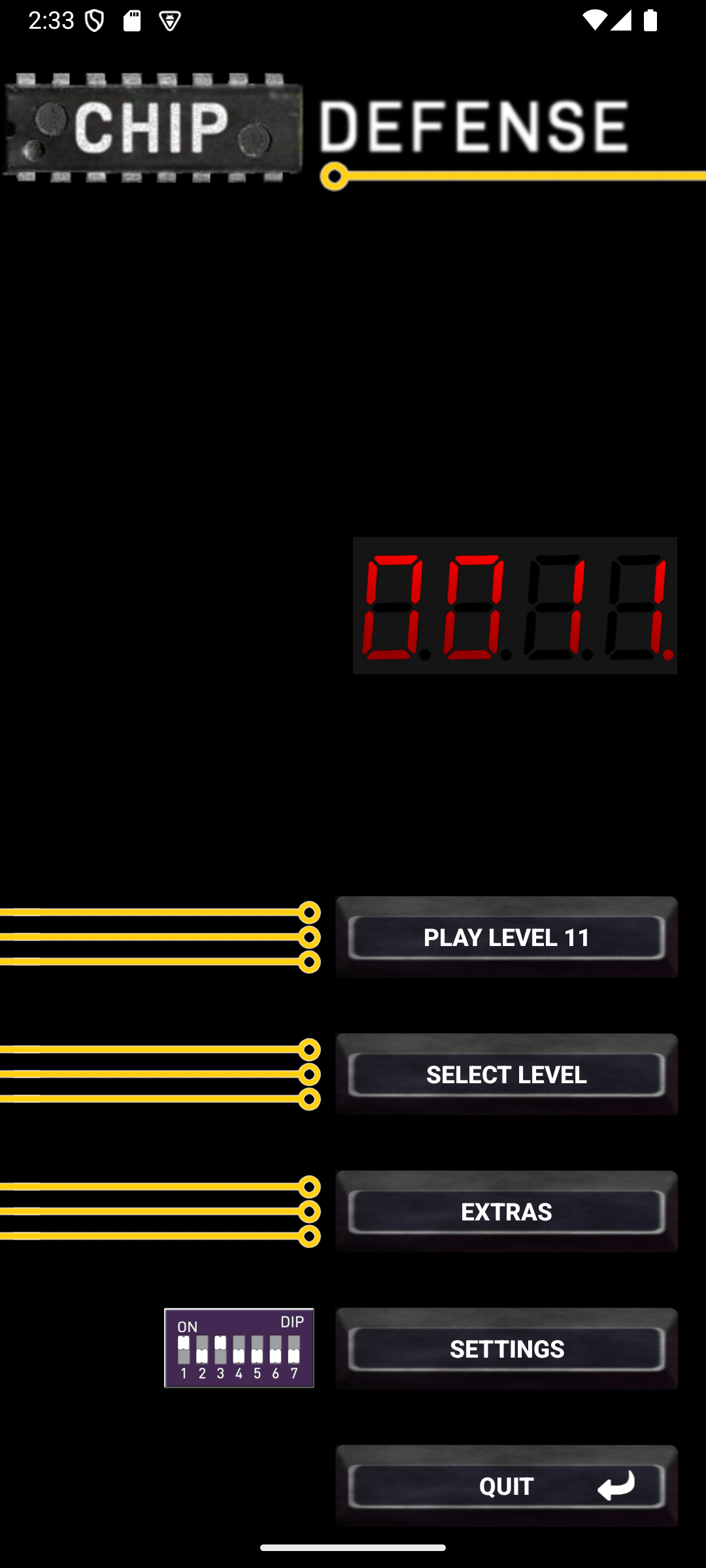
Screenshots

Chip Defense screenshot 1
Chip Defense screenshot 2
Chip Defense screenshot 3
Chip Defense screenshot 4
Chip Defense screenshot 5

What’s new

New features:
- A faint line simulates a "burnt in" image in the terminal display.

Bug fixes:
- Layout errors fixed.
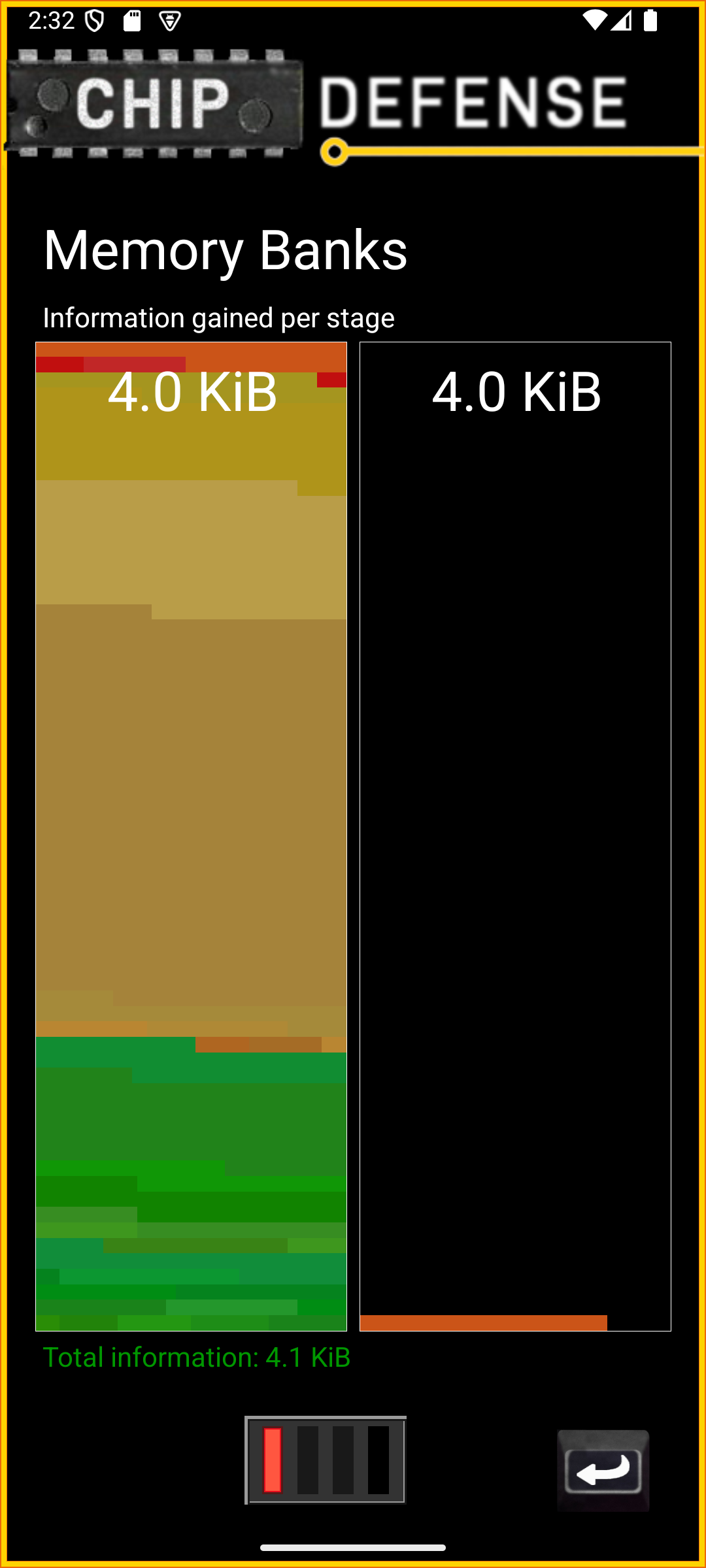
- In the memory bank view, the topmost line could extend beyond the rectangle.
- Hero stage restrictions no longer apply to turbo series. Fixes issue #252.

Miscellaneous:
- Translations updated.

How to install

  1. Download the APK from the button at the top of this page.
  2. Allow “Install unknown apps” for your browser or file manager only, not for every app.
  3. Open the downloaded file and confirm the installation.
  4. If installation fails with “App not installed,” remove an earlier build of the same app first. A signature conflict is the usual cause.

Data safety

  • Every file is checked against its published SHA-256 before it is listed.
  • Files are scanned for malware on every update.
  • The permissions each app requests are listed on its own page.
  • Read the full safety policy for how we test, flag, and delist files.

Comments

Recent approved comments · sorted by newest

Verification code
Be specific and keep it about the app. No links. Comments are reviewed before publication. Device and Android details are recorded automatically. Privacy policy.

Loading recent comments...

View all comments