Unciv icon

Unciv

Yair Morgenstern
Strategy
Version
4.22.1
Size
26.0 MB
Requires
Android API 21+
3.7 / 5 · 2,348 ratings 0 downloads

Updated Sep 22, 2026

Quick answer

Open source 4X civilization-building game

F-Droid repository metadata

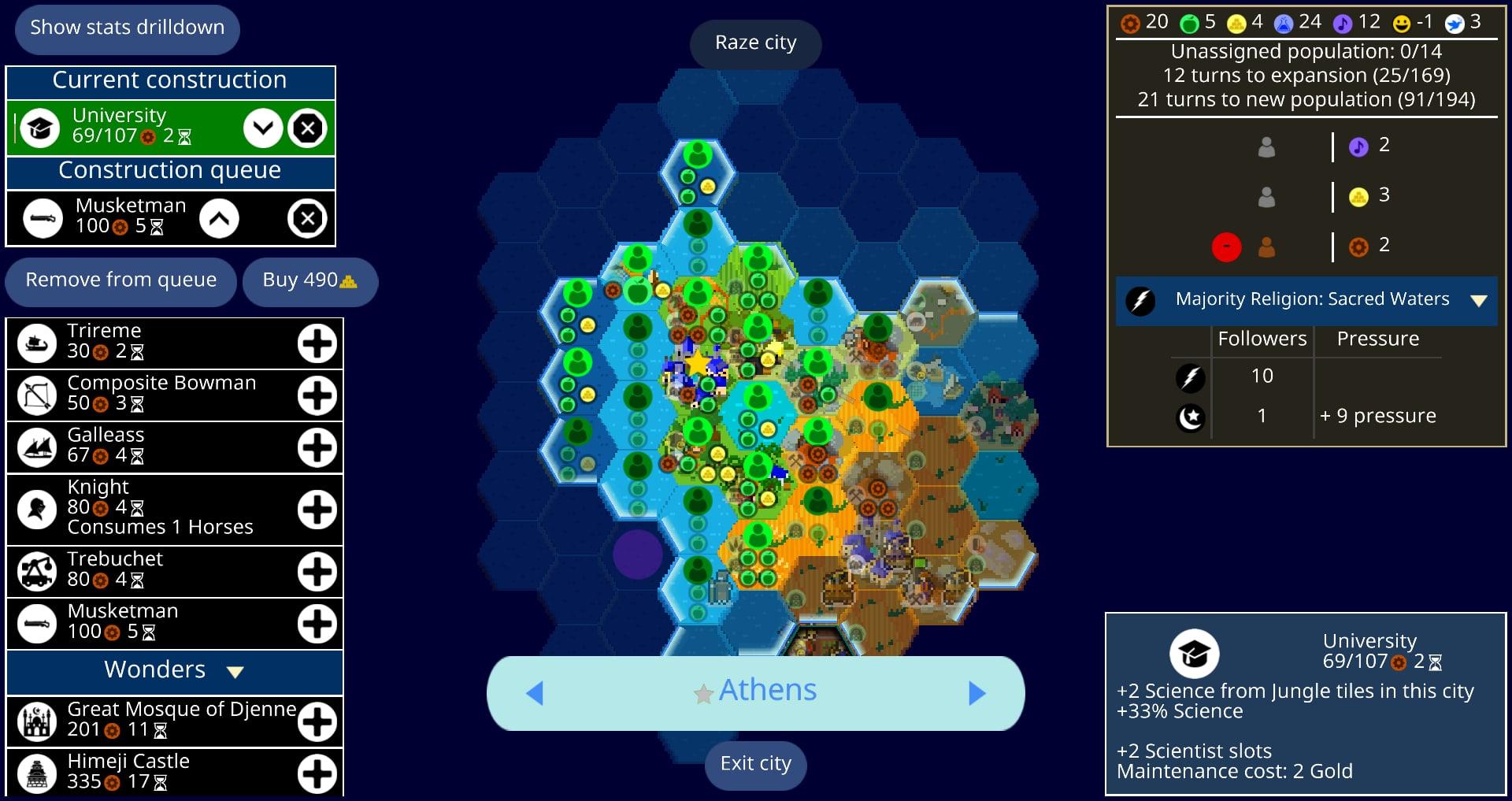
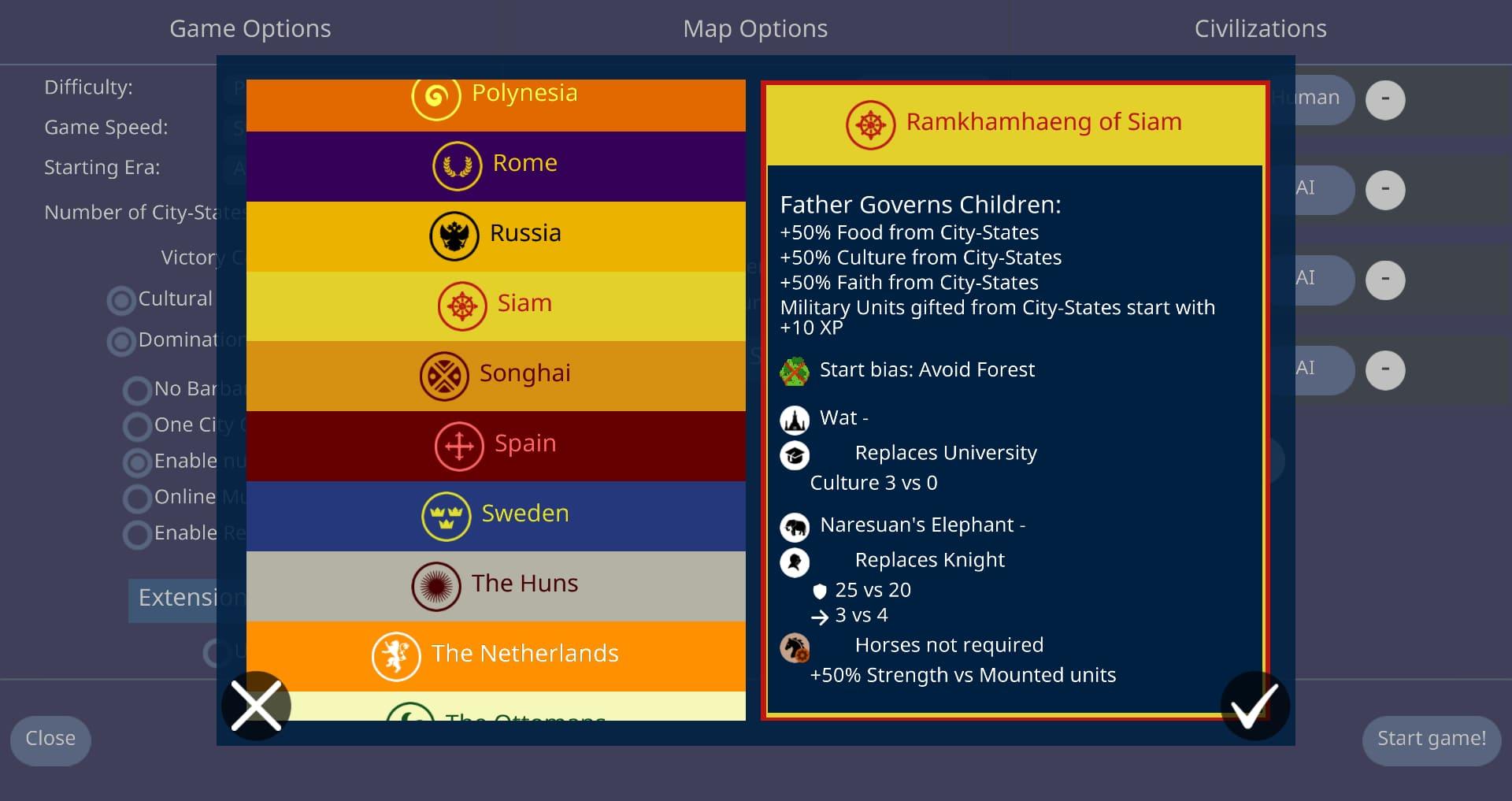
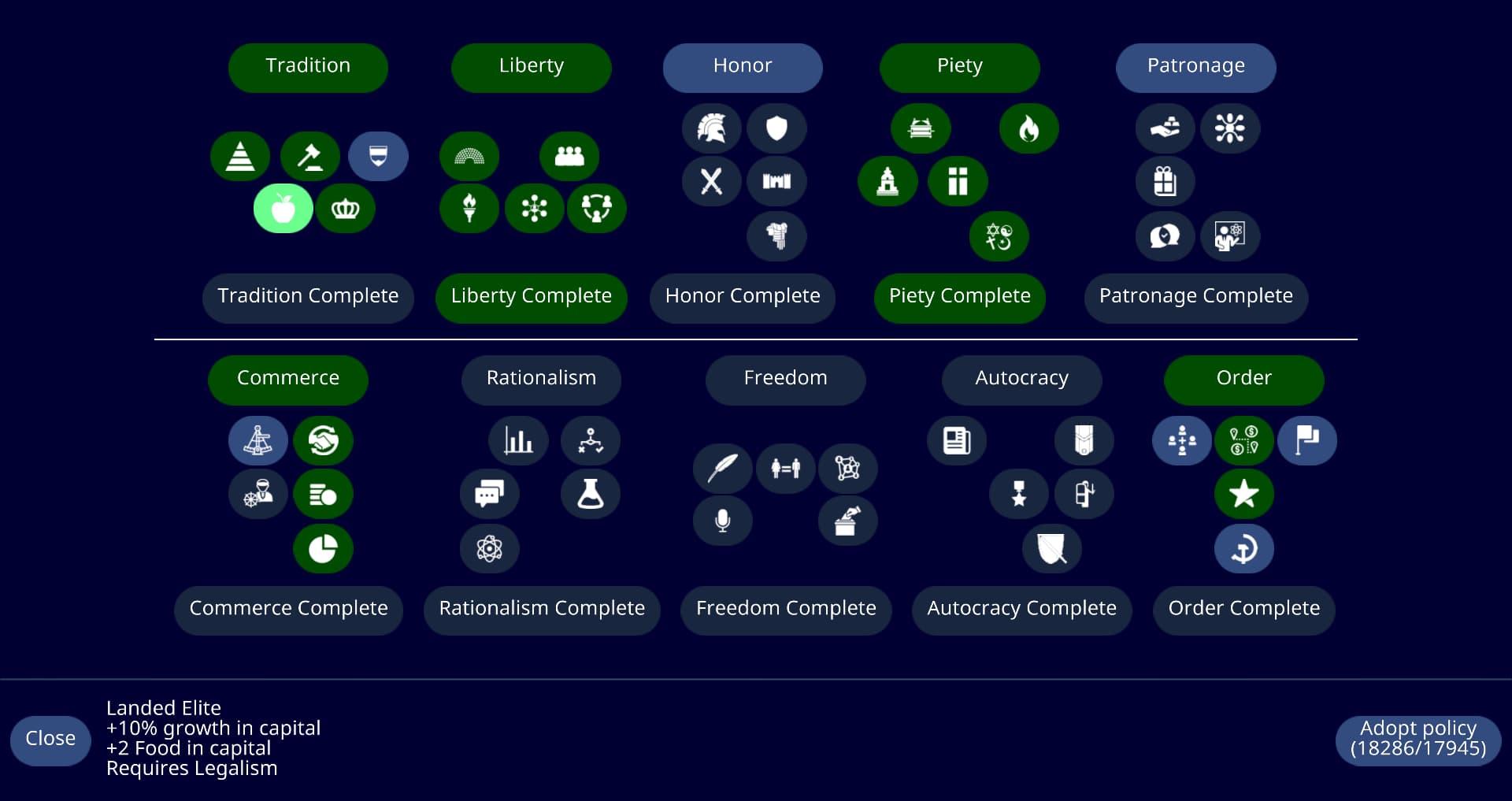
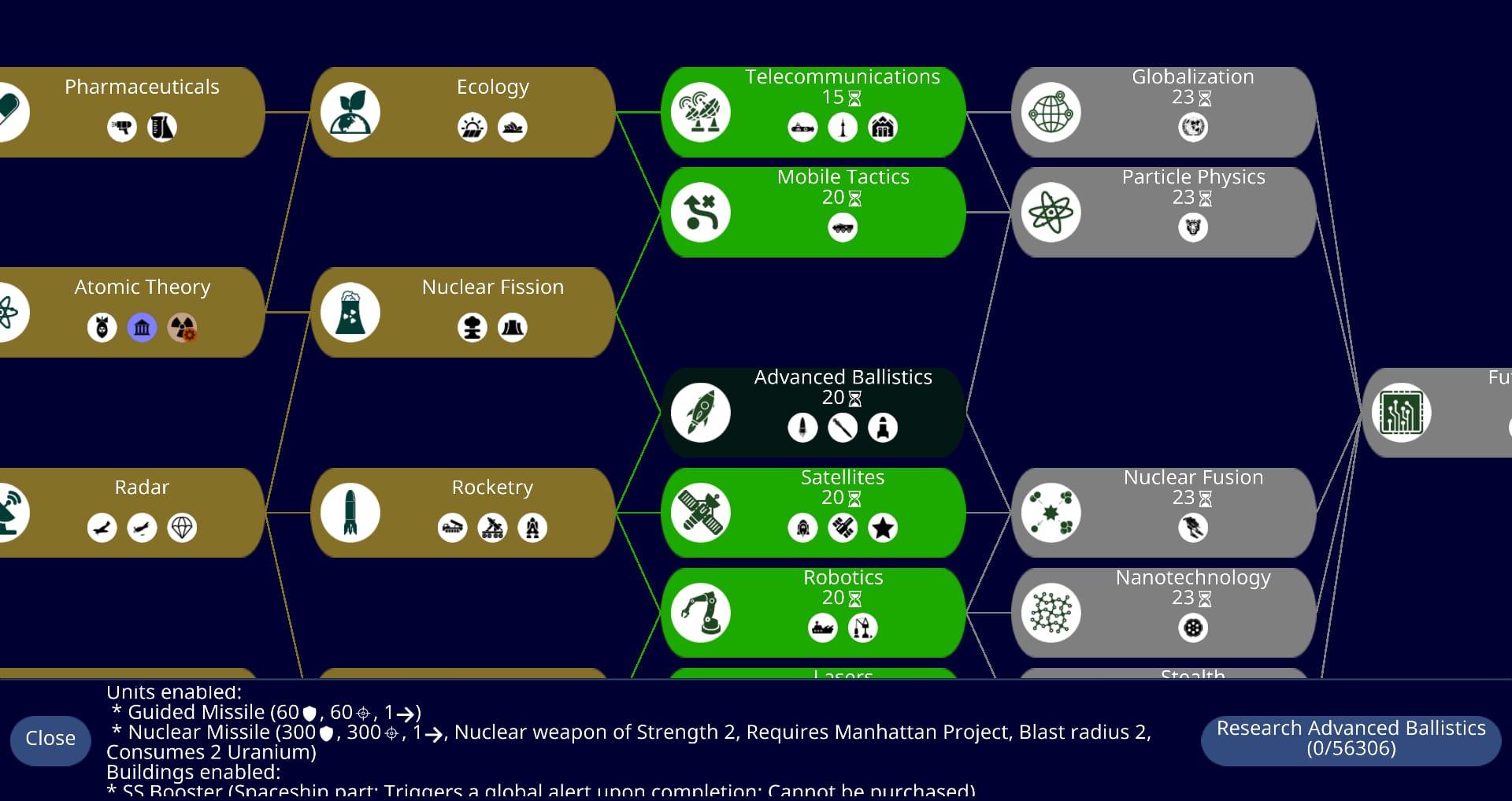
An open-source reimplementation of the most famous civilization-building game ever - fast, small, no ads, free forever!

Build your civilization, research technologies, expand your cities and defeat your foes!

Requests? Bugs? Want to help development? Todo list for the application is https://github.com/yairm210/Unciv/issues

Questions? Comments? Join us on discord at https://discord.gg/bjrB4Xw ;)

Want to help translating the game into your language? See https://yairm210.github.io/Unciv/Translating/Translating/

The world awaits! Will you build your civilization into an empire that will stand the test of time?

The 'have full network access' permission is required for user-initiated downloads and the multiplayer feature. All other listed permissions are included automatically by the API used to implement multiplayer turn notifications. Network permissions are used to list mods, download mods, download music and to upload/download multiplayer games. No other internet communication is initiated by Unciv.

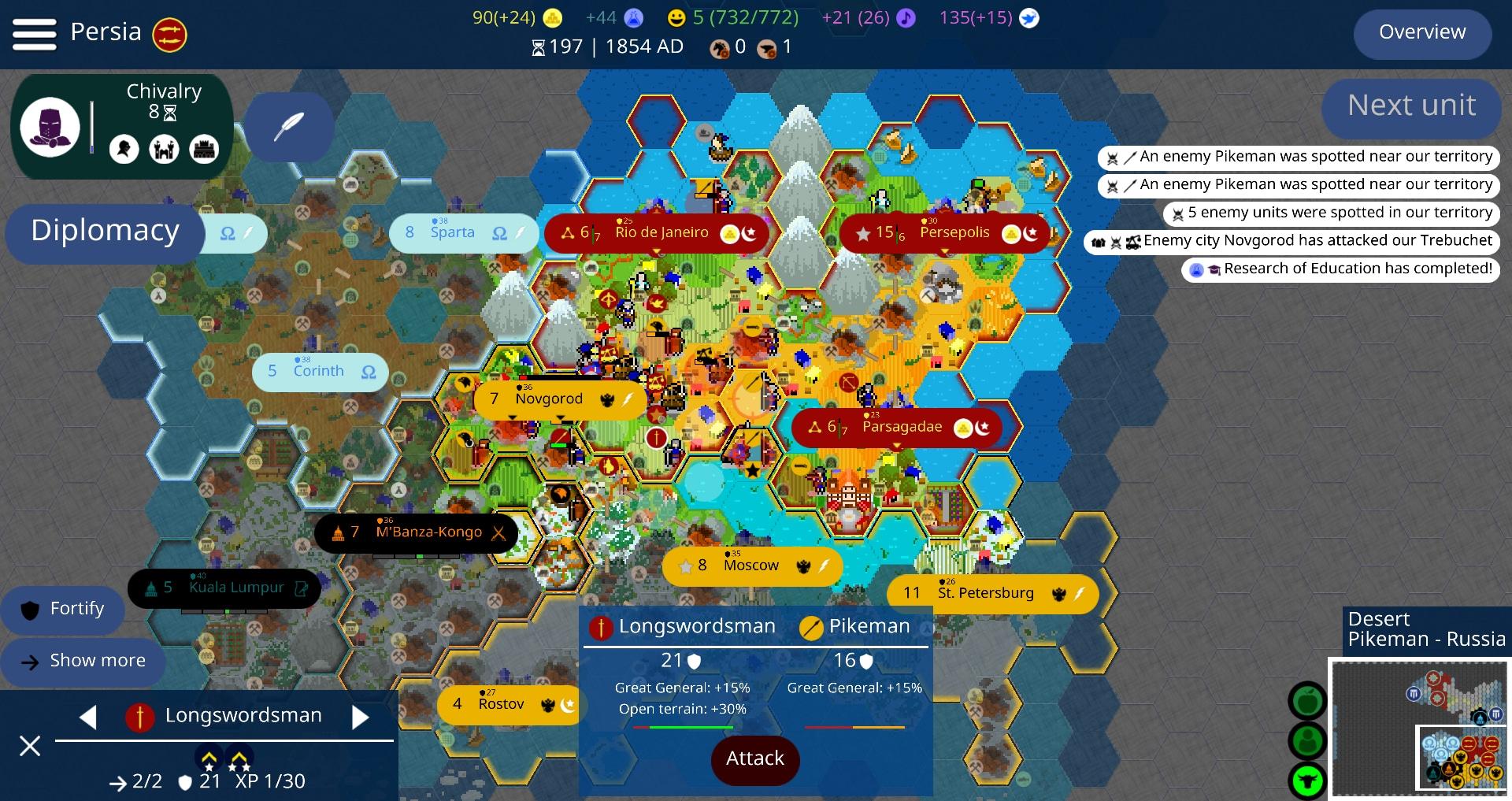
Screenshots

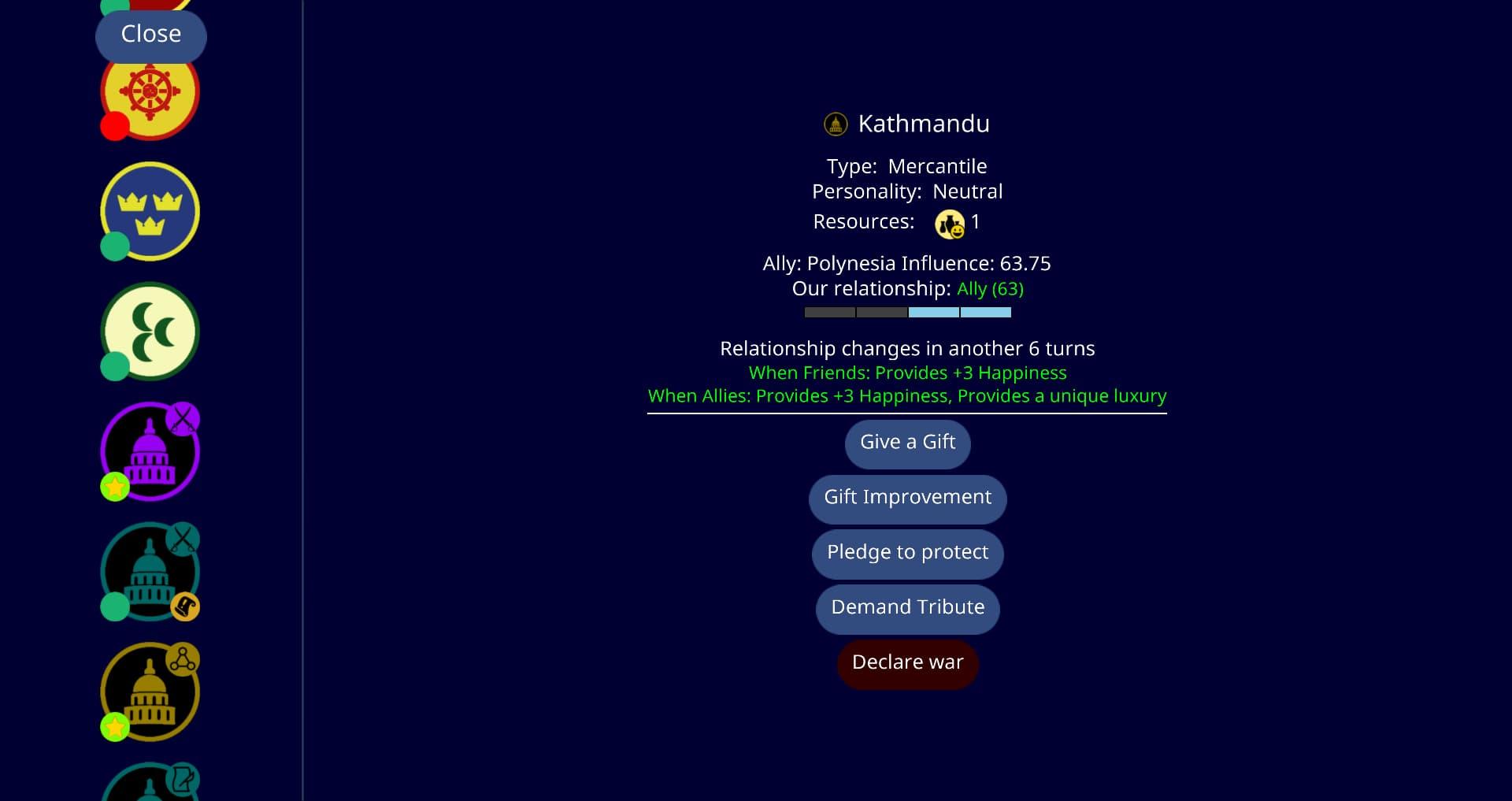
Unciv screenshot 1
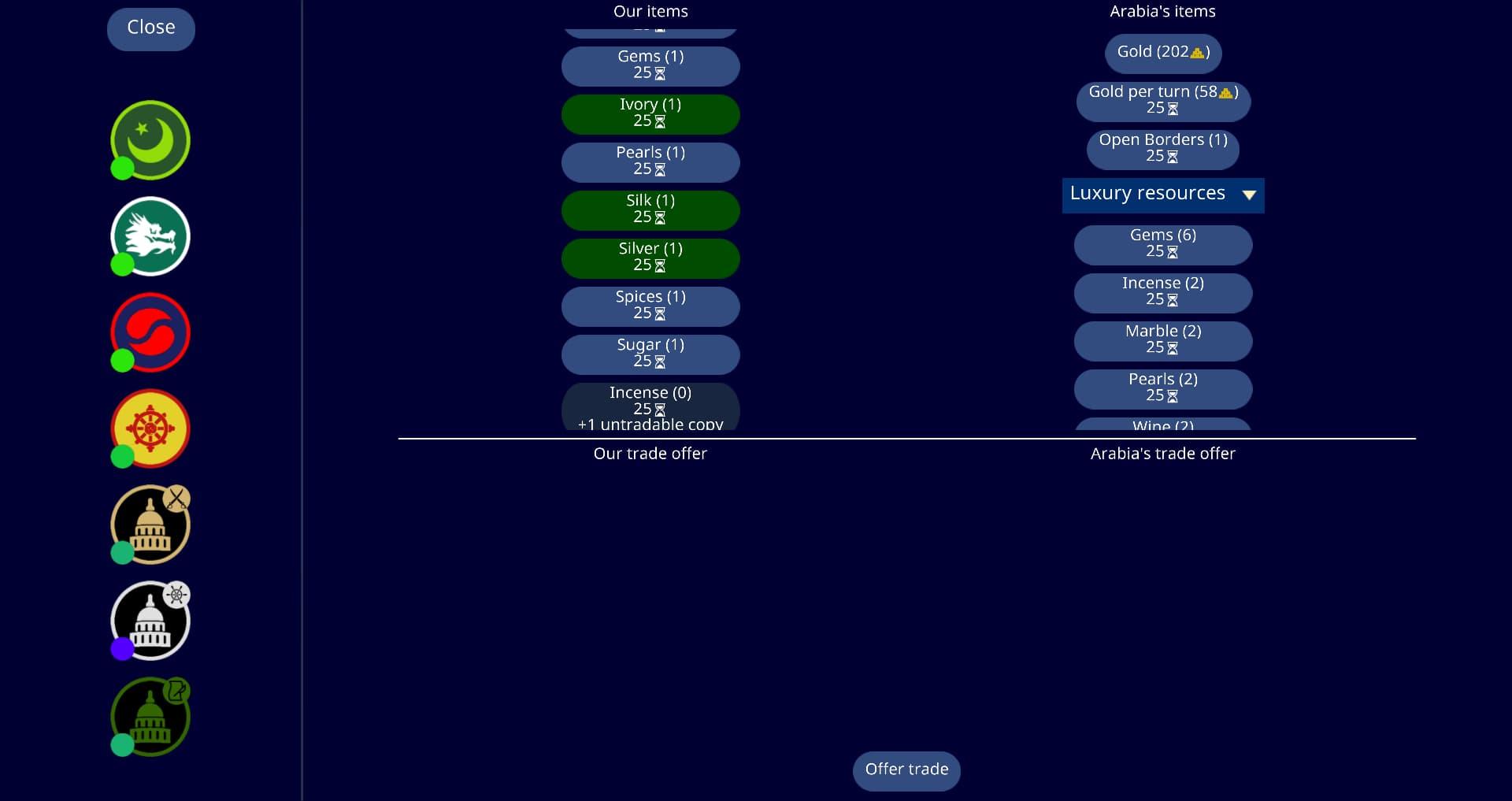
Unciv screenshot 2
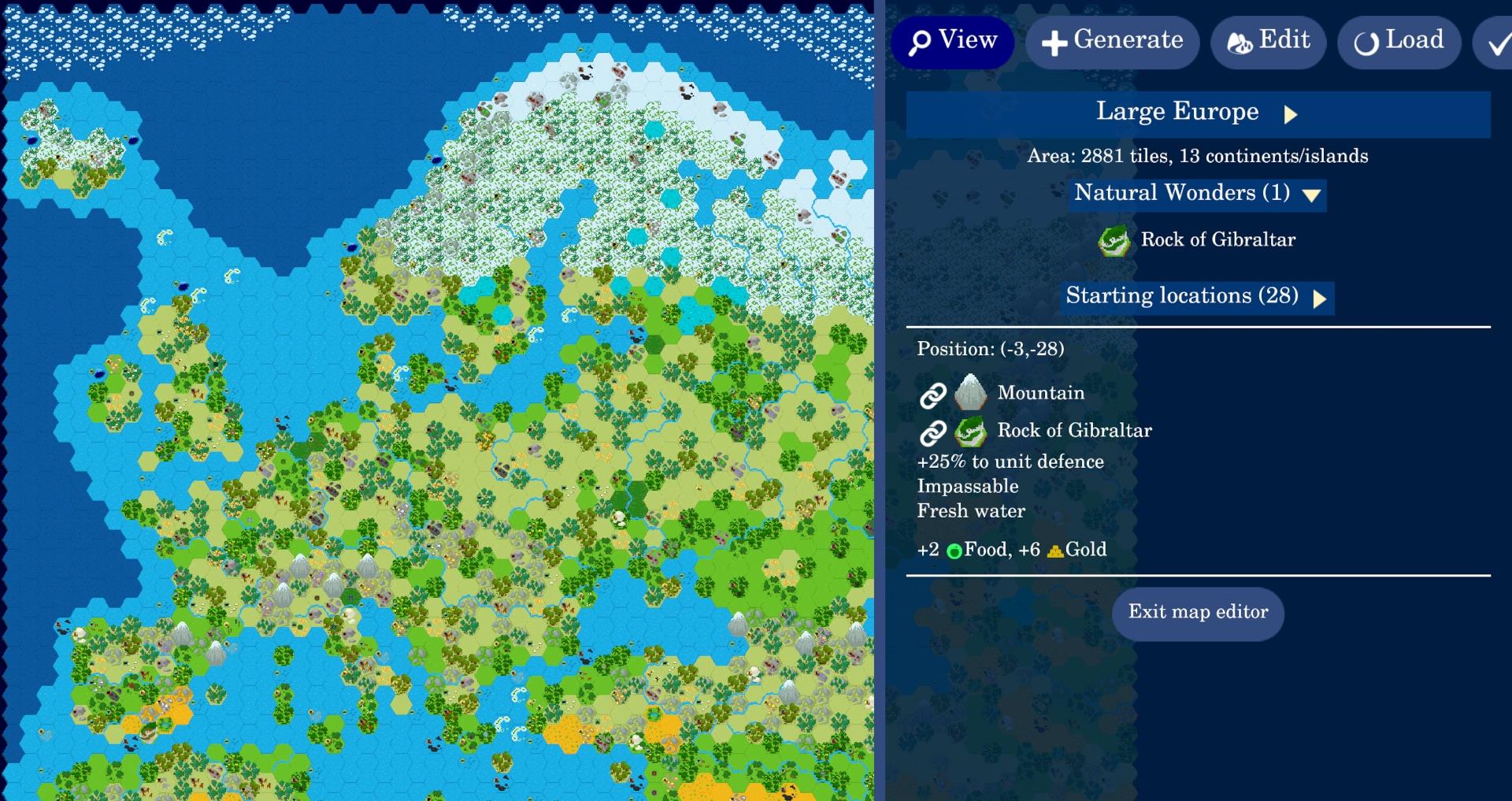
Unciv screenshot 3
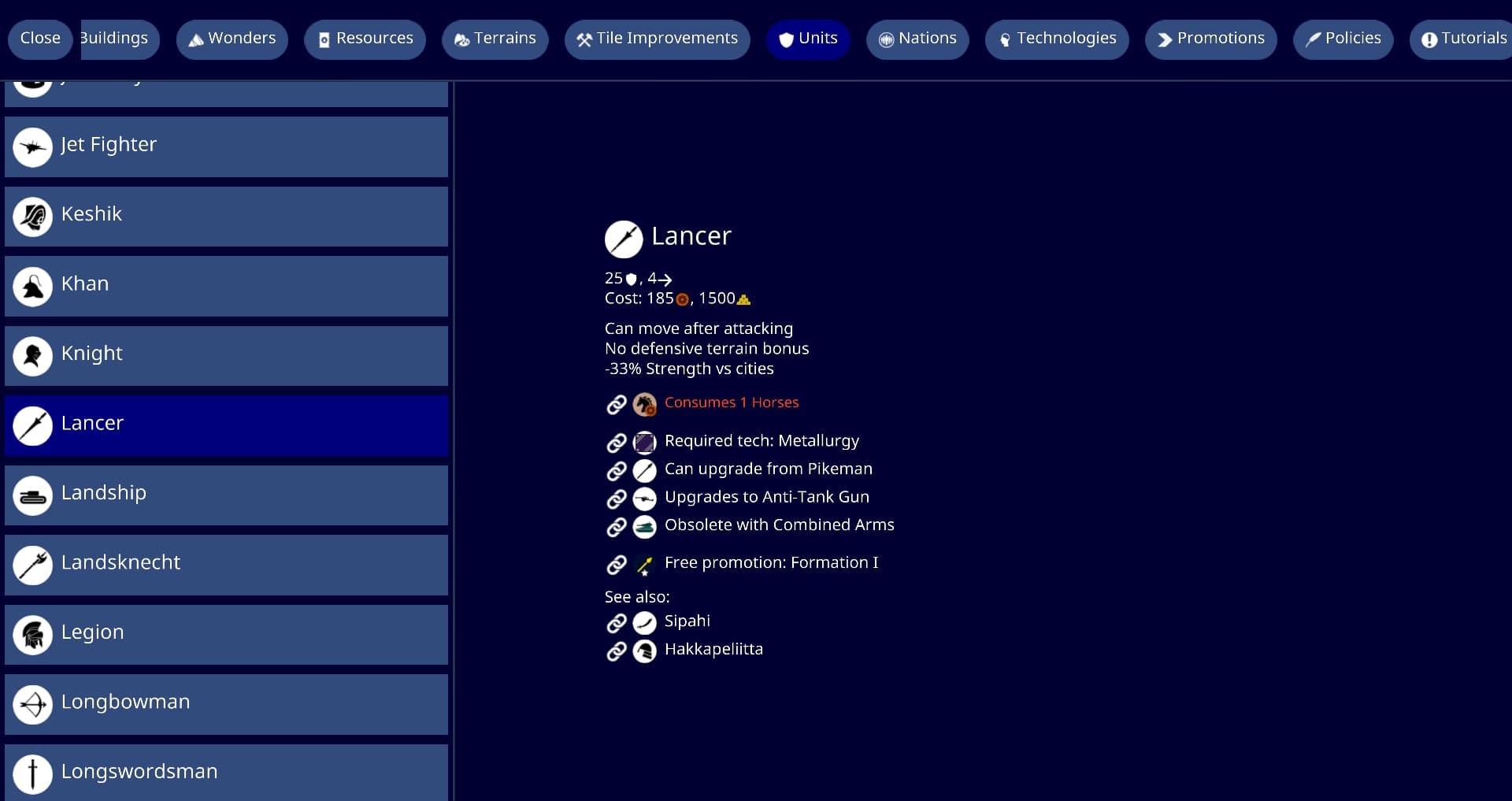
Unciv screenshot 4
Unciv screenshot 5
Unciv screenshot 6
Unciv screenshot 7
Unciv screenshot 8
Unciv screenshot 9
Unciv screenshot 10
Unciv screenshot 11
Unciv screenshot 12
Unciv screenshot 13
Unciv screenshot 14
Unciv screenshot 15
Unciv screenshot 16
Unciv screenshot 17
Unciv screenshot 18

What’s new

Fixed crash on "ID from clipboard" when clipboard not set

Scrollable events show scrollbars

Allow modders to specify modOptions.constants.maxRiverLength as 0 to avoid river generation entirely

Tweaked auto map size - By O-spin

Performance improvements - By Ambeco

Add map generator settings clipboard actions - By LouisDeconinck

How to install

  1. Download the APK from the button at the top of this page.
  2. Allow “Install unknown apps” for your browser or file manager only, not for every app.
  3. Open the downloaded file and confirm the installation.
  4. If installation fails with “App not installed,” remove an earlier build of the same app first. A signature conflict is the usual cause.

Data safety

  • Every file is checked against its published SHA-256 before it is listed.
  • Files are scanned for malware on every update.
  • The permissions each app requests are listed on its own page.
  • Read the full safety policy for how we test, flag, and delist files.

Comments

Recent approved comments · sorted by newest

Verification code
Be specific and keep it about the app. No links. Comments are reviewed before publication. Device and Android details are recorded automatically. Privacy policy.

Loading recent comments...

View all comments