
Quick answer
Sync your bookmarks privately across browsers and devices
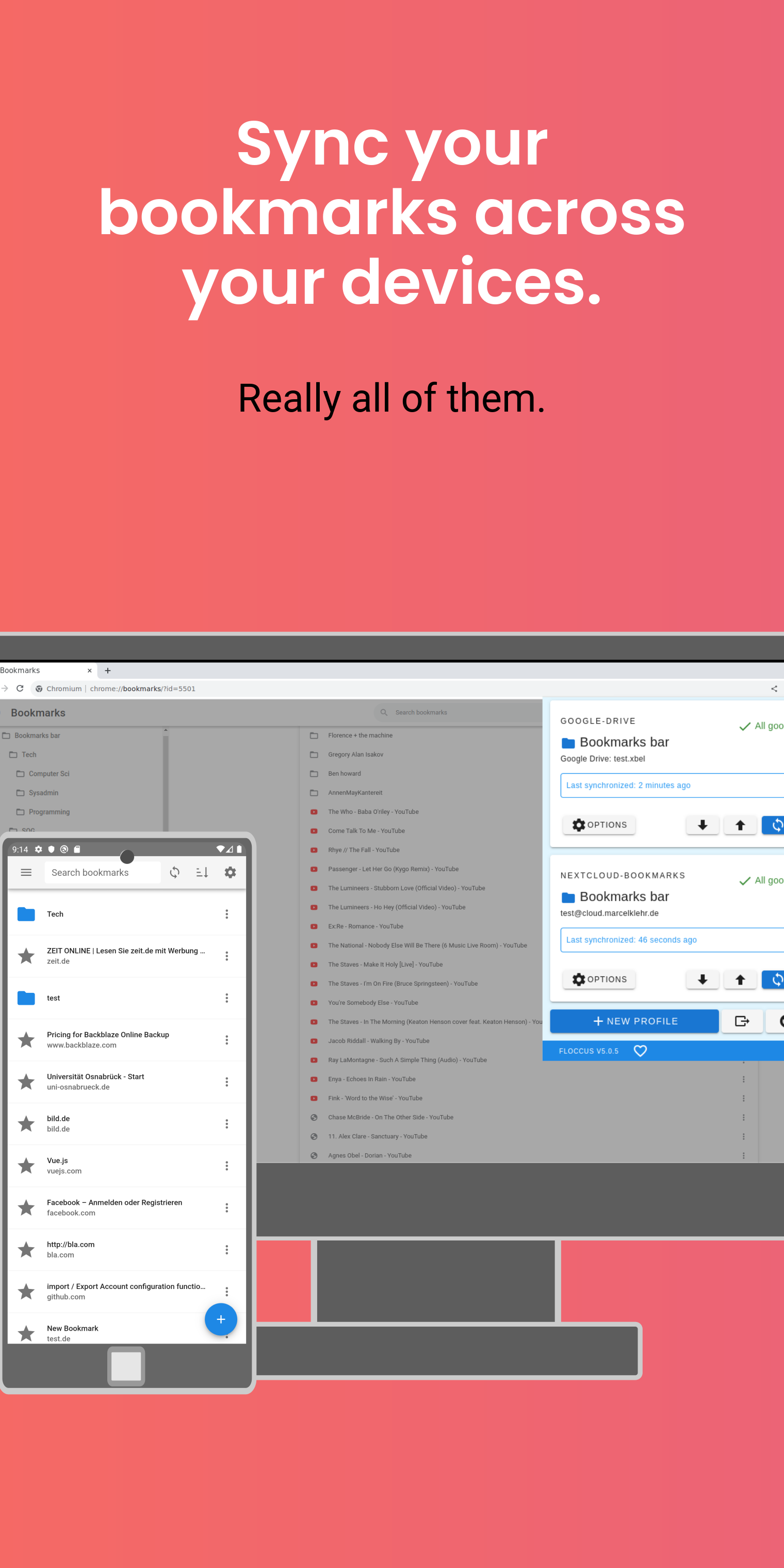
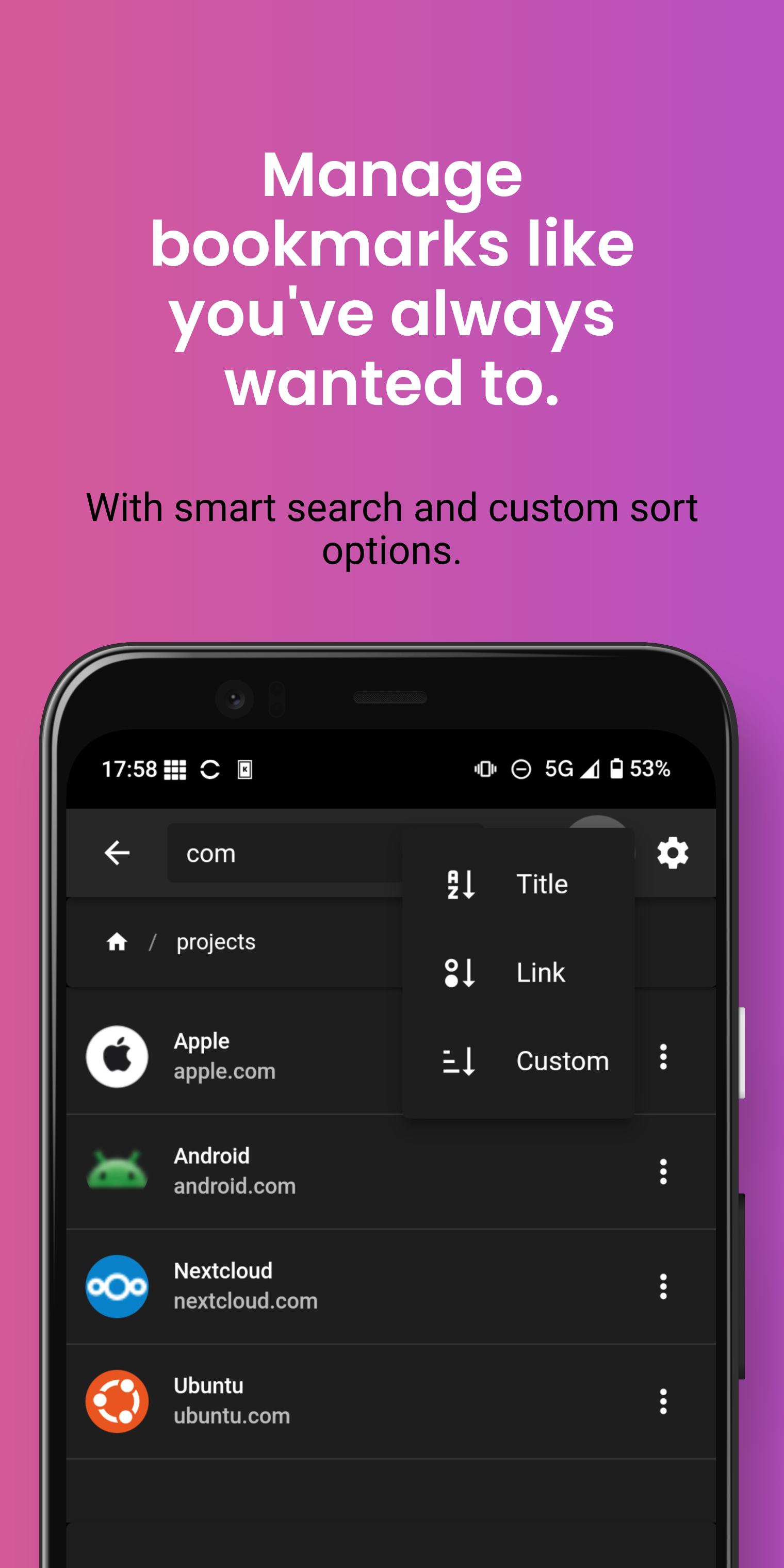
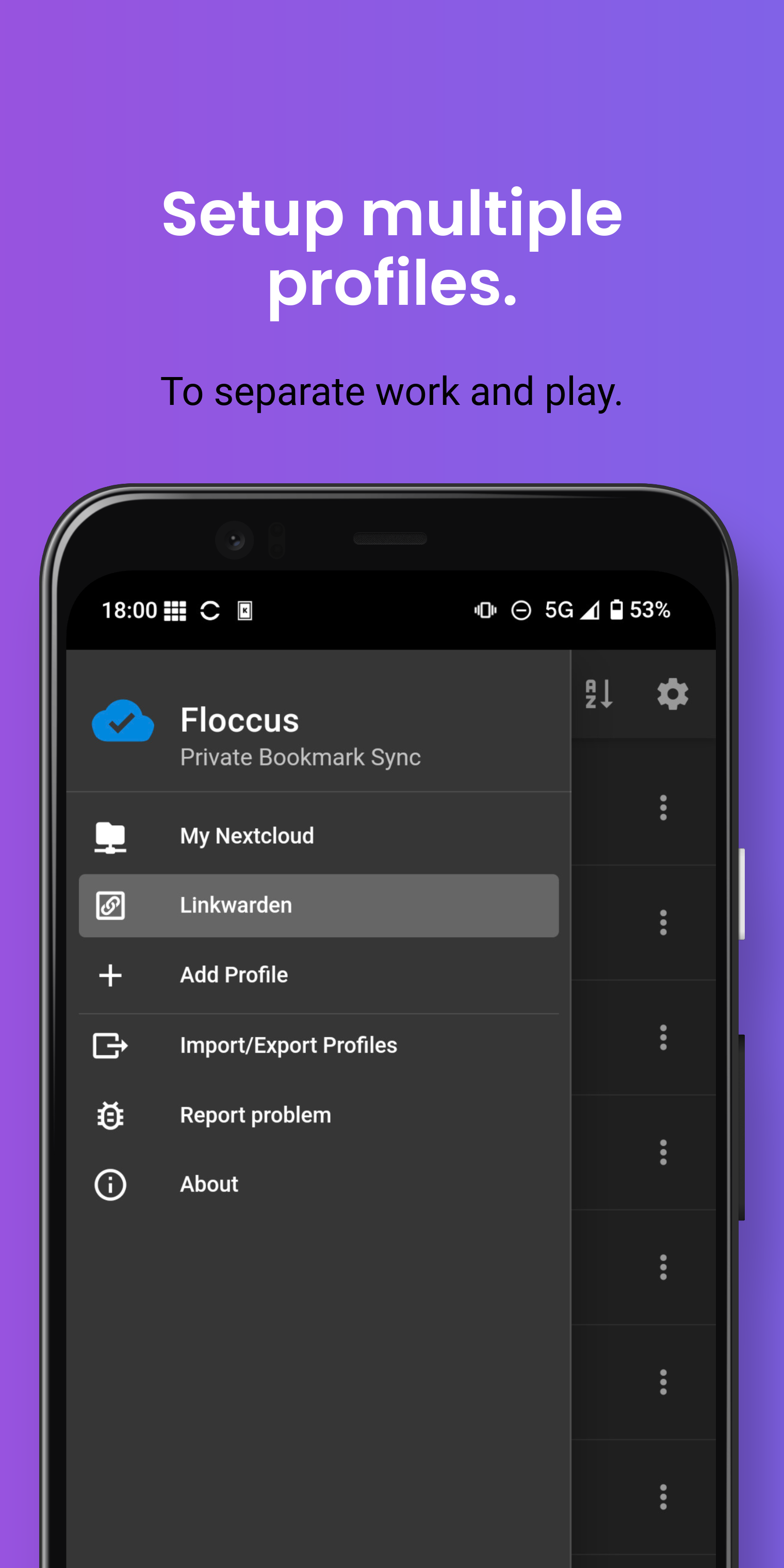
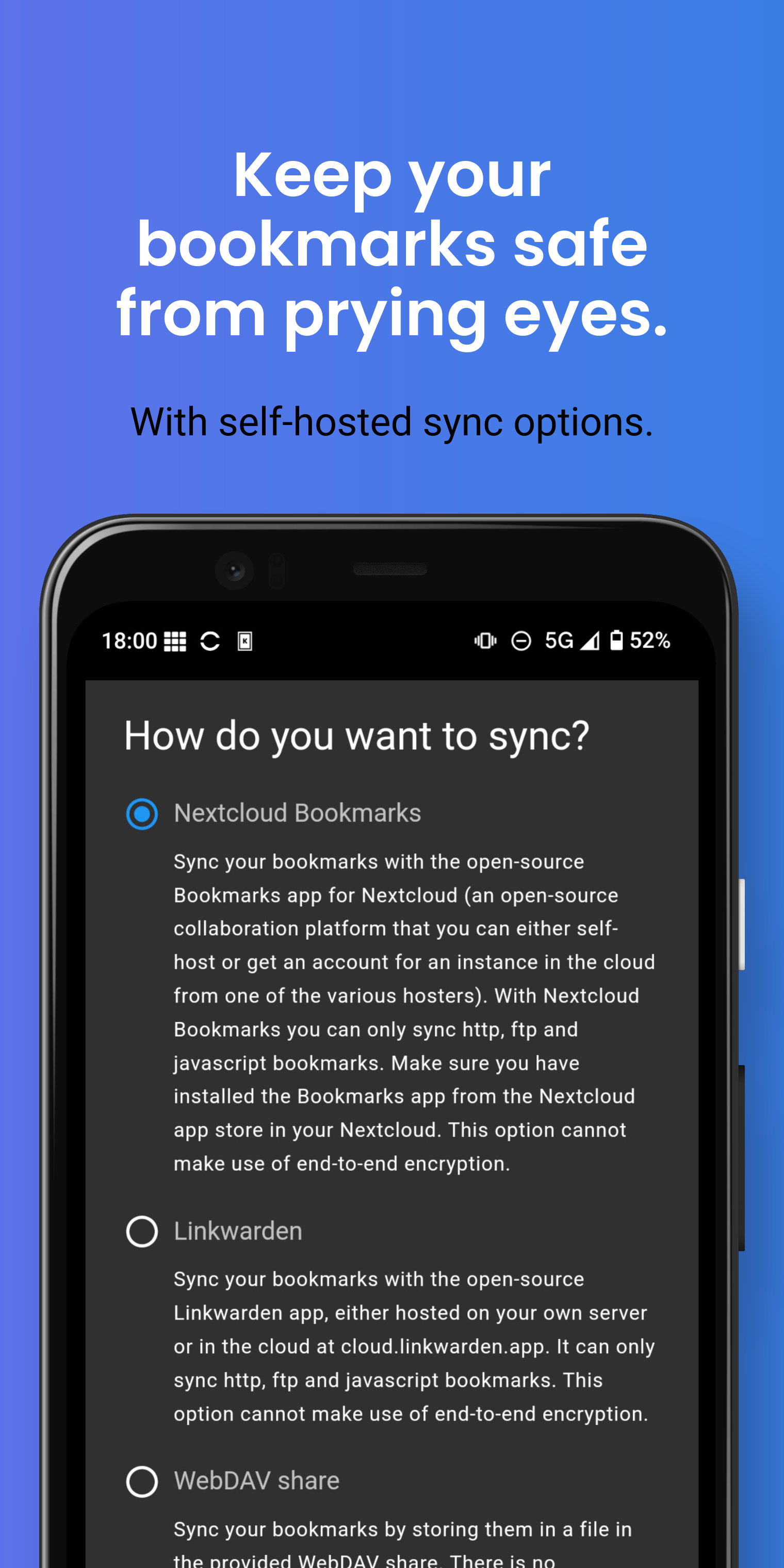
Manage and synchronize your bookmarks via Nextcloud, or any WebDAV service, or any Git service, or Google Drive, or Dropbox, end-to-end encrypted, if you want.
This is the standalone bookmarks manager android app variant of floccus. You can also install floccus on your Desktop browsers to sync bookmarks with them. This App, due to technical reasons, cannot access bookmarks in your mobile browser apps directly, which is why you can only view them in the app or import and export them as a html file.
More information on https://floccus.org
Support
If you'd like to support the creation and maintenance of this software, you can donate here: https://floccus.org/donate/
Problems?
Please file bug reports or requests for help over on Github: https://github.com/floccusaddon/floccus
Legal
License: https://github.com/marcelklehr/floccus/blob/master/LICENSE.txt
Privacy Policy: https://github.com/marcelklehr/floccus/blob/master/PRIVACY_POLICY.md
Screenshots
How to install
- Download the APK from the button at the top of this page.
- Allow “Install unknown apps” for your browser or file manager only, not for every app.
- Open the downloaded file and confirm the installation.
- If installation fails with “App not installed,” remove an earlier build of the same app first. A signature conflict is the usual cause.
Data safety
- Every file is checked against its published SHA-256 before it is listed.
- Files are scanned for malware on every update.
- The permissions each app requests are listed on its own page.
- Read the full safety policy for how we test, flag, and delist files.
Frequently asked questions
What is floccus bookmark sync?
Sync your bookmarks privately across browsers and devices
Who develops floccus bookmark sync?
floccus bookmark sync is developed by Marcel Klehr.
Which Android version does floccus bookmark sync require?
floccus bookmark sync requires Android API 24 or later.
What is the current version of floccus bookmark sync?
The synchronized F-Droid version is 5.11.1.
Which license does floccus bookmark sync use?
The signed F-Droid metadata lists MPL-2.0.
Where is the source code for floccus bookmark sync?
https://github.com/floccusaddon/floccus
Comments
Recent approved comments · sorted by newest
View all comments