Local-first multiplatform link organizer with optional self-hosted sync.
Save, organize, and sync your links between Android, desktop, and web. Whether you're quickly bookmarking something or managing a structured folder hierarchy with tags, Linkora handles it all with optional self-hosted sync.
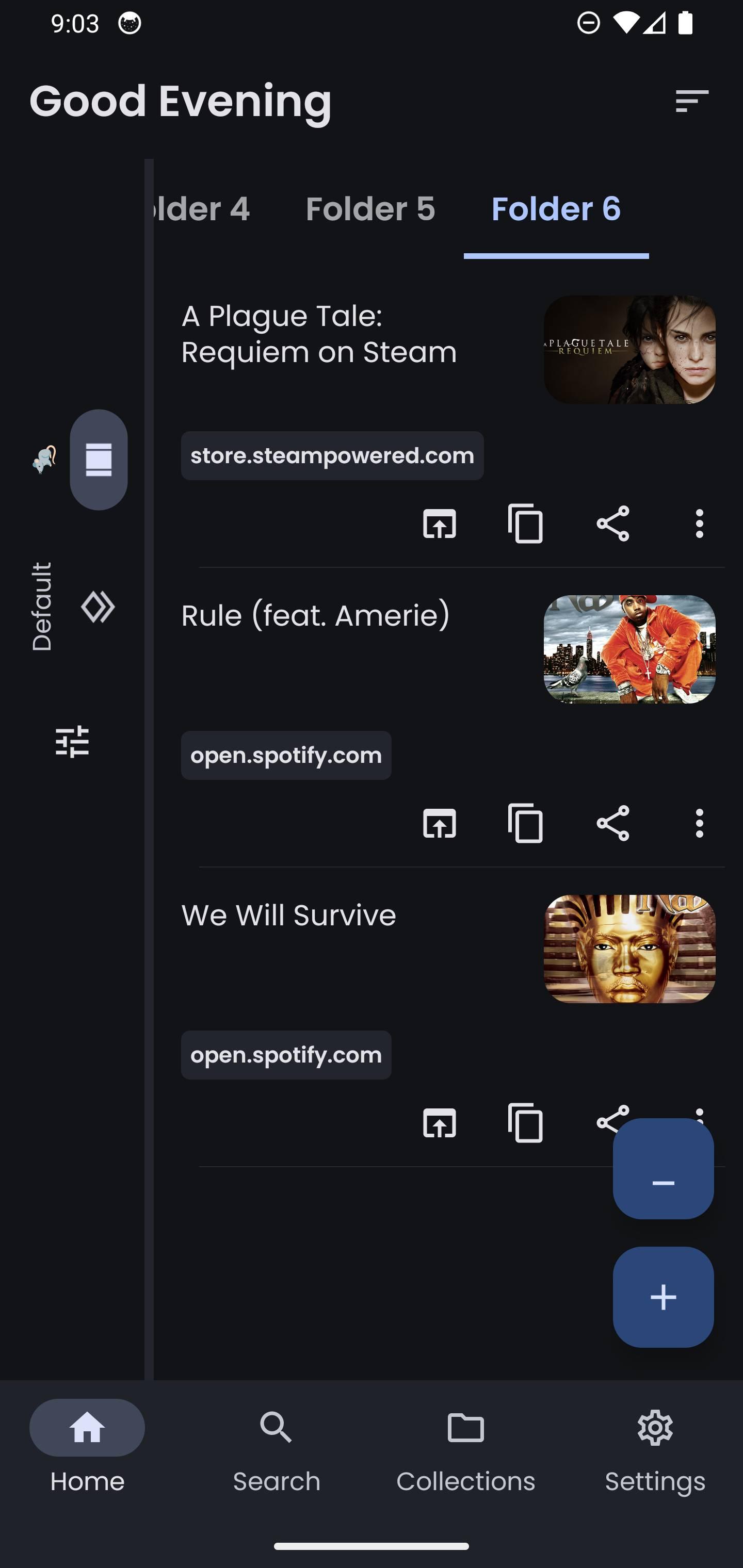
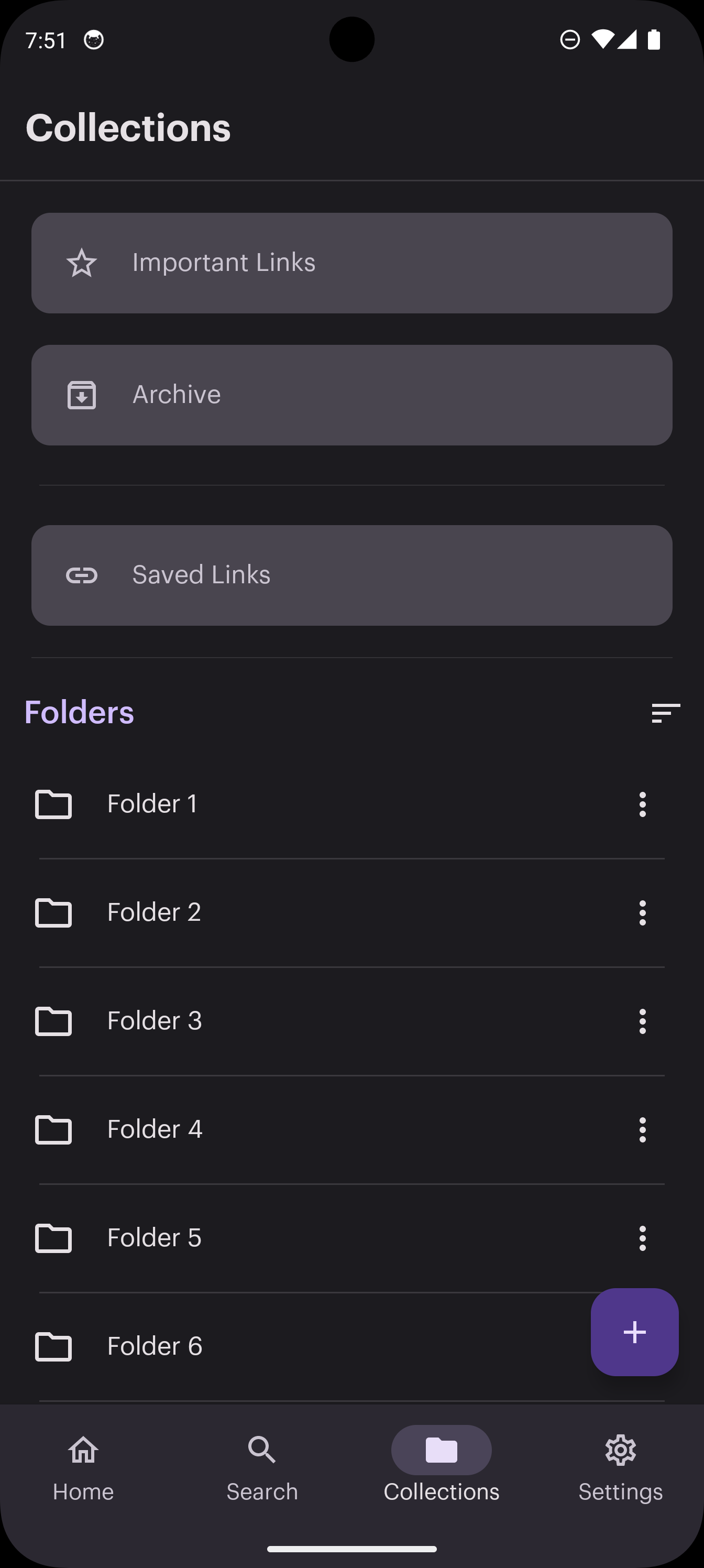
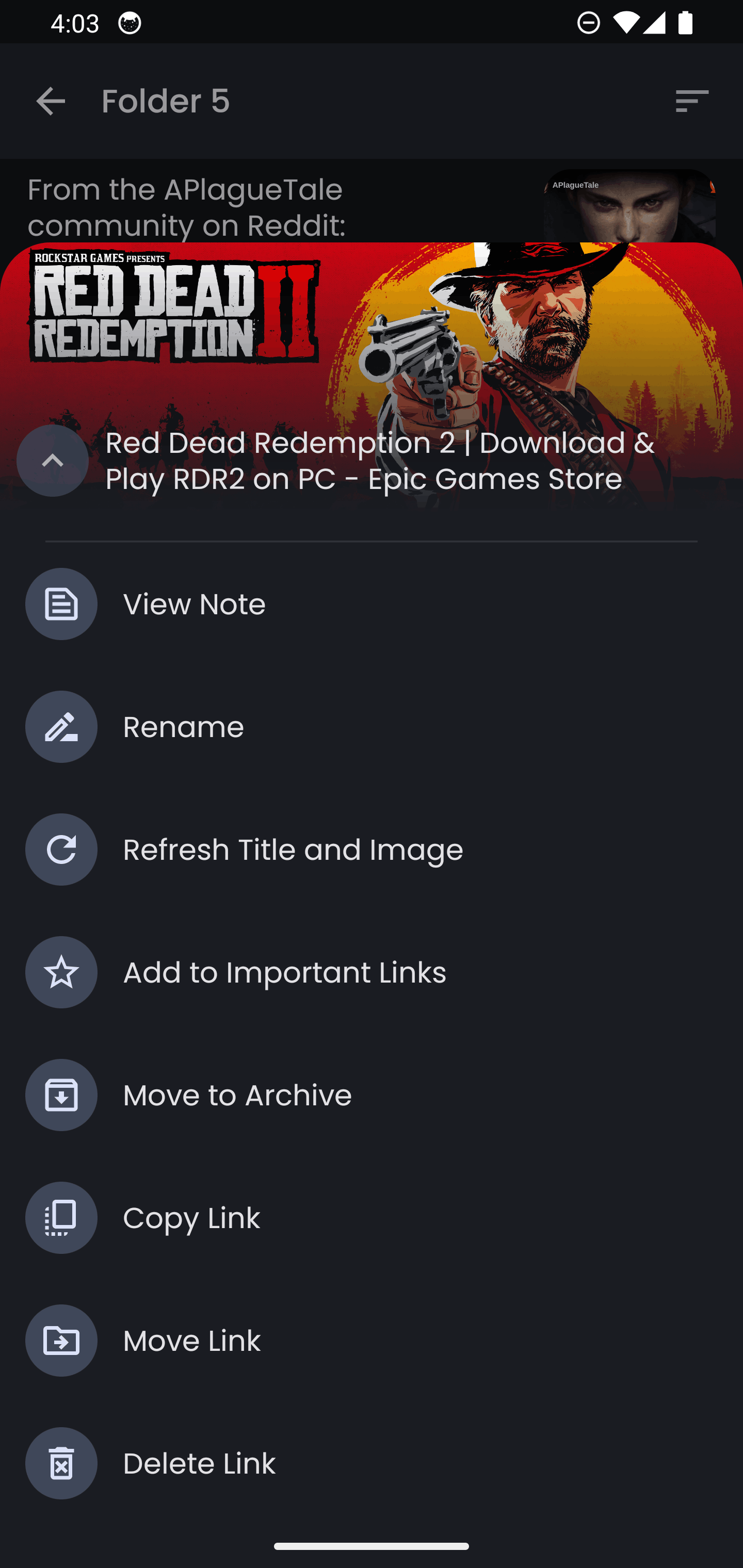
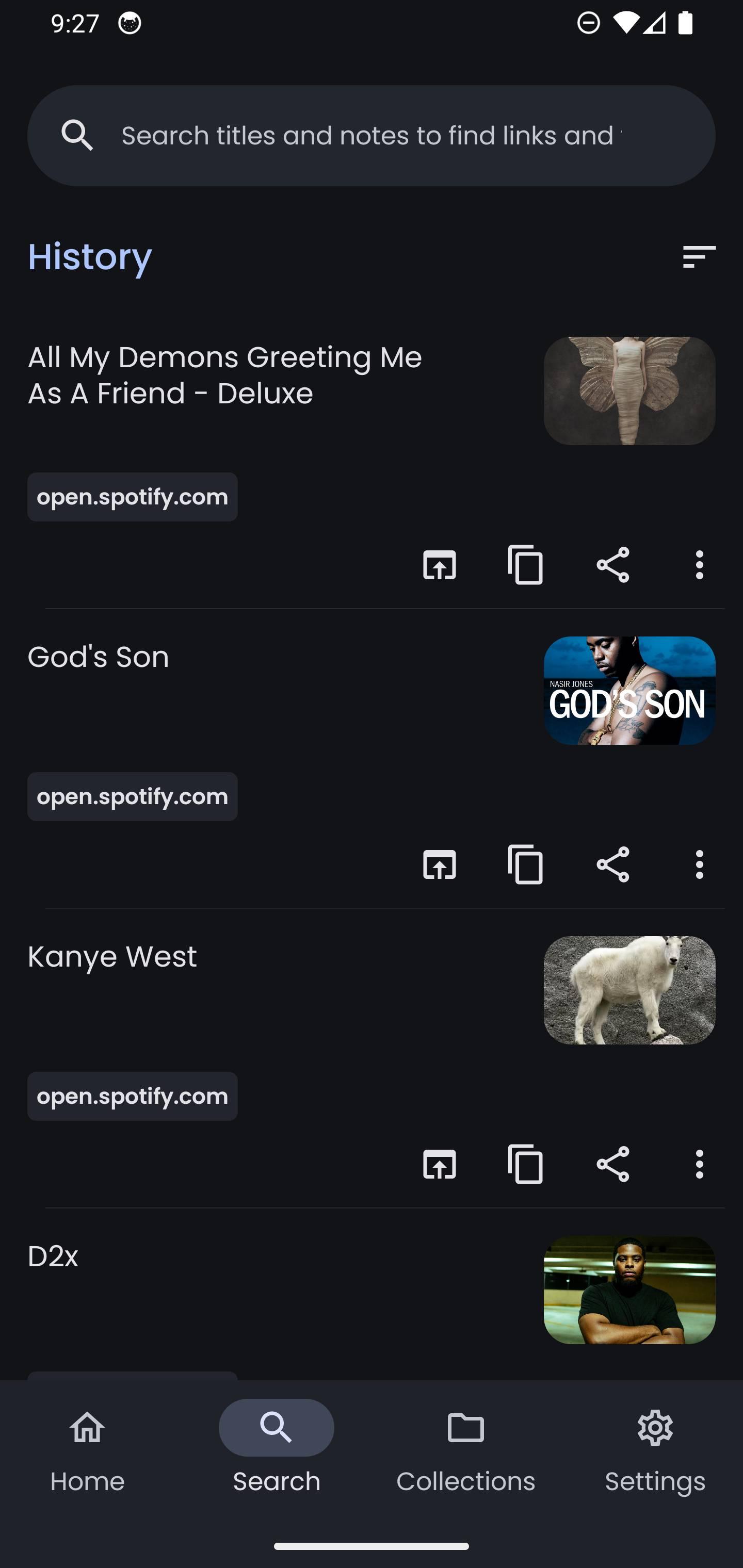
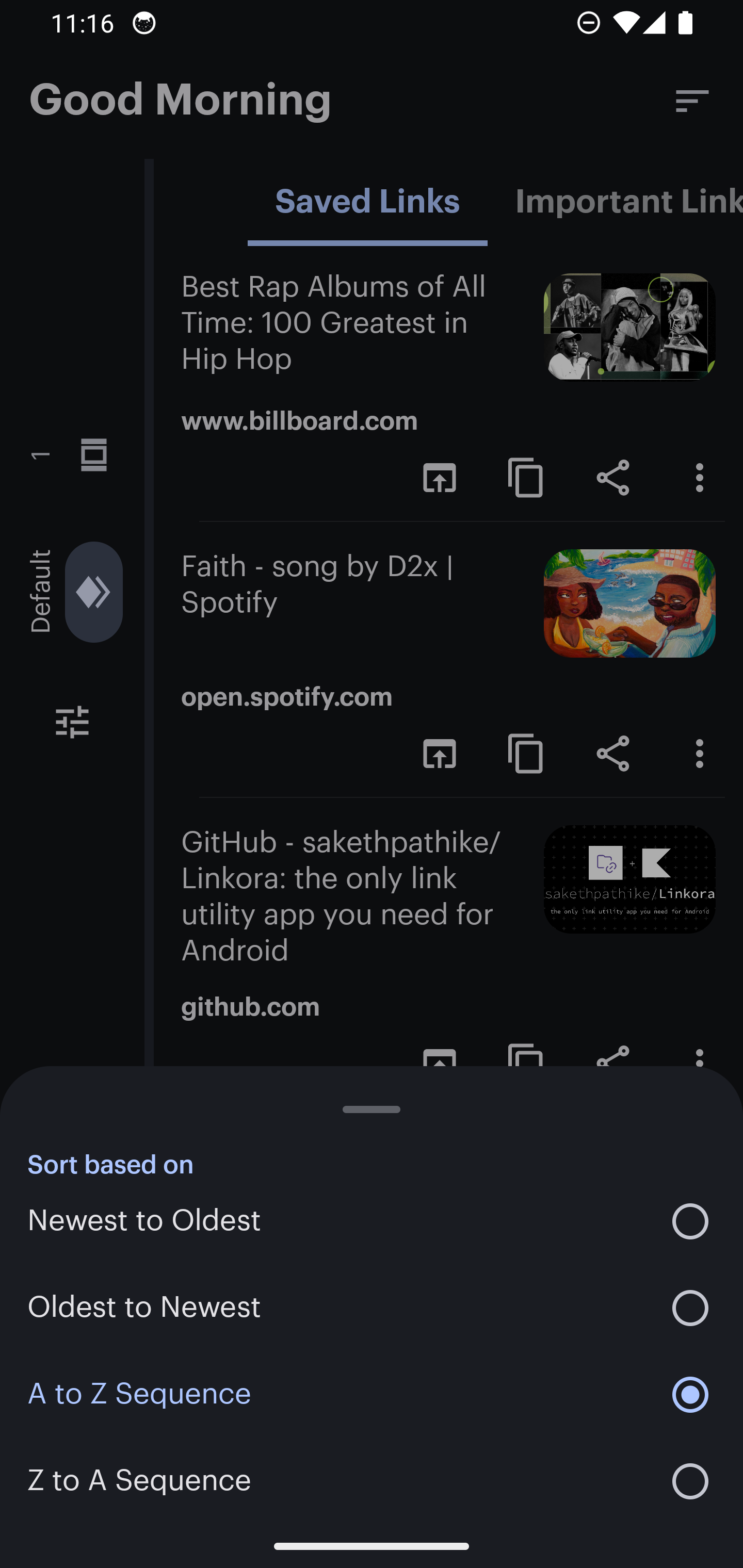
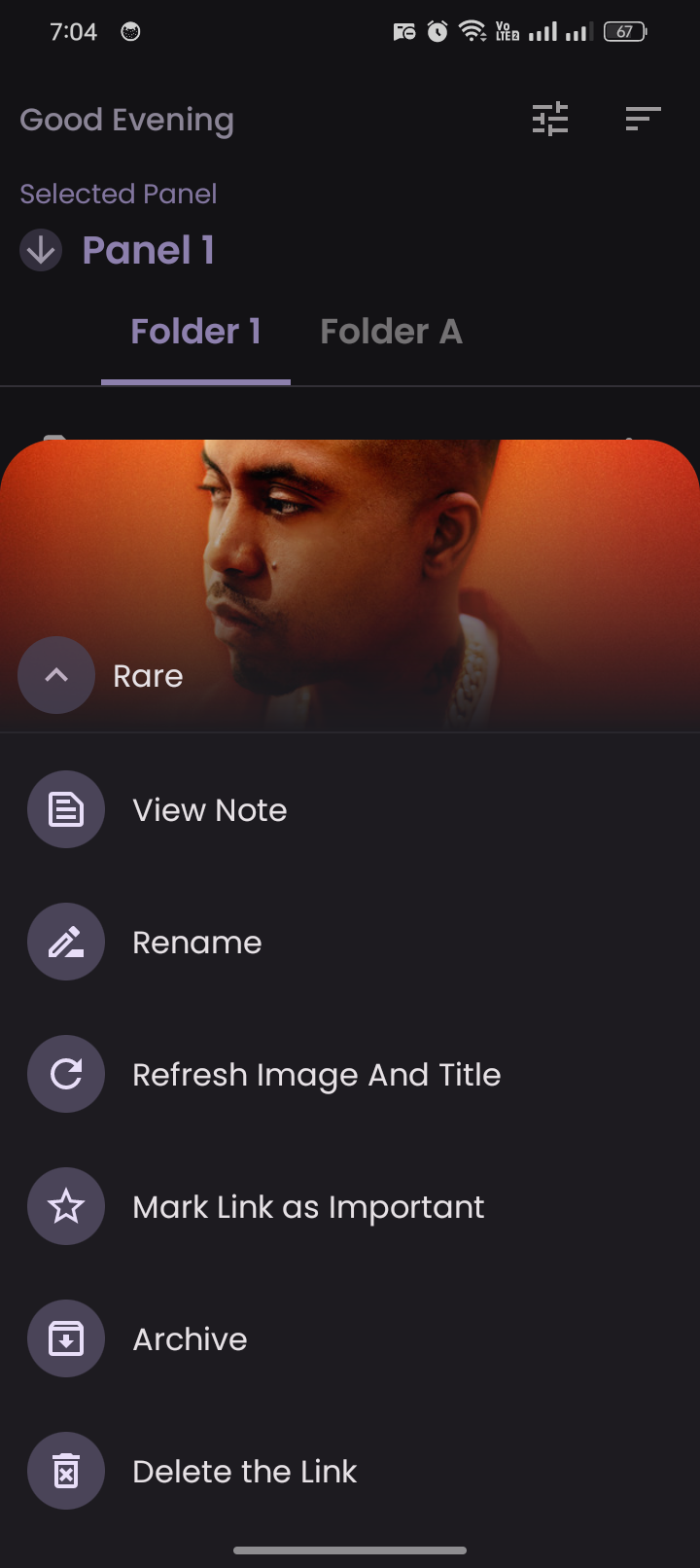
Organize your links with a simple, clean interface.
Features
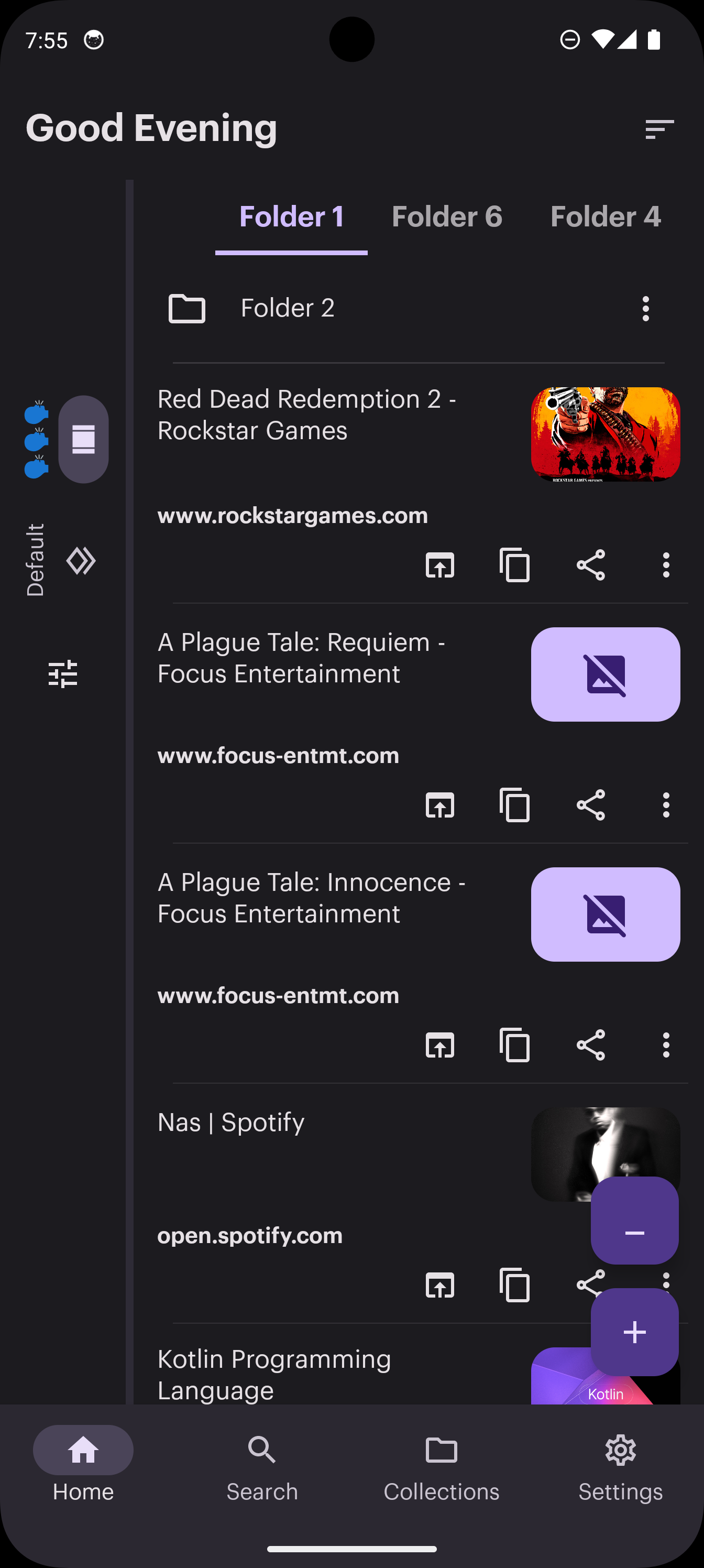
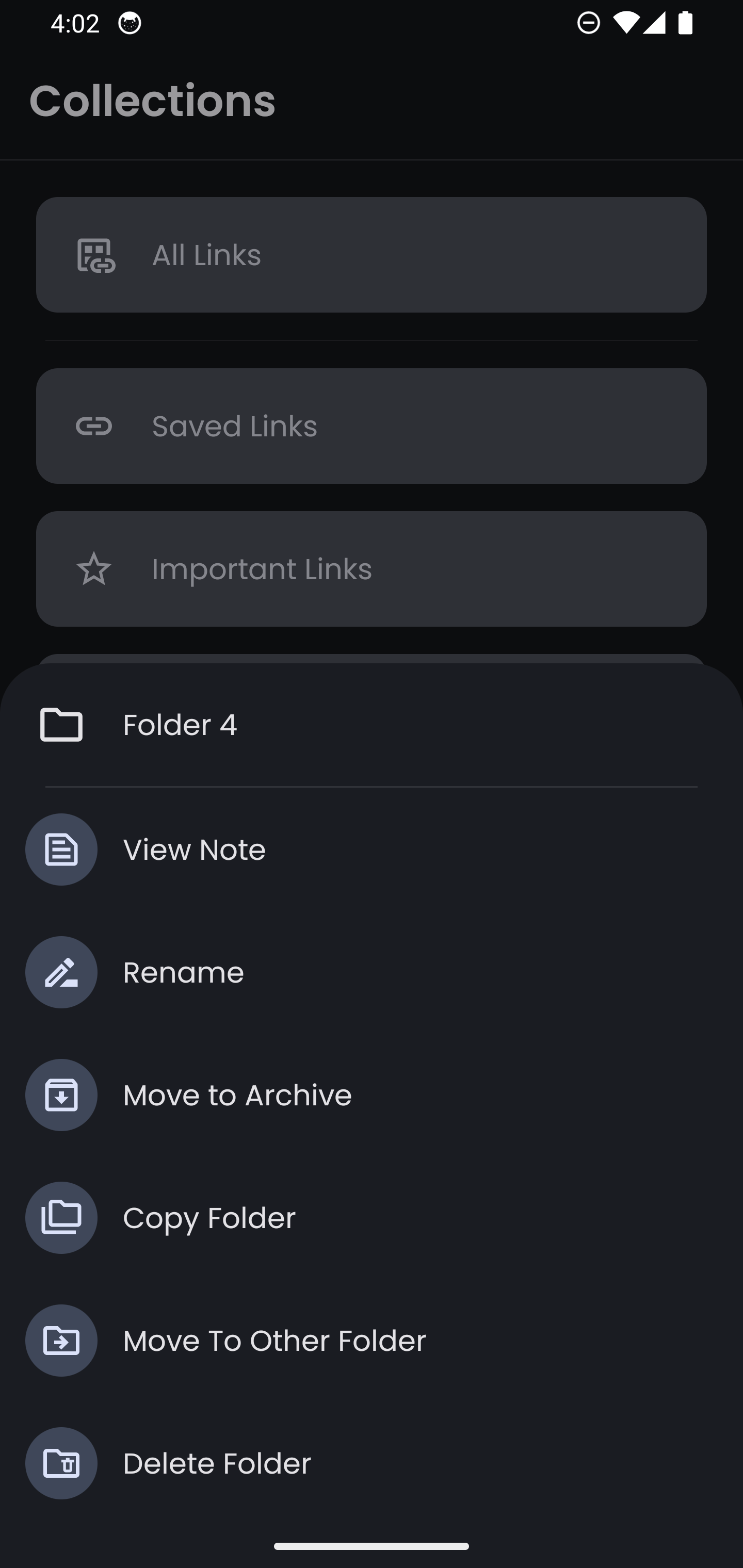
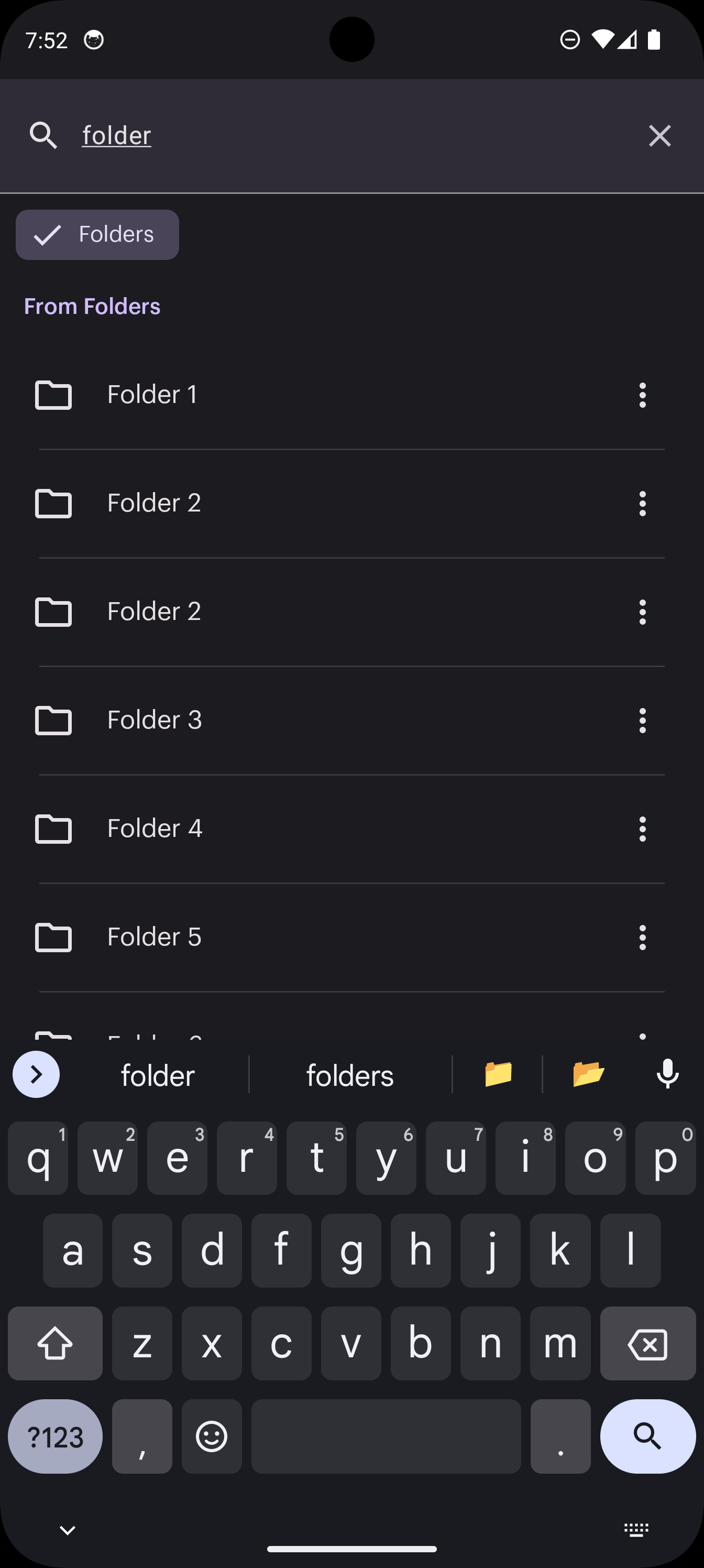
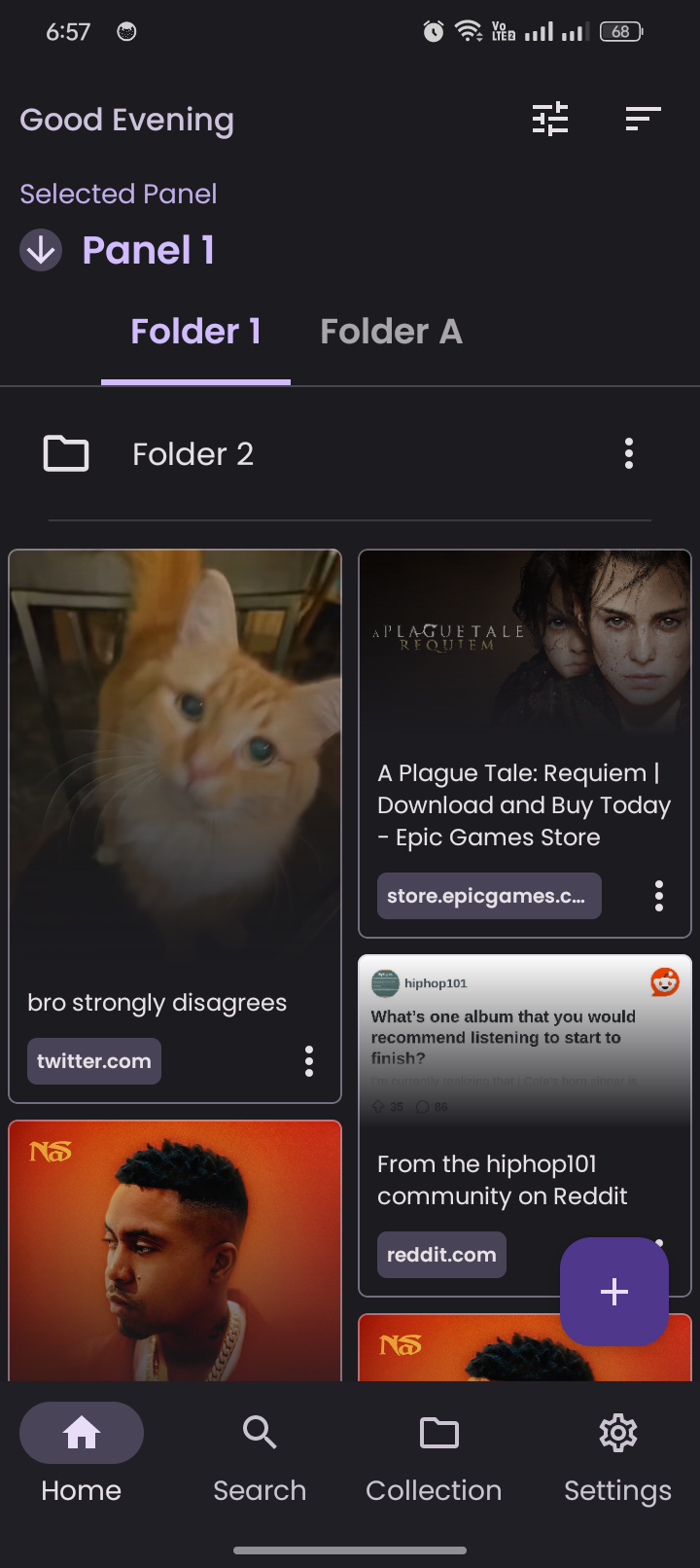
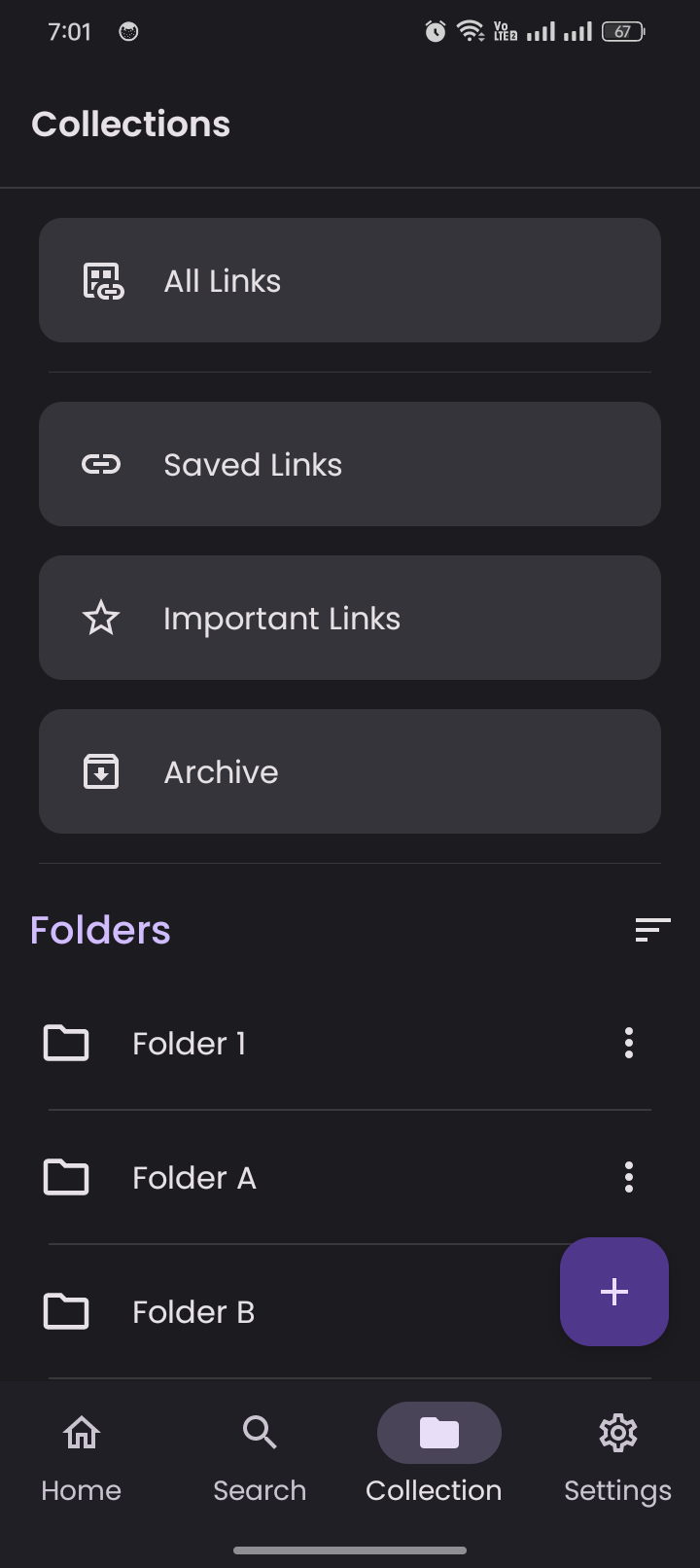
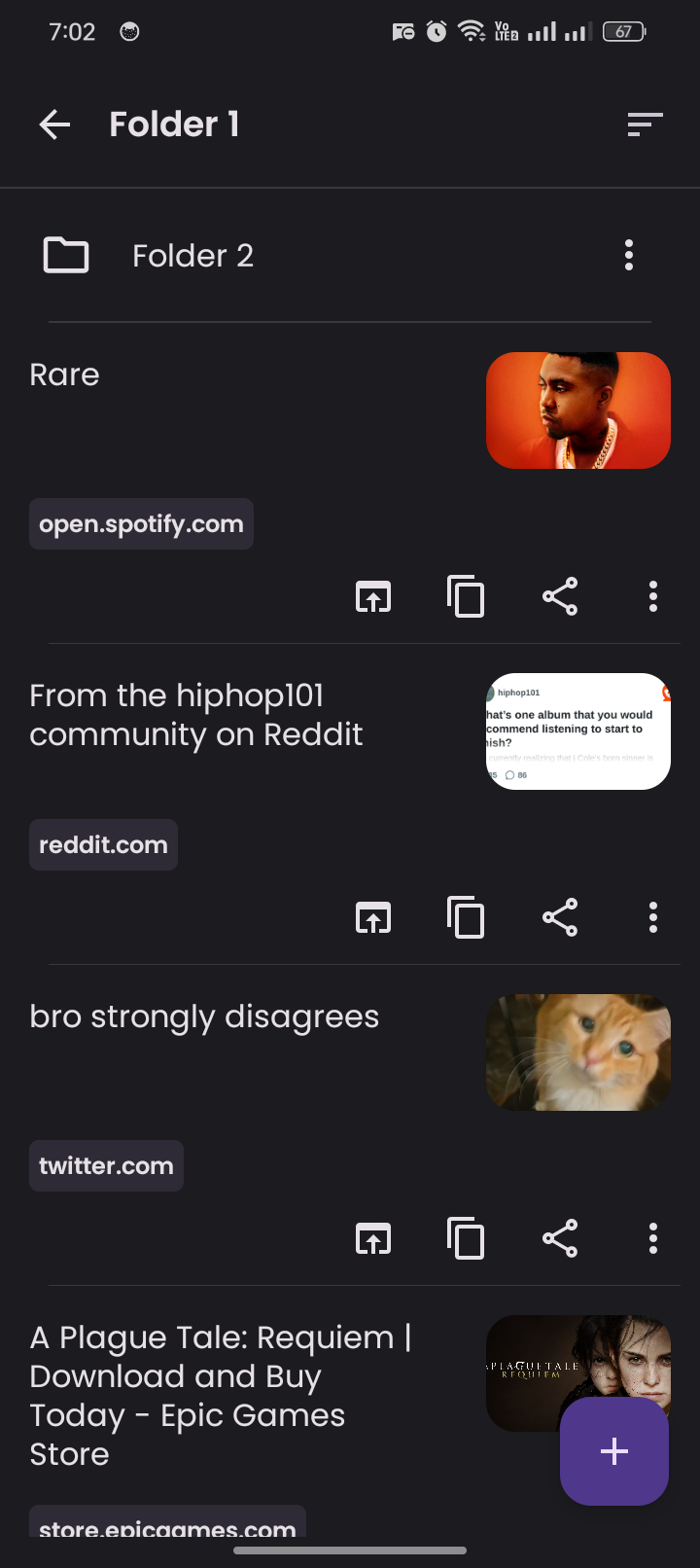
- Organize links with unlimited folders and subfolders, tags, and easy copying/moving between folders
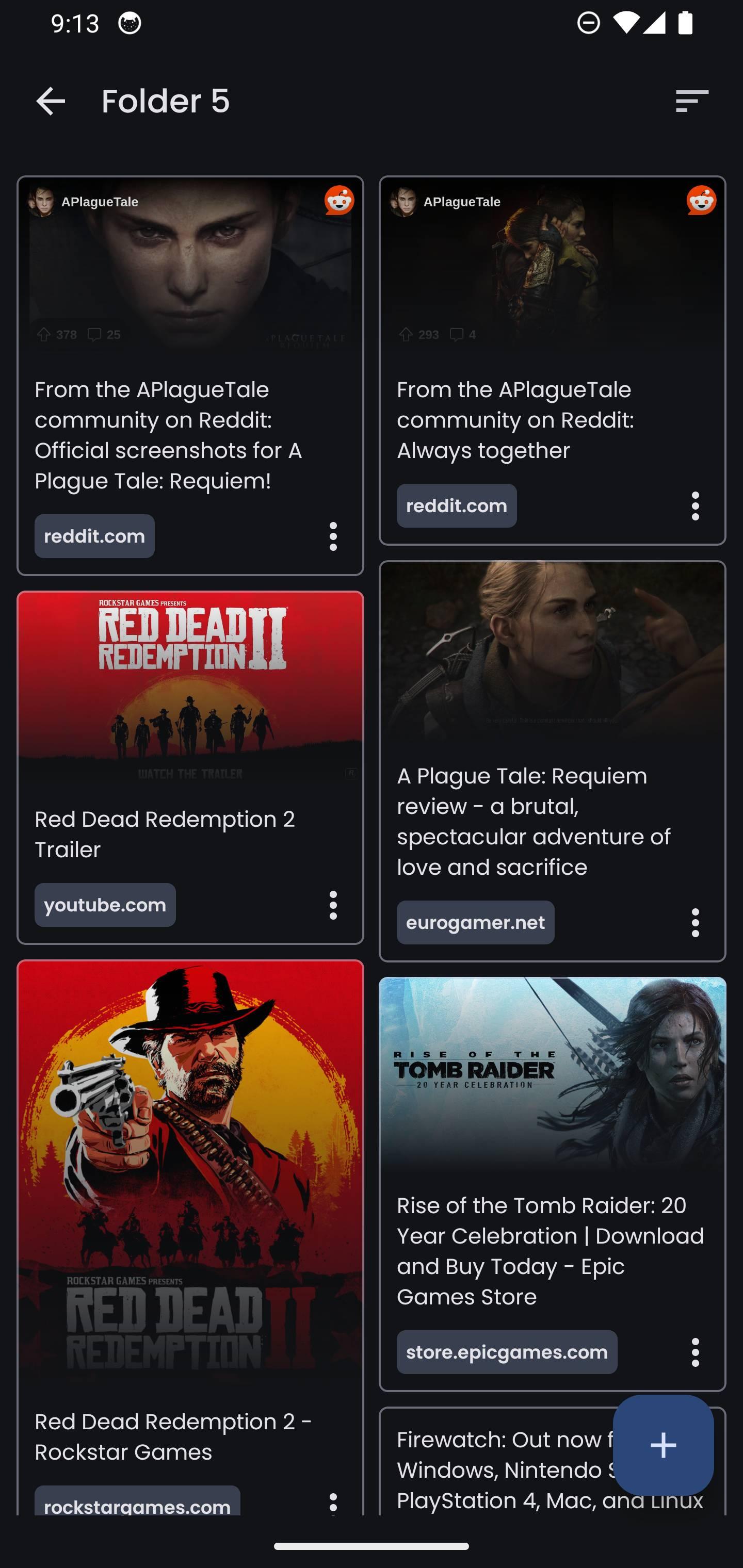
- Multiple view layouts (Grid, List, Staggered views) with AMOLED theme support
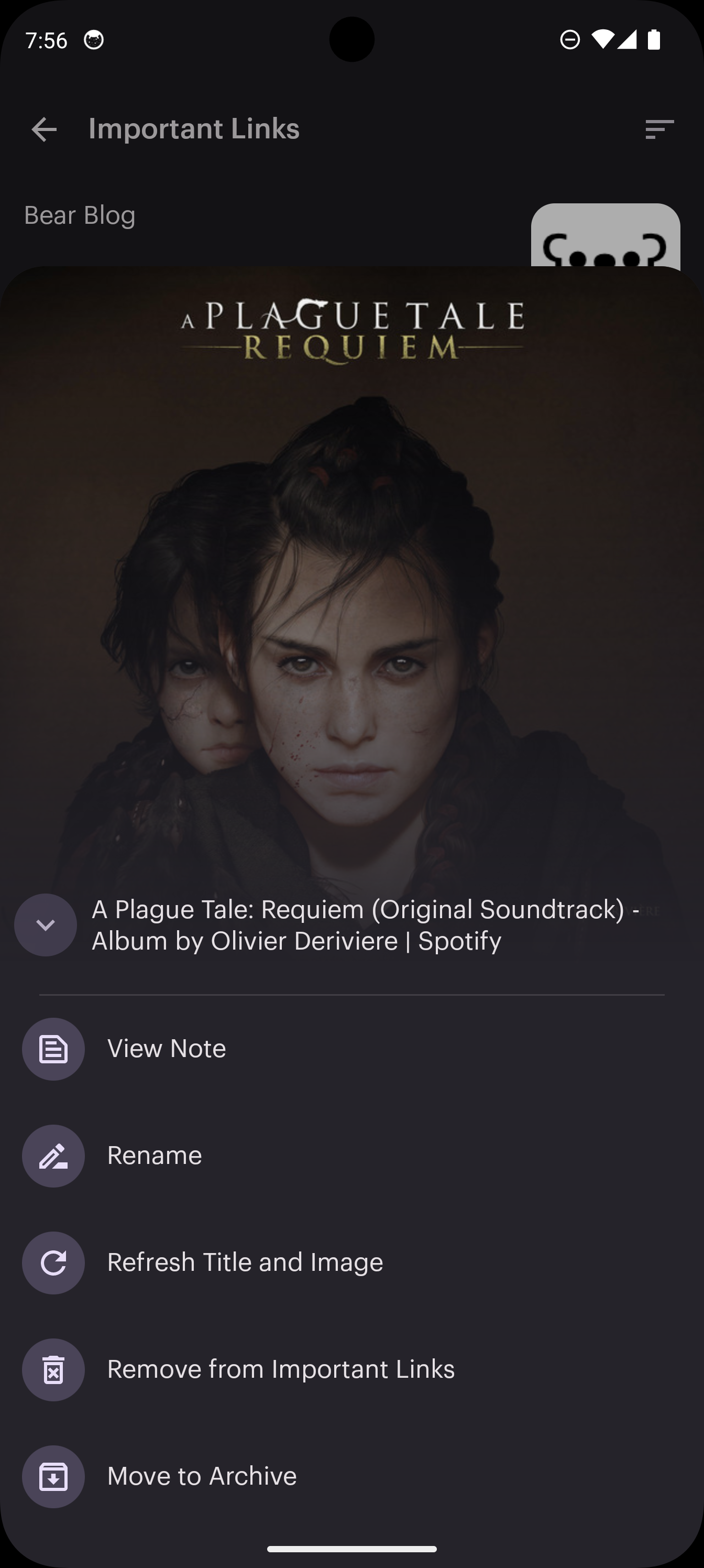
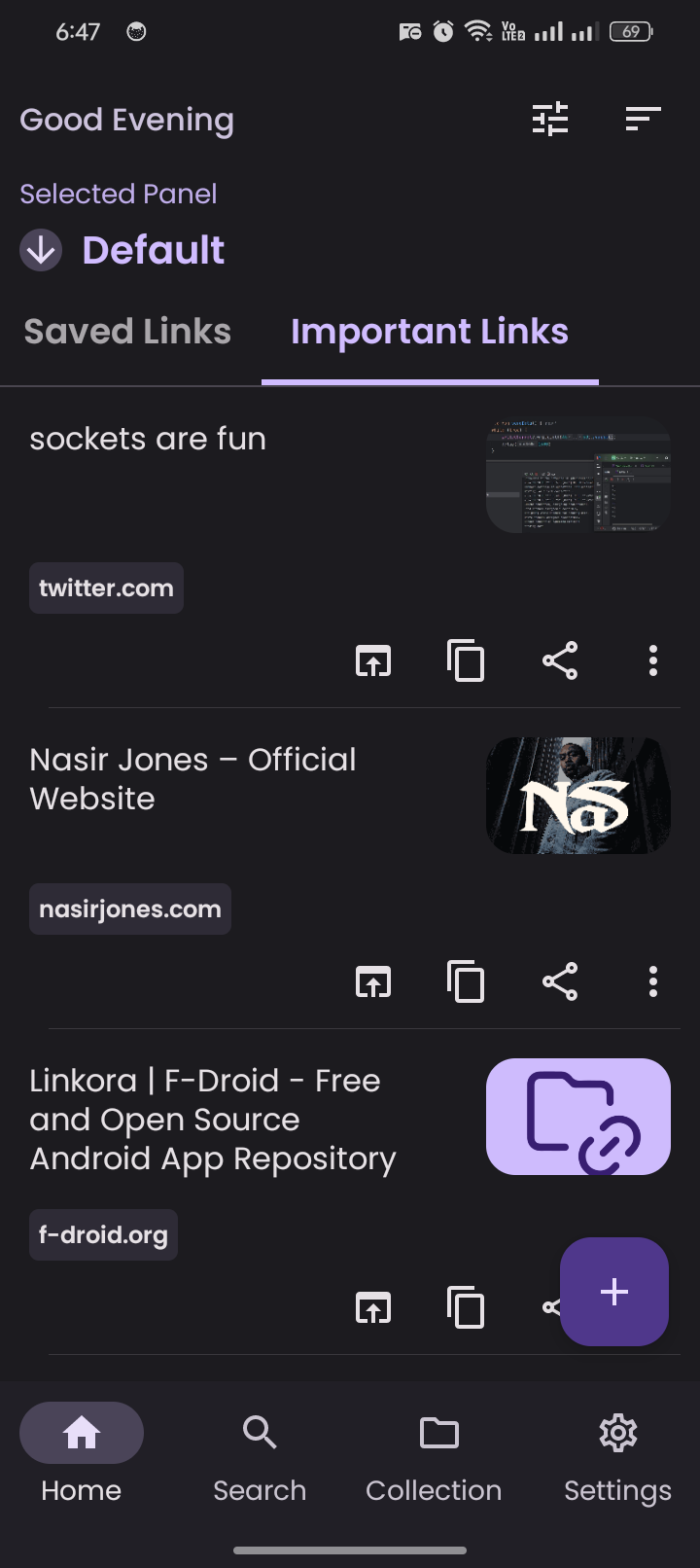
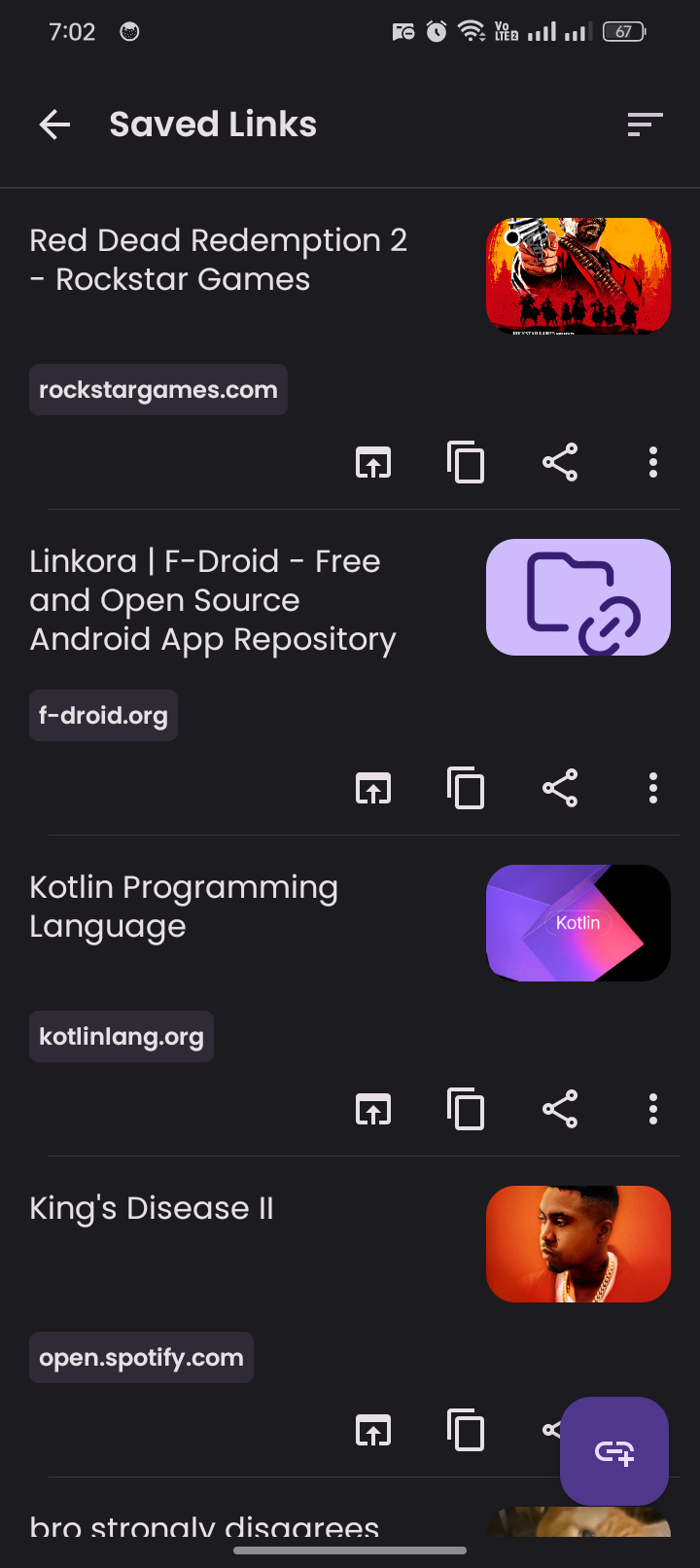
- Highlight important links and archive old ones for clean organization
- Customize link names and auto-recognize images/titles from web pages
- Share from other apps (Android) and add folders to Panels for quick access
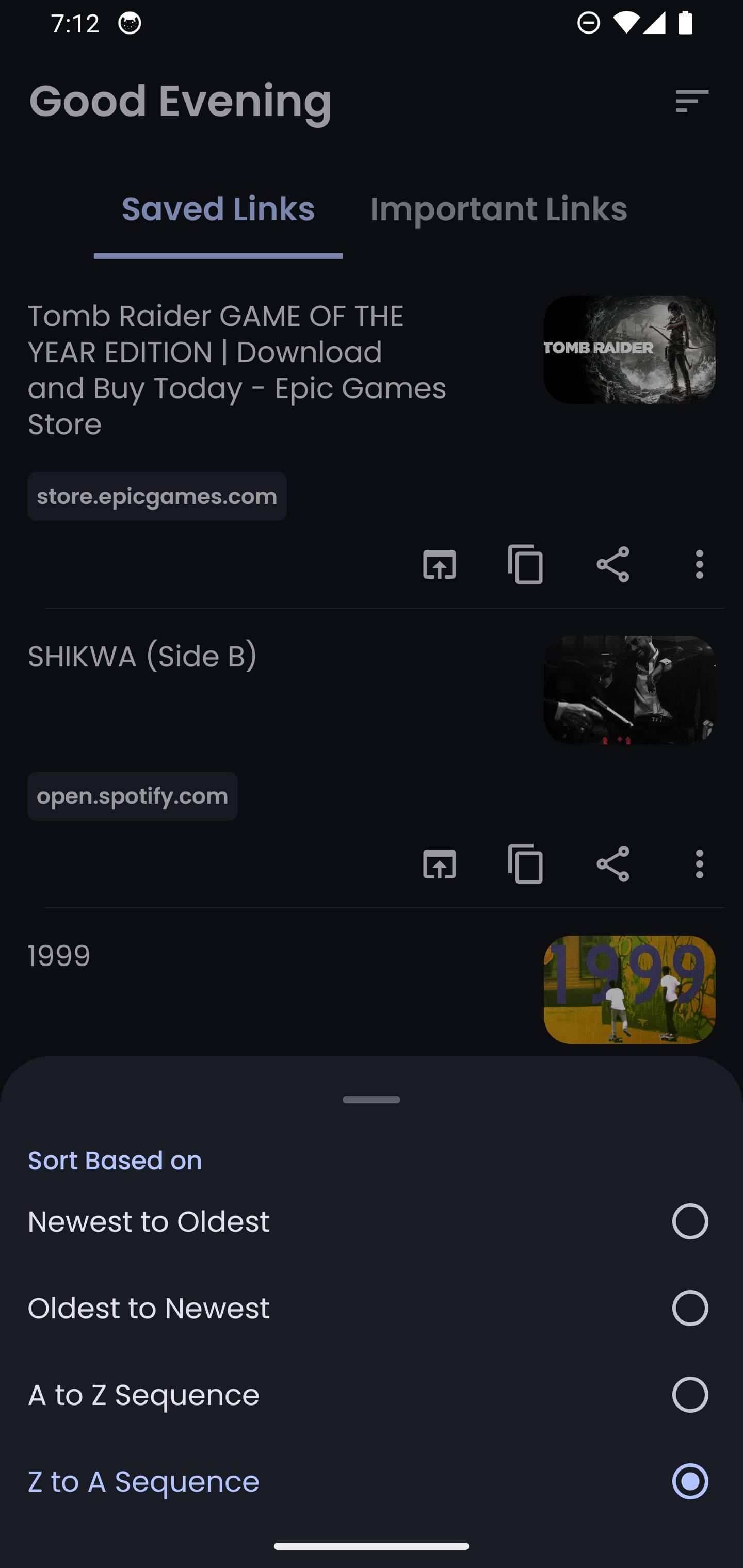
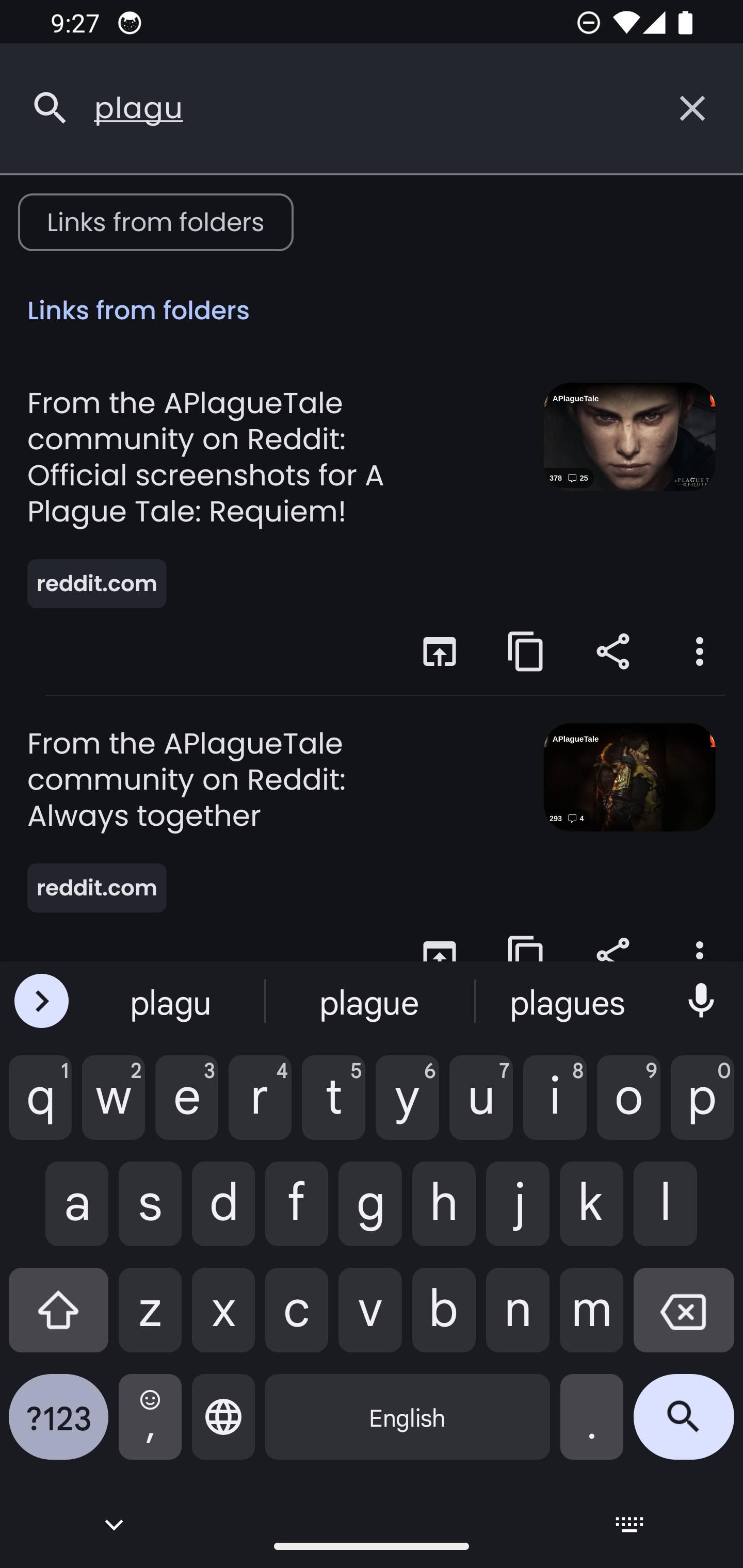
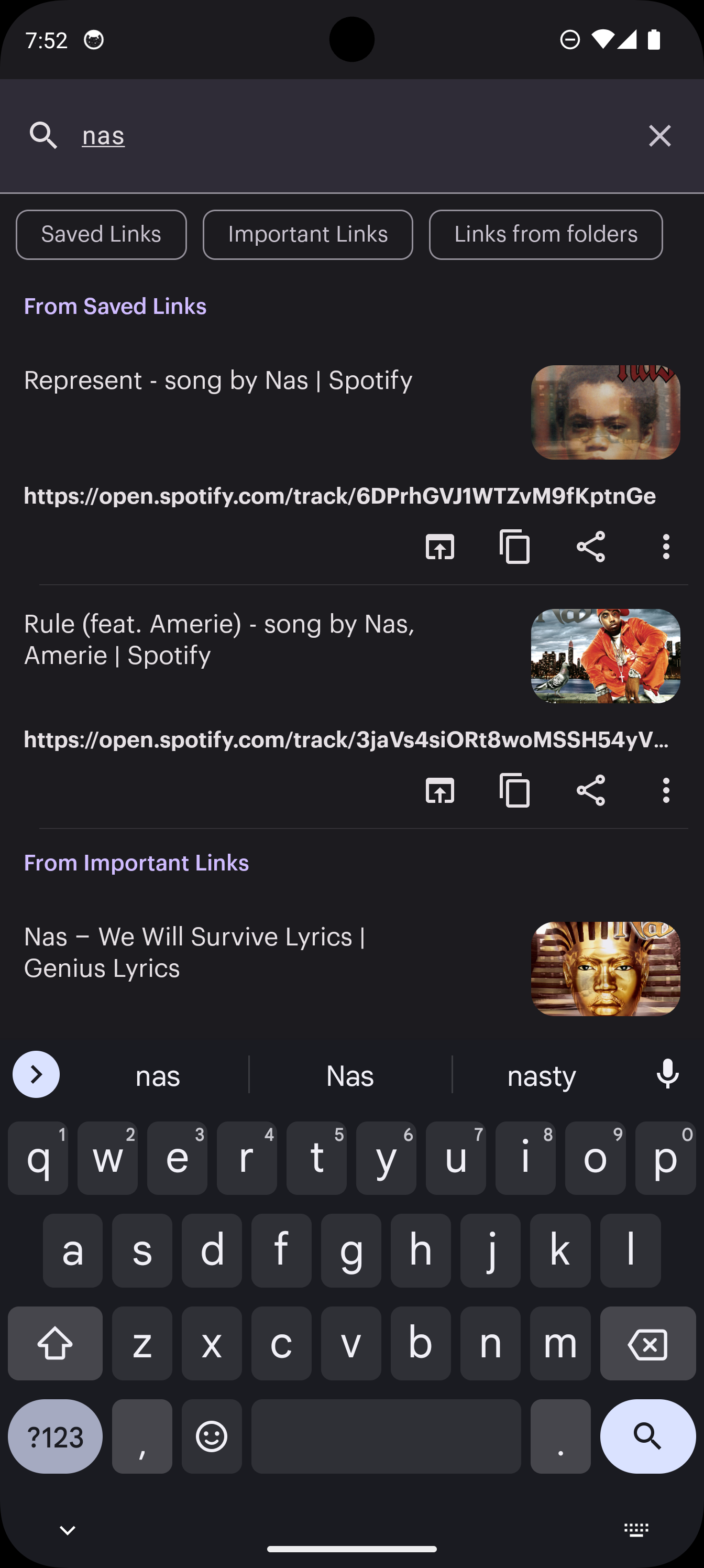
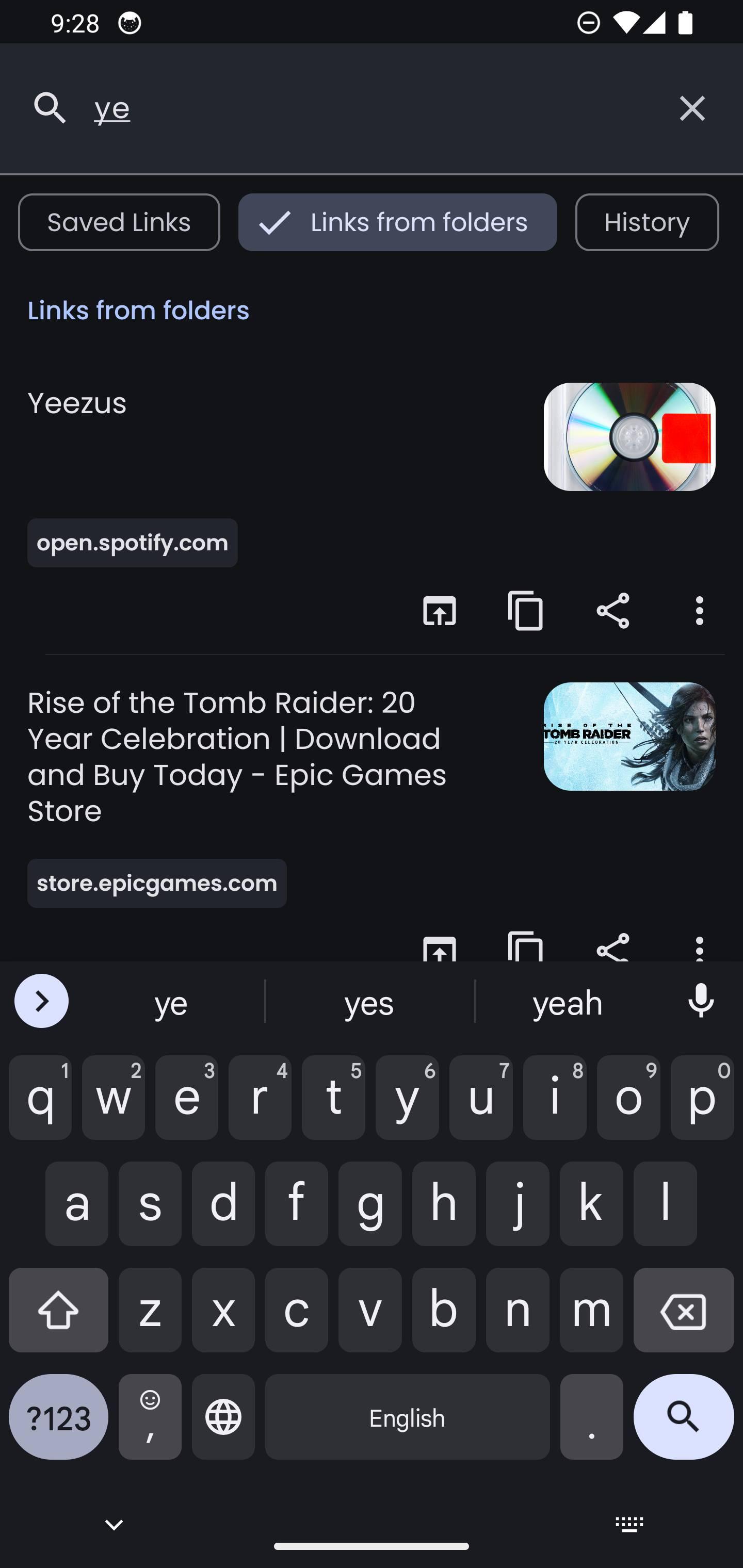
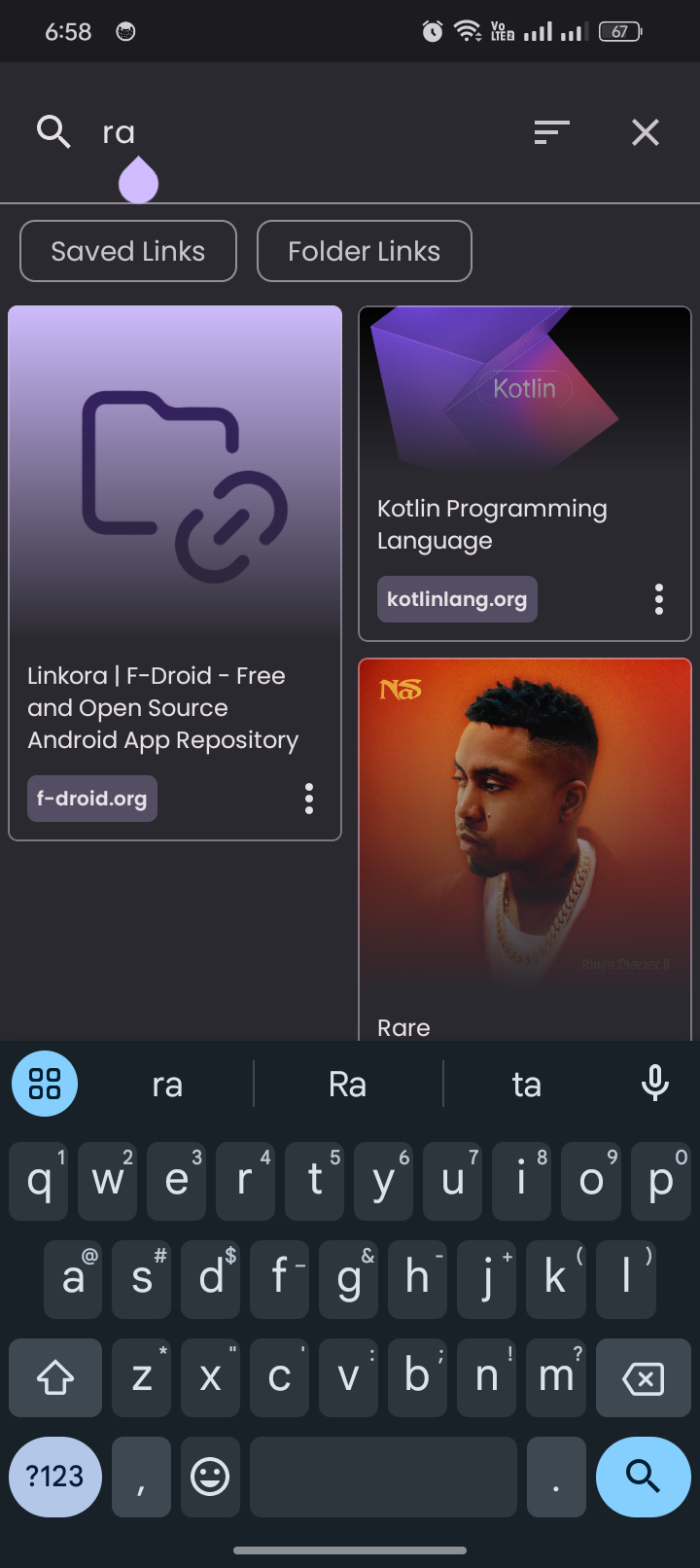
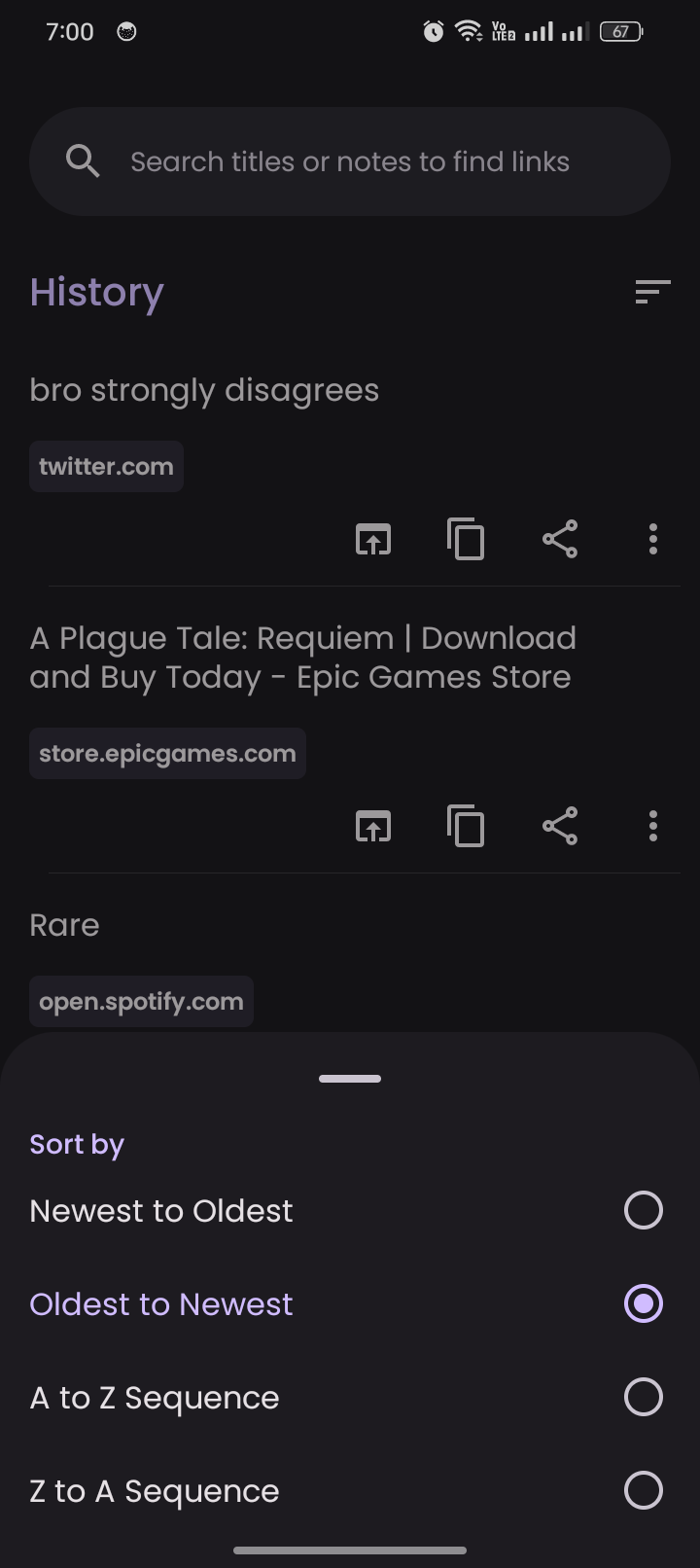
- Sort, search, import/export data in JSON and HTML formats with auto-backups
- Save webpages as standalone HTML files, with all processing happening completely on your device.
- Keep your links in sync across devices with optional self-hostable server (https://github.com/LinkoraApp/sync-server)
- A fully featured web app: https://linkora-app.netlify.app
- Browser extension support for saving web links (https://github.com/LinkoraApp/browser-extension)
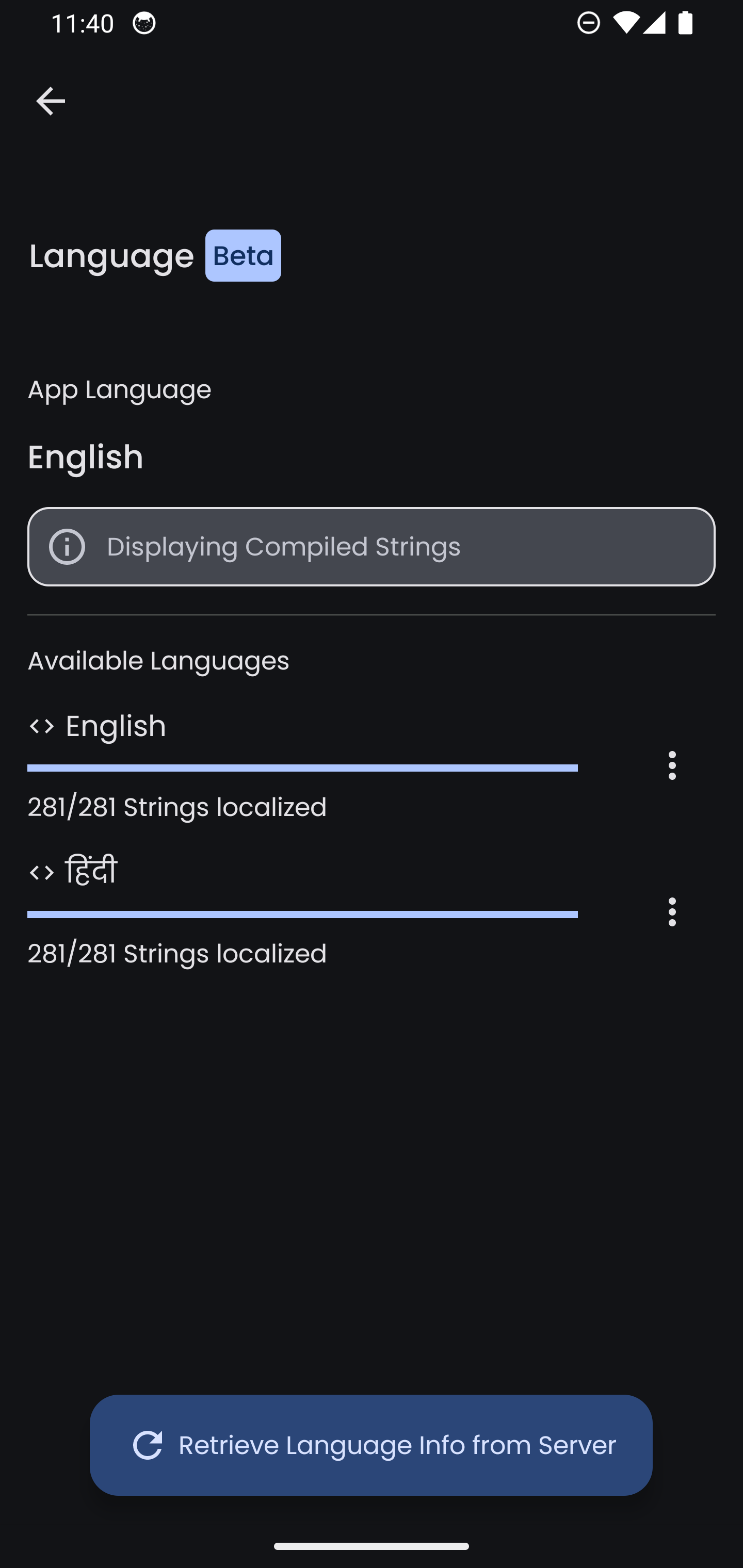
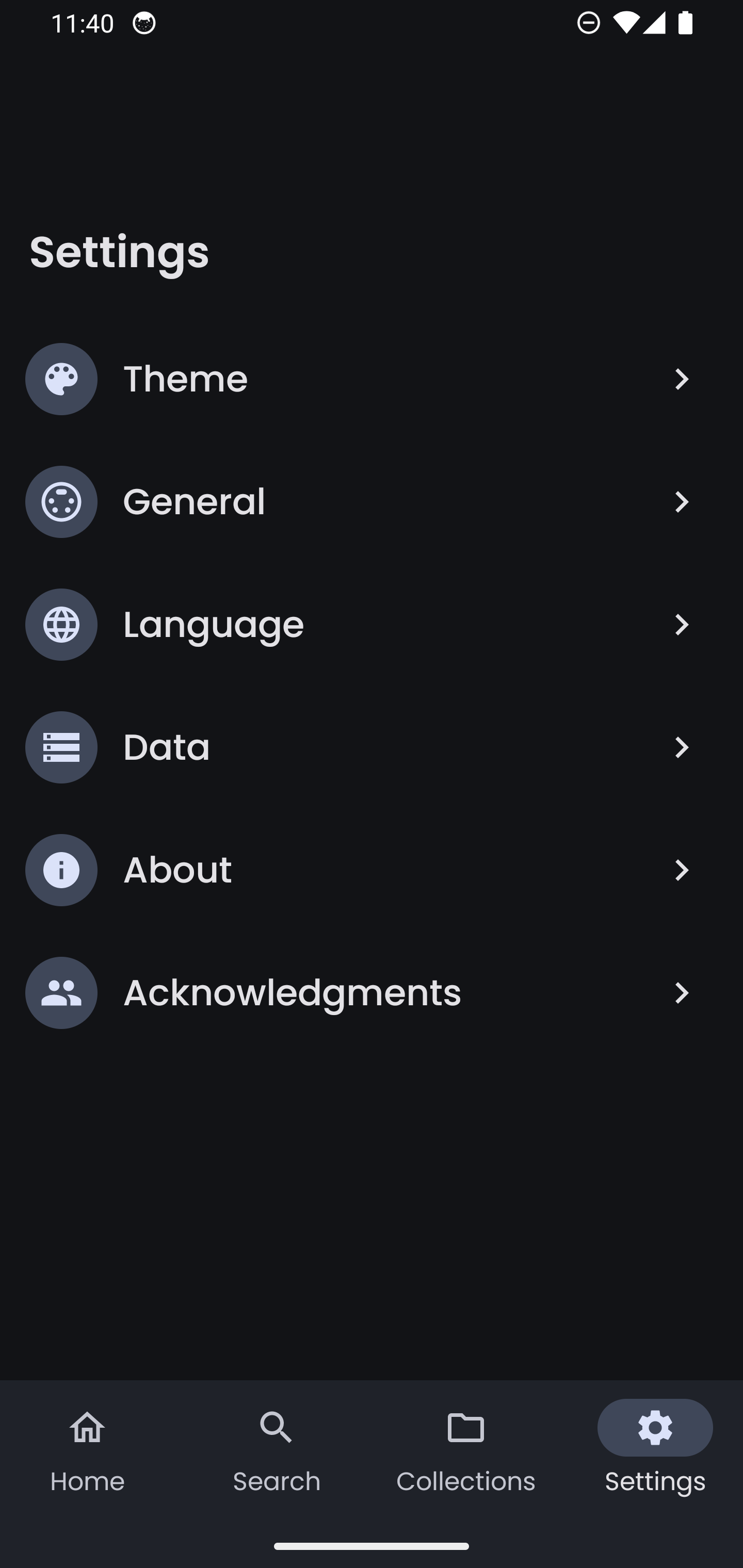
Screenshots
What’s new
- Transfer actions now have proper labels with new UI instead of icon buttons - Folders/links/tags can be created during multi-selection - Transfer isn't marked complete after "Mark as Root folders" if links are selected - Download webpages for individual links from the menu sheet - Improved webpage CSS processing to use less memory; webpage-folders no longer get deleted if versions aren't saved - Titles and images are retrieved by streaming HTML
How to install
Download the APK from the button at the top of this page.
Allow “Install unknown apps” for your browser or file manager only, not for every app.
Open the downloaded file and confirm the installation.
If installation fails with “App not installed,” remove an earlier build of the same app first. A signature conflict is the usual cause.
Data safety
Every file is checked against its published SHA-256 before it is listed.
Files are scanned for malware on every update.
The permissions each app requests are listed on its own page.
Read the full safety policy for how we test, flag, and delist files.
Frequently asked questions
What is Linkora?
Local-first multiplatform link organizer with optional self-hosted sync.