
Quick answer
Bookmark. Read. Listen. The simple way to manage your reading list.
Never lose an interesting article again. Read Later is your all-in-one bookmark manager designed to make reading and learning effortless. Whether you find a great blog post during your commute or a long-form article late at night, save it instantly and consume it on your terms.
We combine a clean, distraction-free reading experience with powerful accessibility features like Text-to-Speech and adaptive theming.
KEY FEATURES:
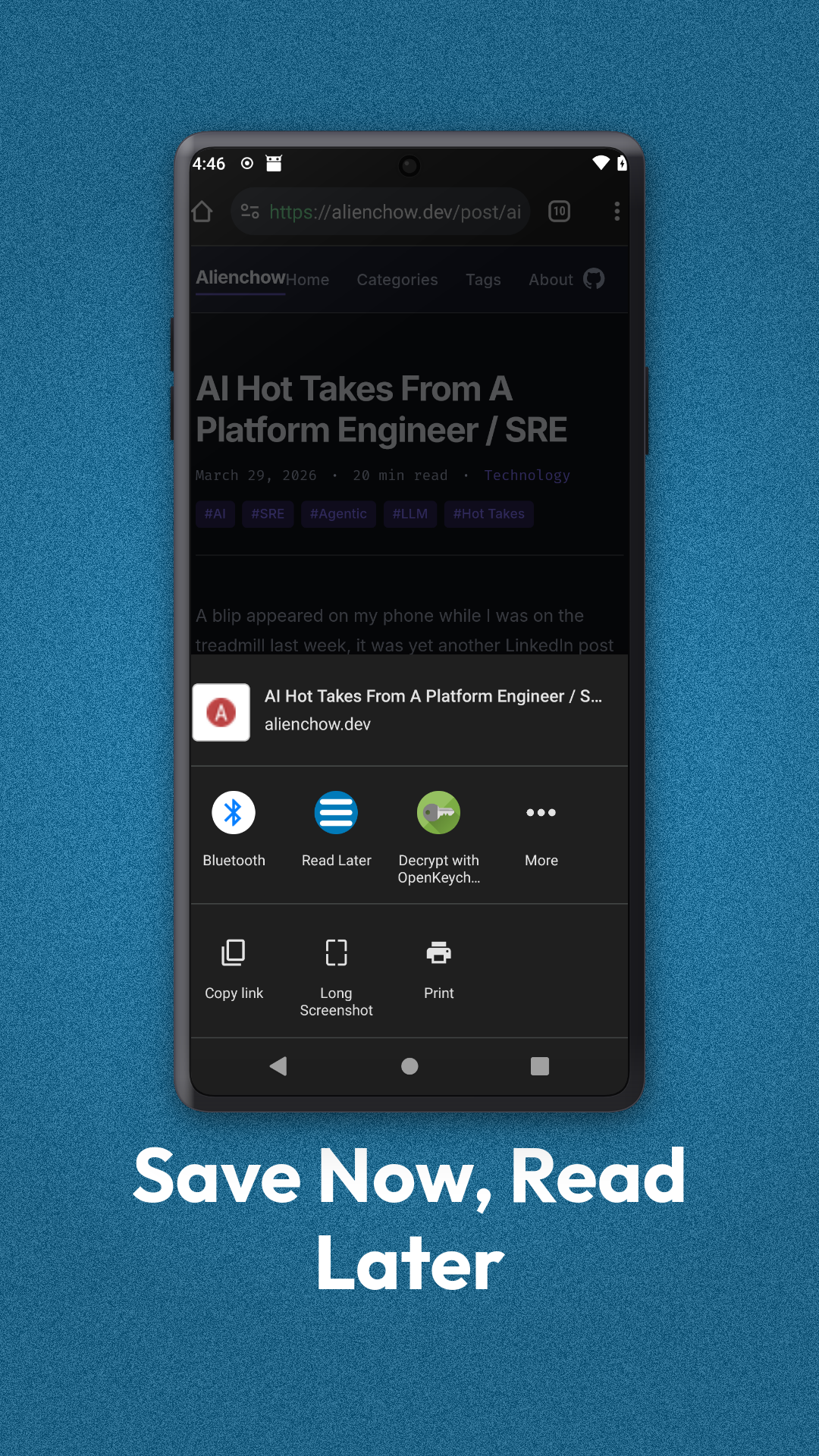
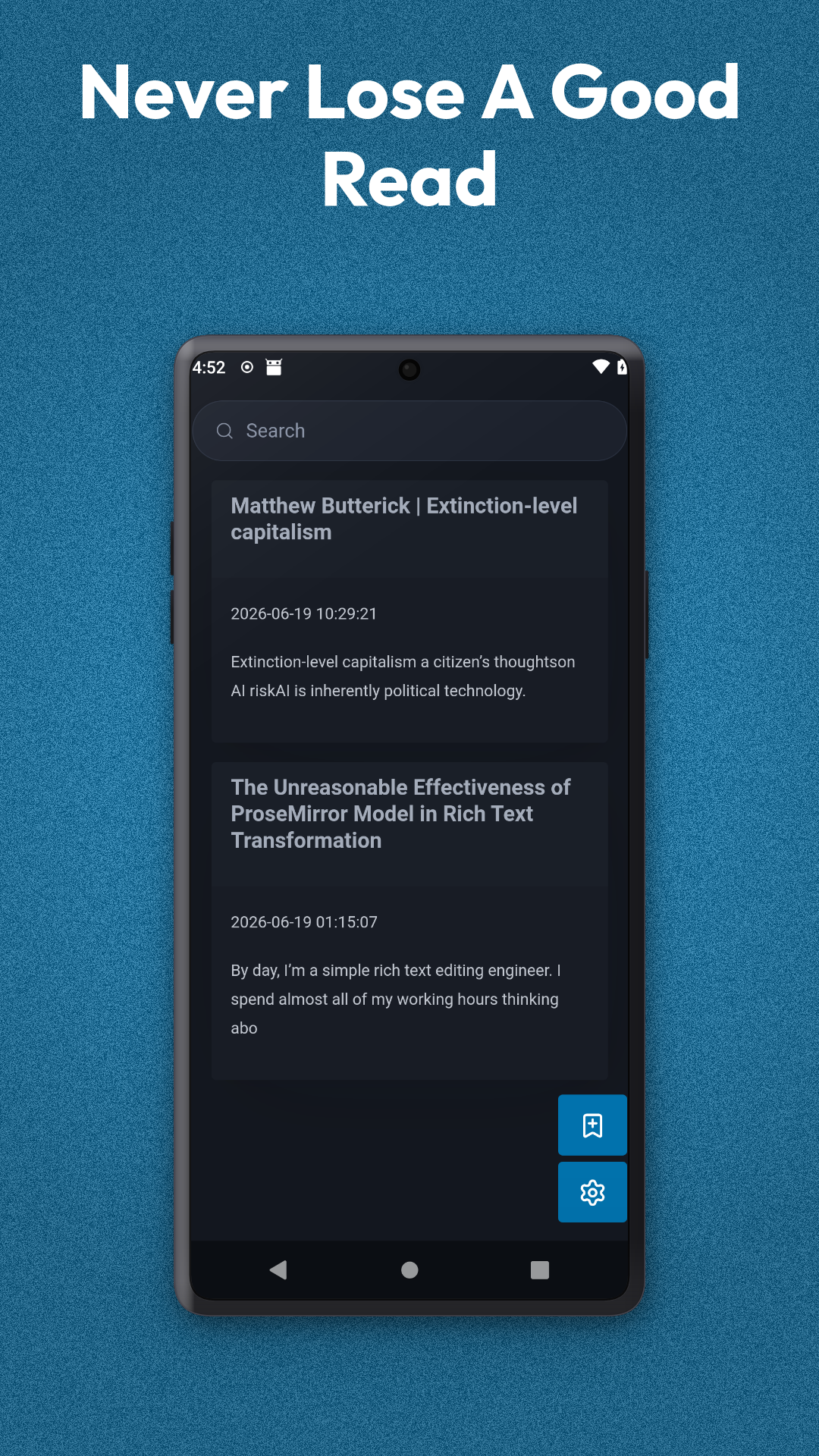
🔖 Save & Organize
Instantly bookmark articles from your browser or other apps. Keep your reading list organized and accessible in one clean, clutter-free feed. "Save now, read later" has never been this simple. 🎧 Listen on the Go (Text-to-Speech)
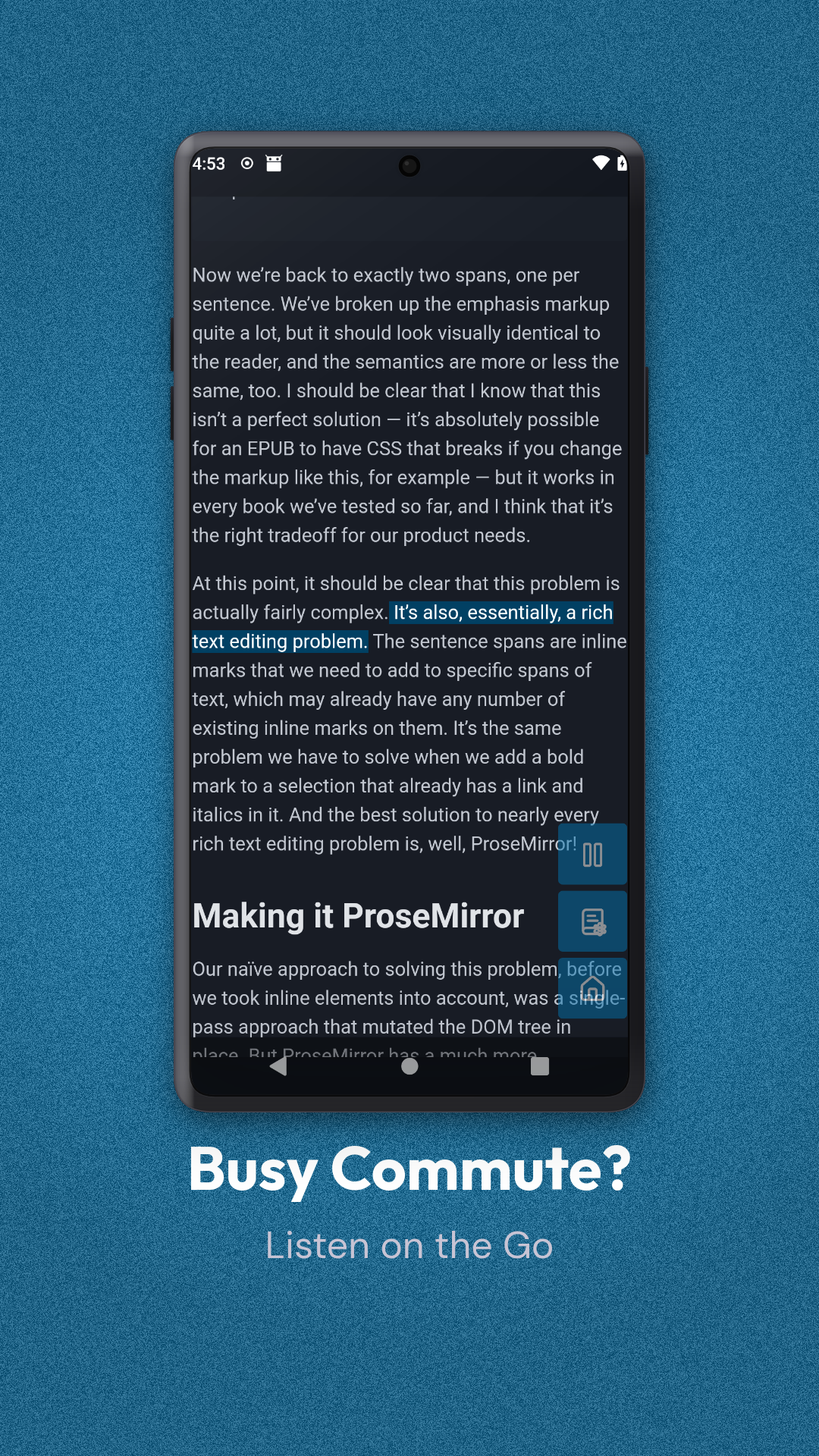
Busy commute? Tired eyes? Turn any saved article into an audio experience. - High-quality voice output: Converts text to natural-sounding speech. - Adjustable settings: Customize the pitch and speed in our simple settings menu to match your listening preference. 🌙 Read Comfortably Day & Night
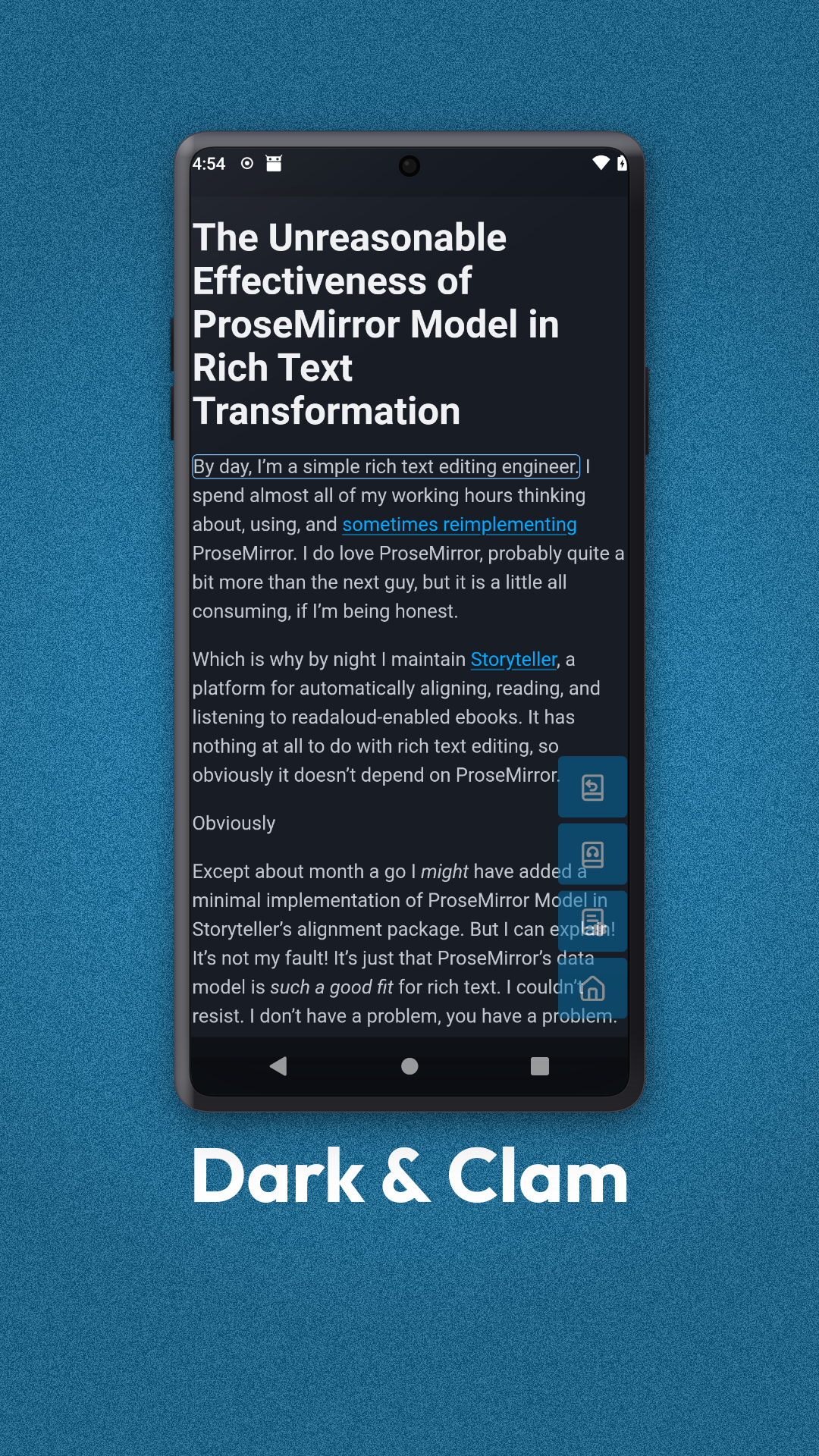
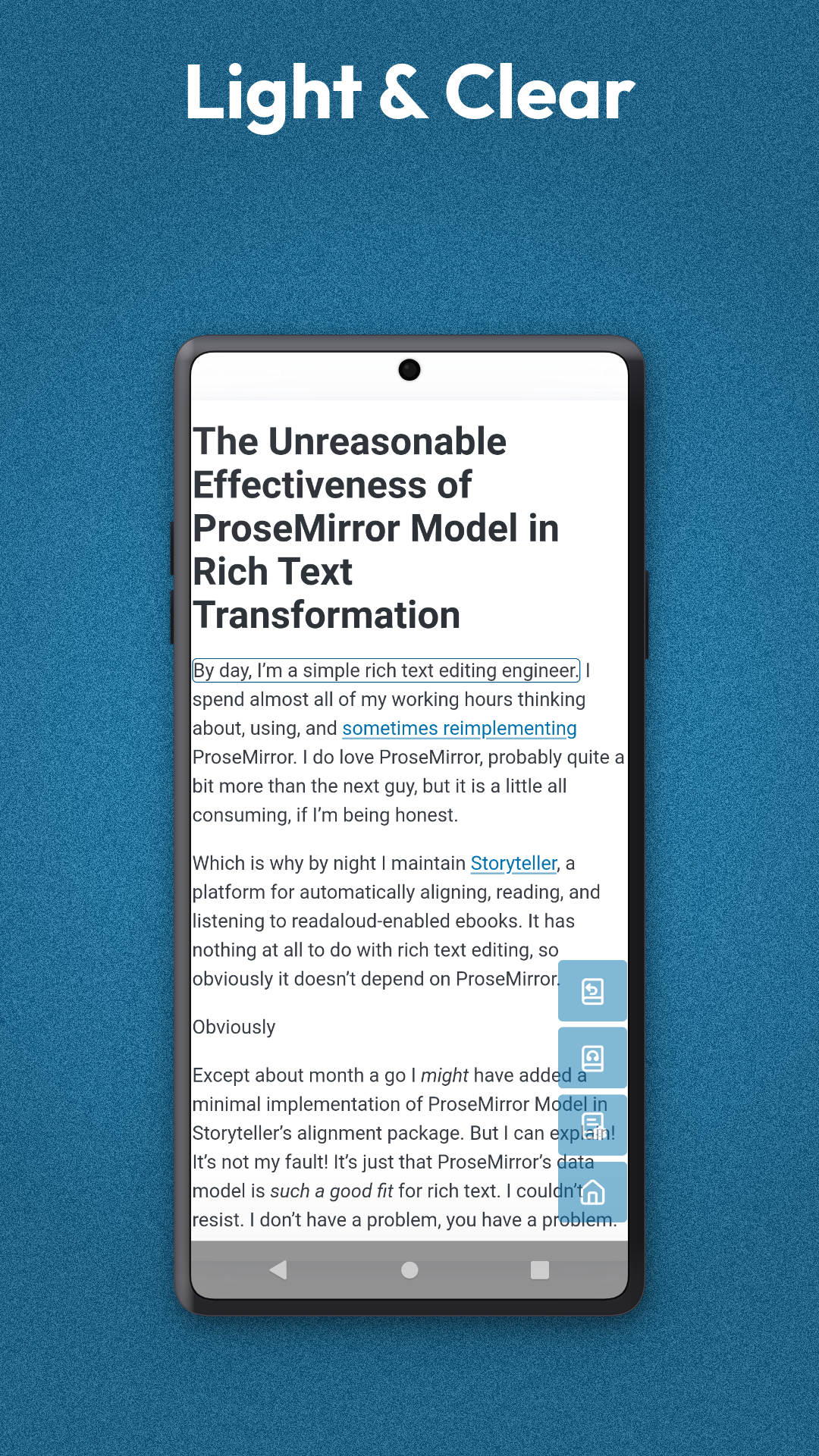
Switch between themes to match your environment. - Dark Mode: Reduce eye strain and save battery during late-night reading sessions. - Light Mode: Enjoy a crisp, clear reading experience in bright daylight. ⚙️ Your Experience, Your Way
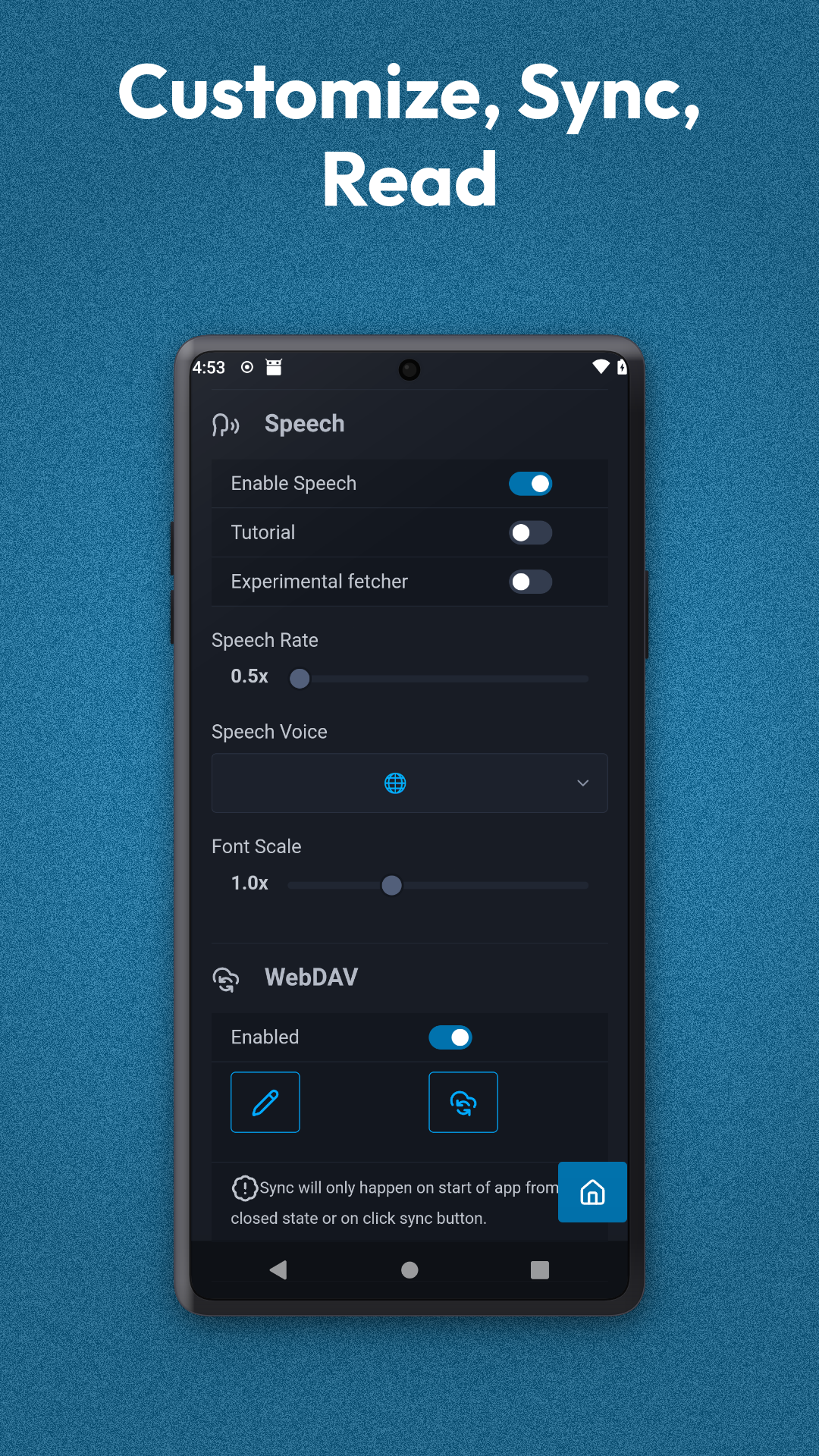
A minimalist settings menu puts you in control without the clutter. Manage your preferences, adjust audio settings, and customize your interface in seconds. Why choose Read Later App? - Zero Clutter: A focus on the content, not the interface. - Accessibility First: Designed for readers and listeners alike. - Lightweight & Fast: optimized for performance. Download Read Later today and build your personal knowledge library.
Instantly bookmark articles from your browser or other apps. Keep your reading list organized and accessible in one clean, clutter-free feed. "Save now, read later" has never been this simple. 🎧 Listen on the Go (Text-to-Speech)
Busy commute? Tired eyes? Turn any saved article into an audio experience. - High-quality voice output: Converts text to natural-sounding speech. - Adjustable settings: Customize the pitch and speed in our simple settings menu to match your listening preference. 🌙 Read Comfortably Day & Night
Switch between themes to match your environment. - Dark Mode: Reduce eye strain and save battery during late-night reading sessions. - Light Mode: Enjoy a crisp, clear reading experience in bright daylight. ⚙️ Your Experience, Your Way
A minimalist settings menu puts you in control without the clutter. Manage your preferences, adjust audio settings, and customize your interface in seconds. Why choose Read Later App? - Zero Clutter: A focus on the content, not the interface. - Accessibility First: Designed for readers and listeners alike. - Lightweight & Fast: optimized for performance. Download Read Later today and build your personal knowledge library.
Screenshots
How to install
- Download the APK from the button at the top of this page.
- Allow “Install unknown apps” for your browser or file manager only, not for every app.
- Open the downloaded file and confirm the installation.
- If installation fails with “App not installed,” remove an earlier build of the same app first. A signature conflict is the usual cause.
Data safety
- Every file is checked against its published SHA-256 before it is listed.
- Files are scanned for malware on every update.
- The permissions each app requests are listed on its own page.
- Read the full safety policy for how we test, flag, and delist files.
Frequently asked questions
What is Read Later?
Bookmark. Read. Listen. The simple way to manage your reading list.
Who develops Read Later?
Read Later is developed by Sanket Arun Kamath.
Which Android version does Read Later require?
Read Later requires Android API 28 or later.
What is the current version of Read Later?
The synchronized F-Droid version is 0.1.98.
Which license does Read Later use?
The signed F-Droid metadata lists MIT.
Where is the source code for Read Later?
https://github.com/sak96/read_later
Comments
Recent approved comments · sorted by newest
View all comments